'IP Address Conflict'? Fix It
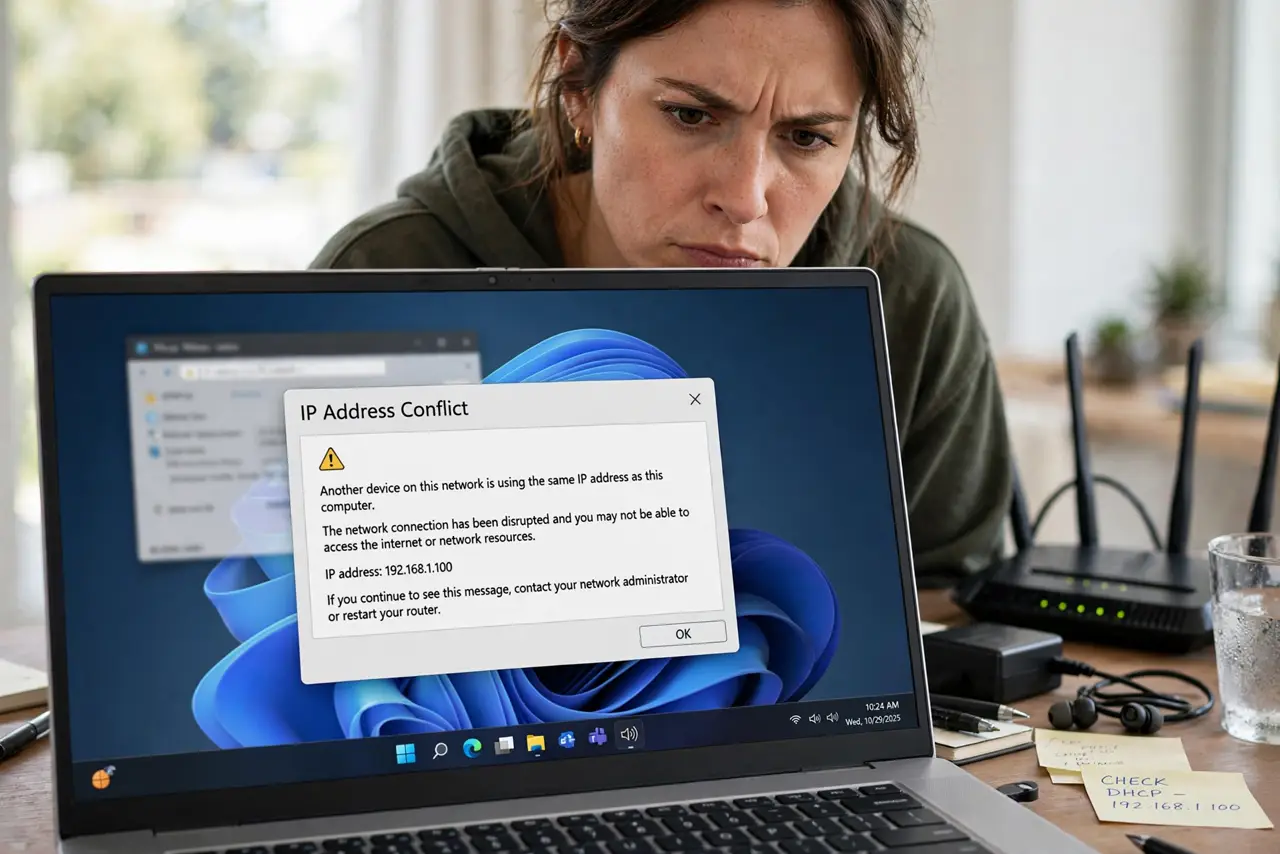
‘Another device is using your IP address’ — the network equivalent of two people showing up with the same name badge. Both devices stumble, connections drop, and the message rarely says which device is the intruder. The fix is quick once you know the usual suspect.
TL;DR / Quick Fix
Quick fix: when two devices claim the same IP, disconnect one, then reboot the router so DHCP reassigns addresses cleanly. Check for a manually-set static IP duplicating a DHCP address — that is the usual cause. Use reservations instead. One device at a time.
Follow these steps
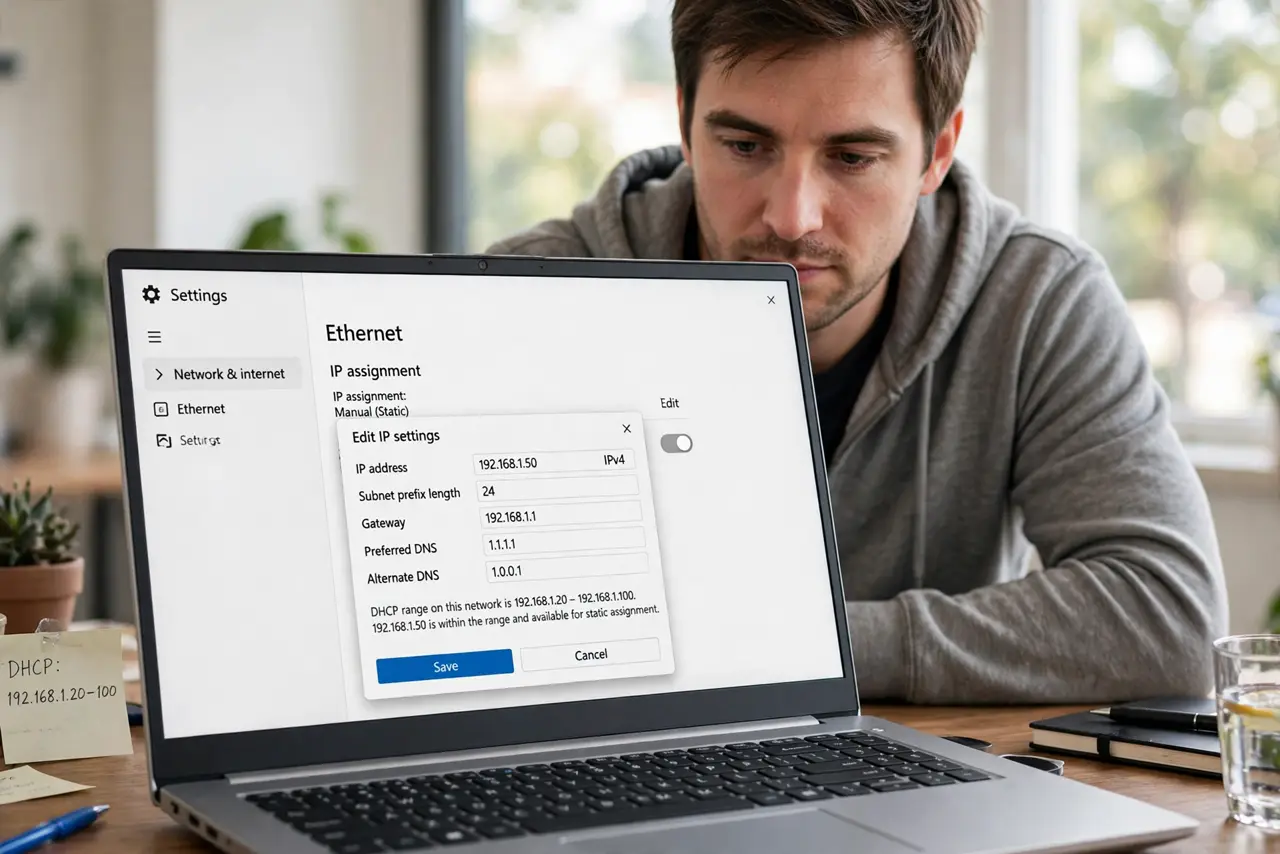
- Identify the likely duplicate. A device with a manually set static IP inside the DHCP range is suspect number one. Check any device you configured by hand.
- Disconnect one conflicting device. Turn one's Wi-Fi off (or unplug it). The survivor should recover immediately — confirming the diagnosis.
- Reboot the router. A reboot clears stale DHCP leases and reassigns addresses cleanly. Wait the full two minutes before judging.
- Move statics outside the DHCP range. If a static IP caused it, reassign it outside the pool — or better, convert it to a DHCP reservation.
- Check for a rogue DHCP server. A second router or access point handing out addresses causes chronic conflicts. Only one device on the LAN should run DHCP.
- Renew the lease on the survivor. On the remaining device, disconnect and reconnect Wi-Fi to force a fresh, clean lease.
What NOT to do
- Do not just reboot endlessly. One proper reboot; if conflicts return, the cause is a misconfigured static or rogue server.
- Do not assign ‘just any free IP’ by guessing. Guessing is how conflicts start — check the router's client list first.
- Do not ignore a second router. An old router repurposed as an access point with DHCP still on is the classic chronic cause.
- Do not blame the ISP. IP conflicts are 100% a local-network issue; your ISP never sees them.
Frequently asked questions
What actually causes an IP conflict?
Two devices claiming one address — usually a manual static IP inside the DHCP pool, or two DHCP servers on one network.
Can an IP conflict damage anything?
No, just connectivity. Devices with conflicts drop packets and disconnect, but nothing is harmed permanently.
Why did this start suddenly?
A new device joined with a colliding static IP, a lease expired oddly, or someone plugged in a second router. Think about what changed.