LED Lights vs Wi-Fi?
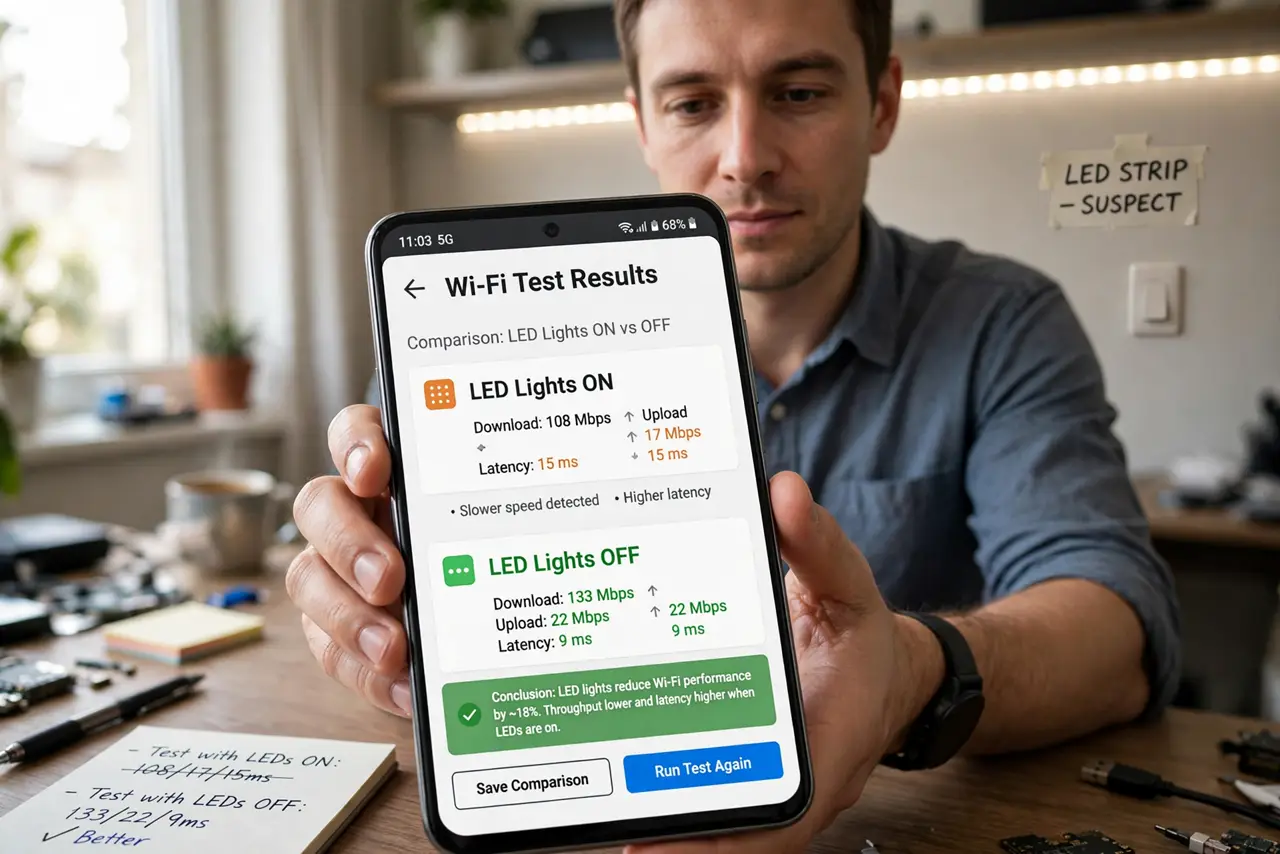
Flip on the kitchen LEDs and the Wi-Fi stumbles — off again, and it's perfect. Cheap LED bulbs and their power supplies can spray radio noise into the 2.4 GHz band, especially on dimmers. It sounds bizarre until you see the on/off correlation with your own eyes.
TL;DR / Quick Fix
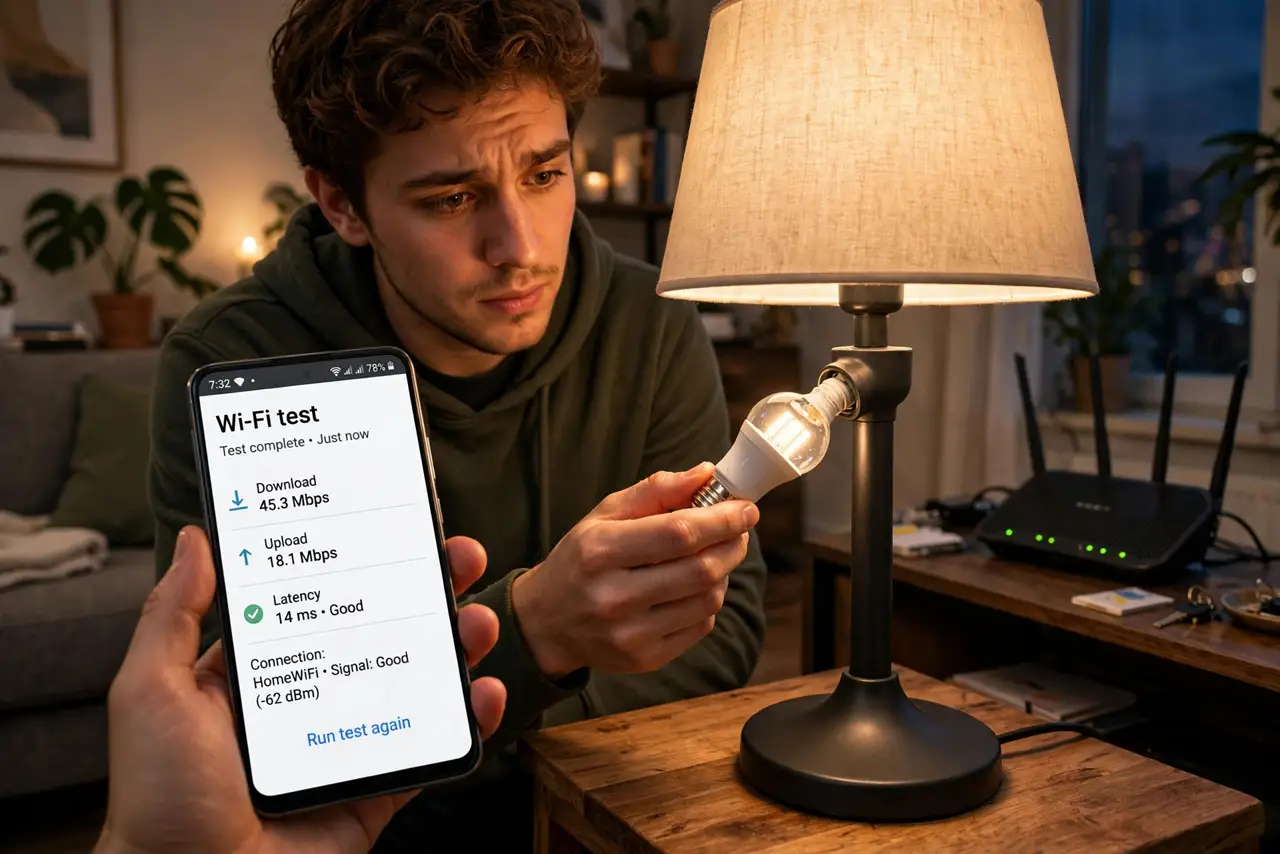
Quick fix: LED bulbs can spray radio noise that bothers 2.4 GHz Wi-Fi, especially dimmable ones on dimmers. If Wi-Fi dies when the lights go on, swap suspect bulbs for quality brands and keep LED power supplies away from the router. The effect vanishes once the noisy bulb is off.
Follow these steps
- Confirm the light correlation. Test Wi-Fi with the suspect lights on, then off. A clean on/off pattern — worse with lights on, perfect with them off — is the diagnostic. Dimmable bulbs at partial brightness are the usual offenders.
- Identify the noisy bulb. Turn lights on one at a time while watching a ping test. The bulb that makes latency spike is the culprit — often just one cheap bulb in the whole house.
- Swap it for a quality brand. Reputable bulbs include proper EMI filtering; bargain bulbs skip it to save pennies. Replacing the one noisy bulb usually ends the problem for a few dollars.
- Move LED power supplies away from the router. LED strip drivers and transformers are the other noise source. Keep them a few feet from the router and its antennas — the same separation logic as any 2.4 GHz neighbor.
- Check dimmer compatibility. Old dimmers chop power in ways that make even decent LEDs noisy. If the problem tracks the dimmer position, the dimmer — not the bulb — may need replacing with an LED-rated one.
- Re-test at the dimmer's worst setting. Set the dimmer where interference peaked and run a speed test with the new bulb. Clean numbers there mean the fix holds across the whole dimming range.
What NOT to do
- Do not replace every bulb in the house. Find the one noisy bulb first — it's almost always a single offender, not the whole installation.
- Do not assume expensive means quiet. Price correlates with filtering but isn't a guarantee — the on/off test is the only honest judge.
- Do not put the router right next to LED strips. The strips' power supply is the noisy part; give the router a few feet of clearance.
- Do not confuse this with evening congestion. Light-correlated drops follow the switch, not the clock — neighbor interference follows the clock.
Frequently asked questions
Can light bulbs really interfere with Wi-Fi?
Yes — cheap LED drivers switch power at frequencies that radiate into the 2.4 GHz band. It's the power supply, not the light itself, doing the interfering.
Why only dimmable bulbs on dimmers?
Dimmers chop the AC waveform, forcing the bulb's driver to work harder and noisier. At full brightness on a plain switch, even cheap bulbs are usually quiet.
Do smart bulbs cause this too?
Smart bulbs contain both an LED driver and a 2.4 GHz radio — but a well-made one is filtered properly. If a smart bulb is the offender, it's a defective unit, not the concept.