MAC Filtering Won't Stop Anyone
MAC filtering feels like a guest list for your Wi-Fi — only approved devices get in. In reality, any device can clone an approved MAC address in seconds, and attackers do exactly that. It is security theater that mostly punishes you. Here is why, and what actually protects your network.
TL;DR / Quick Fix
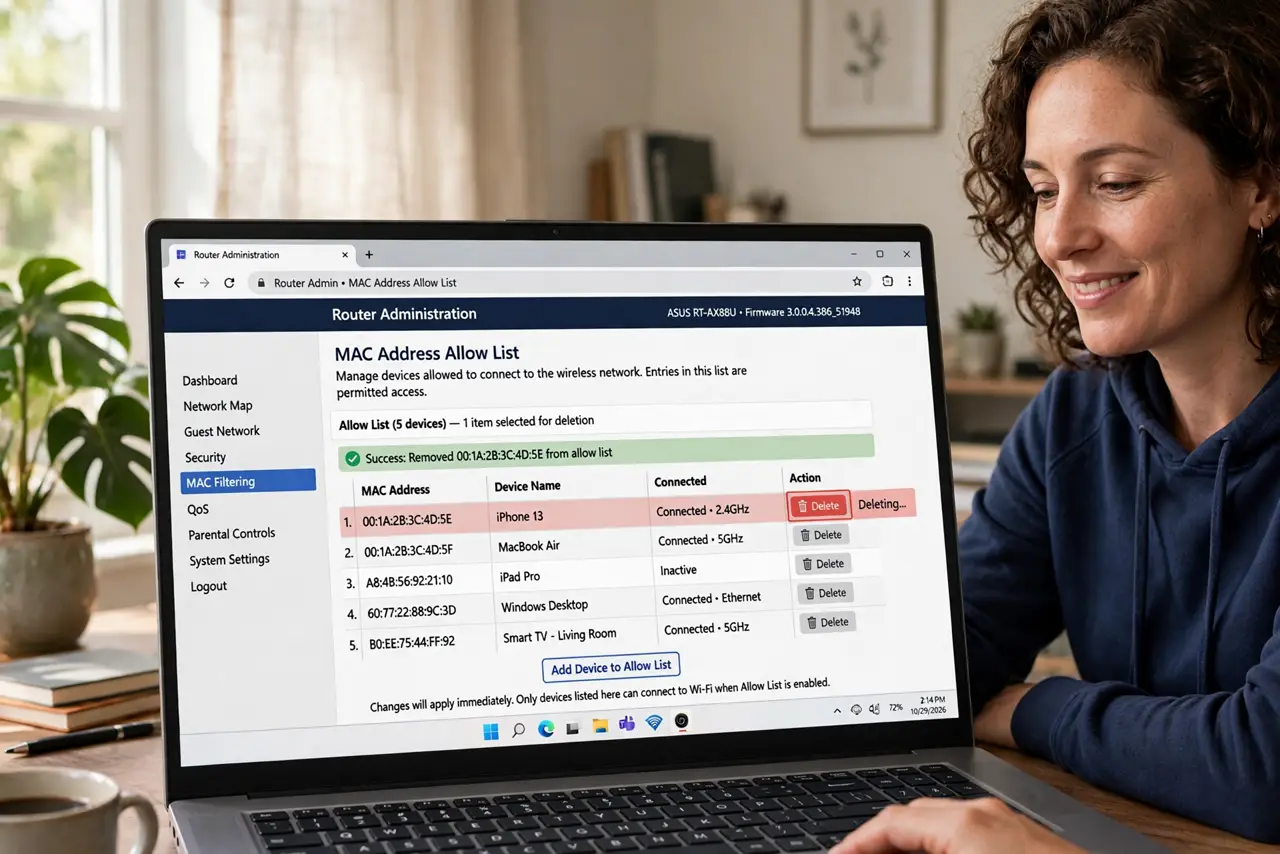
Quick fix: do not rely on MAC filtering for security — any device can spoof a MAC address in seconds, so it stops nobody determined. Use a strong WPA2/WPA3 password instead. Keep filtering off to avoid locking out your own new devices.
Follow these steps
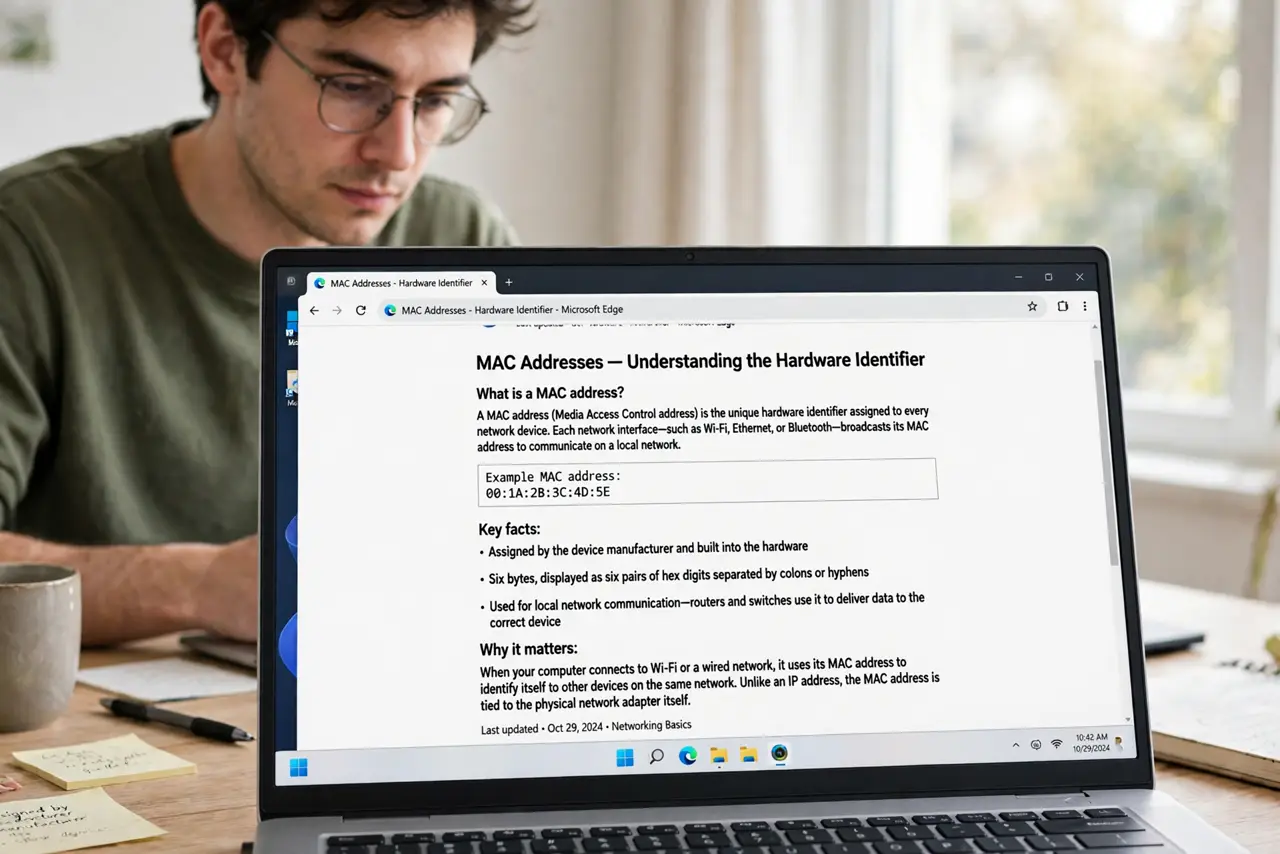
- Understand what a MAC address is. It is the hardware identifier every network device broadcasts. Filtering checks it against an allow-list before granting Wi-Fi access.
- Learn why it fails. MAC addresses are trivially spoofed — free tools clone one in seconds. An attacker just copies an approved address off the air and walks in.
- See who it actually punishes. You. Every new phone, guest device, or replaced gadget needs manual entry, and one typo locks out your own hardware.
- Turn MAC filtering off. In the router's wireless security settings, disable MAC filtering entirely. It adds management pain for zero real security.
- Set WPA2/WPA3 with a strong password. A long, unique Wi-Fi password with WPA2 or WPA3 is the actual lock on the door — unspoofable in any practical sense.
- Pair with the [[hidden SSID myth|wifi-hidden-ssid-myth]]. MAC filtering and hidden SSIDs are the two classic ‘feel-safe’ settings that protect nothing. Drop both.
What NOT to do
- Do not keep MAC filtering ‘as an extra layer’. A layer that stops nobody is not a layer — it is a chore.
- Do not believe tutorials calling it essential. They are repeating 2005-era advice into a world of one-click spoofing.
- Do not use it to control kids' access. Schedules and proper parental controls do that job; MAC filtering just teaches MAC spoofing.
- Do not confuse it with DHCP allow-lists. Both are bypassable the same way — neither is access control.
Frequently asked questions
Can't MAC filtering stop casual neighbors?
It stops only the neighbors who were never going to try. Anyone with five minutes and a search engine walks past it.
Does it at least hide my network?
No — that is the separate hidden-SSID myth, and it fails too. Your network is visible regardless.
What should I use instead?
WPA3 (or WPA2) with a strong unique password. That is the entire answer for home Wi-Fi security.