Microwaves Hit 2.4 GHz Only
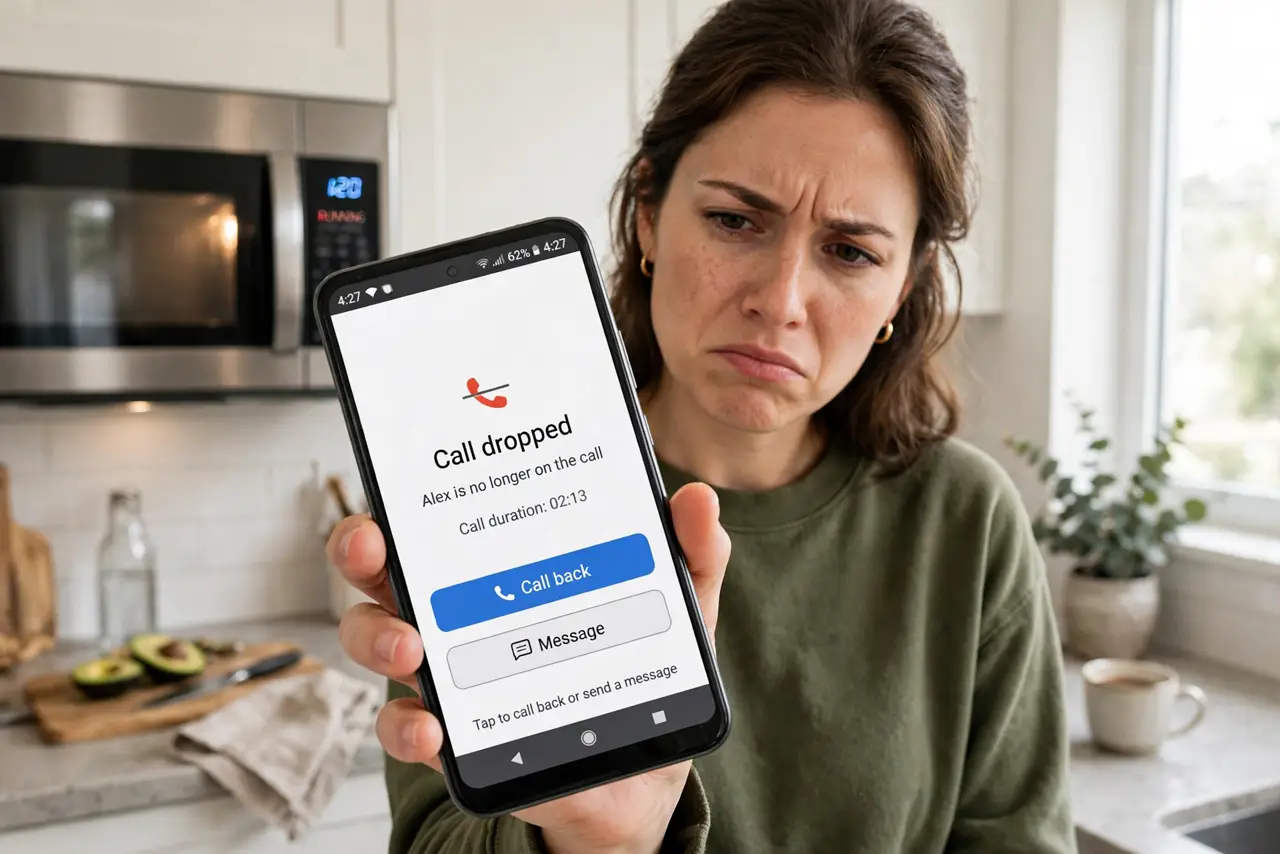
Every evening at dinner time, the video call freezes — exactly when someone heats leftovers. This is not a coincidence: microwave ovens leak small amounts of 2.4 GHz energy while running, right in the middle of the older Wi-Fi band. The good news is the fix is simple, and 5 GHz is completely immune.
TL;DR / Quick Fix
Quick fix: running microwaves leak 2.4 GHz energy — the same band as older Wi-Fi — so calls drop while it's on. Move the router away from the kitchen, or switch devices to 5 GHz, which microwaves can't touch. An old leaky microwave deserves replacing.
Follow these steps
- Confirm the timing pattern. If slowdowns and drops happen only while the microwave runs — and vanish the second it dings — you've found it. This on/off correlation is the diagnostic; see the classic microwave drops symptom for confirmation.
- Move the router away from the kitchen. Distance is the simplest fix. Even moving the router to the far side of the adjacent room drops the leaked energy below the trouble threshold.
- Shift your devices to 5 GHz. Microwaves can't touch 5 GHz at all. If your devices support it, prefer the 5 GHz band in the kitchen area — the problem disappears permanently.
- Check the microwave's door seal. A microwave leaking enough to kill Wi-Fi across the room may have a damaged door seal or latch. If interference is severe even at distance, the oven itself may need service or replacement.
- Don't 'fix' it with a new router alone. A new router on 2.4 GHz near the microwave suffers exactly like the old one. Band choice and distance matter more than hardware age.
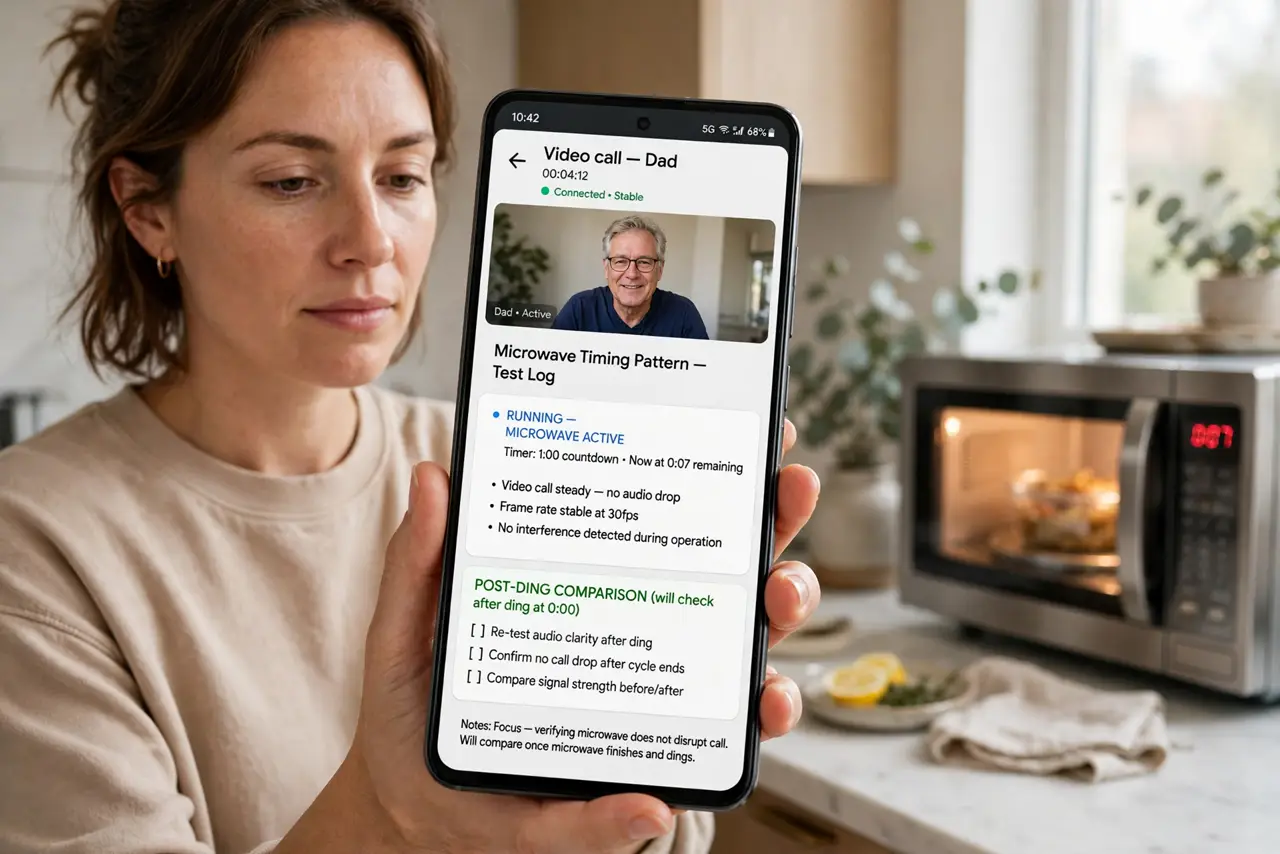
- Test during a full heating cycle. Run the microwave for two minutes while on a video call. Clean audio throughout means the fix held — the interference only strikes while the magnetron runs.
What NOT to do
- Do not stand staring into the microwave testing this. The leak that bothers Wi-Fi is tiny and regulated — but there's no reason to hug the oven.
- Do not wrap the router in foil to 'shield' it. You'll block the Wi-Fi you want along with the interference you don't.
- Do not ignore a microwave that interferes from far away. Normal leakage is short-range; room-scale disruption can mean a failing door seal worth checking.
- Do not blame 5 GHz devices. If a 5 GHz device drops when the microwave runs, something else is wrong — microwaves physically cannot hit that band.
Frequently asked questions
Why only 2.4 GHz and never 5 GHz?
Microwave ovens heat food at about 2.45 GHz by design — that's the frequency water absorbs best. It's a fixed physical frequency, so 5 GHz Wi-Fi sits far outside its reach.
Is a leaky microwave dangerous?
The leakage levels that disrupt Wi-Fi are far below safety limits. But a damaged door seal is still worth fixing — for the oven's efficiency and your peace of mind.
My microwave is new — can it still interfere?
Yes, mildly, at close range. All microwaves leak a little by design; distance and the 5 GHz band handle it. Only severe, long-range interference suggests a fault.