Mirrors Block Wi-Fi?
That giant decorative mirror — or the mirrored closet doors — might be the reason Wi-Fi dies in the bedroom. Mirrors are glass backed with metal, and metal reflects Wi-Fi signals instead of letting them pass, creating dead zones and weird reflections that confuse your devices. It is a strange-sounding cause with a very real effect. This guide shows how to confirm a mirror is the problem and what to do about it without redecorating. For the other invisible culprits, see neighbor interference and the microwave problem.

TL;DR / Quick Fix
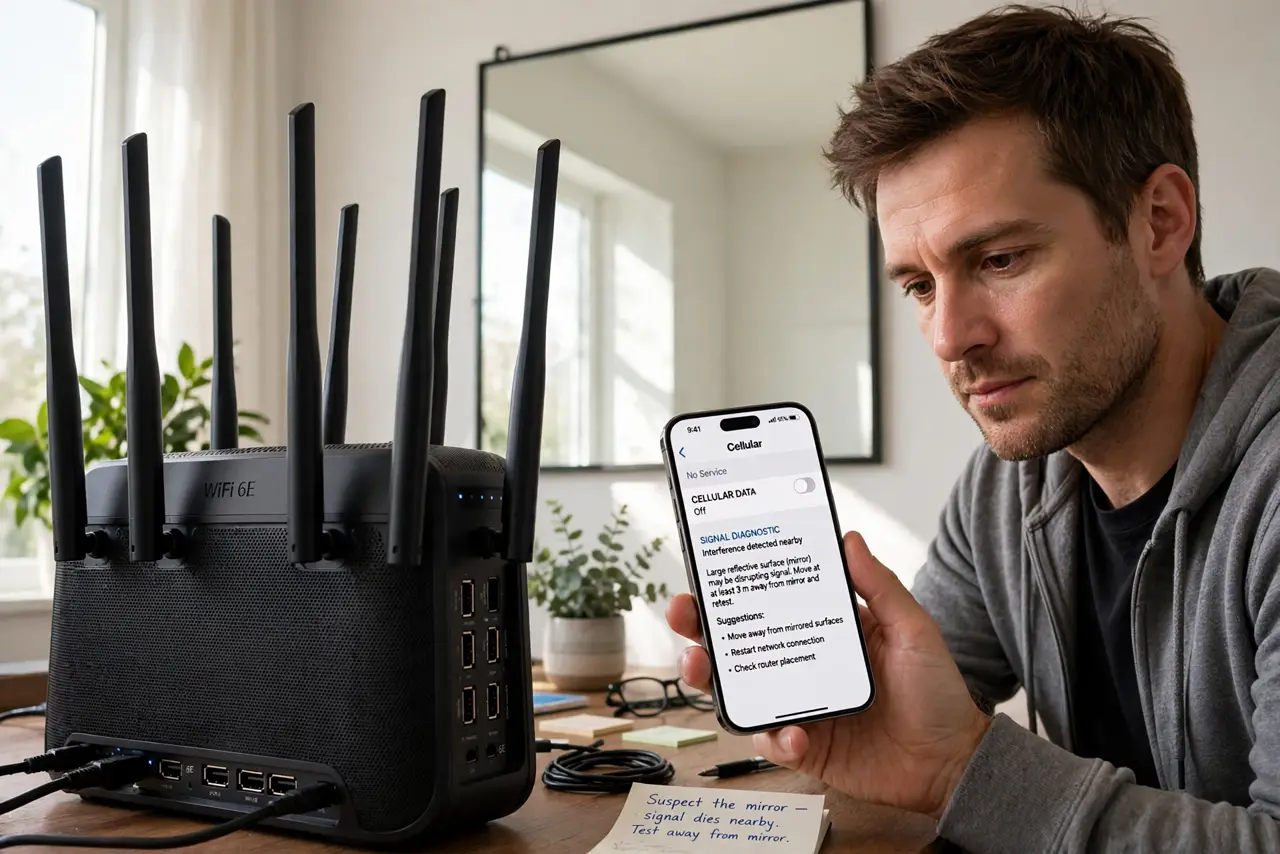
Quick fix: mirrors reflect Wi-Fi because of their metal backing, so a signal aimed through a big mirror arrives weak and scrambled. Move the router so its path to your devices avoids large mirrors, or add an access point on the far side. Confirm with a blanket test.
Follow these steps
- Suspect the mirror when signal dies nearby. If Wi-Fi is fine everywhere except the room with the big mirror or mirrored doors — especially directly behind it — the mirror is a prime suspect. Metal backing is the giveaway.
- Test with a blanket. Drape a thick blanket over the mirror and check your signal. If speeds jump, you have confirmed it. It looks silly for two minutes and settles the question.
- Reroute the signal path. Move the router a few feet so the straight-line path to your devices goes around the mirror, not through it. Wi-Fi bends poorly around metal — go around, not through.
- Raise the router above mirror height. Signals travel better over obstacles than through them. A shelf-mounted router often clears a wall mirror that blocks a desk-level one.
- Add an access point past the mirror. For mirrored closet walls you cannot move, a small access point or mesh node on the far side gives that room its own clean signal.
- Prefer 5 GHz near mirrors. Shorter 5 GHz wavelengths reflect differently and the band is less crowded; combined with good placement, it behaves better in mirror-heavy rooms.
What NOT to do
- Do not assume the router is broken when one room is dead. A single-room dead zone points at an obstacle, not failing hardware.
- Do not crank up transmit power to punch through. Metal reflects the extra power too — placement beats power every time.
- Do not place the router directly facing a big mirror. That is the worst geometry: the signal bounces straight back at the source.
- Do not forget fish tanks and metal cabinets. Water and metal both block Wi-Fi; mirrors are just the prettiest offender.
Frequently asked questions
Do small mirrors matter?
Barely. It takes a large reflective surface — full-length mirrors, mirrored doors, big wall pieces — to make a real dent.
What about windows with metallic coating?
Energy-efficient low-E windows have metallic coatings that attenuate Wi-Fi noticeably. Same physics as mirrors, less obvious.
Can the mirror damage the router?
No. Reflected signals just waste energy and confuse devices — annoying, not harmful.