Mix Old and New Gear
Conventional wisdom says old devices slow down your whole Wi-Fi — so people fear mixing the 2015 smart plug with the new laptop. The truth is kinder: modern routers handle mixed generations gracefully, as long as you segregate sensibly. Here is how to run old and new together without drama.
TL;DR / Quick Fix
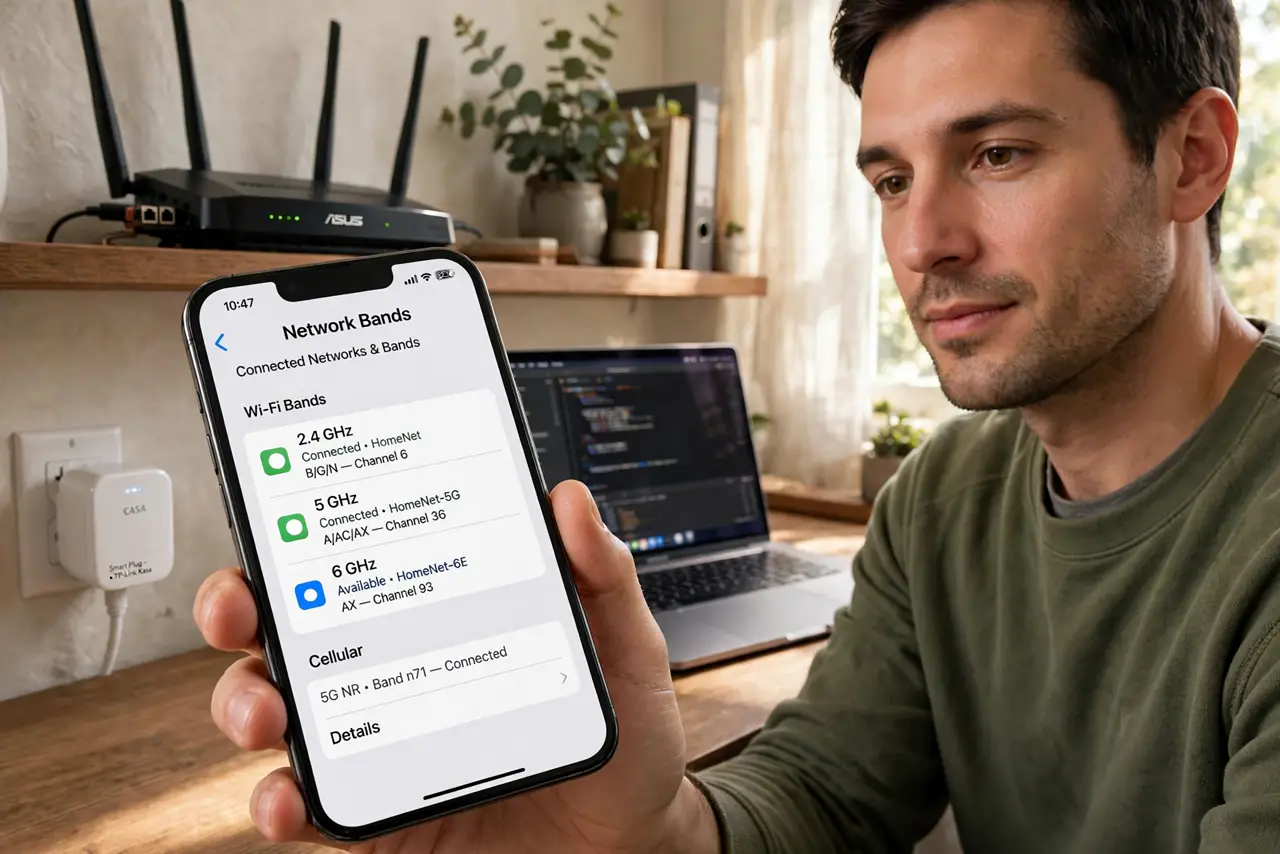
Quick fix: old and new gear can share a network — put slow legacy devices on 2.4 GHz and modern devices on 5 GHz. Give the bands separate names so you control which joins where. Old gear will not slow new gear if they live on separate bands.
Follow these steps
- Learn the real rule. Old devices do not slow new ones on modern routers — that was ancient Wi-Fi folklore. What matters is airtime: slow devices use more of it, so segregate them — see which devices use Wi-Fi 6 to know what you own.
- Segregate by band. Legacy gadgets on 2.4 GHz, modern gear on 5 GHz. Separate network names make this enforceable — see why 2.4 GHz is not dying for the old gear's home.
- Do not fear the smart plugs. A dozen smart plugs sip almost no airtime. The folklore feared them; measurements acquit them — they coexist fine.
- Watch the real hogs. Old cameras streaming constantly and ancient laptops are the actual airtime hogs. Those deserve attention; the plugs do not.
- Upgrade the router, not the gadgets. A modern router manages mixed clients far better than an old one. One router upgrade helps every device; upgrading gadgets one by one helps little.
- Replace on failure. Let old gear age out naturally. Forcing upgrades for Wi-Fi generations wastes money — the mixed network works.

What NOT to do
- Do not toss working devices for Wi-Fi generations. A 2018 plug works fine on a 2024 router — upgrade at failure, not at fashion.
- Do not put everything on one band. Segregation is the whole trick — one combined network name forfeits your control.
- Do not blame old devices for provider slowness. If everything is slow, the internet connection is the suspect — not the smart plug.
- Do not disable old standards to 'clean up.' Dropping legacy modes orphans the old gear with zero benefit to the new.
Frequently asked questions
Do old devices really slow Wi-Fi?
On modern routers, negligibly — airtime fairness handles it. The folklore comes from much older Wi-Fi eras.
Should I make a separate IoT network?
It is tidy and slightly safer, but not required for speed. Do it for organization, not performance panic.
When should old gear go?
When it fails, loses security updates, or genuinely cannot do its job — not when a new Wi-Fi number appears.