What Is MLO?
MLO — Multi-Link Operation — is the acronym router makers love most right now, usually printed next to Wi-Fi 7 in big letters. The idea is simple: instead of your device using one band at a time, it can use two or more simultaneously. More speed, steadier connections, less lag. But it only works when everything in the chain is new. See the Wi-Fi 7 explained and the 6E vs 7 comparison for context.
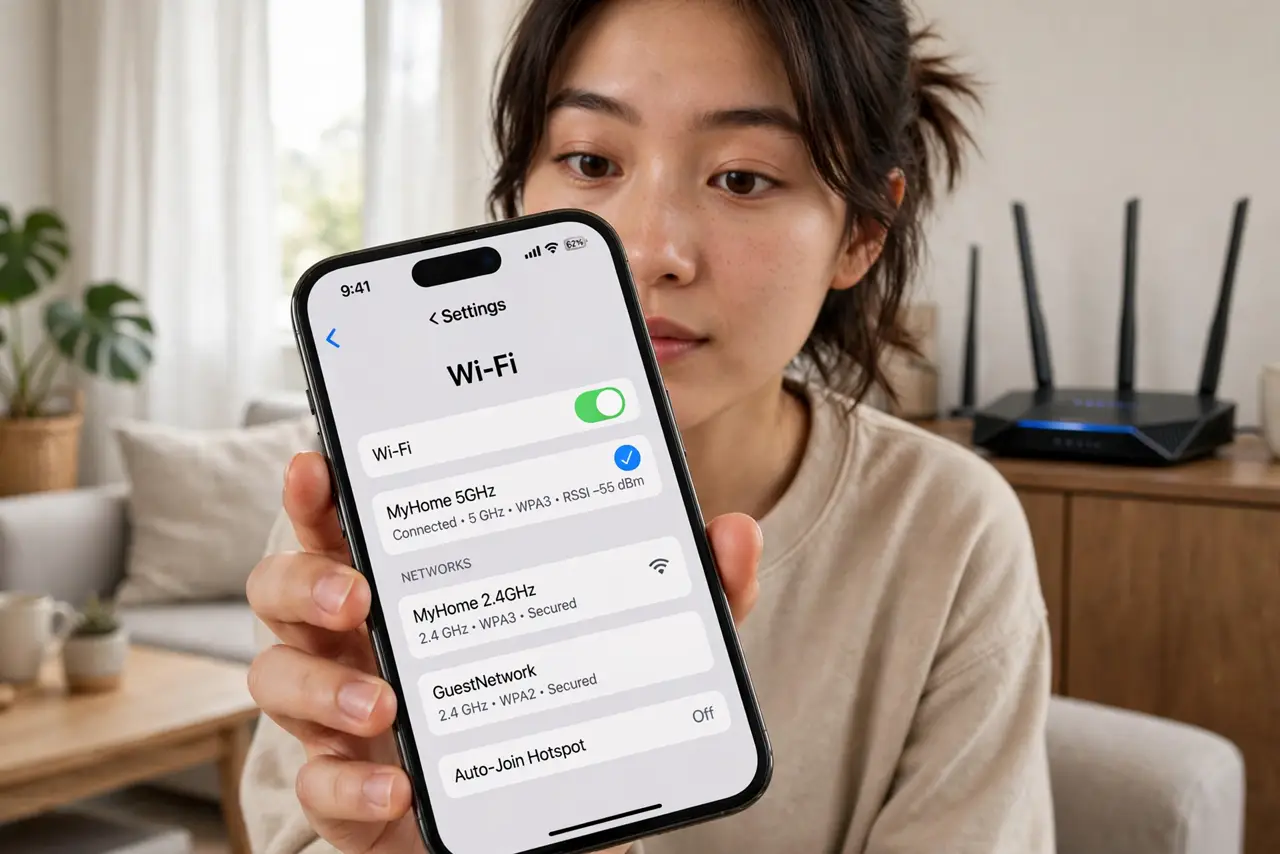
TL;DR / Quick Fix
Quick fix: MLO, or Multi-Link Operation, is the headline trick of Wi-Fi 7 — your device uses two bands at once for more speed and steadier connections. You need a Wi-Fi 7 router and Wi-Fi 7 devices to use it. Without matching hardware, it simply stays dormant.
Follow these steps
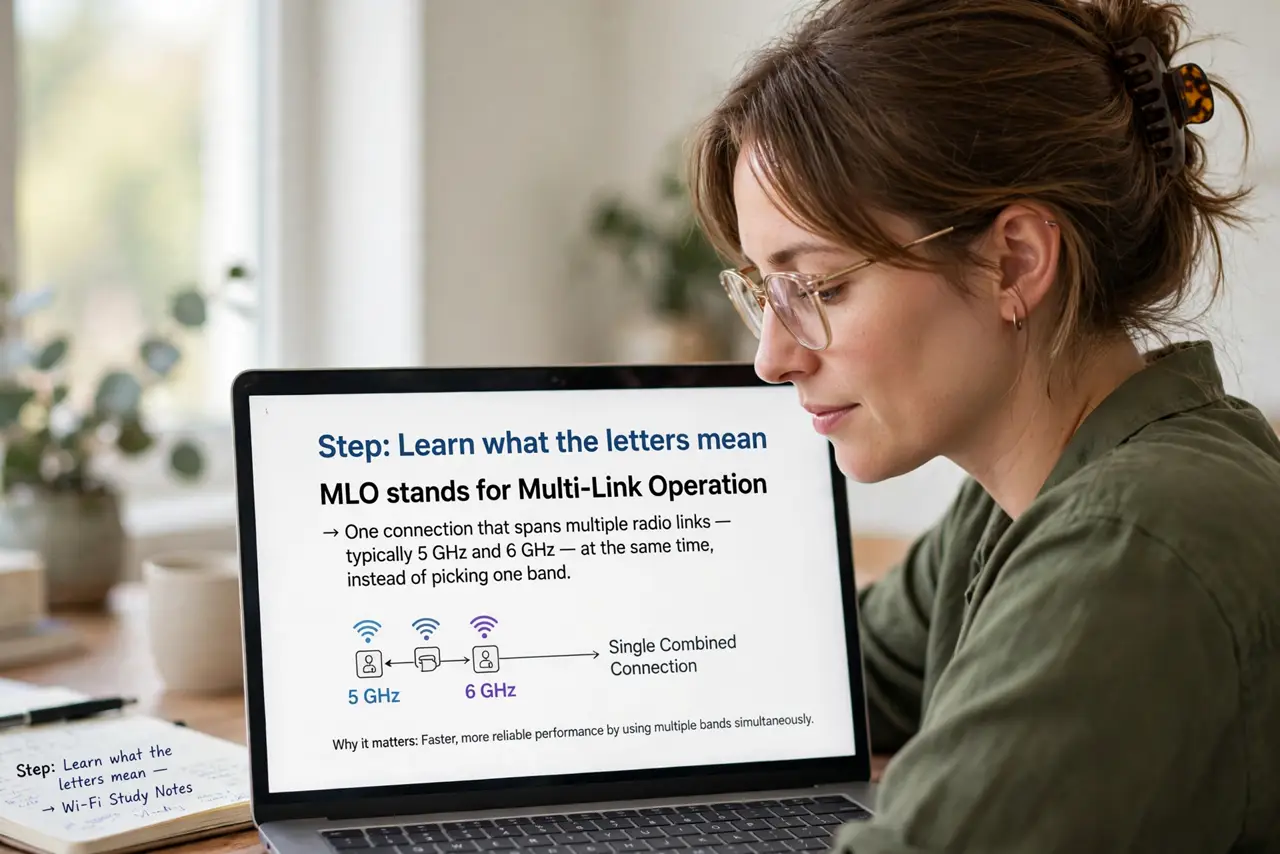
- Learn what the letters mean. MLO stands for Multi-Link Operation: one connection that spans multiple radio links — typically 5 GHz and 6 GHz — at the same time, instead of picking one band.
- Understand the two-band trick. Today your phone uses one band per connection and switches when it must. With MLO it can send and receive across bands simultaneously, which raises throughput and smooths out hiccups.
- Know the real benefits. Expect steadier performance in busy homes and lower lag for gaming and calls — not a doubling of your internet speed. Your plan still sets the ceiling.
- Check what you need. Both the router and the device must support Wi-Fi 7 with MLO. One side alone gets you nothing — the feature negotiates itself only when both ends speak it.
- See if it is actually active. Router apps and advanced Wi-Fi settings sometimes show whether MLO links are in use. If your devices are older, do not be surprised to find it idle.
- Do not buy for MLO alone. It is one feature among many in Wi-Fi 7. Buy the router for the overall package — coverage, price, ports — not for three letters on the box.
What NOT to do
- Do not expect your internet plan speed to rise. MLO improves the Wi-Fi hop; it cannot exceed what your provider delivers.
- Do not assume your current devices use it. Anything bought before the Wi-Fi 7 era simply does not have MLO.
- Do not confuse it with band steering. Older routers also move devices between bands — MLO uses bands simultaneously instead.
- Do not pay a big premium for the badge alone. In a small apartment with a modest plan, you will never notice it.
Frequently asked questions
Is MLO the same as Wi-Fi 7?
No — MLO is one feature inside the Wi-Fi 7 standard, alongside wider channels and other improvements. Wi-Fi 7 is the package; MLO is the headline item.
Will MLO fix my dead zones?
No. It improves speed and stability where signal exists; it does not extend range. Dead zones need better placement or more coverage.
Do I need to enable MLO?
Usually not — capable routers and devices negotiate it automatically. Check your router's app if you want to confirm it is on.