Internet Over Coax With MoCA
Those round coax outlets in every room — leftovers from cable TV — are actually high-quality network cable waiting for a second career. MoCA adapters turn them into a wired network rivaling Ethernet, perfect for feeding a distant mesh node or TV. Setup takes about fifteen minutes and no new holes in walls.
TL;DR / Quick Fix
Quick fix: connect a MoCA adapter to a coax outlet near your router with Ethernet, then connect a second adapter to a coax outlet in the far room for your device or mesh node. Add a MoCA filter where coax enters your home. No new cables through walls.
Follow these steps
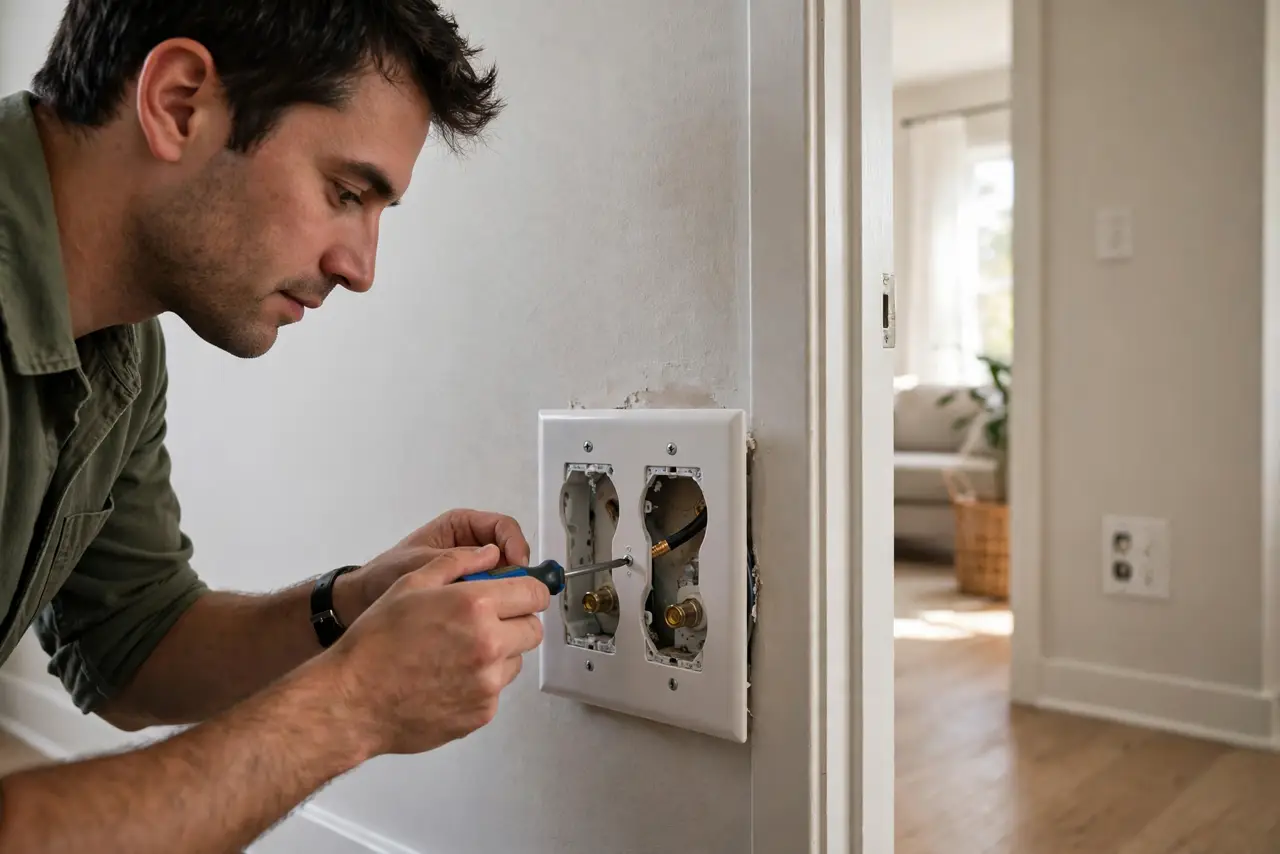
- Confirm coax in both rooms. You need a coax wall outlet near the router and another in the target room, both on the same coax network. Unscrew a wall plate if unsure — the cable behind it tells the truth.
- Install the point-of-entry filter first. Screw the MoCA filter onto the main coax line where it enters your home (often at the outside box or basement splitter). This keeps your network private and improves performance — skip it and your signal can leak to neighbors.
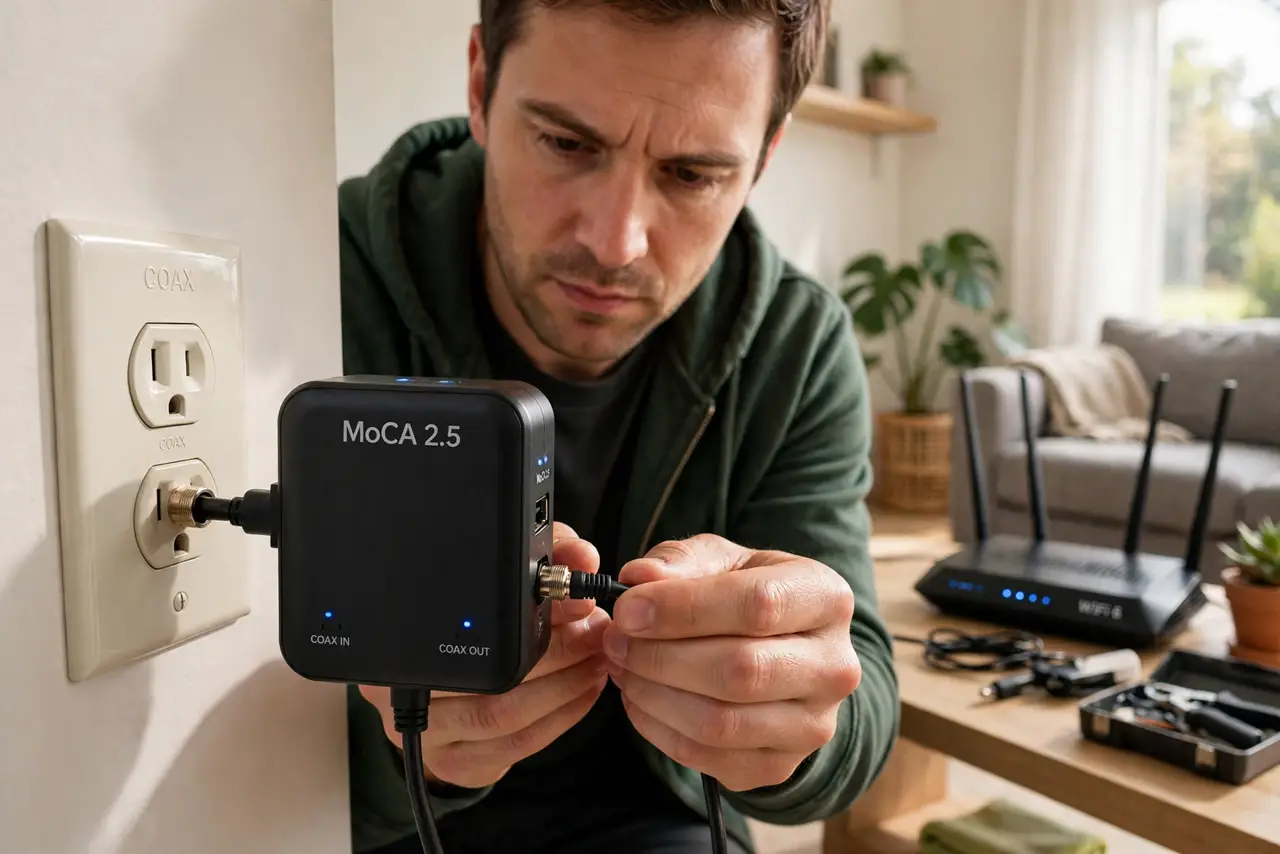
- Connect the first adapter at the router. Coax from the wall into the adapter, Ethernet from the adapter to a LAN port on the router. Power it on and wait for the coax link light to go solid — that light means the two adapters found each other.
- Connect the second adapter in the far room. Coax from the wall into the adapter, then Ethernet to your device, mesh node, or a small switch. If you also have cable TV on that outlet, use the adapter's TV pass-through port so both work.
- Check splitters in the path. Old, cheap splitters can block MoCA frequencies. If the link light won't go solid, look for splitters between the outlets and replace any unmarked ones with MoCA-rated 5–1675 MHz splitters.
- Test speed at the far end. Run a speed test from a device wired to the far adapter. Healthy MoCA should deliver most of your plan speed — if it's slow, suspect a bad splitter or a loose coax connector, not the adapters.
What NOT to do
- Do not skip the entry filter. It is a few dollars, installs in a minute, and without it your network signal can reach neighbors sharing the coax plant.
- Do not use bargain-bin splitters. Unrated splitters are the number one cause of 'adapters won't link' — check the MHz rating printed on the side.
- Do not overtighten coax connectors. Finger-tight plus a quarter turn with a wrench; gorilla-tightening cracks the connector and degrades the signal.
- Do not expect MoCA to fix a bad coax run. Corroded outdoor cable or water in the line defeats any adapter — inspect the entry point if nothing links.
Frequently asked questions
Do I need to cancel cable TV to use MoCA?
No. MoCA rides frequencies above the TV bands, so cable TV and MoCA share the same coax happily — use the adapter's pass-through port for the TV box.
How is MoCA different from powerline?
The medium: coax was engineered for clean high-frequency signals, so MoCA is faster and steadier than powerline on typical home wiring — see the full powerline comparison.
Can I add a third adapter later?
Yes — MoCA supports many nodes on the same coax. Add adapters in new rooms as needed; they all join the same network automatically.