Beat Neighbor Interference
Your Wi-Fi crawls every evening even though the speed test was fine at noon. In an apartment building, the likely culprit is your neighbors: dozens of routers all shouting on the same channels, and your devices drown in the noise. This is fixable without buying anything — switching to a quieter channel, moving to the 5 GHz band, and repositioning the router cut through most of the interference. This guide walks through the checks in order, from free to cheap. Microwaves cause their own special chaos — see why lunch breaks the call.
TL;DR / Quick Fix
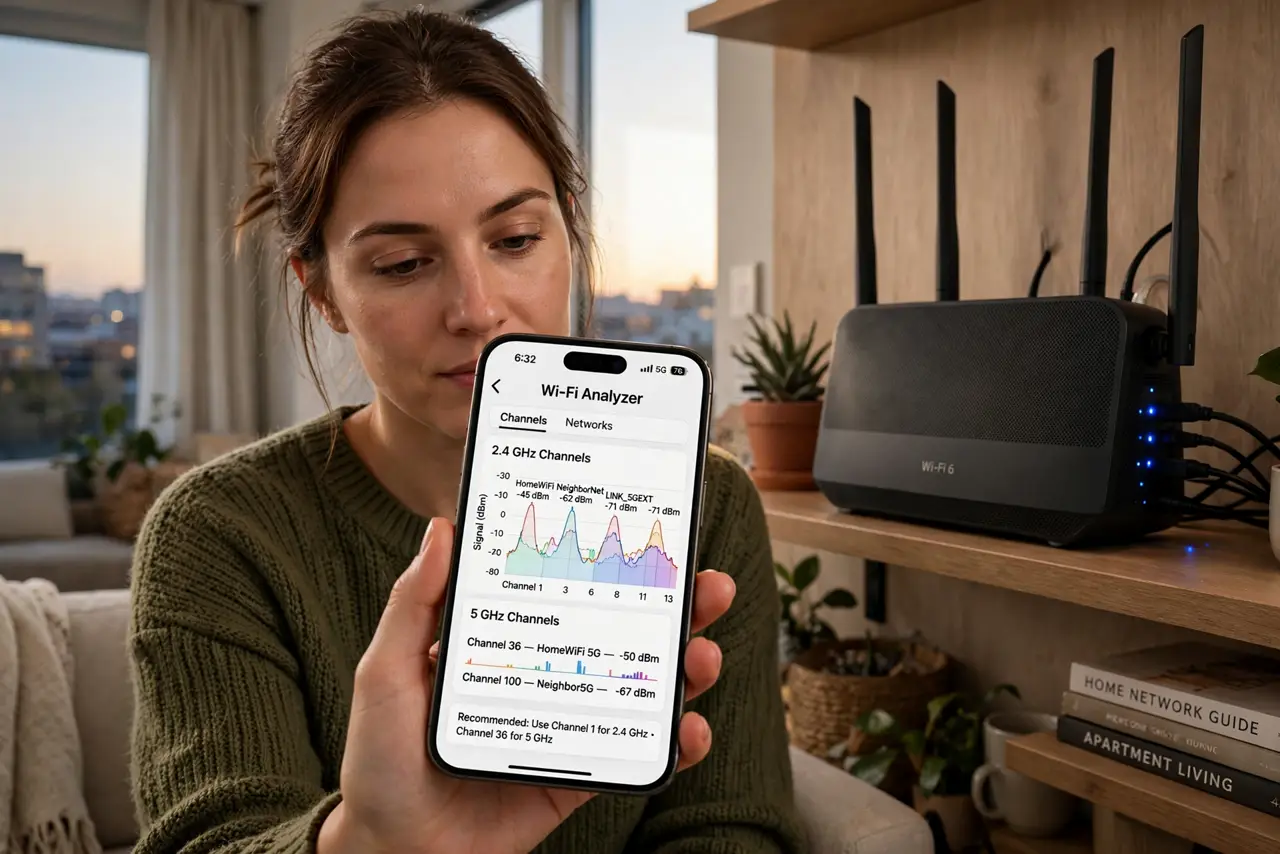
Quick fix: in a crowded building, switch your router to a less-used channel — 1, 6, or 11 on 2.4 GHz — and prefer the 5 GHz band, which neighbors use less. Move the router to a central, elevated spot away from walls. These free changes fix most evening slowdowns.
Follow these steps
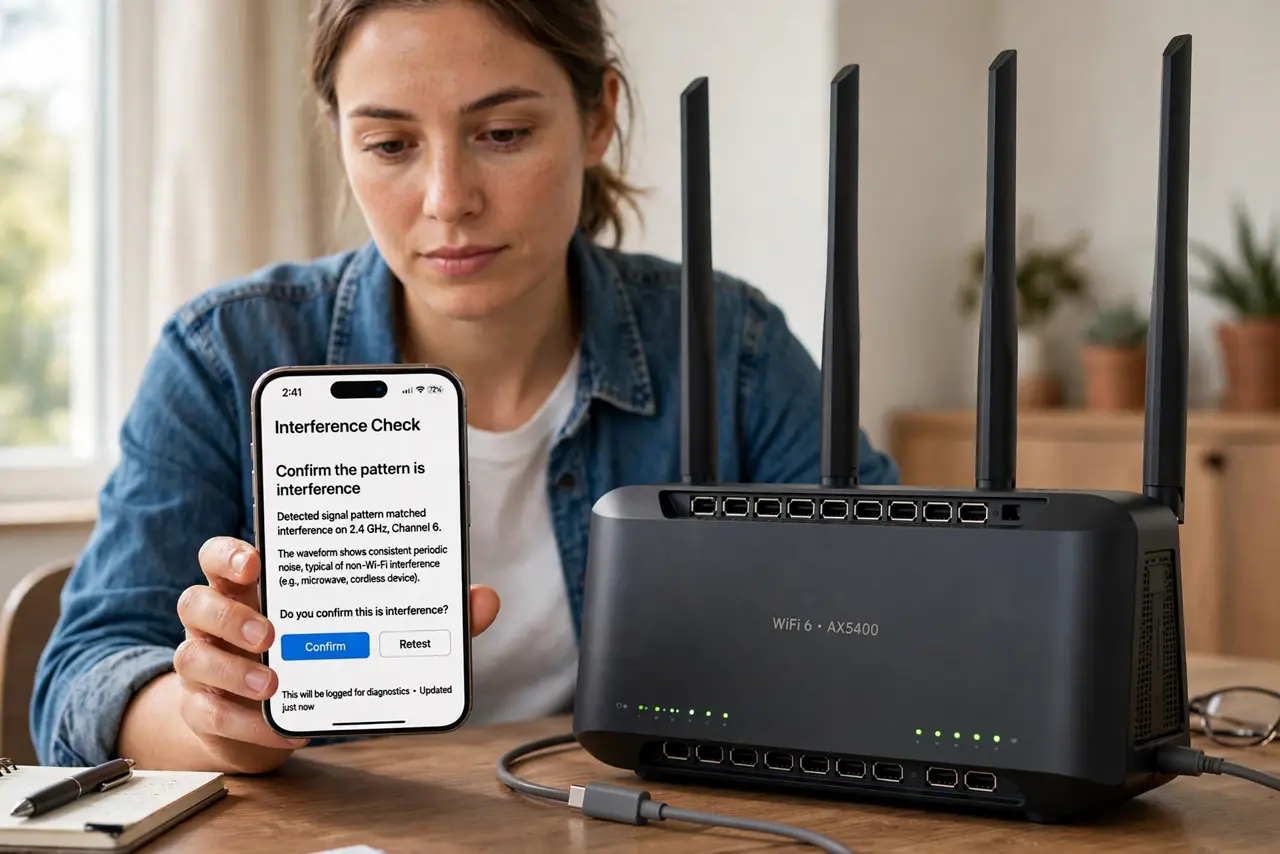
- Confirm the pattern is interference. If speed is fine at odd hours but dies in the evening, that is congestion, not a broken line. Run a speed test at noon and at 8 p.m. on the same device to confirm the pattern before changing anything.
- Scan for a quieter channel. Use a free Wi-Fi analyzer app on your phone to see which channels neighbors use. On 2.4 GHz, pick 1, 6, or 11 — whichever is least crowded. Log into your router settings to change it.
- Move everyday devices to 5 GHz. The 5 GHz band has more channels and shorter range, so neighbors interfere less. Connect phones and laptops to your network's 5 GHz name; leave 2.4 GHz for smart gadgets that need the range.
- Reposition the router. Put the router central in the apartment, elevated on a shelf, away from thick walls and metal. A router stuffed behind the TV in a corner fights both neighbors and furniture.
- Separate the bands if the router merges them. Some routers broadcast one name for both bands and steer devices badly. Giving 2.4 and 5 GHz different names lets you choose deliberately instead of trusting the steering.
- Consider a wired backhaul for the desk. If one spot still crawls, a powerline adapter or a long Ethernet cable to your desk removes Wi-Fi from the equation for the device that matters most.
What NOT to do
- Do not buy a new router before trying a channel change. Most evening slowdowns are congestion, and a new router on the same crowded channel helps little.
- Do not crank transmit power to maximum hoping to shout over neighbors. It adds to everyone's noise, including yours on the return path.
- Do not place the router next to the microwave or baby monitor. Those blast the 2.4 GHz band; see the microwave interference guide for why.
- Do not pay for a faster plan to fix interference. If the bottleneck is the airwaves in your building, more ISP speed never reaches your devices.
Frequently asked questions
Why is Wi-Fi slow only in the evening?
That is when everyone is home streaming. Dozens of nearby routers compete for the same channels, so your share of the airtime shrinks.
Does 5 GHz go through walls?
Worse than 2.4 GHz — its shorter range is actually an advantage in apartments, because neighbors' 5 GHz signals reach you less too.
Will a mesh system fix neighbor interference?
It can help coverage, but mesh nodes also use the airwaves. Fix the channel and band first; add mesh only for dead zones, not congestion.