Wi-Fi Network Name Disappeared? Find It
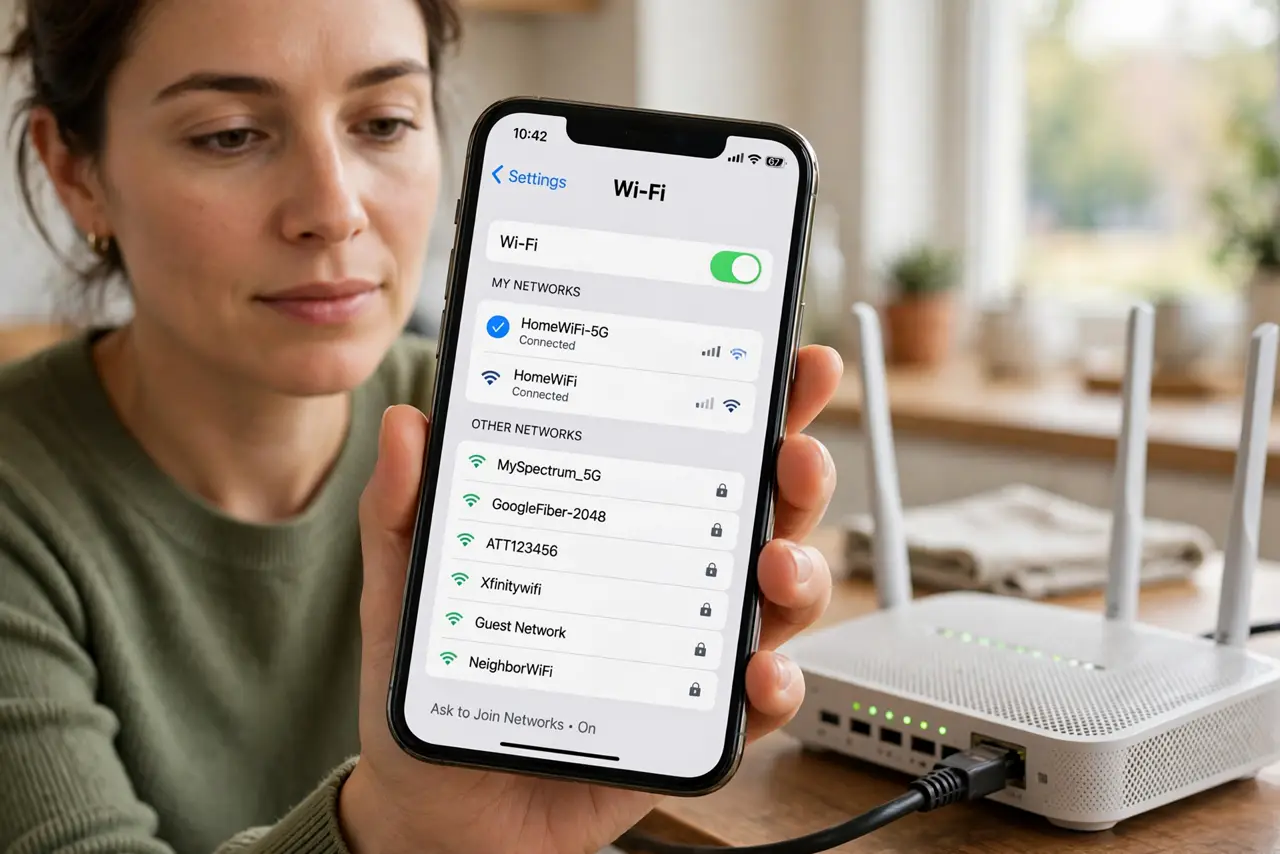
Your network name is gone from the Wi-Fi list, while neighbors' networks still show. The router may be off, restarting, or hiding its name, or the phone may be out of range, and each cause looks the same at first.
TL;DR / Quick Fix
Quick fix: check the router lights and power, move closer to the router, and turn Wi-Fi off and on again on the phone. If the name still hides, restart the router and check whether its name broadcast is off. Test once more after a restart.
Follow these steps
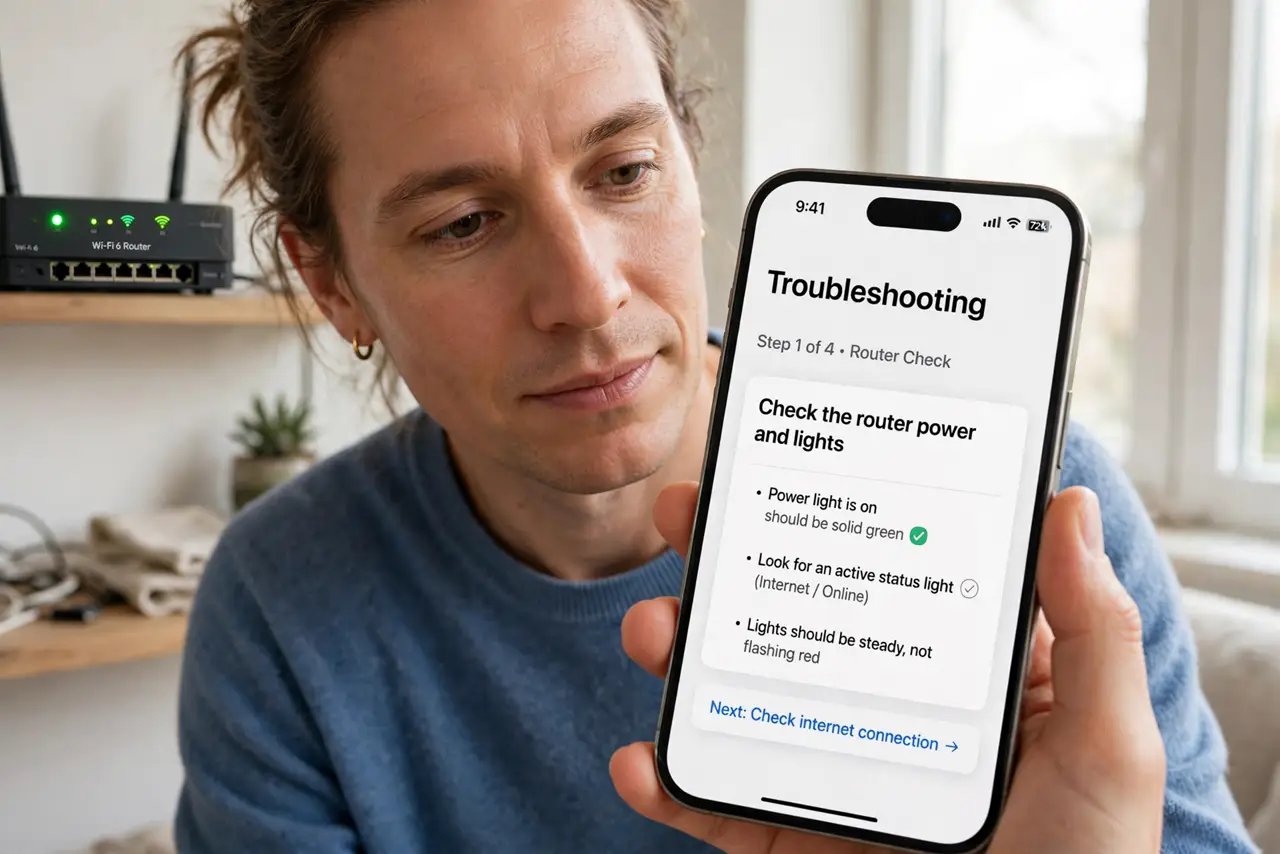
- Check the router power and lights. Look at the router and confirm it is powered on with its usual lights. A router with no lights cannot broadcast any name, and power is the first thing to check.
- Move closer and refresh the list. Stand near the router, turn Wi-Fi off and on on the phone, and refresh the list. A phone at the edge of range may miss your network while still showing closer neighbors.
- Restart the router once. Unplug the router, wait thirty seconds, and plug it back in, then wait for its lights to settle. A restart restores a broadcast that stopped without warning.
- Check whether the name is hidden. In the router settings, check whether SSID broadcast is turned off. A hidden network does not appear in lists, and must be joined by typing its exact name.
- Check the band settings. If the router offers two bands, confirm both are enabled. A phone that only sees one band will miss the network if that band was turned off.
- Test with a second device. Check the Wi-Fi list on a second device near the router. If neither device sees the name, the router is the problem, not the phone.
What NOT to do
- Do not reset the router just because the name hides. Restarting and checking broadcast settings are safer and usually enough.
- Do not join a lookalike network name hoping it is yours. A similar name may belong to a neighbor or a stranger, so confirm the name with the router first.
- Do not leave SSID broadcast off thinking it makes you safe. Hiding the name does not secure the network, and it makes joining harder for your own devices.
- Do not ignore a router with no lights. No lights means no power or a dead router, and no setting on the phone can fix that.
Frequently asked questions
Why did my network name vanish but neighbors remain?
Your router may be off, restarting, out of range, or hiding its name, while neighbors' routers keep broadcasting.
What is a hidden network?
A network with SSID broadcast off. It works, but it never appears in lists, so you must type its exact name to join.
Does hiding my network name improve security?
No. The name is easy to discover, so use a strong password instead of hiding the name.