What Is Wi-Fi Noise?
Full signal bars, yet video calls freeze and pages stall — the bars measure loudness, not cleanliness. Wi-Fi noise is invisible interference: neighbors' routers shouting on your channel, the microwave leaking radiation, baby monitors and Bluetooth all crowding the same airwaves. Your router hears the noise plus your devices, and the conversation drowns. Understanding noise is the second half of Wi-Fi troubleshooting — signal strength is only the first. The deeper number is RSSI.
TL;DR / Quick Fix
Quick fix: Wi-Fi noise is interference from neighbors' routers, microwaves, baby monitors, and Bluetooth — it corrupts your signal even when bars look full. Switch to a less crowded channel or the 5 GHz band, away from microwaves. Strong signal plus heavy noise still means slow Wi-Fi.
Follow these steps
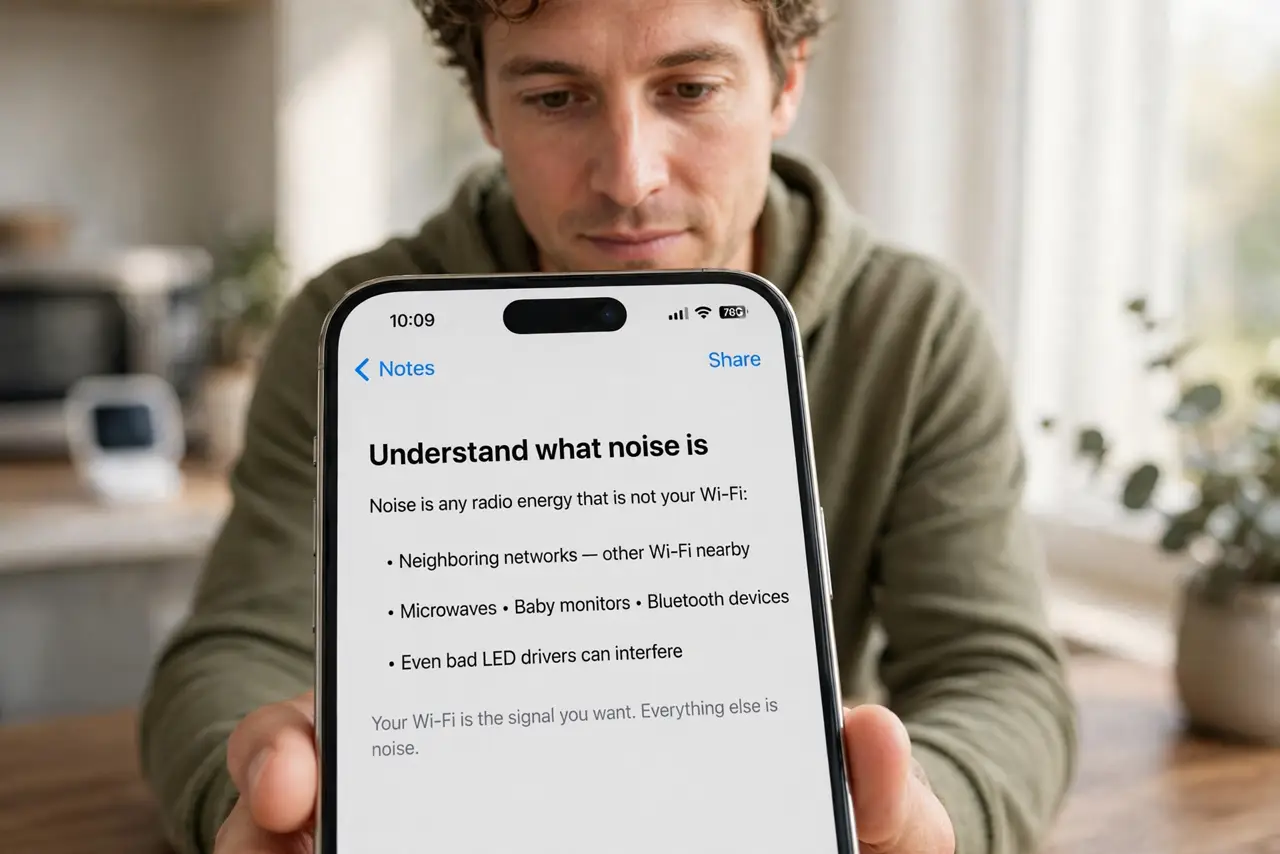
- Understand what noise is. Noise is any radio energy that is not your Wi-Fi: neighboring networks, microwaves, baby monitors, Bluetooth, even bad LED drivers. Your devices must shout over it, and shouting costs speed.
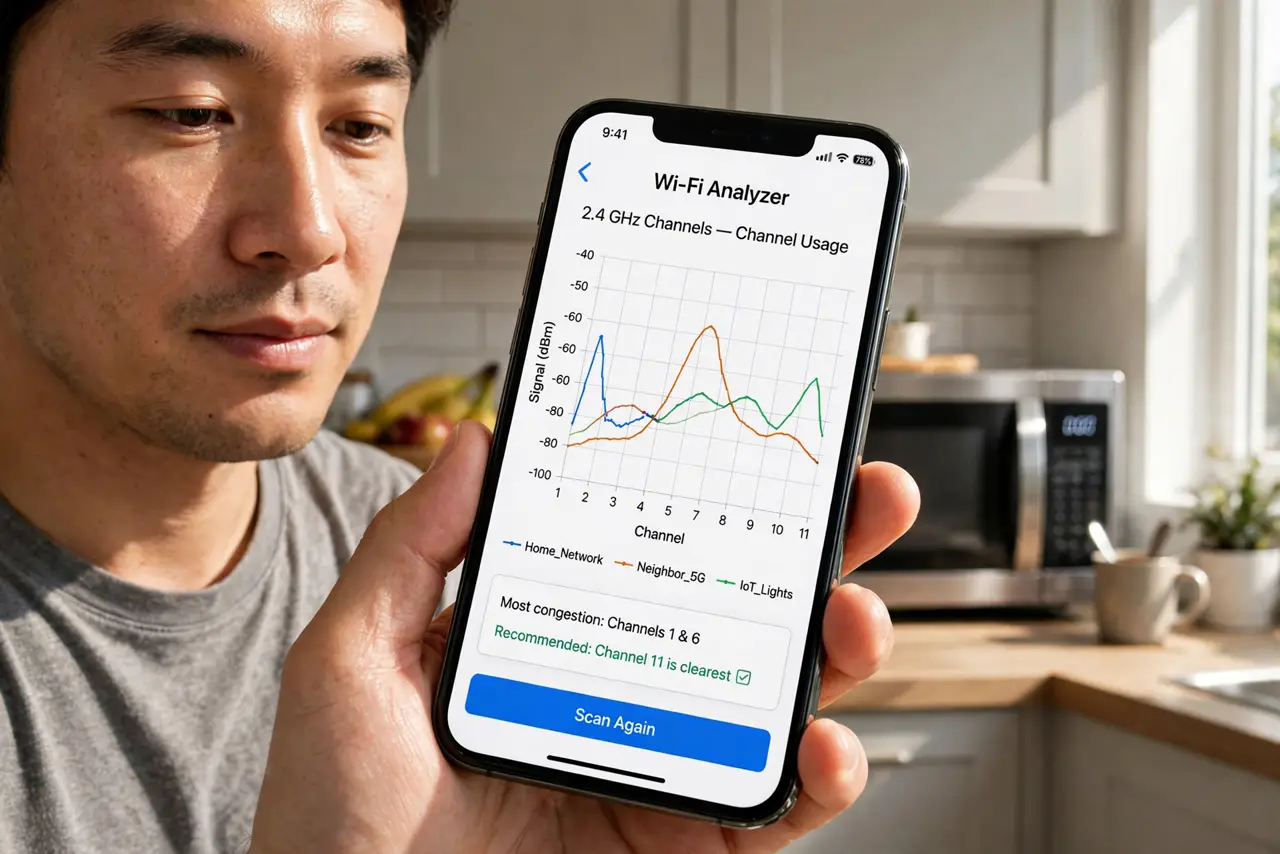
- See the noise with an analyzer. Wi-Fi analyzer apps show channel graphs — tall overlapping humps mean crowded channels. The visual makes the invisible obvious: your network drowning in neighbors.
- Move to a emptier channel. In the router's wireless settings, switch 2.4 GHz to channel 1, 6, or 11 (whichever is emptiest nearby) — these three do not overlap each other. Let the analyzer guide the pick, then re-test.
- Prefer 5 GHz where it reaches. 5 GHz has more channels and far less non-Wi-Fi interference — microwaves and baby monitors live on 2.4. If 5 GHz reaches the room (check RSSI), it is usually cleaner.
- Move the router away from noise sources. Microwaves, baby monitors, and Bluetooth hubs next to the router are self-sabotage. A few meters of separation — especially from the microwave — can transform 2.4 GHz performance.
- Accept what you cannot fix. Apartment buildings are inherently noisy; you cannot silence thirty neighbors. In dense air, a wired connection for the important devices beats any wireless heroics.
What NOT to do
- Do not crank transmit power to beat noise. Louder shouting in a noisy room helps nobody — cleaner channels beat louder radios.
- Do not use 'auto channel' blindly. Many routers pick poorly and never re-evaluate — check what it chose with an analyzer and override if needed.
- Do not put the router next to the microwave. The two most common kitchen gadgets are radio enemies — separate them by meters, not centimeters.
- Do not buy a new router to fix noise. A new radio in the same noisy air has the same problem — diagnose with the analyzer first.
Frequently asked questions
Why is Wi-Fi worse at dinner time?
Microwaves leak 2.4 GHz noise while running, and evening is peak neighbor-router hours. If slowdowns follow a schedule, interference — not your plan speed — is the cause.
Does Bluetooth interfere with Wi-Fi?
Mildly, on 2.4 GHz — Bluetooth hops across the same band. Heavy Bluetooth use near the router can dent 2.4 GHz throughput; 5 GHz is unaffected.
What is SNR?
Signal-to-noise ratio: signal strength minus noise floor, in dB. Above 25 dB is healthy. Great RSSI with terrible SNR is exactly the 'full bars, slow Wi-Fi' mystery.