Read Wi-Fi Signal Numbers
Three bars in the kitchen, one bar in the bedroom — but what does a 'bar' even mean? Every phone draws them differently, and two bars on one phone can be four on another. The real measurement is a number: signal strength in dBm, negative, where closer to zero is better. Learning to read that number turns Wi-Fi troubleshooting from vibes into science — and it is the foundation of mapping your dead zones. See also what RSSI means for the deeper scale.
TL;DR / Quick Fix
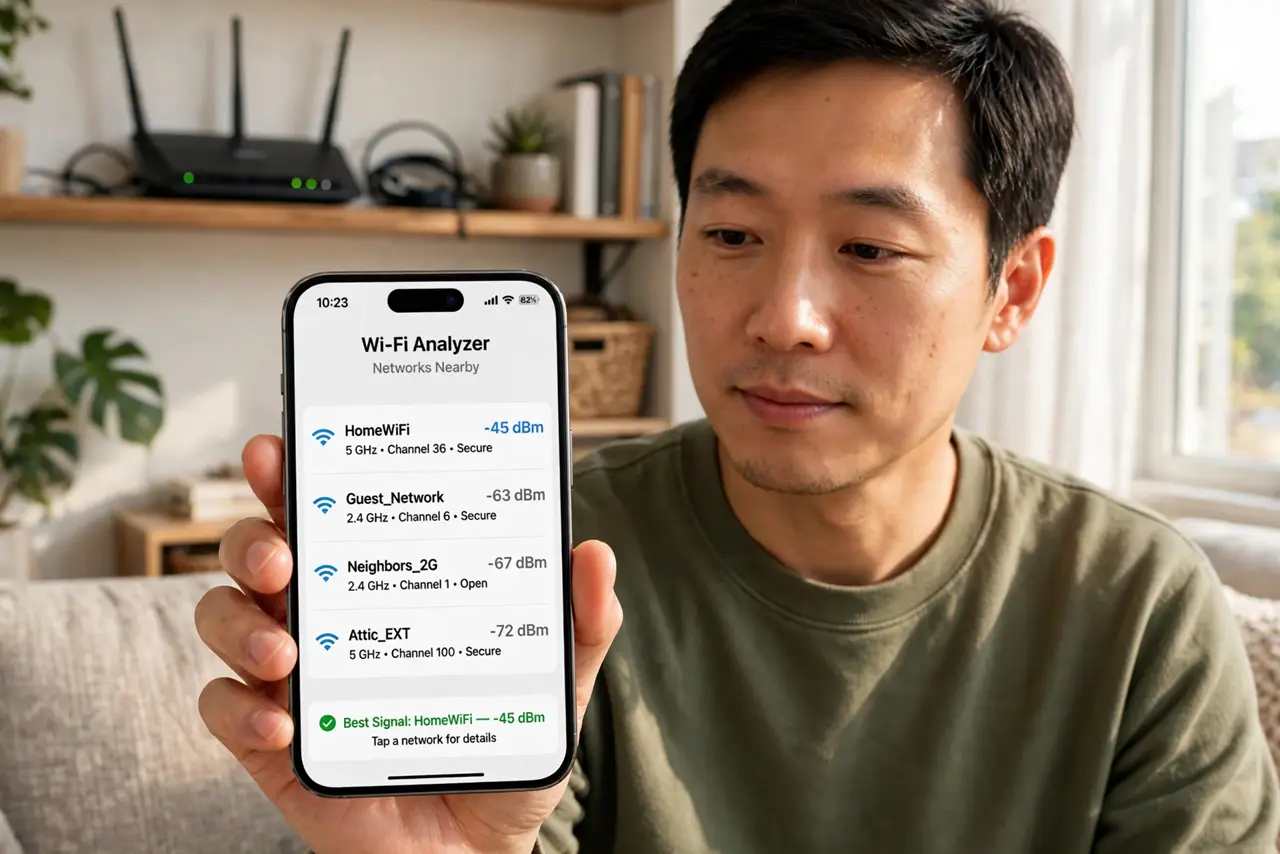
Quick fix: Wi-Fi bars lie — the real number is RSSI in dBm from an analyzer app: -50 is excellent, -65 is usable, -75 is weak, worse is dead. Measure where you actually sit, not at the router. Numbers beat bars for every placement decision.
Follow these steps
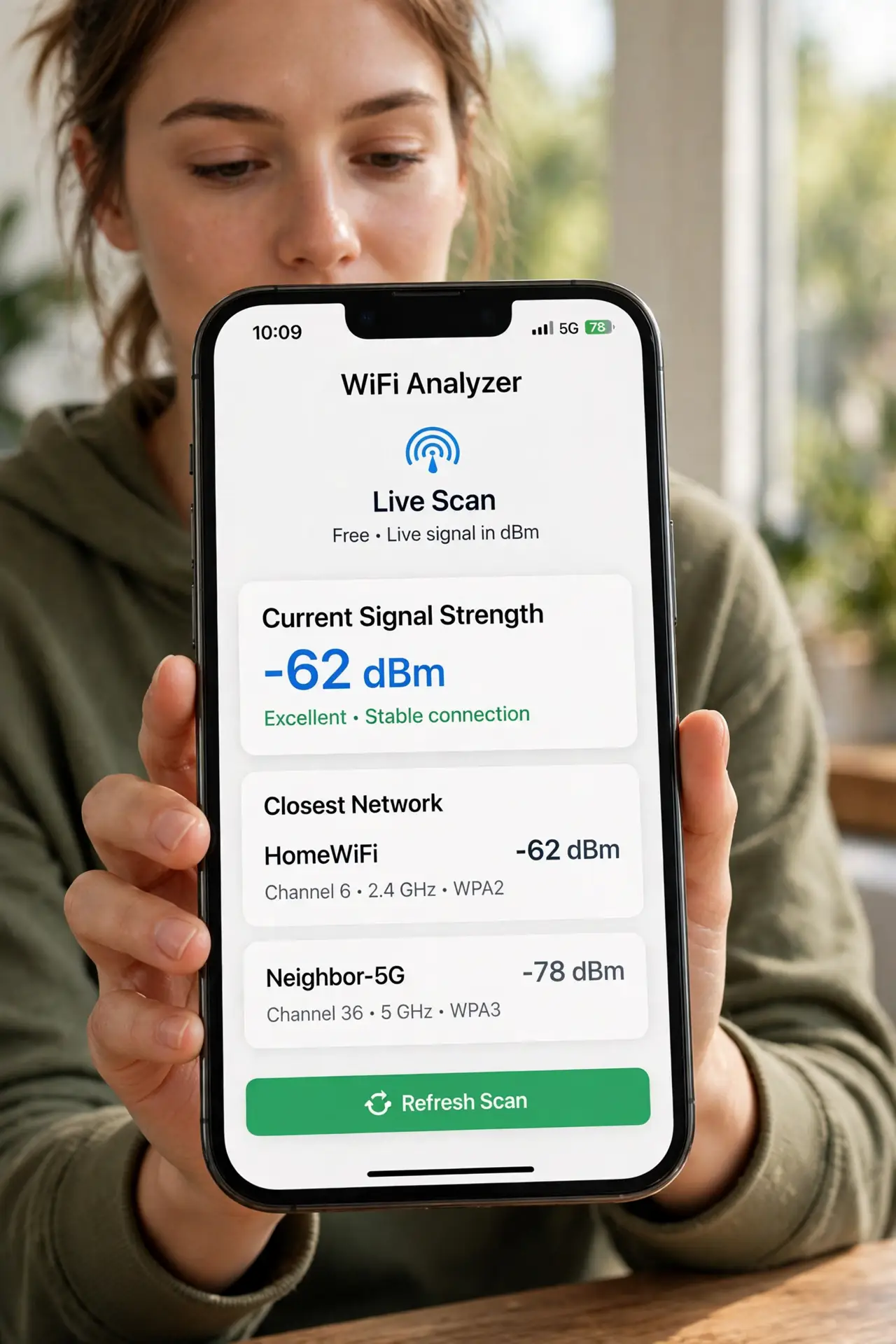
- Get an analyzer app. Install a free Wi-Fi analyzer on your phone. It shows live signal strength in dBm — the honest number behind the lying bars.
- Learn the scale. -30 to -50 dBm: excellent. -50 to -65: good, everything works. -65 to -75: weak, expect hiccups. Worse than -75: effectively dead. Memorize these four bands and you can read any room.
- Measure where you sit. Stand or sit where you actually use devices — the couch, the desk — and wait 20 seconds for the number to settle. The reading at the router is irrelevant; the reading at your chair is everything.
- Compare 2.4 GHz and 5 GHz. Check both bands separately: 5 GHz is faster but fades faster through walls, 2.4 GHz reaches further. A room 'dead' on 5 GHz may be perfectly usable on 2.4.
- Re-measure after changes. Moved the router? Added an access point? Measure again in the same spots. Numbers prove whether the change helped — feelings do not.
- Watch for interference, not just weakness. A strong signal with constant drops means interference, not distance — see what Wi-Fi noise is. Strength and cleanliness are two different measurements.
What NOT to do
- Do not compare bars between phones. Bars are uncalibrated marketing — dBm is the only comparable number.
- Do not measure once and declare victory. Signal fluctuates with movement, neighbors, and microwaves — sample each spot patiently.
- Do not chase -30 dBm everywhere. Anything better than -65 does the job — perfectionism here buys nothing.
- Do not ignore the band. A great 2.4 GHz reading does not fix a dead 5 GHz zone if your devices prefer 5 GHz — measure the band you use.
Frequently asked questions
Why are the numbers negative?
dBm measures power relative to one milliwatt, and Wi-Fi signals are far weaker than that — hence negative. Closer to zero means stronger; -40 beats -70 every time.
What is a good SNR?
Signal-to-noise ratio above 25 dB is healthy. A strong signal in a noisy environment still struggles — strength without cleanliness is half the story.
Do I need expensive equipment?
No — a phone analyzer app is accurate enough for home troubleshooting. Professional meters are for installers billing by the hour.