Check an Outage Map First
Internet's down and your first instinct is to reboot everything — but five minutes on an outage map can save you an hour of pointless troubleshooting. If the provider already knows the neighborhood is dark, nothing in your house will fix it. Here's how to check fast and what to do with the answer.
TL;DR / Quick Fix
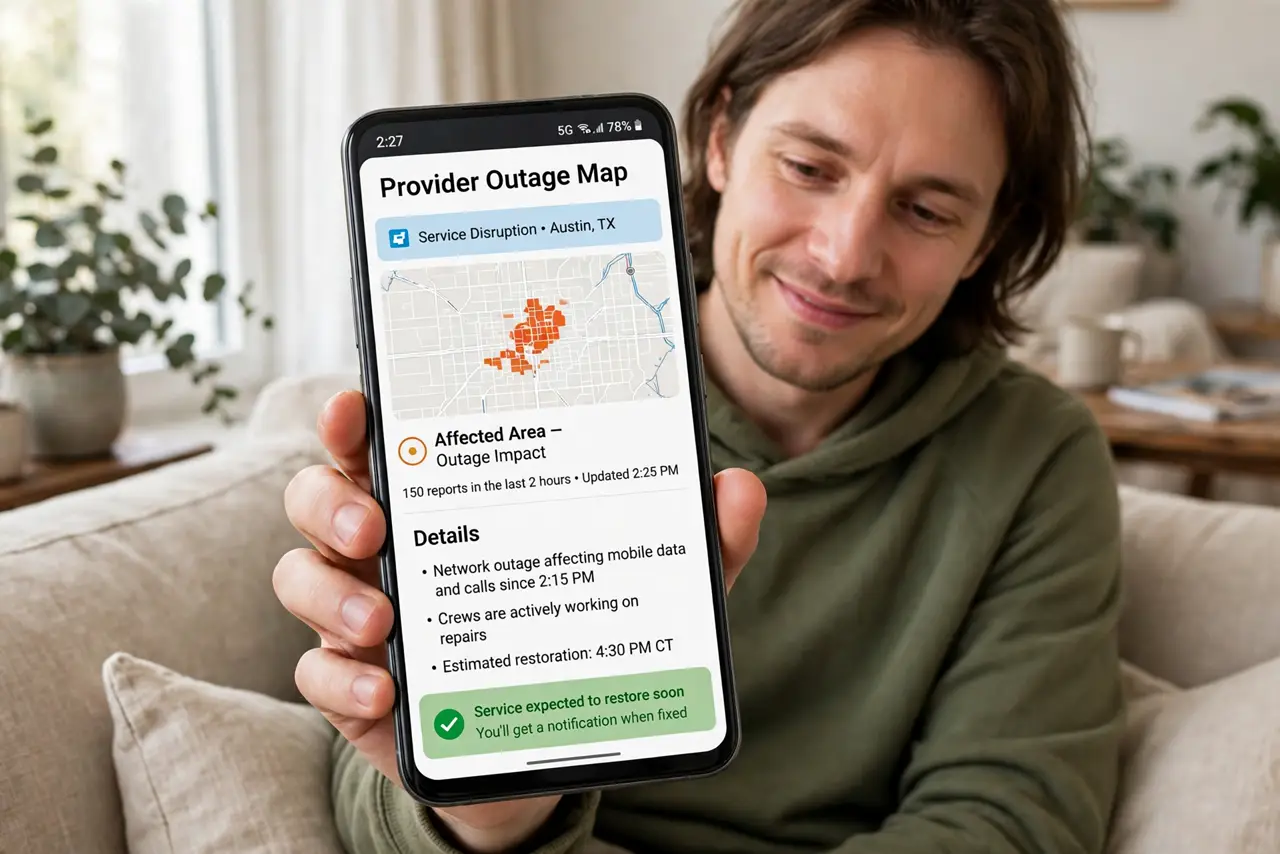
Quick fix: before touching any settings, check your provider's outage map or status page — a reported outage means the problem is theirs, not your router's. Search '[provider] outage' on your phone's data. If an outage is confirmed, save yourself the rebooting and wait it out with a complaint filed.
Follow these steps
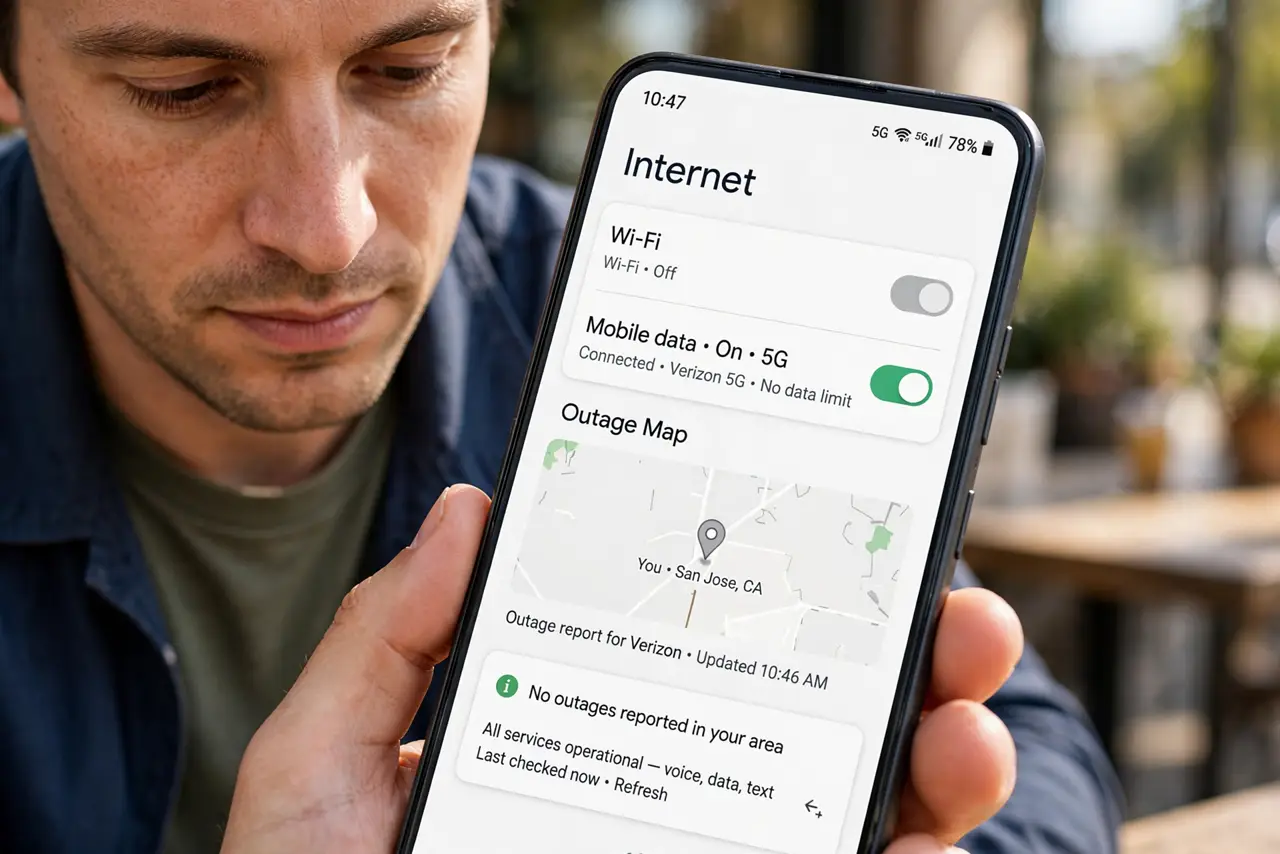
- Use your phone's mobile data. Your Wi-Fi is down, so the check has to happen over cellular. Turn off Wi-Fi on the phone briefly to force it onto mobile data — otherwise the phone may stubbornly try the dead connection.
- Open the provider's status page. Search '[your provider] outage map' or open their app. The official map shows confirmed outages; third-party detector sites show crowd-reported ones — check the official source first.
- Match the map to your address. Outages are neighborhood-specific. A red blob two towns over doesn't explain your outage; a blob over your street does. Zoom in before concluding anything.
- If an outage is confirmed, stop troubleshooting. Don't reboot, don't reset, don't rewire. The fault is outside your walls — file the complaint or just wait. This is also when the storm checklist scope step pays off.
- If no outage is reported, work your side. No outage on the map means the problem is likely yours: power-cycle the modem and router once, read the modem lights, and follow the connected-no-internet ladder.
- Report your outage anyway. Even during a known outage, reporting ties your account to the ticket — which matters for credit claims and for getting the 'it's fixed' notification.
What NOT to do
- Do not trust a single third-party detector blindly. Crowd-reported sites spike on any rumor — the provider's own status page is the authority.
- Do not reboot ten times 'just in case' during a confirmed outage. You're not fixing the street's fiber with your power button.
- Do not assume no map entry means no outage. Small or brand-new outages take time to appear — if the modem's line light is dark, believe the light.
- Do not forget to check back. Outage pages update with repair estimates; set a reminder rather than refreshing every five minutes.
Frequently asked questions
Where do I find my provider's outage map?
Search '[provider name] outage map' or check their mobile app's support section. Most large providers maintain a live map; smaller ones post status banners instead.
The map shows no outage but my line light is dark — now what?
Trust the light over the map. Report the outage — yours may be the first report, or too small to hit the map yet.
Can I get credit for outage time?
Often yes — many providers credit documented outage hours if you ask. Your filed report with timestamps is the evidence; ask politely after service returns.