Internet Out After a Storm? Checklist
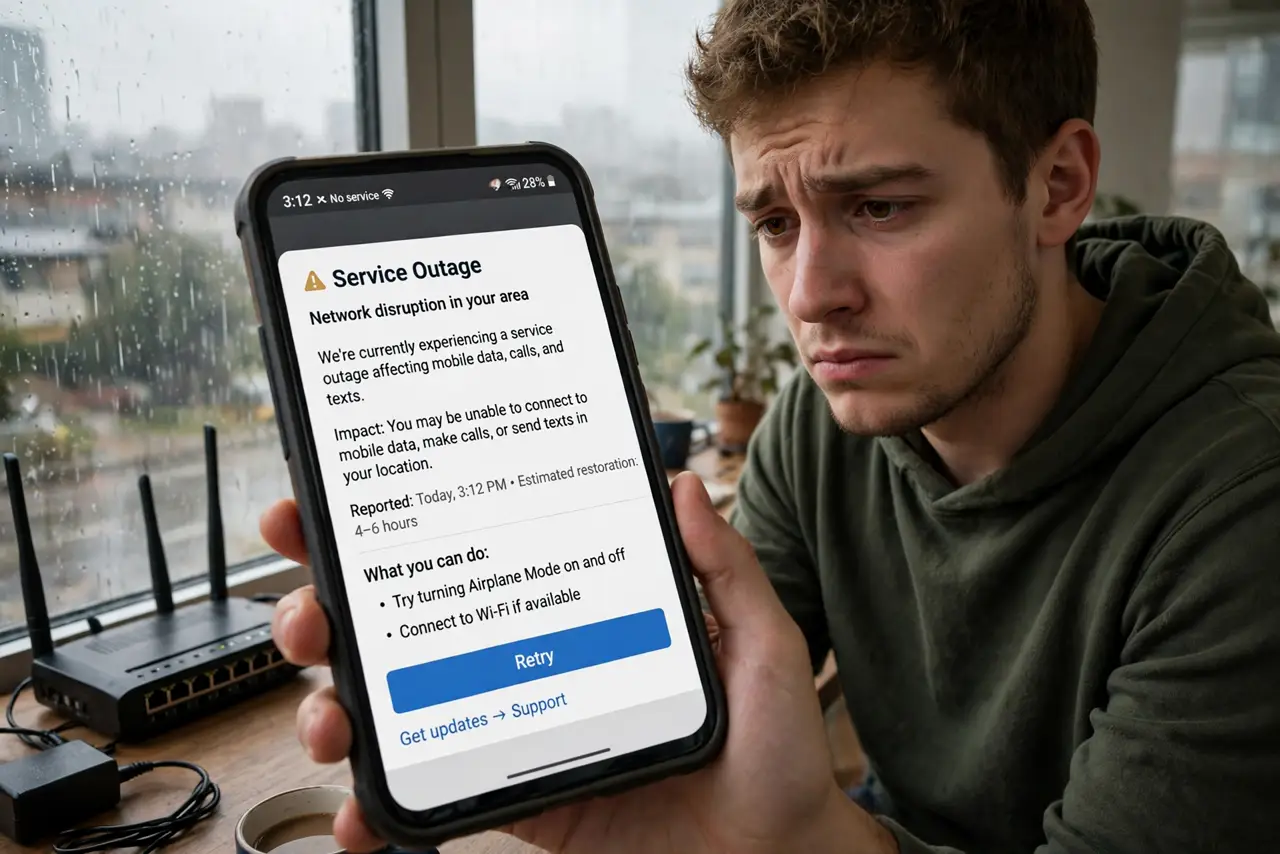
The storm passed, the lights are back, but the internet is dead — and every neighbor is asking the same question. Post-storm outages follow a pattern: check the scope, power-cycle once, read the modem lights, and know when the fault is outside your walls. Work this checklist before you spend an hour on hold.
TL;DR / Quick Fix
Quick fix: after a storm, check whether it's just you or the whole street — then power-cycle the modem and router once, and check the provider's outage page. Don't keep rebooting: if the modem's line light stays dark, the fault is outside. Surge protectors are cheap insurance for next time.
Follow these steps
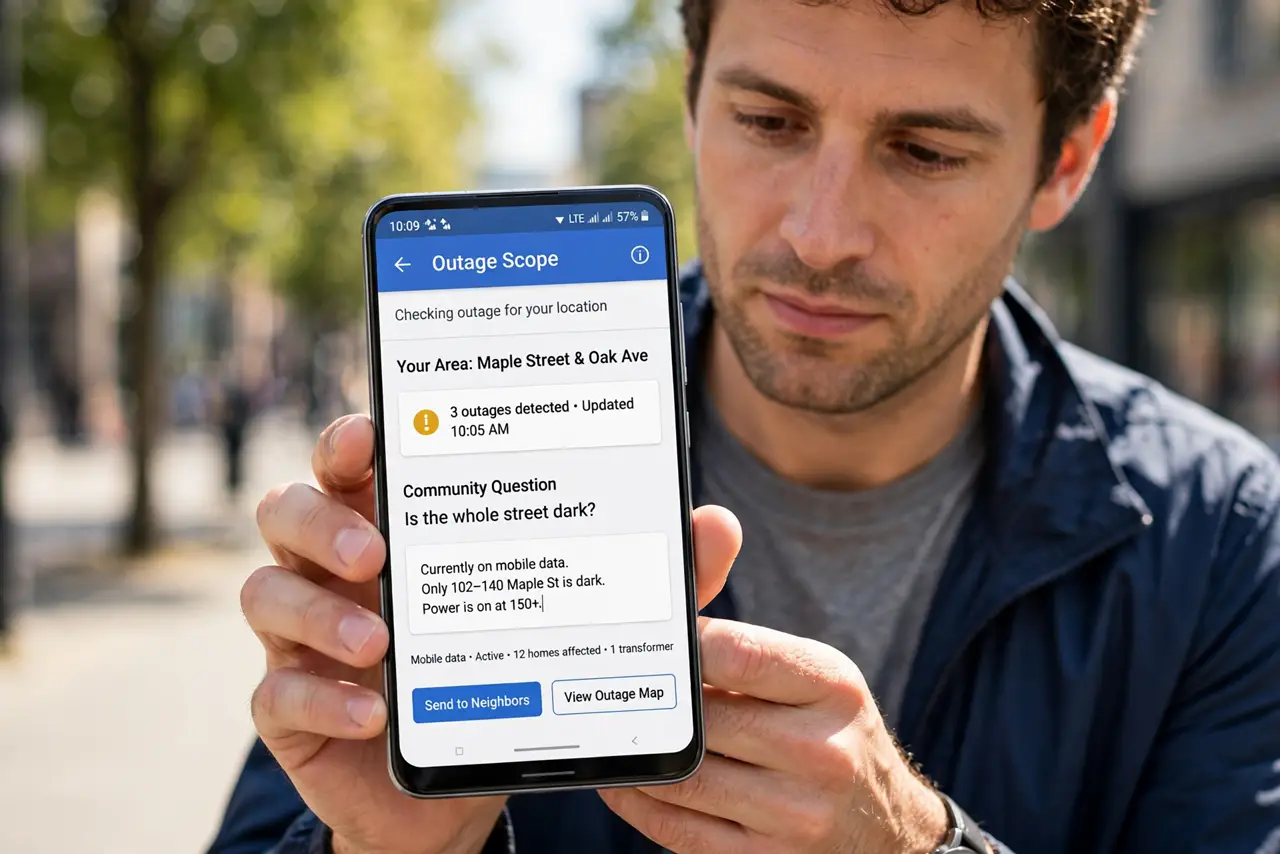
- Check the scope first. Ask a neighbor or check your phone's data: if the whole street is dark, it's the provider's plant, not your gear. One glance at the outage map saves an hour of pointless troubleshooting.
- Power-cycle once, properly. Unplug modem and router for a full 60 seconds, then modem first, then router. Storms cause brownouts that wedge equipment — one clean cycle clears it. Don't reboot five times; once is the test.
- Read the modem's line light. Solid line light means the street connection survived — the problem is inside. Dark or endlessly blinking line light means the outside plant is damaged; no amount of rebooting fixes a downed line.
- Check for the red-light pattern. A red internet or service light after a storm often means the provider's equipment took a hit — the classic post-storm red light signature. Note which light is red before calling.
- Inspect for physical damage. Look at the cable entry to your house and the provider's box outside. Hanging wires or a cracked box are report-it-now findings — don't touch damaged lines yourself.
- Protect for next time. Put the modem, router, and any network gear on surge protectors — storms kill more modems through power spikes than through line damage. Unplugging gear during severe lightning remains the gold standard.
What NOT to do
- Do not keep rebooting a dead line. If the line light stays dark after one clean cycle, further reboots change nothing — report the outage instead.
- Do not touch downed or damaged outside lines. Report them to the provider; damaged coax and fiber can carry hazardous voltage after storms.
- Do not factory-reset storm-wedged gear. A power cycle clears brownout states; a reset wipes your settings for no benefit.
- Do not assume it's 'just slow' if the line light is red. A red service light means a real fault — slowness with a red light won't self-heal.
Frequently asked questions
Why does the internet die when the power stayed on?
Brownouts and spikes wedge modems even without a full outage, and storm damage to the provider's street equipment kills the line while your house keeps power.
How long do post-storm outages usually last?
Street-plant damage takes crews hours to fix; a wedged modem takes one power cycle. The line light tells you which one you're waiting on.
Should I unplug everything during lightning?
For severe nearby lightning, yes — it's the only sure protection. Surge protectors handle the rest of the storm season's spikes.