Outage or Just You?
The internet is down, your hand moves toward the router, and you are about to spend twenty minutes rebooting things that were never broken. Half of all 'my internet is down' moments are actually the ISP's outage — and no amount of unplugging fixes someone else's broken fiber. Two minutes of checking first saves the whole ritual. The ISP app guide makes this check a one-tap habit.
TL;DR / Quick Fix
Quick fix: check your ISP's outage page and a site like Downdetector before touching your router — if the outage is theirs, no amount of rebooting helps. If only your devices are down, then reboot modem and router in the right order.
Follow these steps
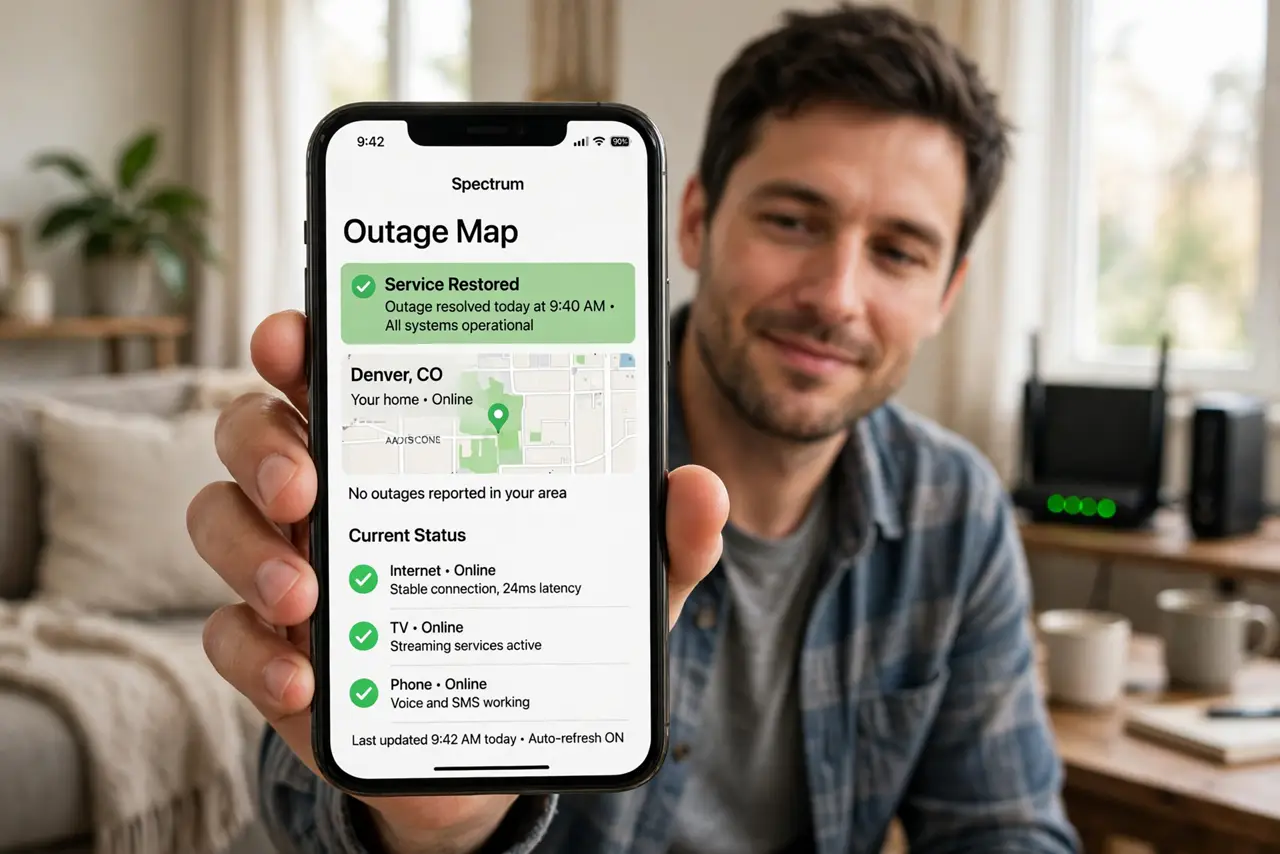
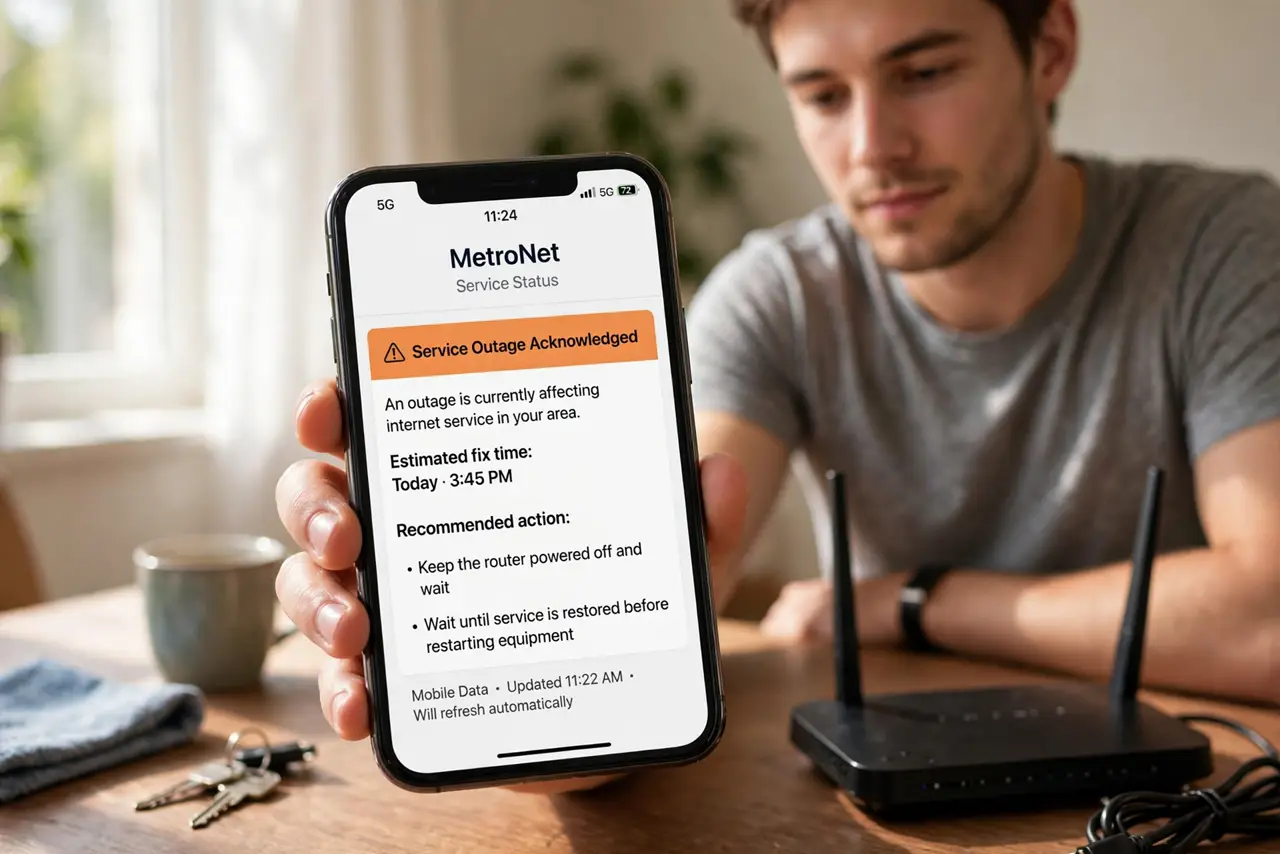
- Check the ISP's status page. Open your ISP's app or status page on mobile data. An acknowledged outage with an estimated fix time means: put the router down and wait.
- Check a third-party outage tracker. Downdetector-style sites show real user reports. A spike of reports in your area confirms it is not just you.
- Ask a neighbor or check social media. One quick text — 'is your internet down too?' — settles it instantly. Local outage chatter appears fast.
- Test more than one device. If your laptop is down but your phone on Wi-Fi works, the problem is the laptop, not the internet. One device means one device's problem.
- Check the modem lights. No online light on the modem means the line itself is down — your router is innocent. The modem lights guide decodes the blink patterns.
- Only then reboot your gear. If it is genuinely just you, reboot in the right sequence — the restart order guide — instead of random unplugging.
What NOT to do
- Do not factory-reset during an outage. Wiping your settings while the ISP is down just adds a reconfiguration chore later.
- Do not reboot five times hoping. One proper reboot sequence is diagnostic; five is superstition.
- Do not call support before checking the status page. The first thing they check is the outage map — beat them to it.
- Do not assume every slowdown is an outage. Congestion and Wi-Fi issues feel like outages but need different fixes.
Frequently asked questions
How do I check for outages without internet?
Use mobile data on your phone. The ISP app, status page, and outage trackers all work fine over cellular.
The ISP says no outage but I am down — now what?
Then it is your gear or line: reboot modem and router in order, check cables, then call support with the modem light status.
Can I get credit for outage time?
Often yes — many ISPs credit downtime if you ask. The outage credit guide walks through claiming it.