Restart Order Matters
Internet dies, you unplug everything in a panic, plug it all back at once, and... still nothing. Then someone mentions the order matters, you do modem-first, and magically the internet returns. It is not magic — the modem must establish its connection to the ISP before the router can ask it for internet. Thirty seconds of sequencing saves twenty minutes of frustration. Confirm the outage is yours with the outage check first.
TL;DR / Quick Fix
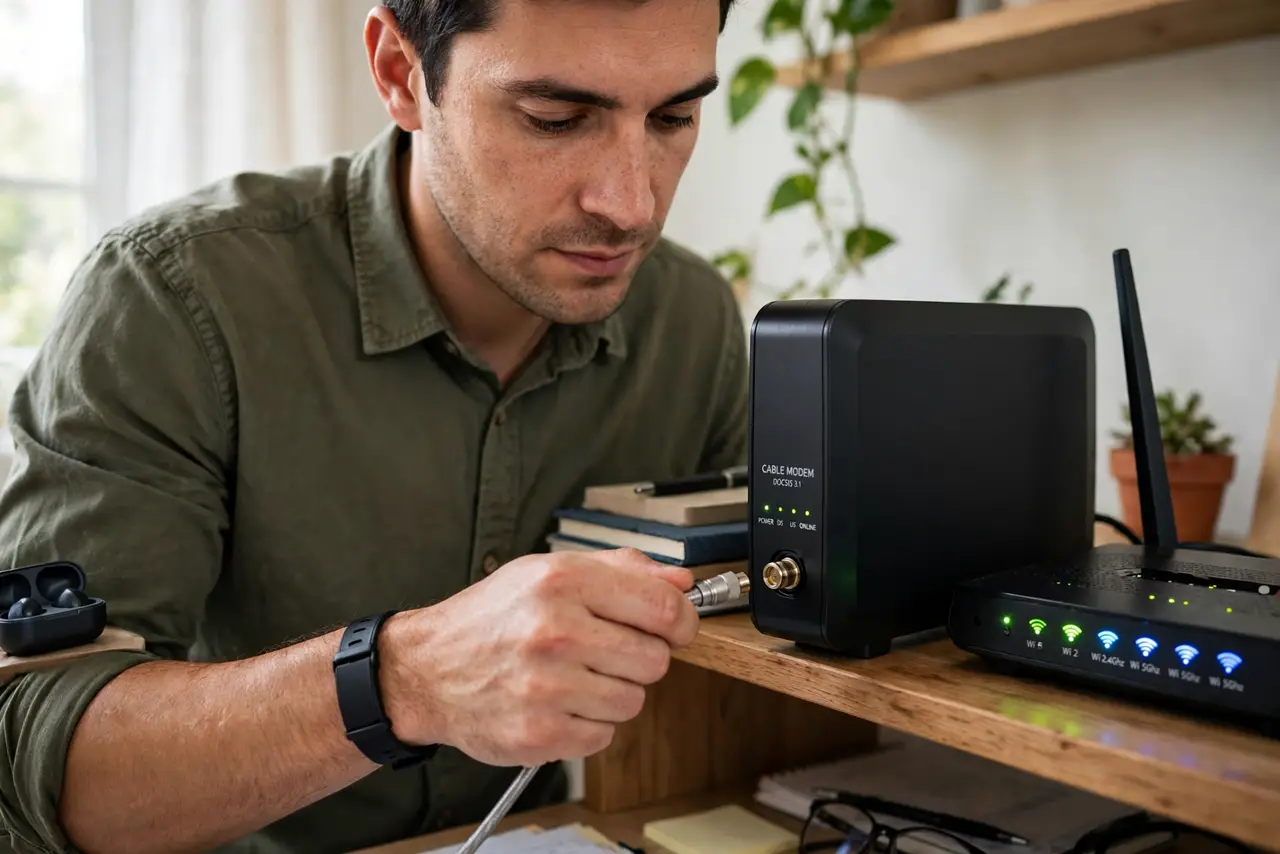
Quick fix: when restarting your internet gear, unplug both modem and router, then power up the modem first and wait for its lights to settle before plugging in the router. The wrong order leaves the router talking to a modem that is not ready yet.
Follow these steps
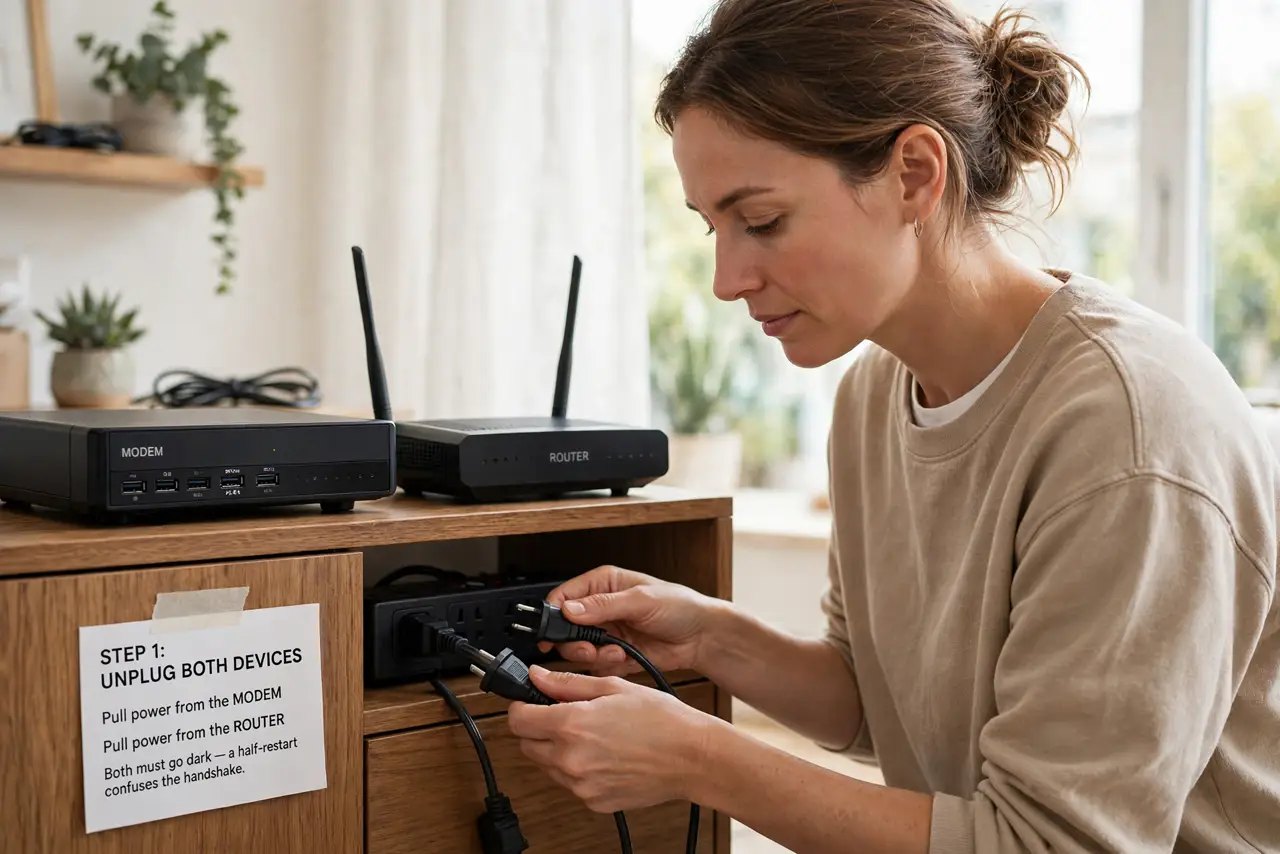
- Unplug both devices. Pull power from the modem and the router. If you have a separate modem and router, both go dark — a half-restart confuses the handshake.
- Wait a full 30 seconds. This lets the modem fully discharge and drop its old session. Rushing the wait is the most common reason the sequence 'does not work.'
- Power the modem first. Plug in the modem alone and watch its lights. Wait until the online or internet light goes solid — this means it has connected to your ISP.
- Now power the router. With the modem ready, plug in the router. It will now find a working modem and set up your Wi-Fi network correctly.
- Wait two minutes, then test. Routers need a minute or two to fully boot and broadcast. Test on two devices before declaring victory.
- Learn your modem's lights. Solid online light: connected. Blinking forever: the problem is the line, not your gear — the modem lights guide decodes the rest.
What NOT to do
- Do not power both at once. The router boots faster and asks for internet before the modem is ready — then sulks.
- Do not skip the 30-second wait. Capacitors hold charge; a two-second unplug is not a restart.
- Do not confuse modem and router if they are one box. Combo units just need one restart — the order only matters for separate devices.
- Do not restart during a known outage. If the ISP is down, no sequence fixes it — check the outage guide and wait.
Frequently asked questions
Why does the order matter?
The modem negotiates the ISP connection; the router then requests internet through it. Router-first means requesting from a modem that is not ready.
What if I only have one combo box?
Then order is irrelevant — one device, one restart. Unplug 30 seconds and plug back in.
How do I know the modem is ready?
Its online/internet light turns solid. Blinking for many minutes means a line problem — call the ISP.