Router Sticker Faded? Find Your Wi-Fi Password
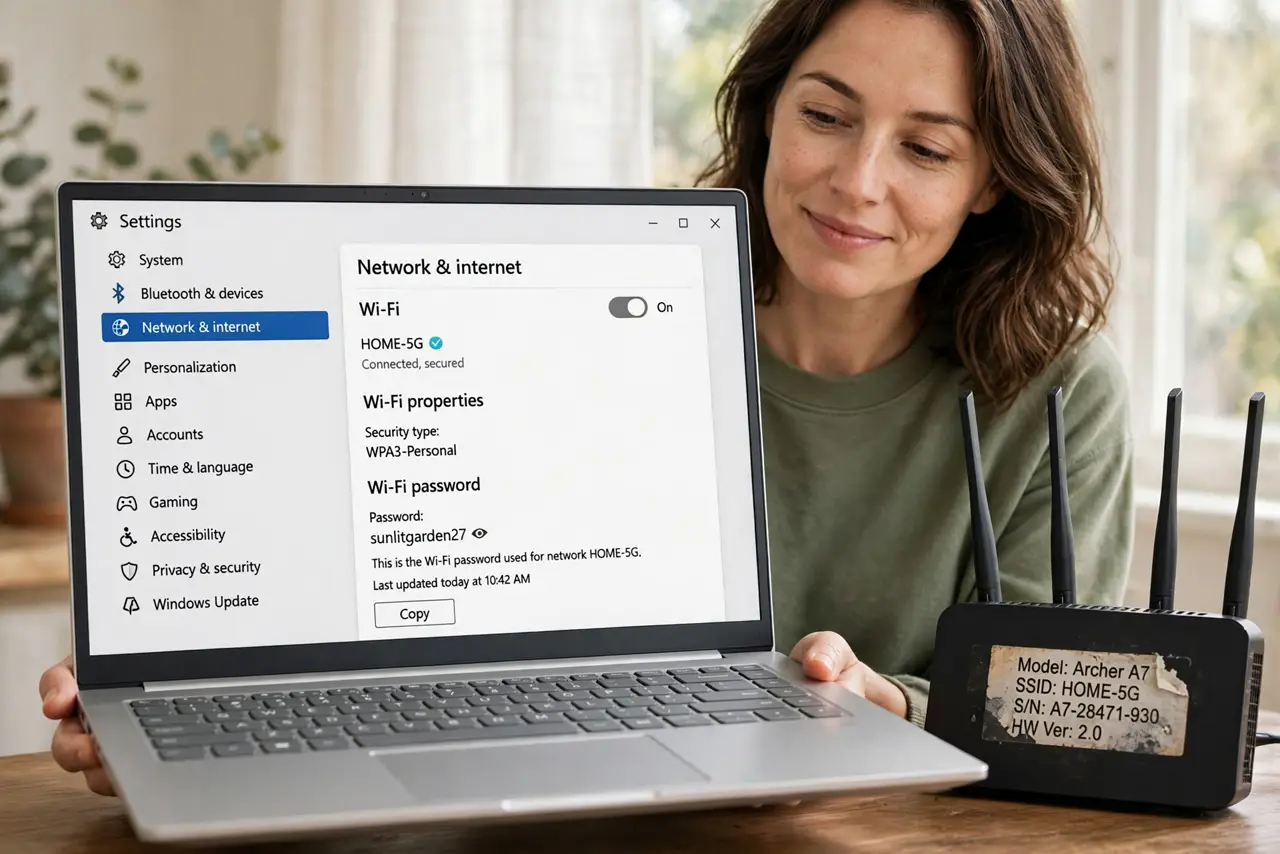
The default Wi-Fi password lives on a sticker under the router, and after years of heat and dust it can fade into unreadable gray smudges. You do not need to reset the router — the password is recoverable from any device already connected to the network.
TL;DR / Quick Fix
Quick fix: open the Wi-Fi settings on any connected phone or computer — both iPhone and Windows can reveal the saved password. Only if nothing is connected should you log into the [[router admin panel|secure-router-admin-panel]] to read or change it.
Follow these steps
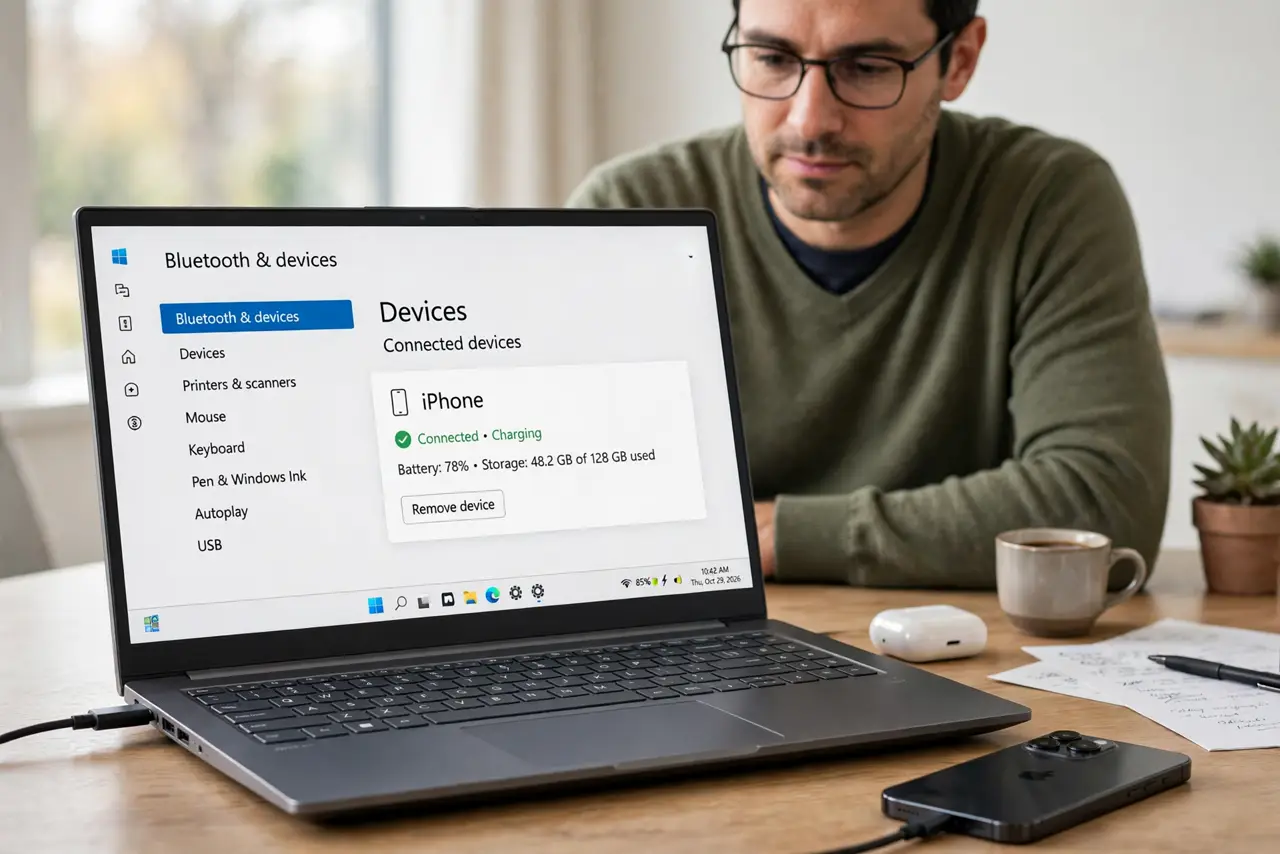
- Check a connected iPhone. On an iPhone go to Settings, Wi-Fi, tap the info icon on the network, and view the password after Face ID. Copy it exactly.
- Check a connected Windows PC. On Windows, open the Wi-Fi properties for the network and show the password under security settings. This reveals the saved password in plain text.
- Check a connected Android phone. On recent Android, tap the network and choose Share — the QR code screen also shows the password in text below it.
- Look in the router admin panel. If no device is connected, log into the router's admin page over ethernet or its app and read the wireless password there. This avoids a factory reset.
- Photograph the sticker now. Once you recover the password, take a clear photo and store it somewhere safe. Future you will thank present you.
- Consider setting a memorable password. If the default was gibberish, change it to something strong but typable. Just remember every device will need reconnecting.
What NOT to do
- Do not factory-reset the router first. A reset wipes all settings and forces you to reconfigure everything — recovery from a connected device is faster.
- Do not guess the faded characters. Wrong guesses lock nothing, but they waste time and can get you locked out of the admin panel after too many tries.
- Do not peel the sticker off. It also holds the serial number and admin credentials you may need later, even faded.
- Do not share a photo of the sticker online. It contains your network name, password, and sometimes the admin login — keep that photo private.
Frequently asked questions
The sticker is gone completely. Now what?
Use a connected device to reveal the password, or log into the router admin panel. A factory reset is the true last resort.
Can my ISP tell me the password?
Sometimes, if they supplied the router and never changed the default. But a connected device is faster than a support call.
Why do stickers fade so fast?
Heat from the router plus dust and sunlight break down the print. Photographing it on day one prevents the whole problem.