Is Your Plan Too Slow?
The bill keeps climbing, the 'faster plan' upsell calls keep coming, and you are wondering if paying more would actually fix the buffering. Sometimes yes — but usually the plan is not the problem, and upgrading is the most expensive way to not fix Wi-Fi issues. This guide helps you determine what speed you actually need before spending a dollar more. Test first with the slow ethernet guide.
TL;DR / Quick Fix
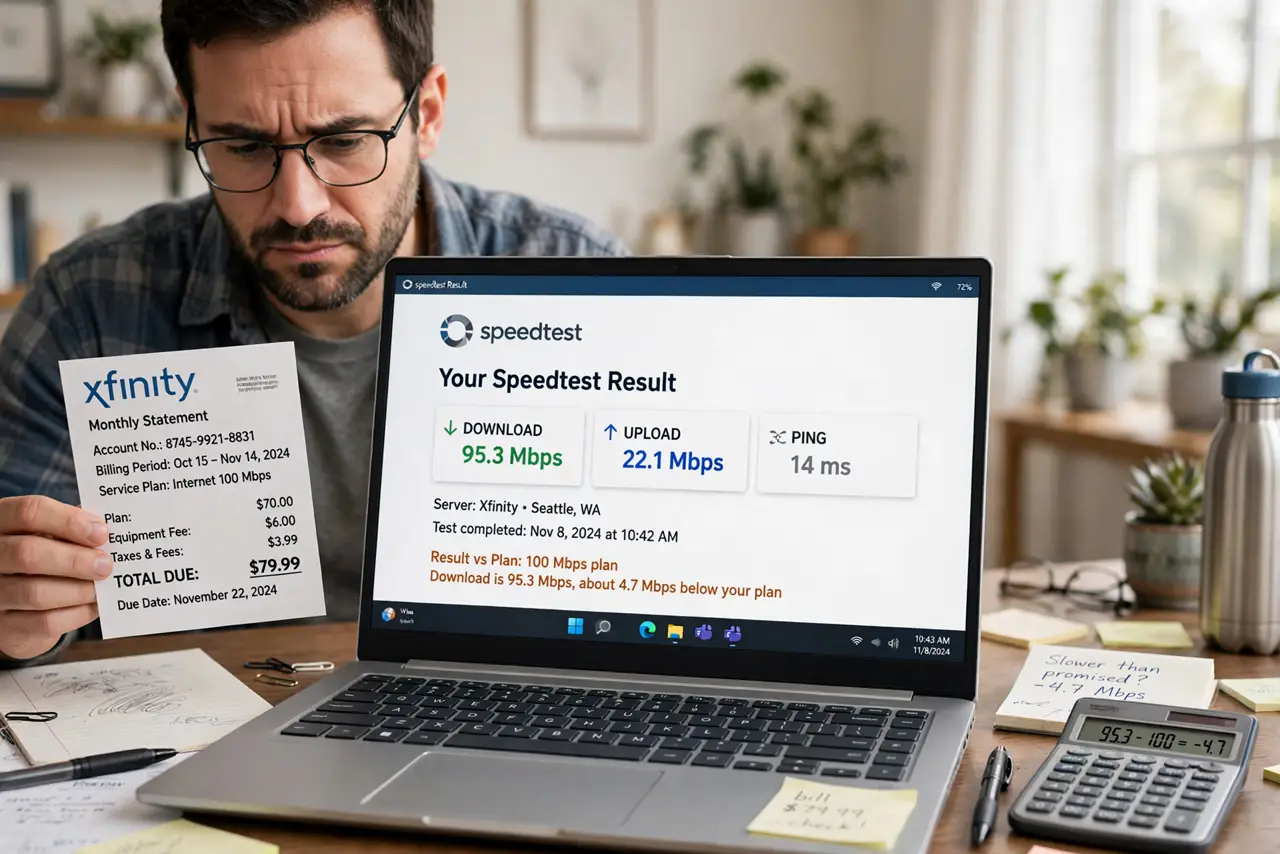
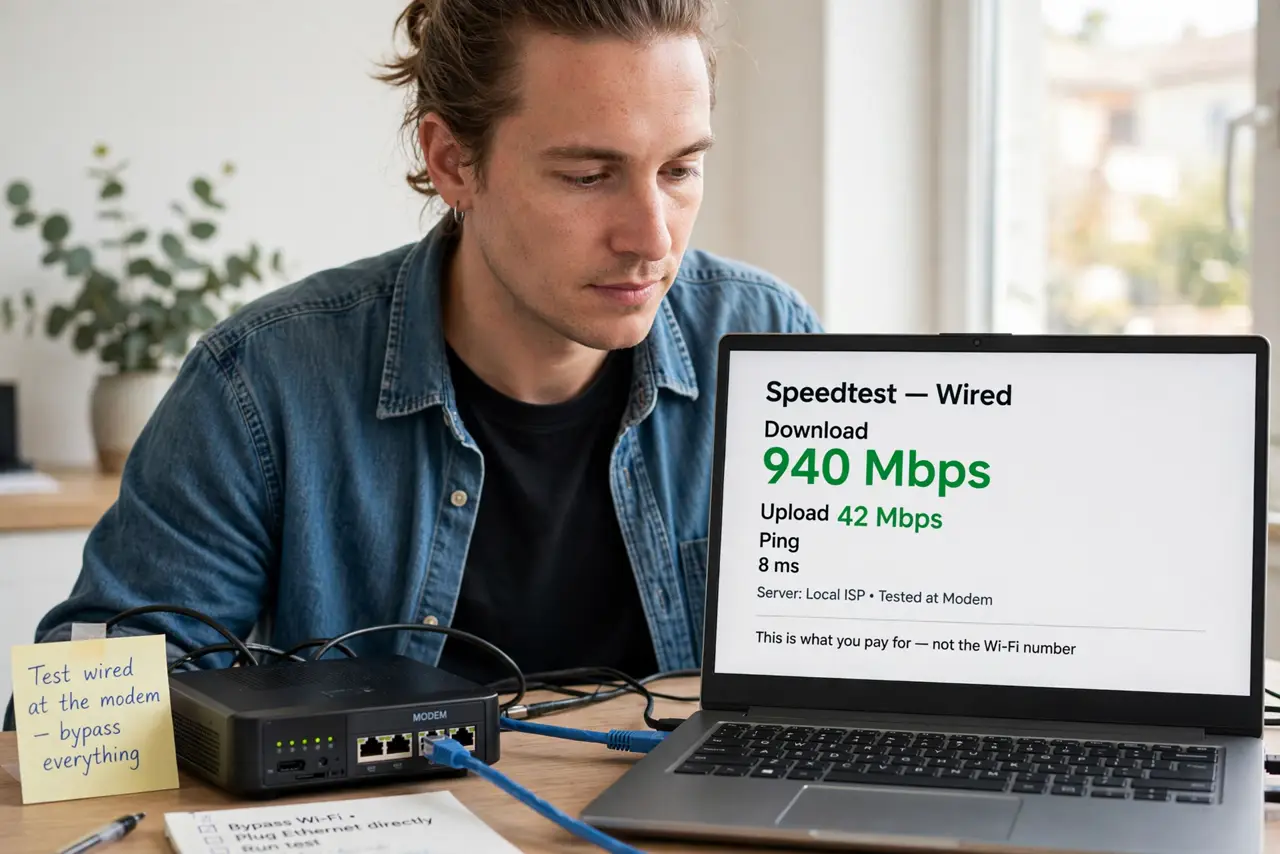
Quick fix: run a wired speed test at the modem — if the number matches your plan, your plan is fine and the problem is Wi-Fi or wiring. If it is far below what you pay for, call the ISP with screenshots. Never pay for speed you are not getting.
Follow these steps
- Test wired at the modem. Bypass everything and measure what the ISP actually delivers. This number — not the Wi-Fi number — is what you pay for.
- Compare to your plan. Within 80 to 90 percent of advertised speed is normal; far below means a line problem to fix, not a plan to upgrade. The speed test guide shows how to read results.
- Count your real usage. Streaming 4K needs about 25 Mbps per stream; video calls need 10 to 20; gaming needs low latency more than big numbers. Most households use far less than they buy.
- Check for the real bottleneck. Buffering on one TV while the modem delivers full speed is a Wi-Fi problem. Upgrading the plan fixes nothing — fixing placement or wiring does.
- Price the upgrade honestly. Divide the monthly increase by the actual benefit. Paying 20 more for speed your usage never touches is a donation to the ISP.
- Negotiate or downgrade instead. If tests show you use a fraction of your plan, call and ask about cheaper tiers. ISPs rarely volunteer the downgrade.
What NOT to do
- Do not upgrade to fix Wi-Fi problems. More plan speed cannot cross a bad wireless link — fix the Wi-Fi first.
- Do not trust the ISP's speed recommendation. Their quiz always recommends the expensive tier; your usage math is honest.
- Do not ignore upload speed. Video calls and cloud backups need upload — some 'fast' plans starve it.
- Do not assume advertised equals delivered. 'Up to' is doing heavy lifting — the wired test reveals the truth.
Frequently asked questions
How much speed does a family need?
Usually 100 to 300 Mbps covers a busy household comfortably. Gigabit is overkill for most — great for bragging, invisible in use.
Will a faster plan reduce lag in games?
Rarely — gaming cares about latency and stability, not bandwidth. A 50 Mbps stable line beats a 500 Mbps jittery one.
Why do I pay for 500 but get 300?
Normal overhead, peak-time congestion, and 'up to' marketing. Consistently under half the advertised speed warrants a call.