Port Forward Safely
You want to host a game server for friends, but nobody can connect from outside. Port forwarding tells your router to send incoming traffic on a specific port to your computer — the classic fix for hosting games, cameras, and servers. Done right it is safe; done carelessly it is a welcome mat.
TL;DR / Quick Fix
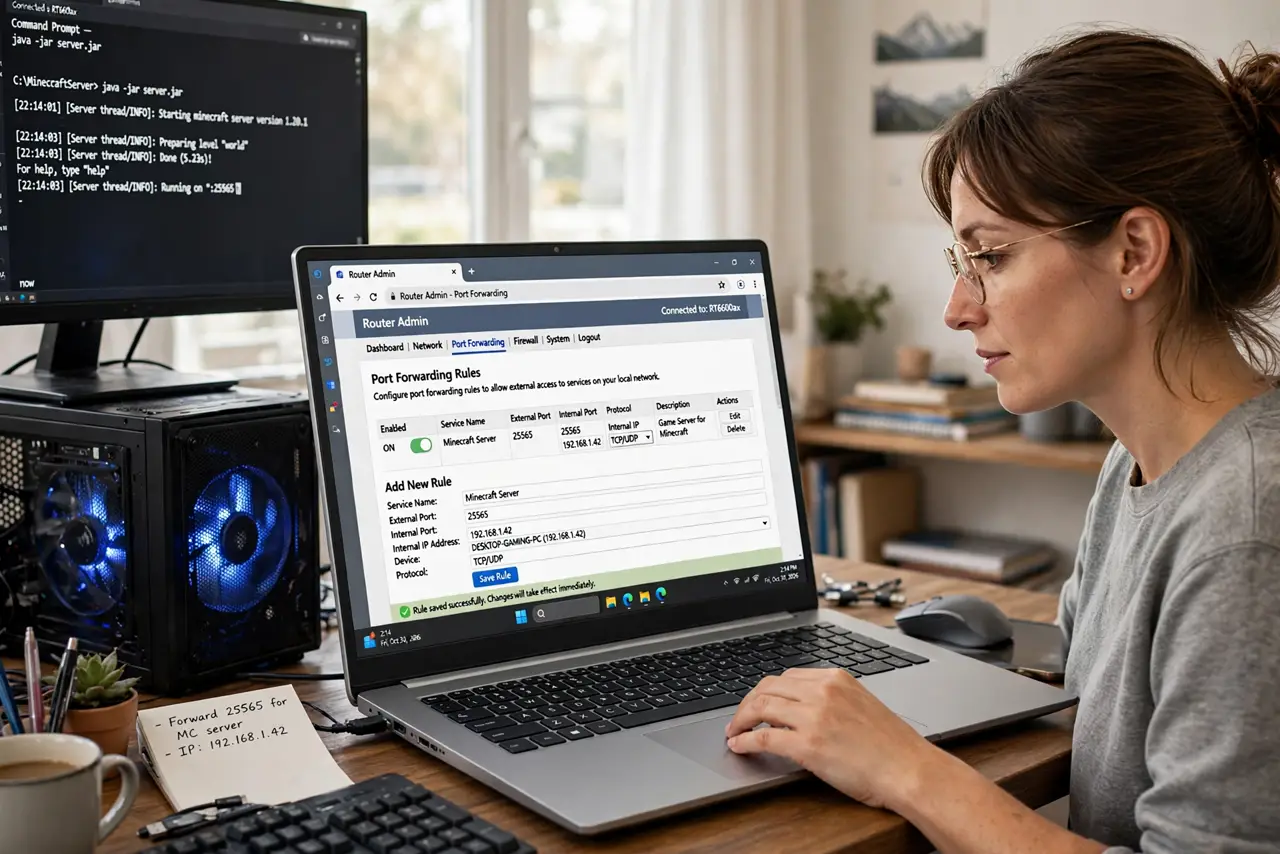
Quick fix: give the computer a static IP via DHCP reservation, then map the game's port to it in the router's forwarding section. Forward only the ports you need — never open everything. Test from outside the network. If nothing connects, check whether your ISP uses CGNAT, which blocks forwarding.
Follow these steps
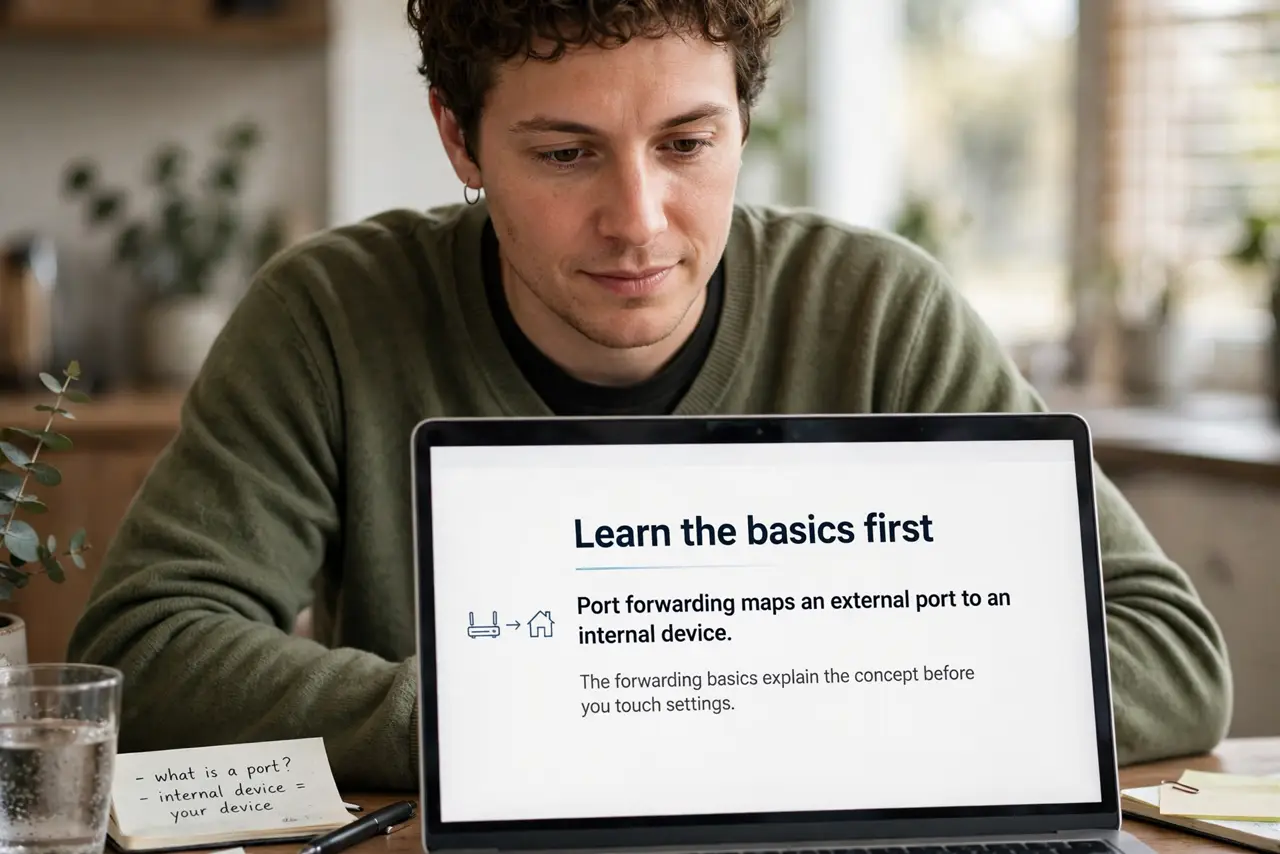
- Learn the basics first. Port forwarding maps an external port to an internal device. The forwarding basics explain the concept before you touch settings.
- Give the PC a static IP. Forwarding to a changing DHCP address breaks weekly. Set a DHCP reservation so the PC keeps its address.
- Find the right port numbers. The game's docs list required ports — the game server guide covers common ones. Forward exactly those, no more.
- Create the rule. In the router admin, add a forwarding rule: external port, internal IP, internal port, protocol. Save and the router starts passing traffic.
- Test from outside. Have a friend connect, or test via mobile data. Local tests prove nothing — outside-in is the real test.
- Mind CGNAT and UPnP. If forwarding never works, CGNAT may be the blocker. And know when UPnP vs manual matters — UPnP is easier but riskier.
What NOT to do
- Do not forward every port. A DMZ or all-ports rule exposes your whole PC — forward only what the game needs.
- Do not forward to the wrong device. Double-check the internal IP — forwarding to a printer helps nobody.
- Do not leave old rules forever. Delete forwarding rules for games you no longer host — stale rules are stale risks.
- Do not ignore the UPnP risks. UPnP auto-forwards without asking; know whether yours is on.
Frequently asked questions
Is port forwarding safe?
Forwarding specific ports to specific devices is reasonably safe. Forwarding everything is not — precision is the safety.
Why can my friend still not connect?
CGNAT, wrong IP, firewall on the PC, or the game binding to the wrong interface — check each in order.
Do I need port forwarding to play games?
Only to host. Joining others' servers needs no forwarding — just a working connection.