UPnP Risks
Your game console just works online with zero router configuration — thank UPnP, the protocol that lets devices open ports themselves. Convenient, yes. But any malware on your network gets the same privilege: silent port-opening with no password. Convenience has a security price.
TL;DR / Quick Fix
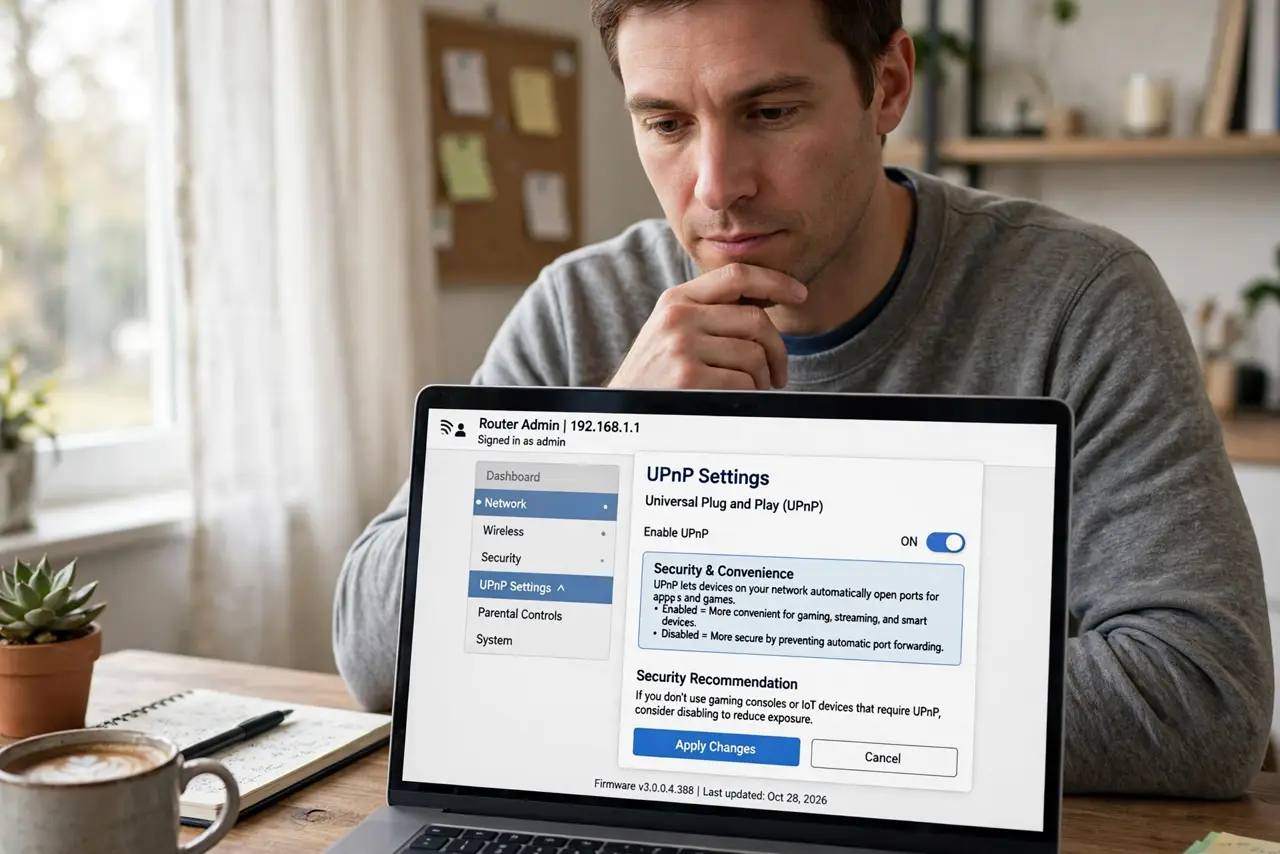
Quick fix: UPnP lets devices auto-configure port forwarding — great for consoles, risky because malware can abuse it too. For most homes, leave it on but keep devices updated, or turn it off and forward ports manually where needed. Check whether it is on in your router settings.
Follow these steps
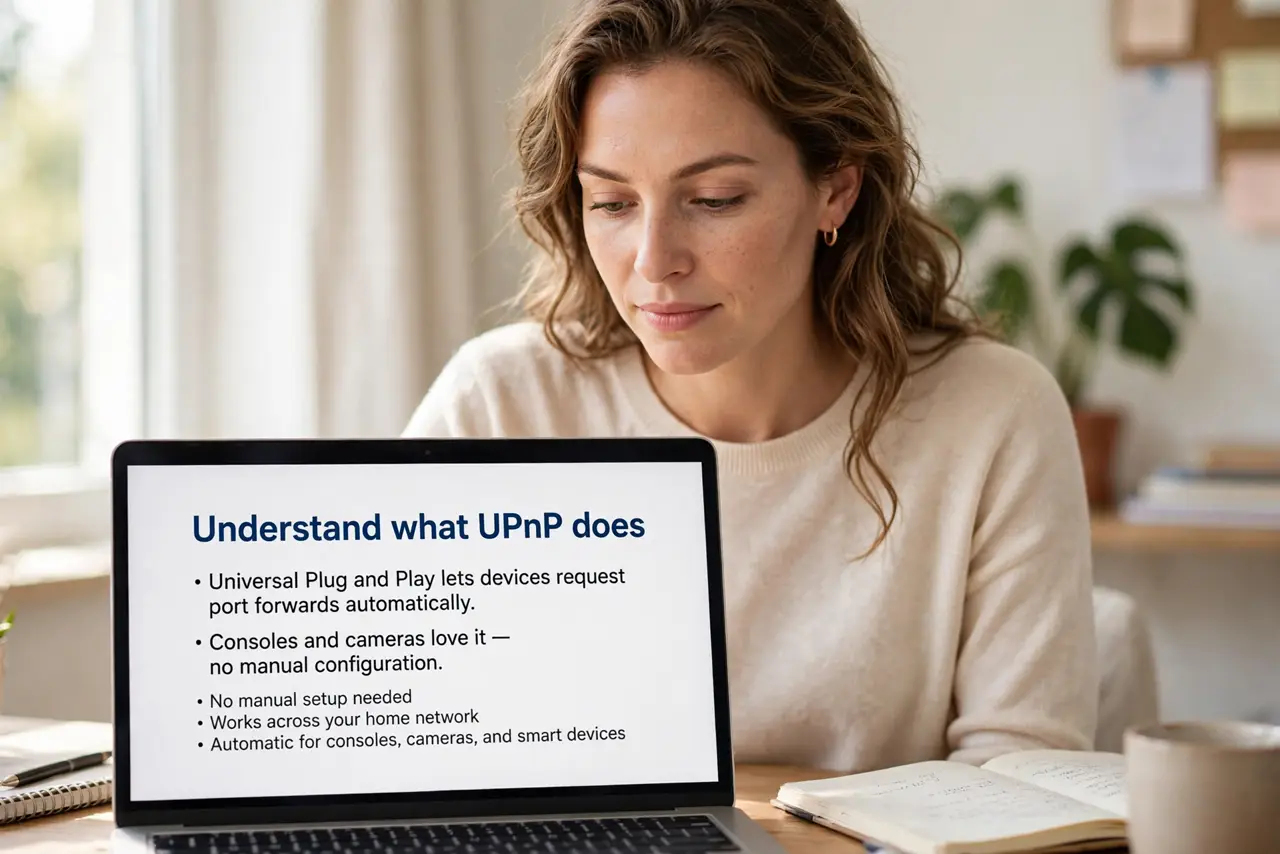
- Understand what UPnP does. Universal Plug and Play lets devices request port forwards automatically. Consoles and cameras love it — no manual configuration.
- Learn the risk. Any compromised device on your network can open inbound ports silently. The UPnP risks explainer and security analysis detail real-world abuse.
- Check if it is on. Log into your router and find the UPnP setting. Many routers ship with it enabled and never mention it.
- Decide: on or off. Gaming-heavy homes often keep it for convenience; security-minded homes disable it and forward manually. The on-or-off guide helps you choose.
- Forward manually if you disable. Turn it off, then add manual port forwards for the game console or server that needs them. A little work, much more control.
- Protect IoT devices especially. Cheap smart devices are the classic UPnP abusers. The IoT guidance recommends isolating them regardless.
What NOT to do
- Do not leave UPnP on with unpatched IoT junk. Old cameras and plugs are the malware beachhead — update or isolate them.
- Do not assume off means broken gaming. Manual forwarding covers consoles fine — UPnP is convenience, not necessity.
- Do not forget to check after router resets. Factory resets re-enable UPnP silently — verify after any reset.
- Do not confuse UPnP with port forwarding itself. UPnP automates forwarding; the manual comparison shows the tradeoffs.
Frequently asked questions
Should I turn off UPnP?
If you can forward the two or three ports you need manually, yes — less automation means less attack surface.
Will my console still work?
Yes, with manual port forwarding for its ports. Or keep UPnP on if the convenience outweighs your risk tolerance.
Is UPnP the same as NAT-PMP?
Cousins — Apple's NAT-PMP does similar auto-forwarding. Same convenience, same cautions.