Public Wi-Fi Asks for Payment Again? Fix It
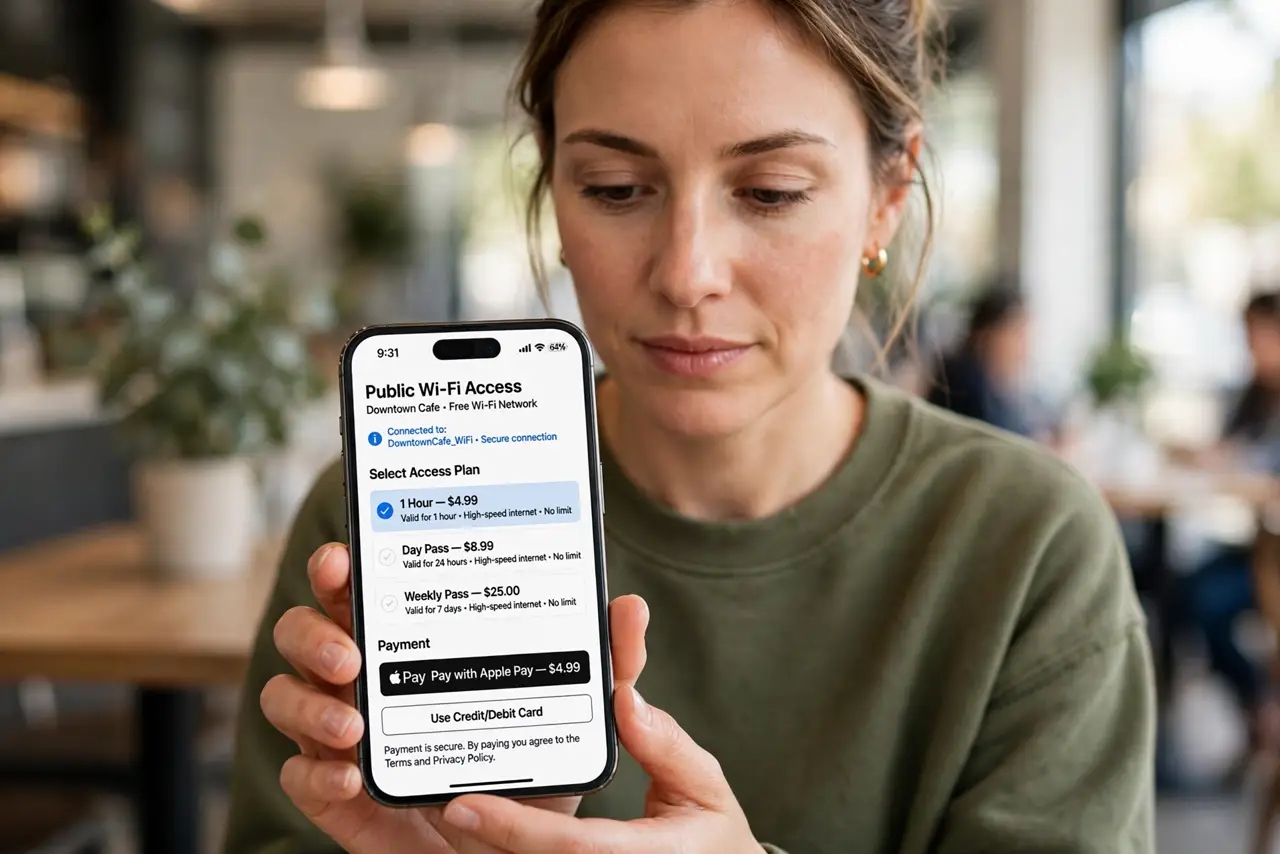
You already paid for public Wi-Fi, but the network asks for payment again, or a new device is charged as if you never paid. Sessions expire, device limits fill up, and lookalike networks can mimic the payment page, so check before you pay twice.
TL;DR / Quick Fix
Quick fix: forget the network, rejoin it, and log in with the same details you paid with. Then ask staff to confirm the payment is on record before entering any card details a second time. Test once more after a restart. Write down what worked for next time.
Follow these steps
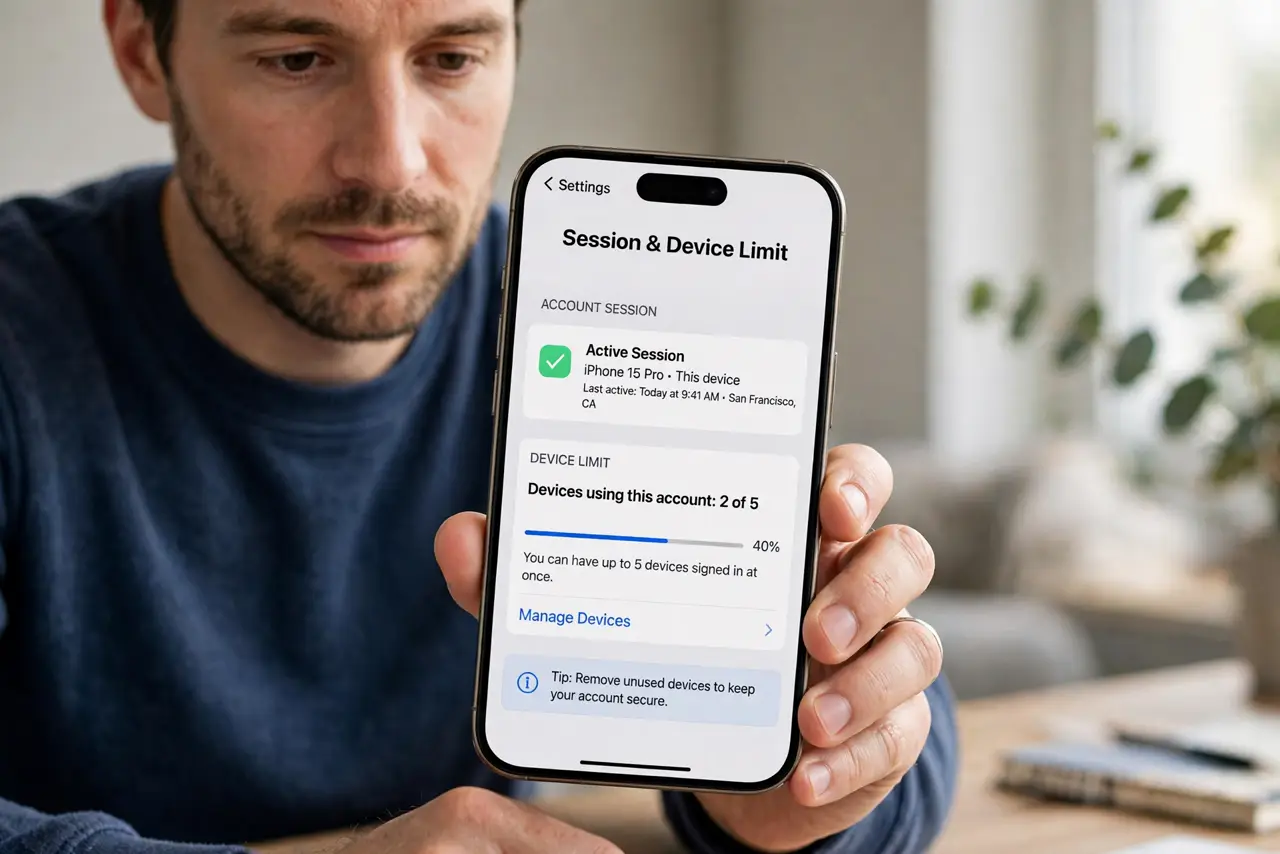
- Check the session and device limit. Confirm whether your paid session expired, or reached its device limit, since both look like a new payment request. A session that ended normally simply needs renewal, not a fix.
- Forget the network and log in fresh. Forget the network, rejoin it, and log in with the exact details used for the payment. A stale join can forget your paid session and ask again.
- Confirm you are on the real network. Check the network name with staff, since a lookalike network can show its own payment page. Never pay on a network you have not confirmed with the venue.
- Ask staff to confirm the payment. Show staff your payment confirmation and ask them to check the payment on their system. Staff can often restore the session without a second charge.
- Turn off VPN only for the login. Turn off any VPN just long enough to log in, then turn it back on. A VPN can hide a paid session from the portal, making it look unpaid.
- Keep the payment confirmation safe. Save the receipt, code, or confirmation message until the session ends. Without proof, a second charge is much harder to dispute.
What NOT to do
- Do not pay twice without asking staff first. A second payment is hard to refund, while staff can often restore the first session in a minute.
- Do not enter card details on a network you have not confirmed. A lookalike network can copy a payment page and steal the details.
- Do not try to bypass a payment page with tricks. Bypassing breaks the venue terms and can get your device blocked from the network.
- Do not share your paid code with strangers. Extra devices can use up the session and leave your own device asking for payment again.
Frequently asked questions
Why does paid Wi-Fi ask for payment again?
The session may have expired, hit its device limit, or been forgotten by a stale join. Staff can usually confirm and restore it.
How do I avoid paying twice?
Ask staff to confirm the first payment on their system before entering card details again, and keep your receipt.
Is it safe to pay on public Wi-Fi?
Only on the venue confirmed network, and only after checking the payment page belongs to the venue.
What to read next
- Wi-Fi Captive Portal Will Not Load? Fix It
- Hotel Wi-Fi Login Page Loops? Fix It