Reboot: Unplug or Use the Button?
Internet acting up and everyone says ‘turn it off and on again’ — but does the power button count, or must you yank the plug? The two are not the same: the button often just idles the router, while unplugging forces a true fresh start. Here is when each is enough.
TL;DR / Quick Fix
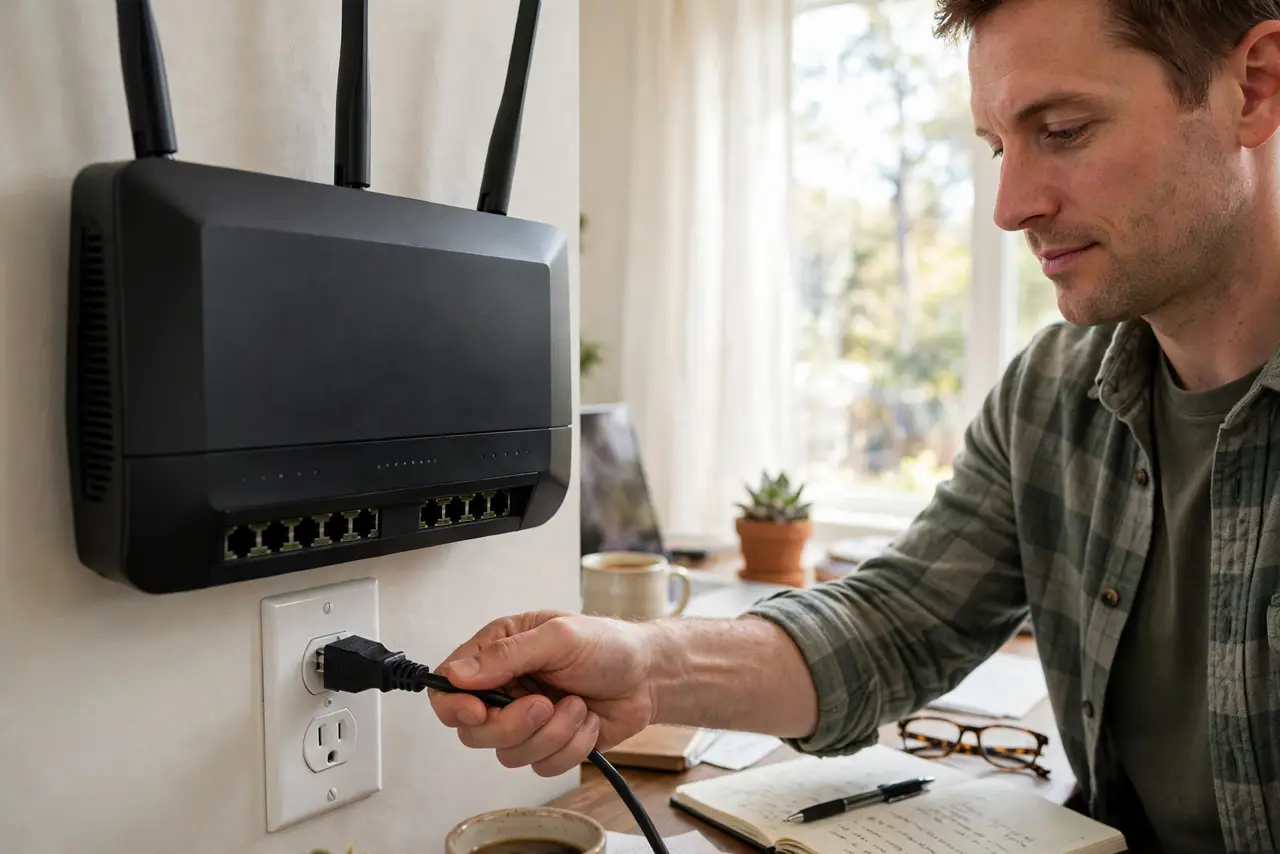
Quick fix: for a full reboot, unplug the router's power for 30 seconds, then plug it back in. The power button often just sleeps the device without clearing memory. Wait two minutes for it to reconnect fully before testing. Label which box is which first.
Follow these steps
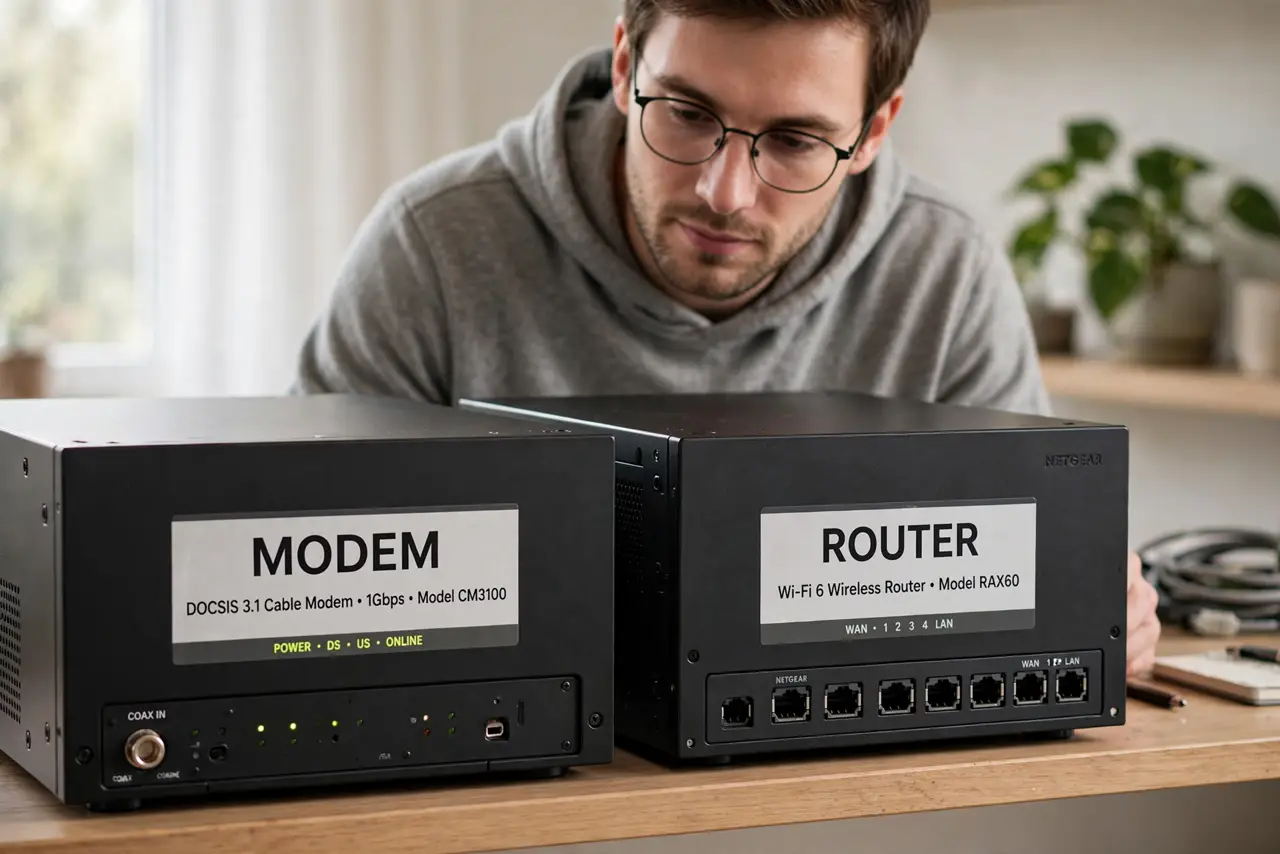
- Know which box is which first. If you have two boxes, the modem and the router may reboot separately — see which box is which before unplugging the wrong one.
- Try the power button for minor glitches. A quick press powers most routers down and back up. Fine for a one-off slowdown you have never seen before.
- Unplug for stubborn problems. If the button reboot did not help, pull the power cable, count to 30, and plug it back in. This clears memory the button often preserves.
- Unplug the modem too if separate. When the internet itself is down (not just Wi-Fi), power-cycle the modem as well — modem first, then the router a minute later.
- Wait a full two minutes. Routers renegotiate with your ISP and rebuild Wi-Fi after a cold boot. Testing after 20 seconds just shows you a router that is not ready.
- Check the lights before declaring victory. Power, internet/WAN, and Wi-Fi lights should settle into their normal pattern. A red or missing internet light means the problem is upstream.
What NOT to do
- Do not factory-reset when a reboot would do. The reset button erases your Wi-Fi name and password; a reboot changes nothing.
- Do not unplug and replug instantly. Under 10 seconds may not clear the memory — give it the full 30.
- Do not reboot five times in a row hoping. One proper cold reboot; if it fails twice, the problem is not fixable by rebooting.
- Do not skip the wait. Testing too early looks like failure and sends you down a rabbit hole that was just impatience.
Frequently asked questions
How often should I reboot my router?
Only when something is wrong. Modern routers do not need scheduled reboots; weekly power-cycling is a myth from the old days.
Will rebooting change my settings?
No. A reboot (power cycle) keeps all settings. Only a factory reset erases them — different button, different outcome.
Why 30 seconds and not 5?
Capacitors inside hold charge briefly and preserve memory. Thirty seconds guarantees a true cold start.