Modem vs Router: Which Box Is Which
You pay for internet, you have Wi-Fi, and there are one or two mysterious boxes with blinking lights — but which one is the modem and which is the router? Knowing matters the moment anything breaks, because each box fails differently and reboots differently. This guide sorts them in two minutes.
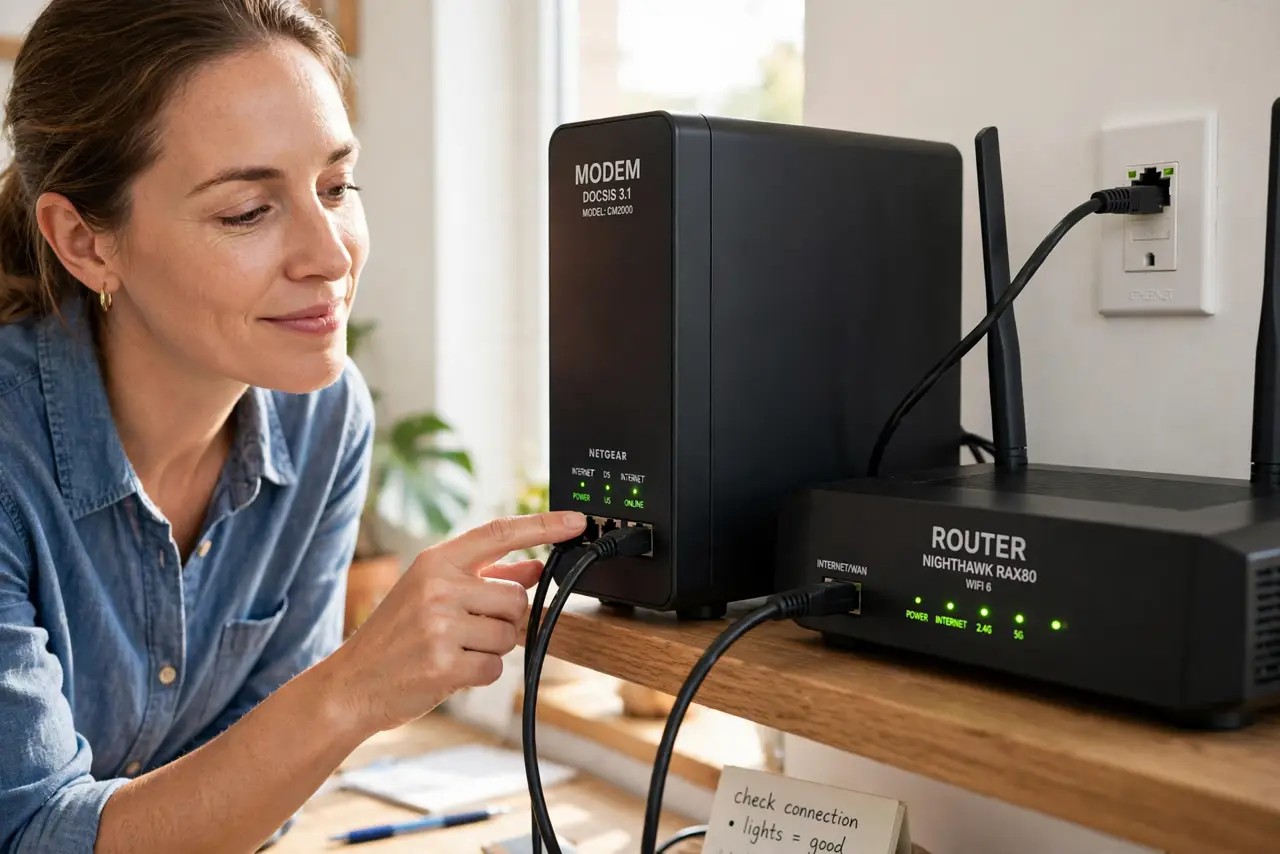
TL;DR / Quick Fix
Quick fix: the modem brings internet into your home through one cable; the router spreads it as Wi-Fi to your devices. Follow the cable from the wall — the first box it reaches is usually the modem. Combo units do both jobs. Label them both.
Follow these steps
- Follow the cable from the wall. The cable from the wall jack (coax, phone line, or fiber) plugs into the modem first. That first box is the modem, full stop.
- Find the box with the Wi-Fi name. The router broadcasts your Wi-Fi network name and usually has several Ethernet ports plus antennas. No Wi-Fi name on it? It is probably just a modem.
- Check for a combo unit. Many ISPs provide one box that does both jobs — often labeled ‘gateway’. One box with a coax/fiber input AND Wi-Fi means modem-router combo.
- Read the labels. Manufacturers print ‘modem’, ‘router’, or ‘gateway’ on the bottom sticker along with the model. Thirty seconds with a flashlight ends all doubt.
- Learn the failure fingerprints. No internet light on the modem = ISP-side problem. Modem fine but no Wi-Fi = router problem. Diagnose the right box first.
- Beware the double-router trap. Adding your own router behind an ISP combo unit creates double NAT — two routers fighting over the same job.
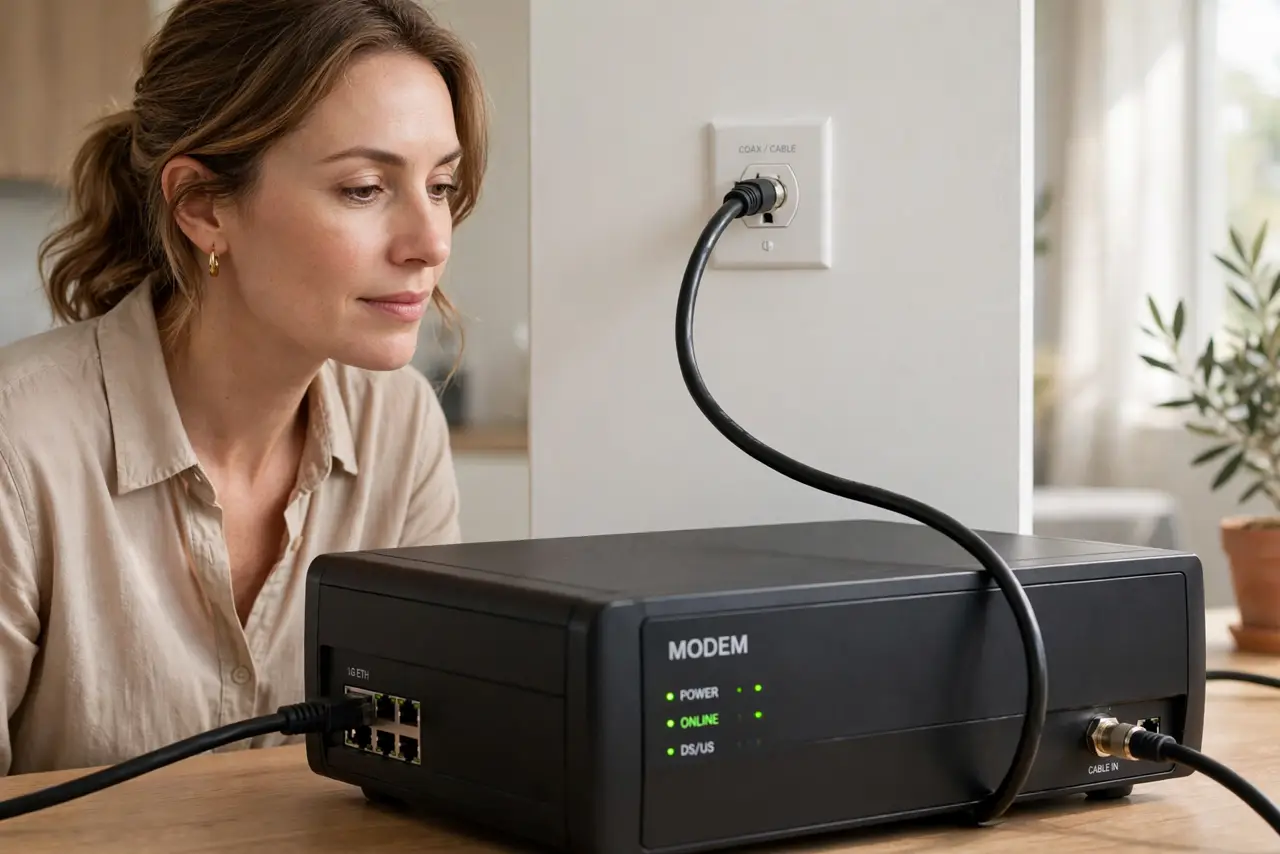
What NOT to do
- Do not reboot the wrong box for the symptom. No internet at all? The modem. Wi-Fi down but wired works? The router.
- Do not stack the boxes in a closed cabinet. Heat kills networking gear slowly; both boxes need airflow.
- Do not assume two boxes means two internet bills. The modem is your ISP's doorway; the router is your own equipment (or rented).
- Do not buy a new router when the modem is the problem. A shiny router cannot fix a dead ISP signal.
Frequently asked questions
Do I need both a modem and a router?
Yes, functionally — but they can live in one combo box. The modem talks to your ISP; the router manages your home network.
Can I use my own router with ISP equipment?
Usually yes, and it is often better. Put the ISP box in bridge mode so your router does the routing.
Why does my ISP box have Wi-Fi if I have a router?
Because it is a combo gateway. Disable its Wi-Fi (or bridge it) if your own router handles wireless, to avoid interference.