Turn Off Remote Management
Remote management lets you admin your router from anywhere on the internet — which also means anyone on the internet can knock on that login page. Unless you specifically need it, this feature should be off. Here is where it hides and how to kill it.
TL;DR / Quick Fix
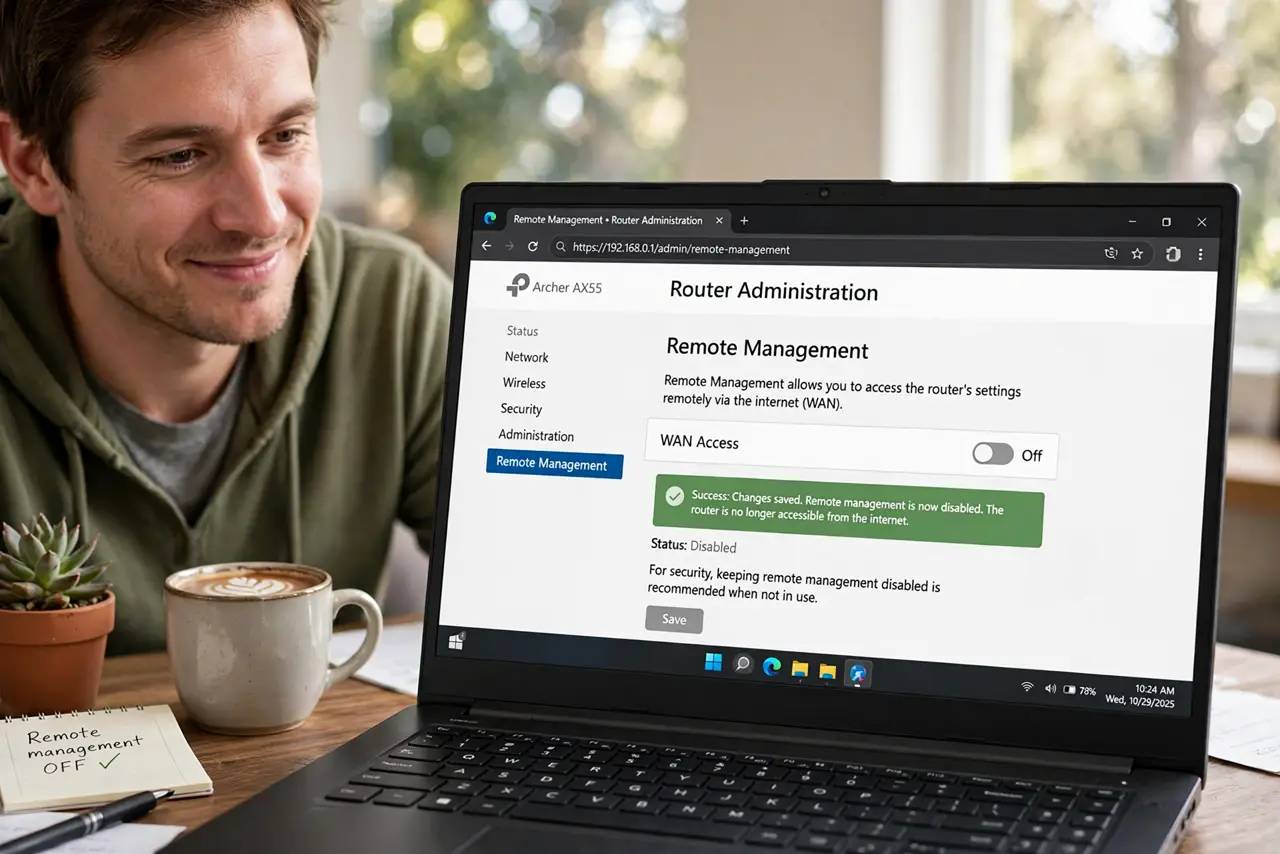
Quick fix: in your router's administration settings, turn off remote management (WAN-side admin access) so the login page is not exposed to the entire internet. Manage the router only from your home network. Reboot after changing it. Check it stays off after updates.
Follow these steps
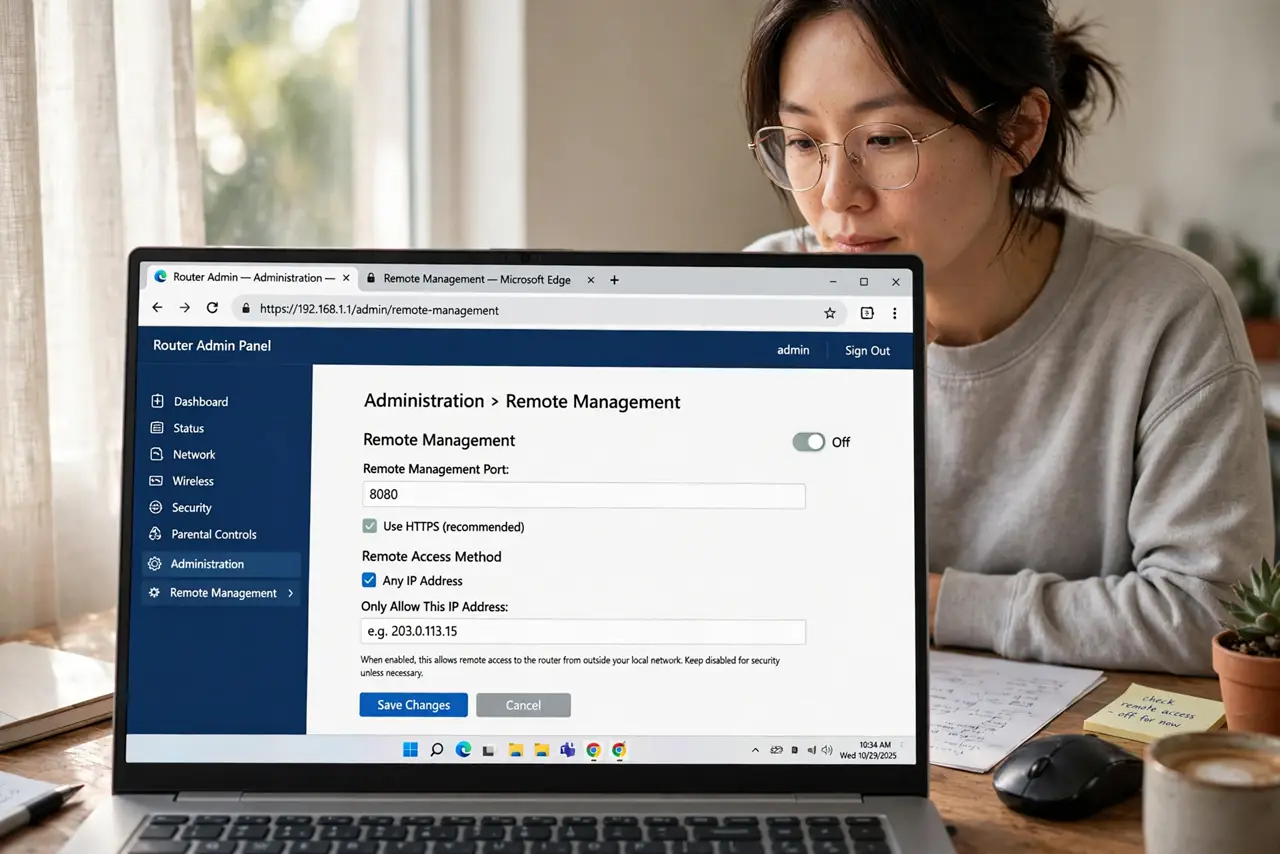
- Find the remote management setting. Look under Administration > Remote Management, or Advanced > WAN — wording varies, but ‘remote’ or ‘WAN access’ is always in the label.
- Turn it OFF. Uncheck ‘enable remote management’ or set remote access to Disabled. The router's admin page should now answer only on your home network.
- Check the port number too. Some routers let you change the remote port instead of disabling. Disabling beats obscuring — turn it off properly.
- Reboot the router. A reboot ensures the WAN-side listener actually closes. Verify by confirming the setting is still off afterward.
- Manage locally from now on. Connect to your home Wi-Fi (or plug in) for all admin tasks. This is slightly less convenient and enormously safer.
- Harden the local login too. With remote access closed, make sure the default credentials are also gone — local attackers try those next.
What NOT to do
- Do not leave remote management on ‘in case I need it’. You almost never will, and attackers probe for it constantly.
- Do not confuse this with remote access apps. The router maker's cloud app is different from raw WAN-side admin — this guide is about the raw one.
- Do not assume ‘it was off by default’. Some ISP-provided routers ship it on for their own support access.
- Do not skip the reboot. A few routers keep the WAN listener alive until restarted.
Frequently asked questions
How do I manage my router while away then?
You usually don't need to. For the rare case, a VPN into your home network is the safe way — never raw admin over the internet.
Will turning this off break my ISP's support?
Rarely — ISPs use their own management channel (TR-069), not this toggle. If support complains, you can briefly re-enable it.
Is the router maker's phone app also risky?
Less so: those go through the maker's cloud with your account login, not an open port. Still, use a strong account password.