Router Antennas? Position Them
Those antennas on your router are not decoration — their angle shapes where your Wi-Fi actually goes. Straight up spreads signal across one floor; angled, it reaches between floors. Most people never touch them, then wonder why the upstairs bedroom is a dead zone. This guide shows the positions that work and the myths to ignore.
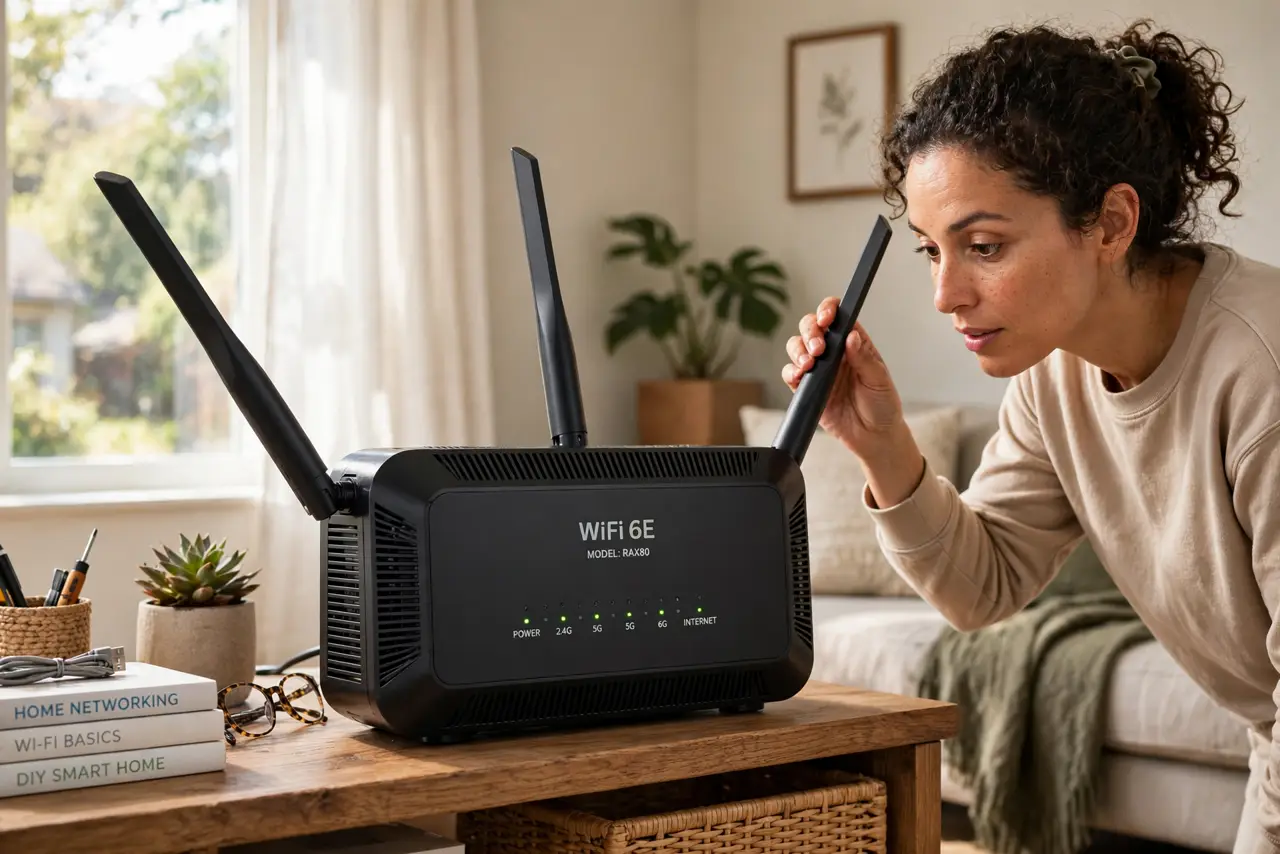
TL;DR / Quick Fix
Quick fix: router antennas work best pointing straight up for same-floor coverage — that spreads the signal horizontally. For multiple floors, angle one or two horizontally. Keep the router out in the open, away from metal and mirrors. Antennas tune coverage; they cannot fix a bad router location.
Follow these steps
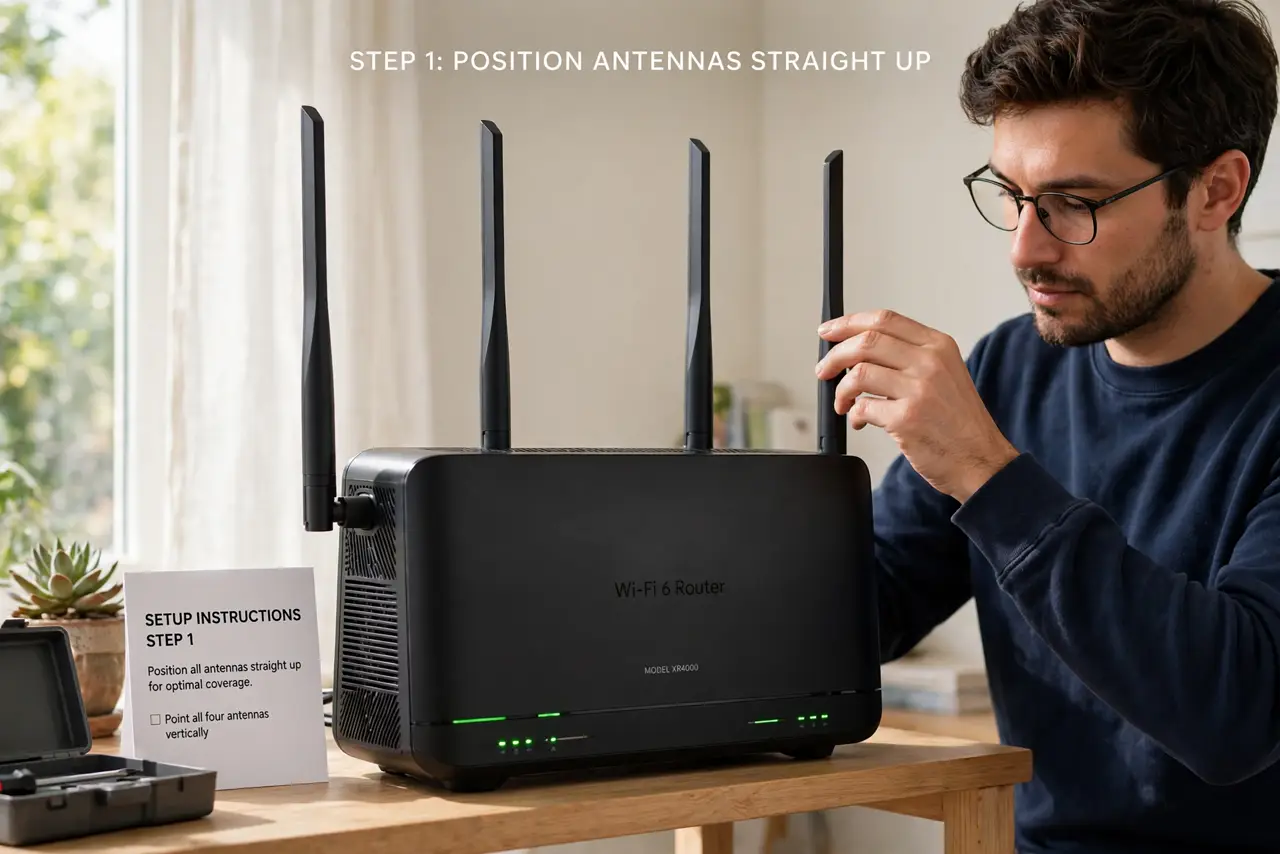
- Start with all antennas straight up. Vertical antennas radiate signal horizontally — ideal when all your devices are on the same floor. This is the correct default for most apartments and single-story homes.
- Angle some horizontally for multiple floors. If devices live above or below the router, tilt one or two antennas sideways. Horizontal antennas push signal vertically between floors — mix angles to cover both planes.
- Spread multi-antenna routers. On a four-antenna router, try two vertical and two at 45 degrees. Do not point them all at the device — antennas radiate outward from their sides, not from their tips.
- Get the router out in the open. Antennas cannot fix a router buried behind the TV. Elevate it, keep it away from metal, mirrors, and fish tanks, and centralize it in the home — placement beats angling every time.
- Ignore the myths. Pointing antennas 'at' your laptop does nothing, and more antennas do not automatically mean more range. See the antenna position myths for what actual testing shows.
- Consider a mesh node instead. If one room stays dead no matter the angles, you have a coverage problem, not an antenna problem. A mesh node beats antenna gymnastics for stubborn dead zones.
What NOT to do
- Do not point all antennas at your device. Antennas broadcast from their sides — aiming the tip at your laptop is the weakest possible orientation.
- Do not hide the router and expect angles to save it. Inside a cabinet behind metal, no antenna position recovers the signal you are blocking.
- Do not snap them forcing a position. Antennas adjust with gentle clicks; forcing past the stop breaks the hinge and the antenna with it.
- Do not expect miracles. Antenna tweaks tune coverage by maybe a room — they cannot fix a bad location or an underpowered router.
Frequently asked questions
Should router antennas point up or sideways?
Up for same-floor coverage, mixed angles for multiple floors. Vertical spreads signal horizontally; horizontal pushes it between floors.
Do more antennas mean better Wi-Fi?
Not directly — more antennas enable techniques like MIMO and beamforming, but count alone does not equal range. Placement matters more.
What if my router has internal antennas?
Then there is nothing to adjust — position the whole router well instead: high, central, and out in the open.