Centralize Your Router
Your router sits in the corner of the house — behind the TV, next to the modem entry point — and the far bedroom gets one bar. Wi-Fi radiates outward in all directions, so a corner placement wastes half the signal on the outside wall and the neighbor's yard. Moving the router toward the center is the highest-impact free upgrade in home networking.
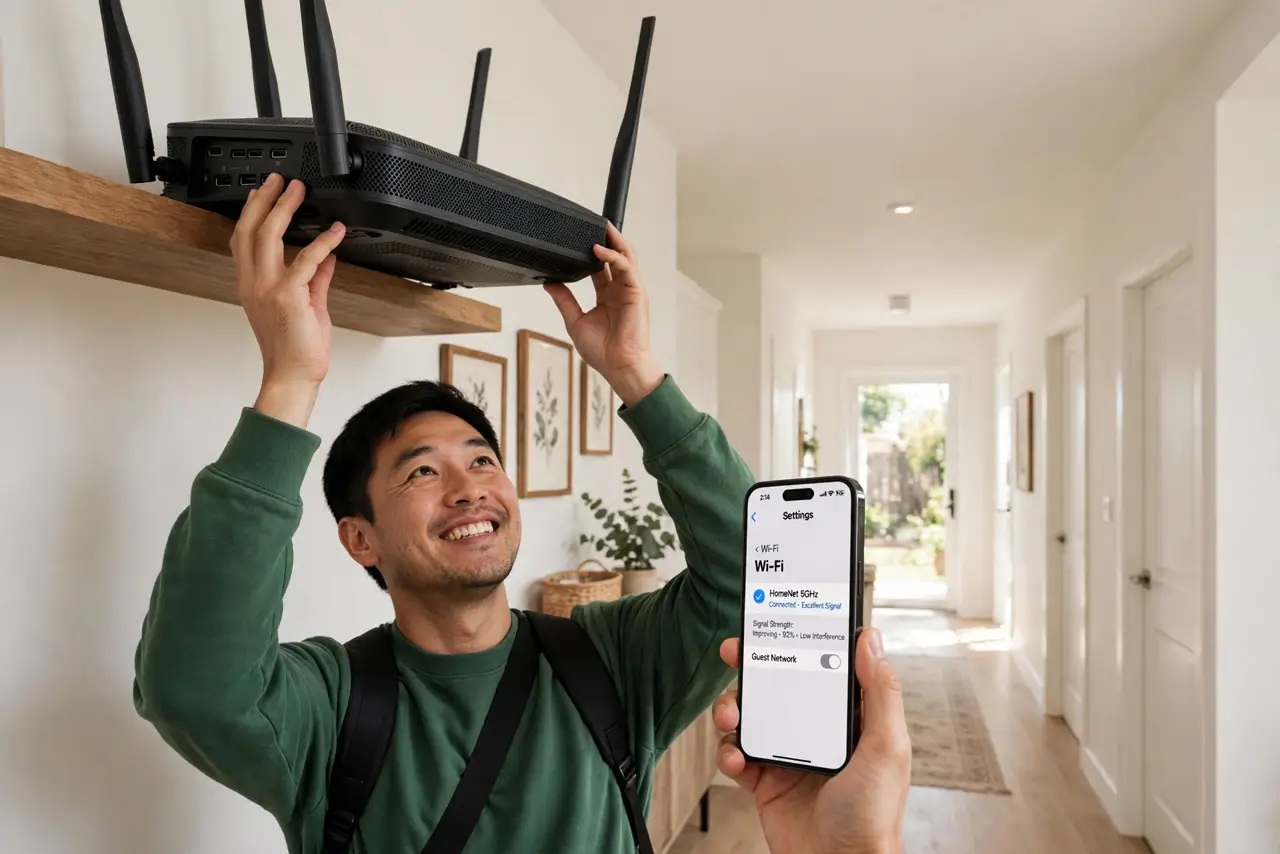
TL;DR / Quick Fix
Quick fix: move the router as close to the center of your home as cables allow, elevated on a shelf rather than hidden behind furniture. Keep it away from microwaves, baby monitors, and thick concrete. One well-placed router often beats an expensive new one in a bad spot.
Follow these steps
- Understand why position matters. Wi-Fi spreads outward like ripples — a router in the corner sends half its signal into walls and outside. Centered, the same signal reaches every room with fewer walls in between. Placement is physics, not marketing.
- Move it toward the middle. Shift the router as central as your modem cable or ethernet run allows. Even moving from the corner office to the hallway closet can transform the far rooms — every wall removed from the path helps.
- Elevate it. Put the router on a shelf or bookcase, not on the floor behind the TV. Signals spread slightly downward and outward, so height clears furniture that would otherwise absorb the signal.
- Clear the immediate surroundings. Pull it out from behind the TV, out of the cabinet, away from the fish tank. Enclosed spaces and big metal objects are signal killers — the router needs breathing room on all sides.
- Mind the interference sources. Keep distance from microwaves, baby monitors, and Bluetooth hubs, which all crowd the same airwaves. A router parked next to the microwave inherits every defrost cycle as lag.
- Test room by room. Walk the house with a Wi-Fi analyzer app and note the signal in each room. Move, retest, and compare — ten minutes of testing beats guessing, and the numbers do not lie.
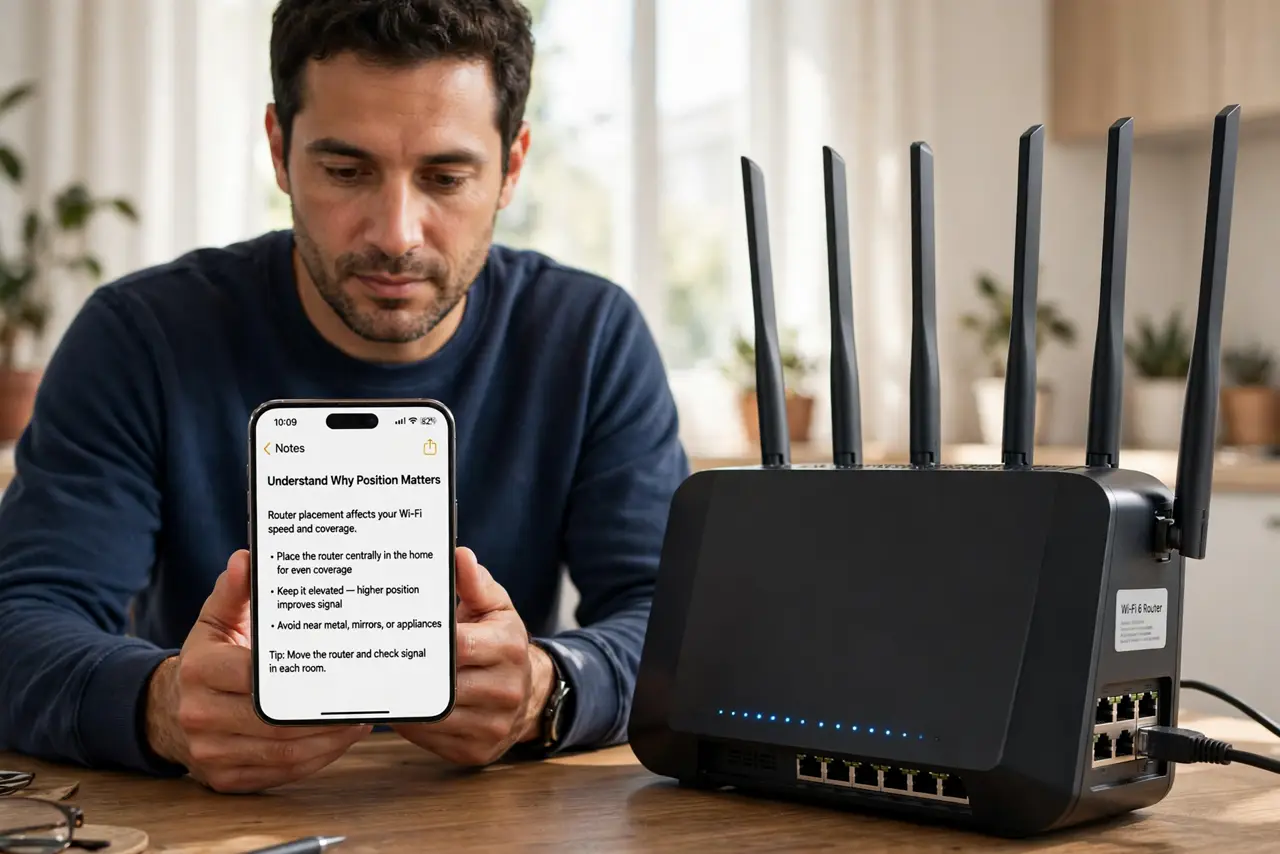
What NOT to do
- Do not hide the router in a cabinet. Pretty furniture makes an ugly faraday cage — signal drops dramatically behind closed doors.
- Do not put it next to the microwave. The 2.4 GHz band shares spectrum with microwave ovens; every popcorn bag is a lag spike.
- Do not buy a new router before moving the old one. Placement fixes are free; a new router in the same corner has the same problem.
- Do not place it on the floor. Signals do not penetrate floors and furniture well — elevation is free performance.
Frequently asked questions
How high should the router be?
Chest to head height on a shelf is ideal. Higher is generally better, short of the ceiling — the goal is clearing furniture, not altitude records.
Does it matter which way the antennas point?
Somewhat — spread them at different angles rather than all parallel. One vertical, one horizontal, one diagonal covers more orientations of your devices.
My modem has to stay in the corner. Now what?
Run a long ethernet cable to a central spot for the router, or use the corner modem in bridge mode with a mesh system spreading from there.