Router vs Mesh Cost?
Your Wi-Fi struggles and the store offers two upgrades: one powerful router, or a mesh kit with two or three nodes. The mesh box costs more — sometimes double. The right choice depends on your homes size and shape, not on which box looks more impressive. Here is how to spend wisely.

TL;DR / Quick Fix
Quick fix: one good router covers most apartments and small homes cheapest. Choose mesh when the home is large, multi-story, or has signal-killing walls — the nodes fill gaps one router cannot. Count your dead zones first: one dead room wants an extender, a dead half-house wants mesh.
Follow these steps
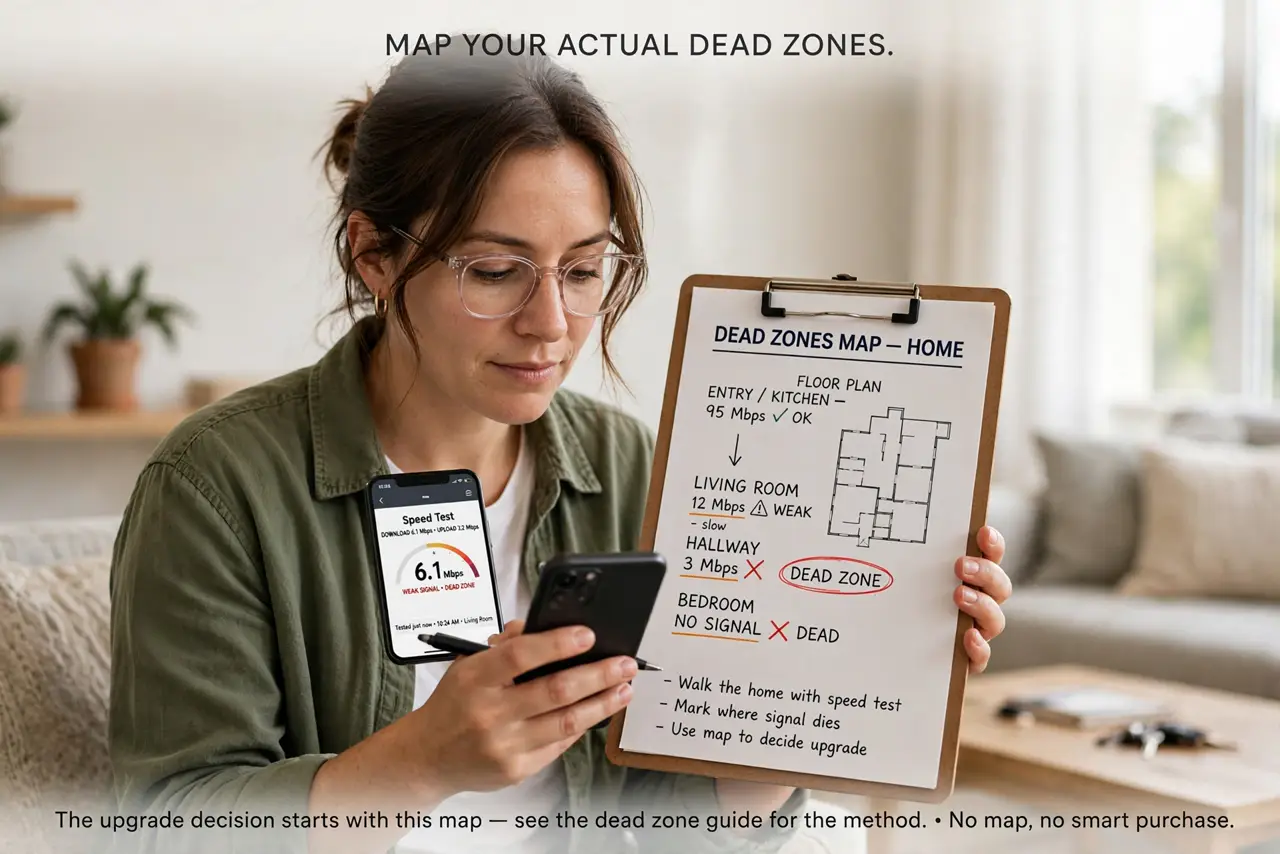
- Map your actual dead zones. Walk the home with a speed test and mark where signal dies. The upgrade decision starts with this map — see the dead zone guide for the method. No map, no smart purchase.
- Price the single-router fix first. A modern mid-range router is the cheapest real upgrade and covers most flats fully. If your map shows one weak corner, you may not need mesh at all.
- Know when mesh earns its price. Large homes, multiple floors, and concrete or brick walls defeat single routers. That is where a mesh setup pays off — nodes relay signal around the obstacles.
- Count nodes honestly. Mesh kits sell in twos and threes. Check the node count guidance — too few nodes leaves gaps, too many wastes money and adds interference.
- Compare the real totals. A premium single router can cost as much as a basic mesh kit. Compare equal tiers, and remember mesh means more devices to place, power, and update.
- Consider the middle path. For some homes, a powerline adapter or a single wired access point beats both options. Mesh is not the only answer to a big house.
What NOT to do
- Do not buy mesh for a studio apartment. One router already covers it — mesh nodes would just interfere with each other.
- Do not mix old and new mesh generations blindly. Nodes should match the kit for the roaming to work smoothly.
- Do not place mesh nodes too far apart. They need a strong signal from each other — daisy-chaining weak links builds a weak network.
- Do not assume more nodes equals more speed. Each wireless hop costs speed; wired backhaul between nodes is the real upgrade.
Frequently asked questions
Is mesh faster than a single router?
Not inherently — it is about coverage, not speed. Near the main router, a single good router is often faster than a mesh node.
Can I mix brands?
Avoid it. Roaming and management work best within one system — mixed brands create the seams mesh is supposed to hide.
What about extenders instead?
Extenders are cheaper per dead corner but halve speed and complicate roaming. One extender is fine; a house full of them is a mesh job done badly.