Internet for RV Life
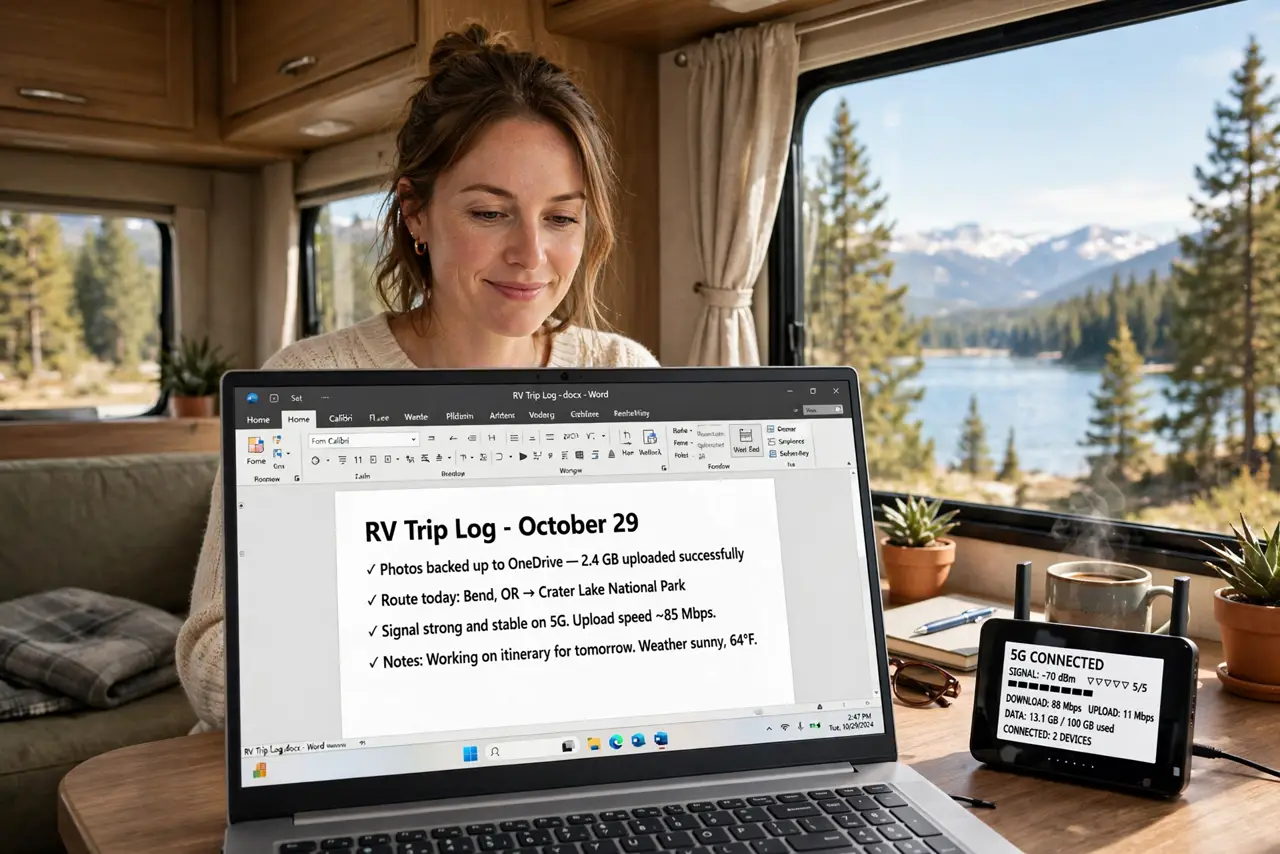
Working from an RV means your office moves daily — and so does your internet. The winning setup is layered: cellular data as the daily driver, campground Wi-Fi as backup, and everything important downloaded before you roll. Redundancy is the whole strategy. See the travel router and the hotspot comparison.
TL;DR / Quick Fix
Quick fix: RV internet works best as a layered setup — cellular data as the daily driver, campground Wi-Fi as backup, and downloads done before you roll. A cellular router with an external antenna beats a phone hotspot for full-timers. Redundancy is the whole strategy.
Follow these steps
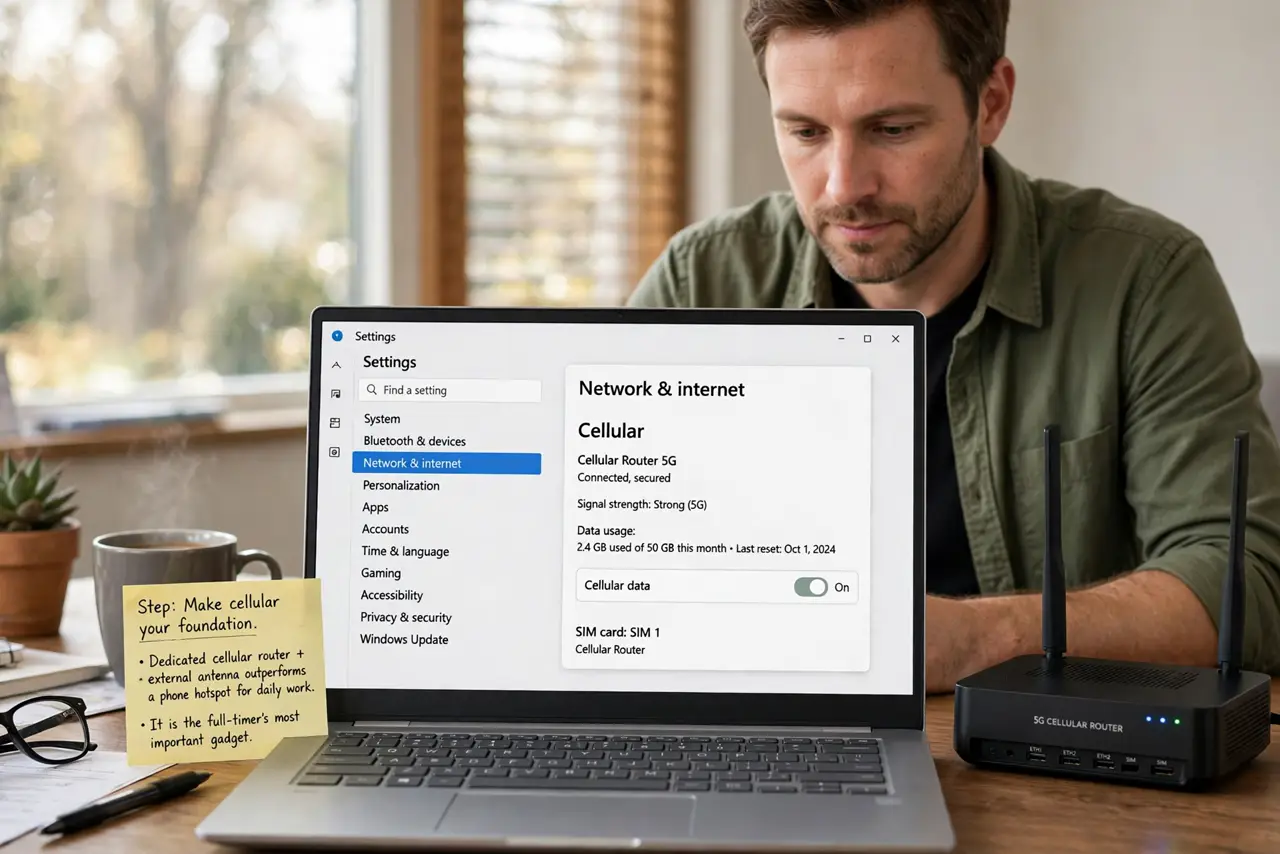
- Make cellular your foundation. A dedicated cellular router with an external antenna outperforms a phone hotspot for daily work. It is the full-timer's most important gadget.
- Use campground Wi-Fi as backup. Park Wi-Fi is free and often slow — fine for overnight downloads, not for video calls. Treat it as the spare, not the plan.
- Download before you roll. Maps, entertainment, and big files load on good connections before travel days. Driving days are for offline work.
- Mind your data caps. Cellular plans throttle or charge past their limits. Know your cap, track usage, and schedule heavy downloads for Wi-Fi.
- Boost the signal. An external antenna on the roof beats the router's internal one dramatically. Height and metal beat wishful thinking.
- Have a plan B and C. Two carriers' SIMs, or carrier plus park Wi-Fi, or satellite as the splurge. One connection is a hope; two is a plan.
What NOT to do
- Do not rely on one carrier. Dead zones are carrier-specific — a second SIM from another network fills the gaps.
- Do not stream on cellular casually. Video eats data caps for breakfast — download on Wi-Fi, watch offline.
- Do not forget the antenna. A router inside a metal box is a router in a Faraday cage — get the antenna outside.
- Do not work from rest-stop Wi-Fi for anything sensitive. Untrusted networks demand a VPN, wherever they are.
Frequently asked questions
Can I really work full-time from an RV?
Yes, thousands do — with layered connectivity and realistic expectations about video calls in remote spots.
Is satellite internet worth it?
For truly remote work it is transformative, at a price. Most RVers start cellular and add satellite if needed.
How much data do I need?
Remote work plus light streaming runs tens of gigabytes monthly. Track a normal month before choosing a plan.