Camera Wi-Fi Tips
Your security camera misses the moment that matters — a delivery vanishes into a frozen frame, or the clip starts after the person left. Cameras are unforgiving of weak Wi-Fi because they stream constantly, and most footage gaps trace back to signal, not the camera. These tips fix the connection before you blame the hardware.
TL;DR / Quick Fix
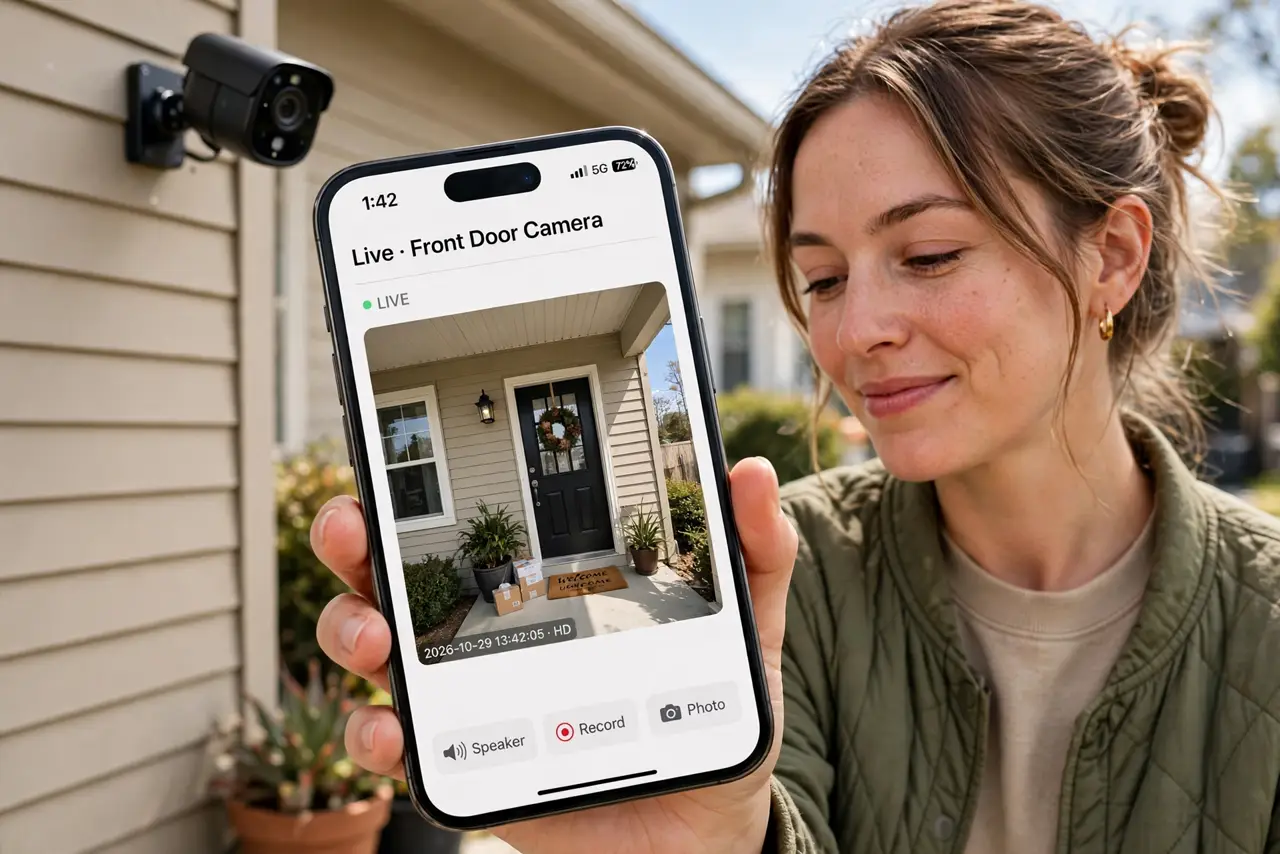
Quick fix: mount security cameras within good Wi-Fi range and keep firmware updated — weak signal causes most footage gaps. Lower video quality one step if clips stutter. Wired cameras or a mesh node near the camera end the problem for good.
Follow these steps
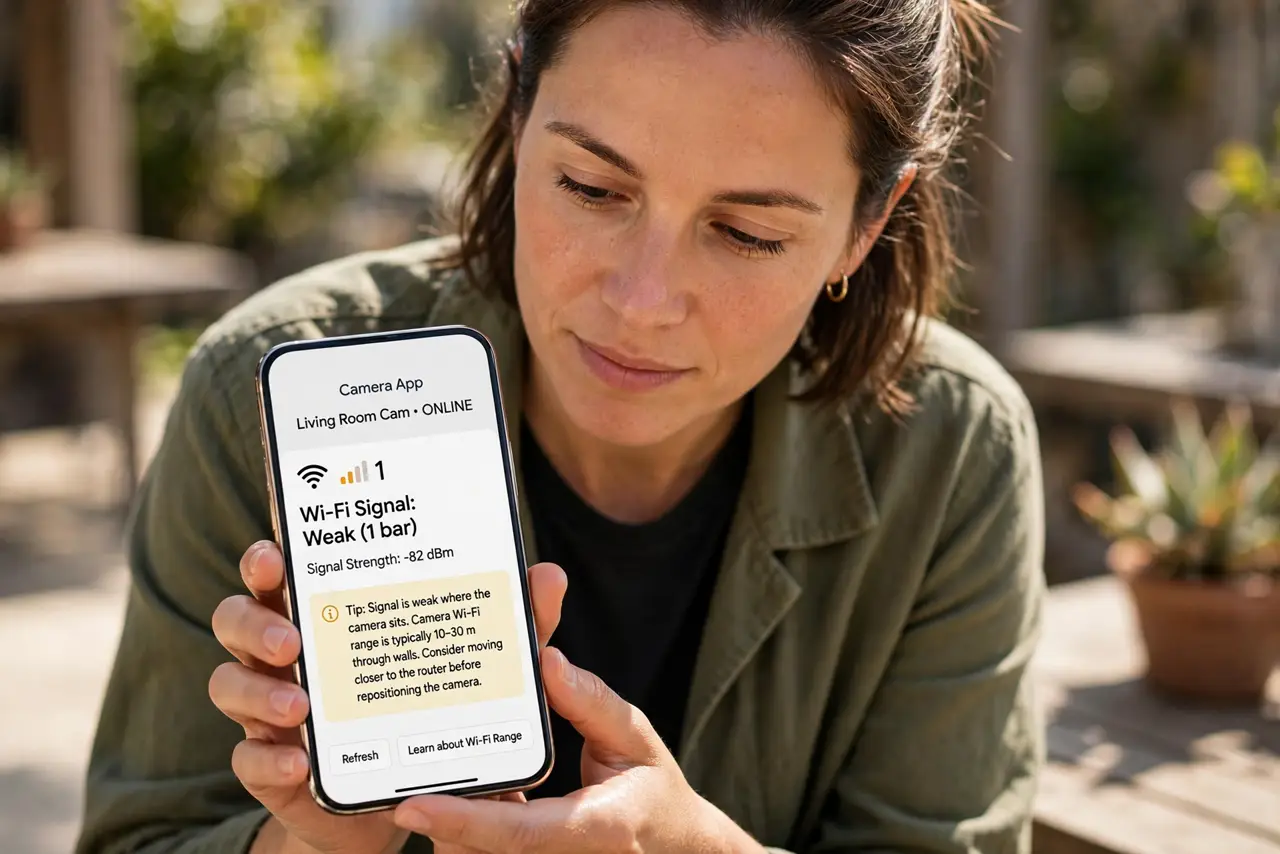
- Check the signal at the camera. Most camera apps show Wi-Fi signal strength. If it is weak where the camera sits, that is your answer — learn about camera Wi-Fi range limits before moving anything.
- Improve the signal path. Move the router closer, add a mesh node on that side of the house, or use the 2.4 GHz band which reaches farther through walls than 5 GHz. Even a few feet of repositioning helps.
- Lower the video quality one notch. 4K clips need far more bandwidth than 1080p. Dropping one step often ends stuttering with barely visible difference on a phone screen.
- Update the camera firmware. Makers fix streaming and reconnection bugs regularly. Check for updates in the camera app — it is free and fixes more than people expect.
- Consider wired for critical spots. For the front door or driveway, a wired camera or a powerline adapter ends Wi-Fi worries entirely. Wireless is convenient; wired is reliable.
- Extend coverage to the yard. Cameras at the far end of the property may need dedicated help — see how to extend Wi-Fi to the garage and garden for outdoor coverage tricks.
What NOT to do
- Do not mount the camera and hope. Check the signal strength in the app at the mounting spot before drilling anything.
- Do not max out video quality on weak Wi-Fi. 4K over a poor signal gives you gaps; 1080p over the same signal gives you footage.
- Do not forget the upload side. Cameras upload constantly — if your internet upload speed is tiny, even perfect Wi-Fi stutters.
- Do not ignore the privacy rules. Know your local laws on recording neighbors and audio before aiming cameras outward.
Frequently asked questions
Why do clips start after the person is gone?
The camera woke late — weak signal delays the wake-and-upload cycle. Better signal means faster clip starts.
How many cameras can my Wi-Fi handle?
It depends on quality and upload speed. Four 1080p cameras are usually fine; four 4K cameras can swamp a basic connection.
Wired or wireless cameras?
Wired for spots that must not fail, wireless for everywhere else. A mix is the most common sensible setup.