Doorbell Wi-Fi Woes
Your video doorbell misses visitors, answers late, or shows a frozen frame of someone who left a minute ago. Doorbells live at the edge of your Wi-Fi — outside, through walls, far from the router — which is exactly where signals are weakest. Work through these fixes before you reset or replace the doorbell.
TL;DR / Quick Fix
Quick fix: check the doorbell's signal strength in its app — if it is weak, move the router closer or add a Wi-Fi extender near the front of the house. Keep the doorbell charged or wired, since low batteries cause missed events. Test the live view after each change.
Follow these steps
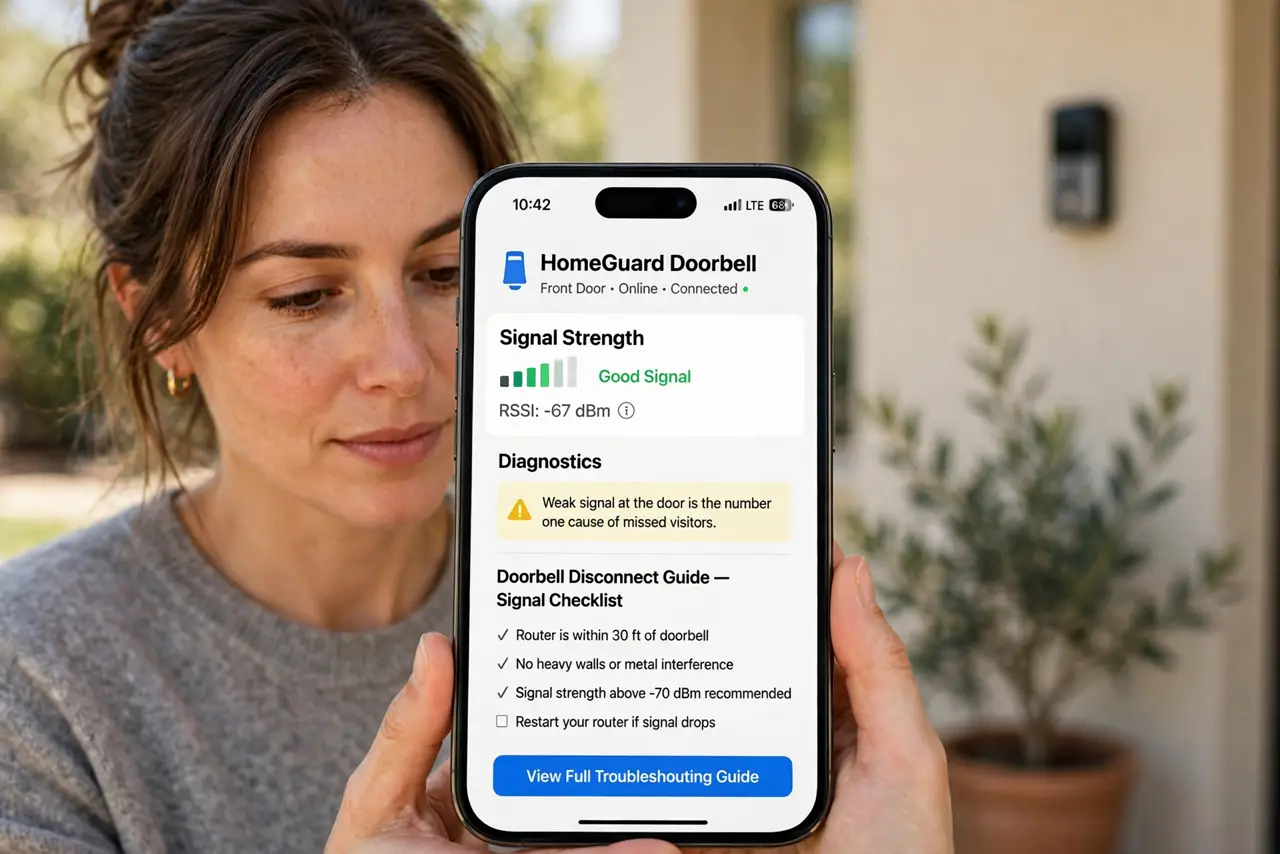
- Check the signal strength in the app. Every doorbell app shows Wi-Fi signal or RSSI. Weak signal at the door is the number one cause of missed visitors — see the doorbell disconnect guide for the full signal checklist.
- Move the router or add an extender. The front door is often the farthest point from the router. A Wi-Fi extender or mesh node placed inside near the front door can transform doorbell reliability.
- Keep the battery charged or wire it. Low batteries make doorbells skip motion events and drop connections. If yours is battery-powered, charge it fully; wiring it to the old doorbell transformer ends the chore.
- Reduce motion sensitivity wisely. Too-sensitive motion detection floods you with alerts and drains the battery; too-low misses people. Tune the motion zones to the walkway only.
- Check your internet upload speed. Doorbells upload video — slow upload means frozen or late video. Run a speed test; doorbells want a few megabits of upload to behave.
- Update the doorbell firmware. Makers fix connectivity bugs regularly. Check for firmware updates in the app before assuming the hardware is at fault.
What NOT to do
- Do not factory-reset the doorbell first. Resetting wipes your settings and recordings access — fix the Wi-Fi signal before touching the device.
- Do not mount the doorbell on a metal door frame without testing. Metal blocks Wi-Fi badly; test the signal at the mounting spot first.
- Do not ignore the privacy side of doorbell cameras. Know your local rules on recording audio and shared spaces before you aim it.
- Do not expect instant video on weak Wi-Fi. A two-second delay is normal; a twenty-second delay is a signal problem.
Frequently asked questions
Why does my doorbell miss visitors but catch cars?
Motion zones are probably aimed at the street. Redraw the zones to cover only your walkway and porch.
How much Wi-Fi speed does a doorbell need?
A few megabits of upload is enough. Signal strength at the door matters more than raw speed.
Should I get a wired or battery doorbell?
Wired if you have the transformer — no charging, more reliable. Battery if wiring is impossible, with a spare battery to swap.