See Who's on Your Wi-Fi
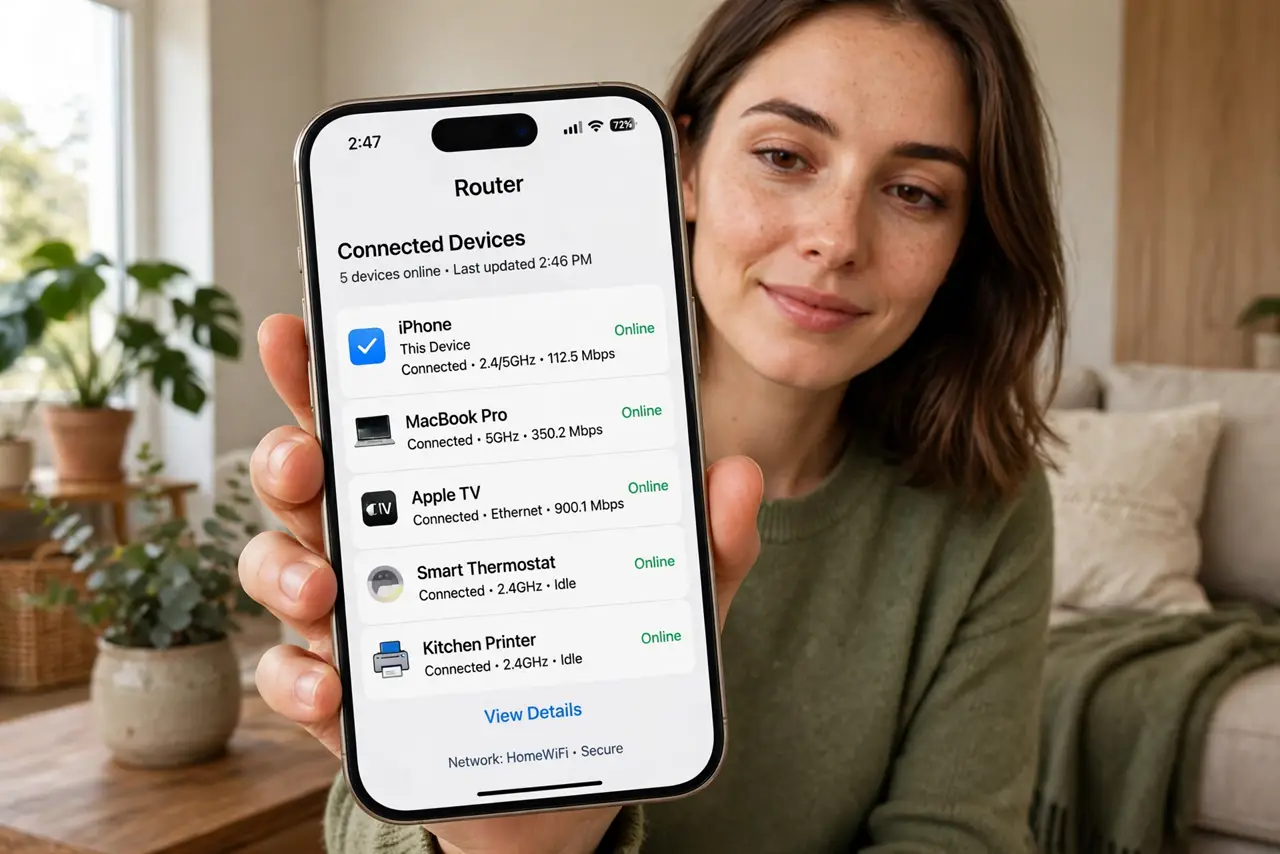
Is the neighbor freeloading on your Wi-Fi? The internet slows at odd hours, and you have never actually looked at who is connected. Every router lists its clients — phones, laptops, TVs, and the mystery device you do not recognize. Two minutes in the router app turns suspicion into a device list.
TL;DR / Quick Fix
Quick fix: open your router app and view the connected-devices list — rename everything you recognize so strangers stand out. Kick unknown devices and change the Wi-Fi password immediately if you find any. Then switch to WPA3 or WPA2 with a strong password so they cannot stroll back in.
Follow these steps
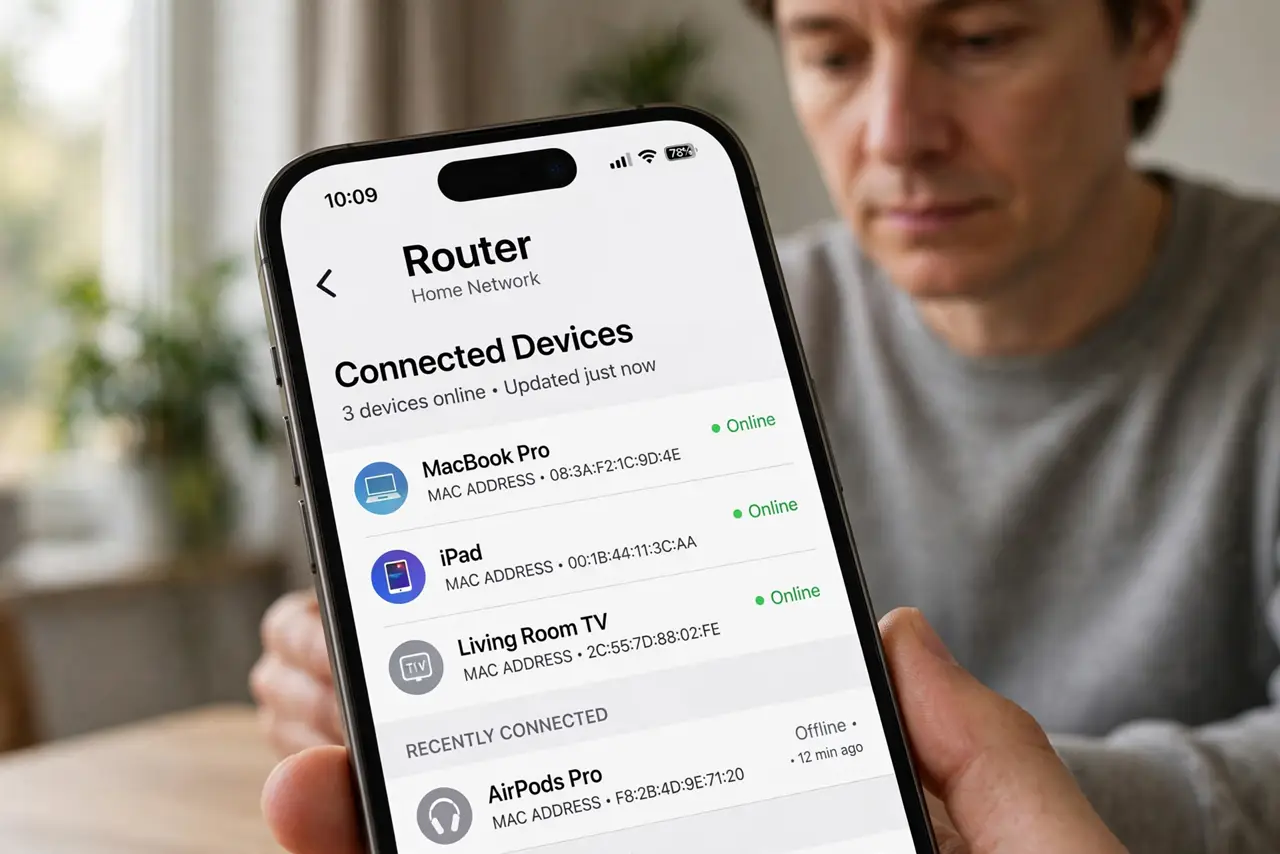
- Open the device list. Router app or admin page — look for Connected Devices or Client List. Every device on your network appears with a name (often cryptic) and a MAC address.
- Rename what you recognize. Phone-xyz becomes Marias iPhone. Naming turns the cryptic list into an inventory — strangers then stand out instantly.
- Investigate the unknowns. A mystery device at 3 a.m. deserves attention. Check: the smart TV you forgot, the guests tablet — or an actual intruder. Verify before accusing.
- Kick and re-password. Block the intruder, then change the Wi-Fi password immediately. The password change walkthrough covers the full rotation — and the reconnect-everything aftermath.
- Upgrade the encryption. WPA3 where available, WPA2-AES minimum. Old WEP or open networks are invitations — encryption is the lock on the door.
- Consider a separate guest network. Guests get the guest network, isolated from your devices. The client isolation setting makes it proper — hospitality without exposure.
What NOT to do
- Do not accuse the neighbor on one unknown device. It is usually your own forgotten gadget — verify first.
- Do not change the password without a plan. Every device reconnects — warn the household or face the revolt.
- Do not use WEP or no password. Both are open doors with a welcome mat.
- Do not ignore the list forever. A quarterly glance catches the slow creep of unknown devices.
Frequently asked questions
How do I know if someone is stealing my Wi-Fi?
Unknown devices in the client list, especially active at odd hours. The list is the evidence.
Can I see what they are doing?
No — and you should not try. Kick them off; snooping on traffic is their game, not yours.
Will changing the password kick everyone?
Yes, all devices reconnect with the new one. That is the point — intruders do not get the memo.