Full Wi-Fi Bars but Slow Internet? Fix It
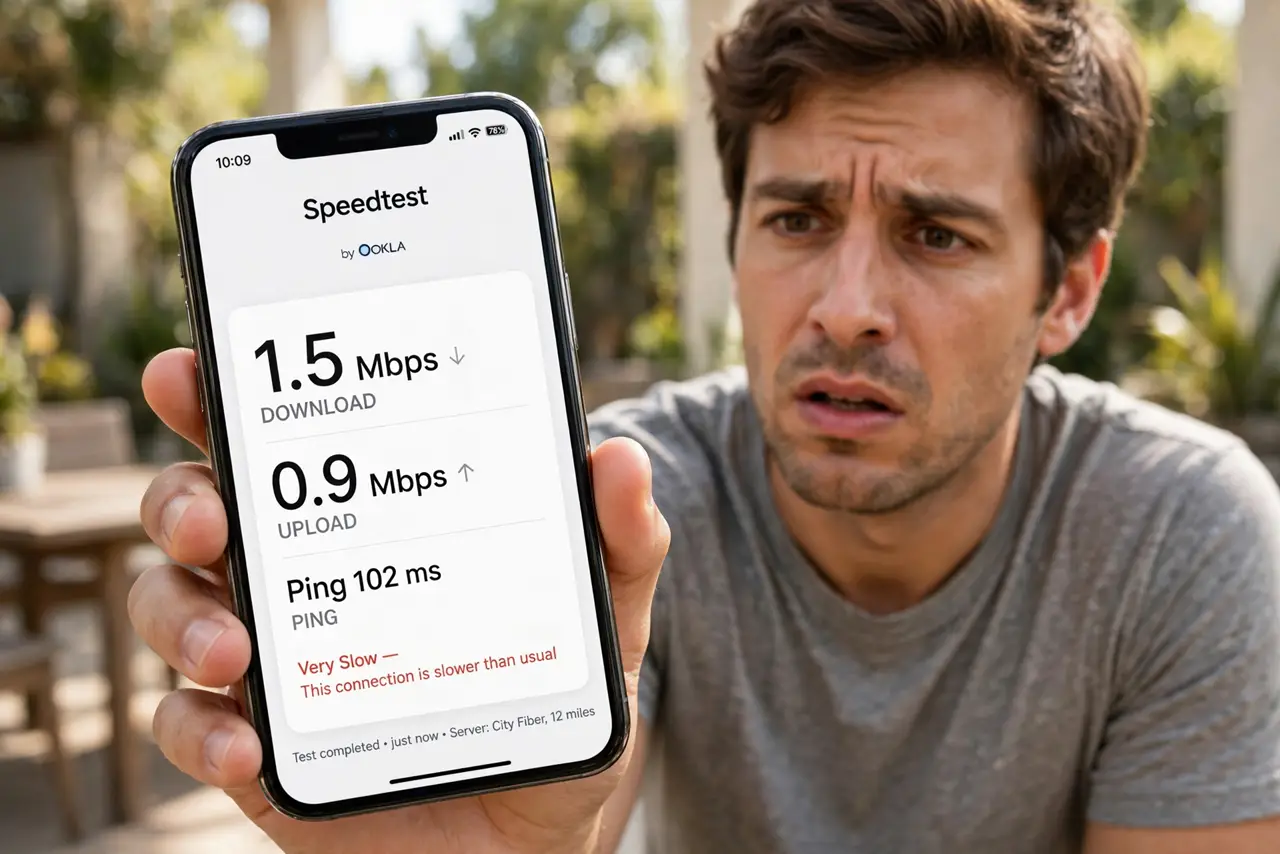
Five bars, zero speed — the most confusing Wi-Fi symptom there is. Full bars only mean a strong radio link to the router; they say nothing about the internet beyond it. The bottleneck hides upstream: congestion, a struggling router, or a slow provider feed.
TL;DR / Quick Fix
Quick fix: run a speed test next to the router — if it is slow there too, the problem is the router or the provider, not your signal. Check for [[evening congestion|internet-slow-only-at-night]], reboot the router once, and confirm the basics of [[connected-but-no-internet|wifi-connects-but-no-internet]].
Follow these steps
- Understand what bars actually mean. Bars measure the radio link to your router only. A strong link to a router with a choked internet feed still loads nothing.
- Test speed right next to the router. Stand beside it and run a test. Slow there means the issue is the router, the line, or the provider — signal strength is irrelevant.
- Test at a quiet hour. Run the same test at 7 AM. If mornings fly and evenings crawl, you are seeing peak-hour congestion, not a broken router.
- Reboot the router once. A router that has been up for months can slow to a crawl. One clean reboot often restores full speed immediately.
- Check for bandwidth hogs. Someone's cloud backup or 4K stream can saturate the connection. Pause big uploads and retest to find the hog.
- Plug in with a cable to isolate. Wired speed reveals the truth: if the cable is fast and Wi-Fi is slow, the wireless side is the bottleneck.

What NOT to do
- Do not move closer to the router as the fix. You already have full bars — proximity is not the problem, so moving changes nothing.
- Do not buy a Wi-Fi extender for this. Extenders fix weak signal; your signal is strong, so an extender just adds lag to a non-problem.
- Do not assume the provider is cheating you. Test wired, at quiet hours, before concluding the plan underdelivers.
- Do not ignore the router's age. A decade-old router can bottleneck a modern plan even with full bars — check its specs against your speed.
Frequently asked questions
Why do I have full bars but nothing loads?
Bars show router signal, not internet speed. The slowdown is upstream — congestion, an overloaded router, or a provider issue.
Can too many devices cause this?
Yes. Thirty devices sharing one old router can saturate it even when every device shows full bars.
Is my phone the problem?
Test another device. If the laptop flies and the phone crawls with the same bars, the phone's radio or settings are at fault.