A Smart Plug Stays Offline After a Power Outage
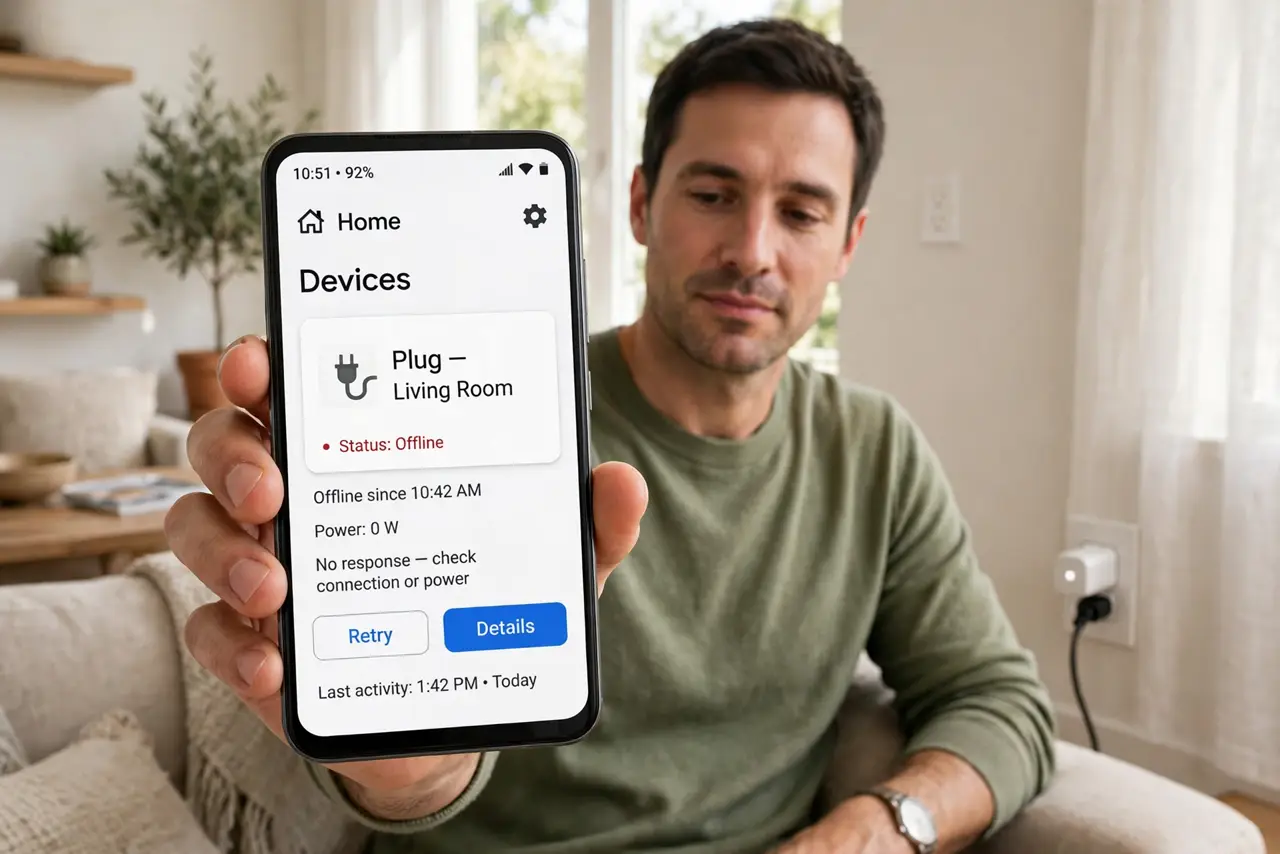
The power blinks and your smart plug never comes back online — the app shows it grayed out while everything else recovers. The plug is likely stuck on the wrong network band or waiting for a router that changed.
TL;DR / Quick Fix
Quick fix: unplug the smart plug for 30 seconds, then plug it back in and wait two minutes — most reconnect on their own. If it stays offline, restart your router. As a last resort, reset the plug and re-add it in its app.
Follow these steps
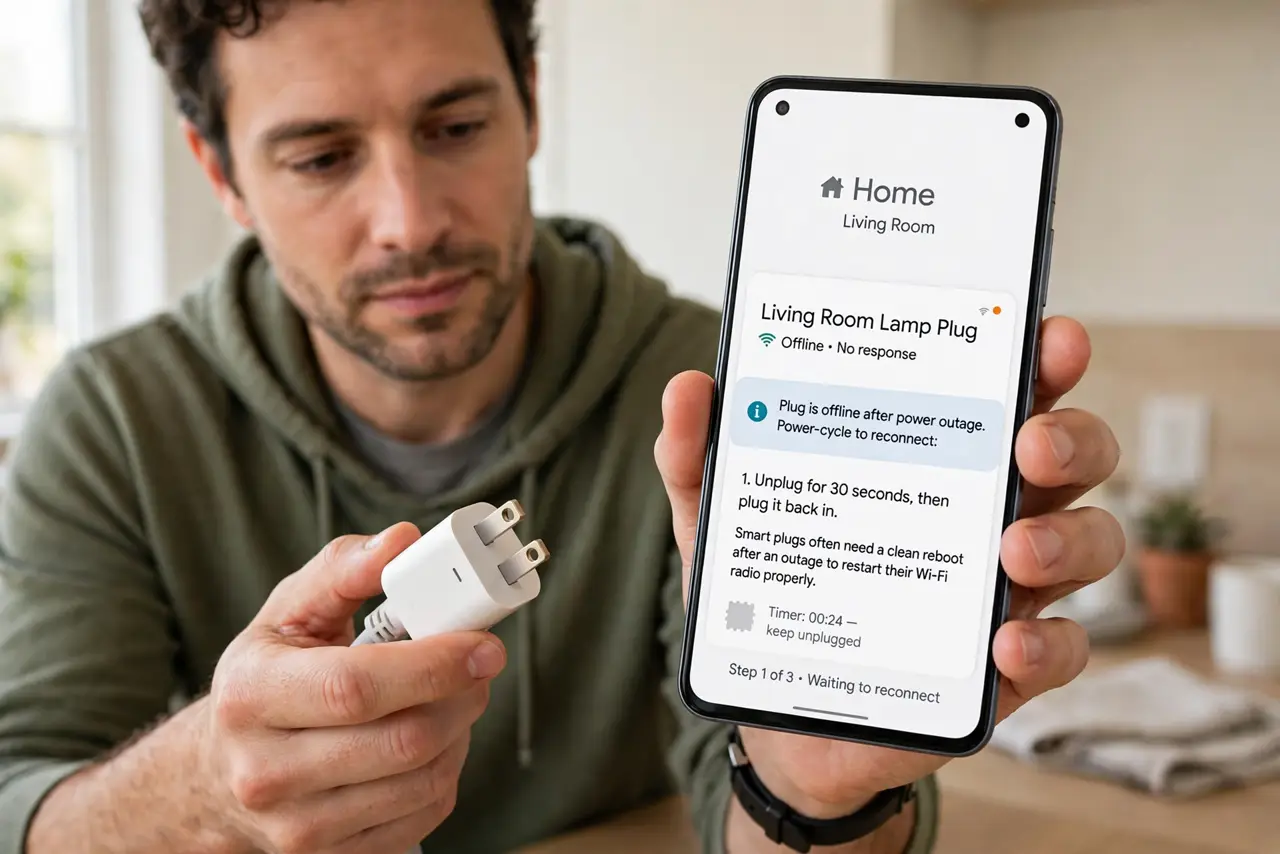
- Power-cycle the plug. Unplug it for a full 30 seconds, then plug it back in. Smart plugs often need a clean reboot after an outage to restart their Wi-Fi radio properly.
- Wait two full minutes. Plugs reconnect slower than phones. Give it two minutes on the app screen before declaring it dead — many reappear right at the end of the wait.
- Restart the router. Unplug the router for 30 seconds and plug it back in. After an outage, the router's device table can be scrambled, and a restart lets every device re-register cleanly.
- Check the plug is on 2.4 GHz. Most smart plugs only speak 2.4 GHz — which is why splitting the bands helps them. If your router merged the bands or the plug latched onto 5 GHz during the chaos, move it back to the 2.4 GHz network.
- Check the router's device limit. Some routers cap connected devices. After an outage, everything reconnects at once and the plug can lose the race — a restart usually reorders the queue fairly.
- Reset and re-add as the last step. Hold the plug's button per the maker's instructions to factory-reset it, then add it fresh in the app. Re-adding rebuilds a connection the outage corrupted.
What NOT to do
- Do not reset the plug first. Power-cycling and a router restart fix most post-outage offline plugs without erasing all your schedules and scenes.
- Do not assume the plug died in the surge. Electronics usually survive brief outages; a stuck network state is far more likely than fried hardware.
- Do not re-add the plug to a 5 GHz network. It will fail or drop again — smart plugs belong on 2.4 GHz, which reaches farther anyway.
- Do not unplug the router mid-update either. If the app shows the plug updating, let it finish — interrupting it can truly brick the device.
Frequently asked questions
Why did only the plug stay offline?
Plugs have simple radios and slow retry logic. Phones and laptops reconnect aggressively; plugs give up sooner and wait.
Will this happen after every outage?
Often, yes, with the same plug. A plug that behaves this way may benefit from a static IP or a dedicated 2.4 GHz network.
Is the plug broken if resetting fails?
Try it in another outlet first. If it will not even enter pairing mode anywhere, the outage may indeed have damaged it.