Test Speed Correctly
Your speed test says 900 Mbps but Netflix still buffers — or the number changes wildly between runs. Most speed tests are run wrong: too far from the router, on a busy network, or through a slow device. This guide shows how to get a number you can actually trust, and what your real internet speed tells you about the problem.
TL;DR / Quick Fix
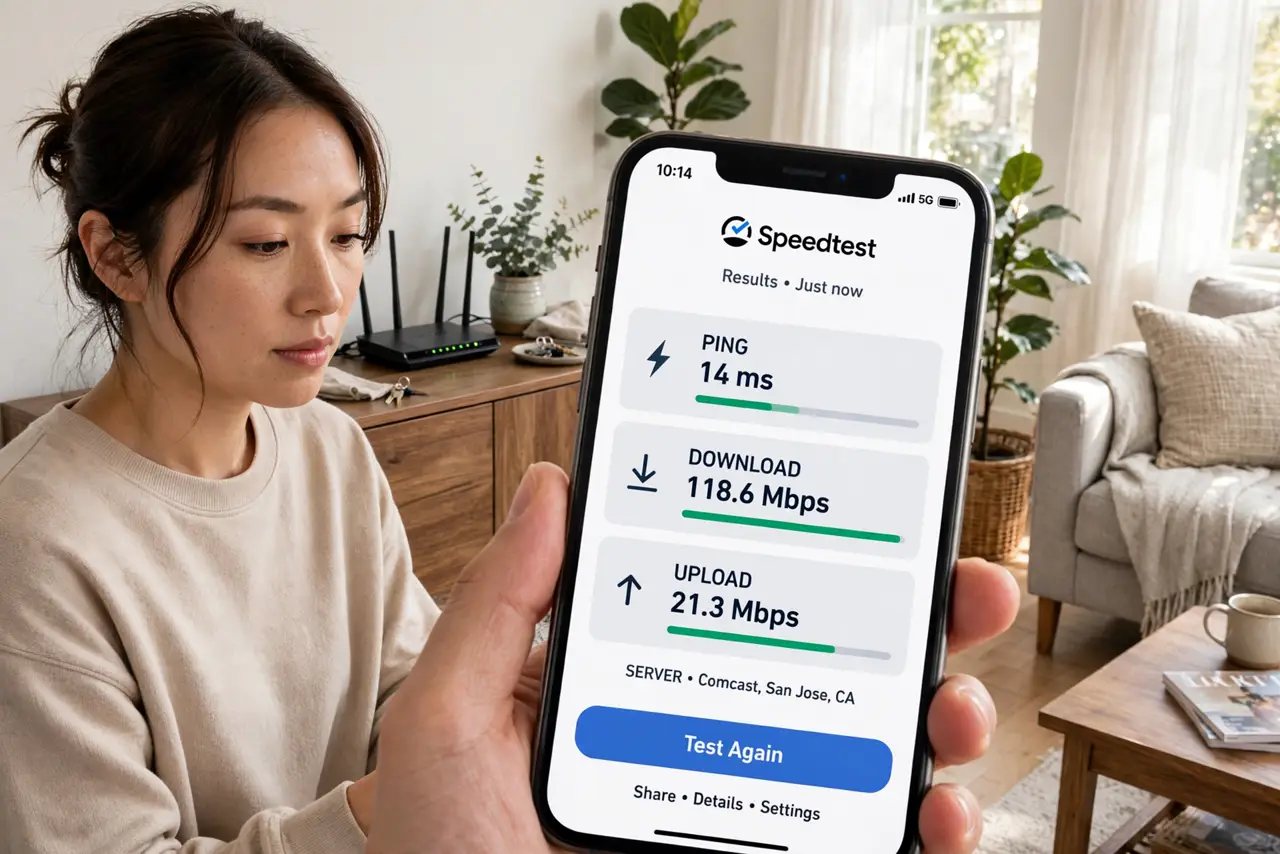
Quick fix: test with one device close to the router, nothing else streaming, using a wired connection if possible. Run the test three times and take the middle number. If wired speed is fine but Wi-Fi is slow, the problem is your wireless setup — not your internet plan.
Follow these steps
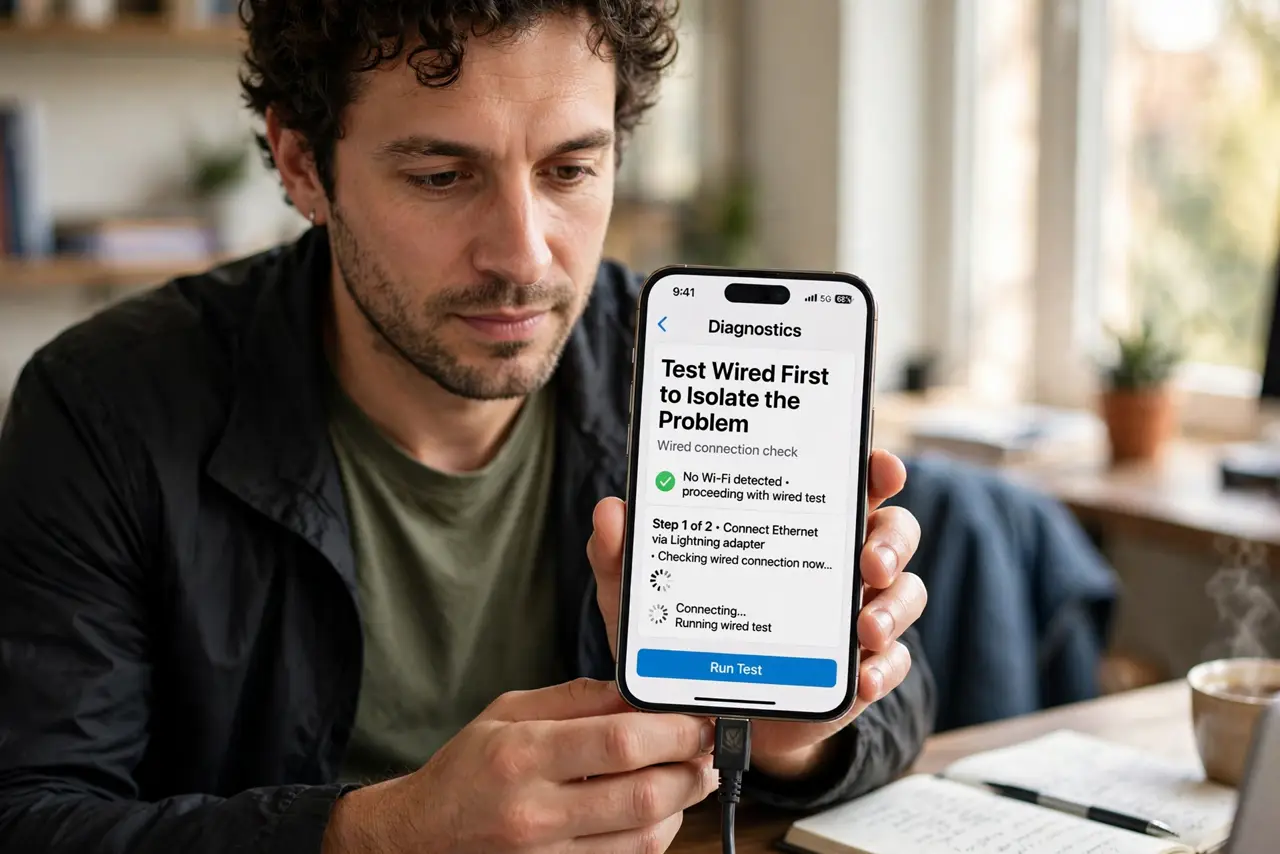
- Test wired first to isolate the problem. Plug a laptop directly into the router with an Ethernet cable and run the test. This number is your true internet speed — everything wireless is measured against it.
- Clear the network before testing. Pause streams, downloads, cloud backups, and video calls on every device. One background update can steal half your bandwidth and lie to the test.
- Stand close to the router for the Wi-Fi test. Test from the same room as the router first. If that number is good and your bedroom number is bad, you have a coverage problem, not a speed problem.
- Run the test three times and take the middle. Single runs vary with server load and momentary congestion. Three runs, middle value — that is the number worth acting on.
- Use the same test server each time. Pick one nearby server in the test app's settings. Comparing runs across different servers mixes their load into your results.
- Compare against your plan, not the hype. If you pay for 300 Mbps and get 280 wired, that is normal overhead. If you get 40, call your provider — but check why downloads fall short first so you describe the problem precisely.
What NOT to do
- Do not test over Wi-Fi from the far bedroom and blame the ISP. Distance and walls are the usual suspects, not the provider.
- Do not run a speed test during a video call and trust the result. Active traffic distorts every number.
- Do not test on an old phone and conclude the internet is slow. A 2016 phone cannot measure a 2024 connection — the device is the bottleneck.
- Do not pay for a faster plan because one test looked low. Verify wired, verify twice, then decide.
Frequently asked questions
Why do different speed tests show different numbers?
Different servers, different routes, different loads. Stick to one test and one server for comparable results.
Is the ISP's own speed test trustworthy?
It measures the link to the ISP well, but it can flatter. Cross-check with an independent test for the full picture.
My wired speed is fine but Wi-Fi is slow — now what?
That is a wireless problem: channel congestion, distance, or an old router. The internet plan itself is delivering.