Sticky Client Problem? The Fix
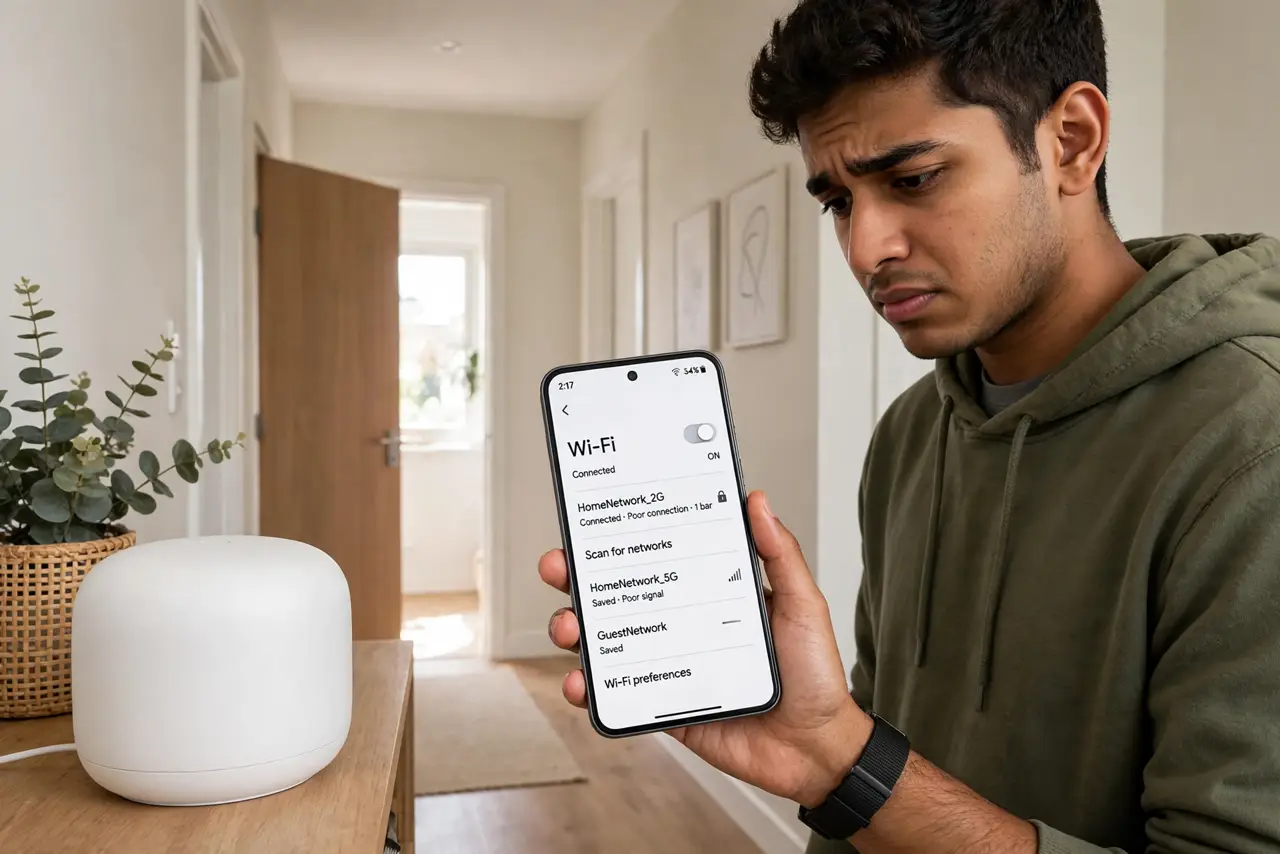
The ‘sticky client’ is the device that connects to the far router at the edge of its range and refuses to let go, even standing next to a better access point. It is the number-one complaint about mesh systems — and the fix is a combination of client and router tweaks, not new hardware.
TL;DR / Quick Fix
Quick fix: the phone, not the router, decides when to roam — so lower the 2.4 GHz transmit power or raise the 5 GHz power to nudge it. On mesh systems, enable client steering or fast roaming. Toggling Wi-Fi forces an immediate re-roam.
Follow these steps
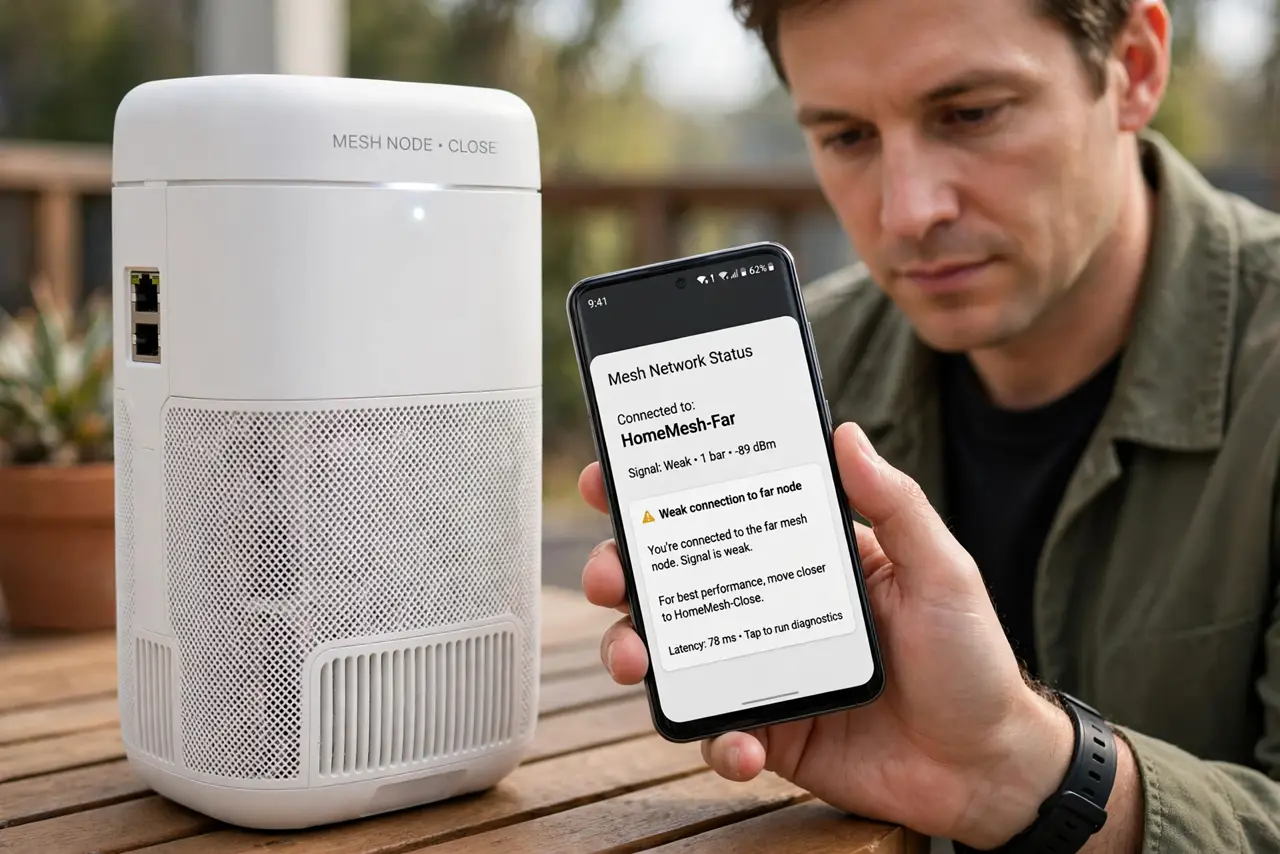
- Confirm it is stickiness, not coverage. Stand next to the close node: if the phone still shows the far node's weak signal, it is sticky. If no close node appears at all, that is a coverage gap instead.
- Tune transmit power to nudge it. Lower 2.4 GHz power so the far signal fades sooner, forcing the roam. The phone lets go when the signal — not your patience — runs out.
- Enable fast roaming on the mesh. Turn on 802.11r/k/v (fast transition, neighbor reports) in the mesh settings. These standards make handoffs quick and painless for supporting clients.
- Set a minimum signal threshold. Many mesh apps let you kick clients below a signal floor. The kicked device rescans and usually lands on the closer node.
- Adjust [[roaming aggressiveness|wifi-roaming-aggressiveness]] on laptops. Windows exposes the client's roam-eagerness directly. One notch up solves most laptop stickiness.
- Accept the stubborn few. Some cheap IoT gadgets never roam well. Give them a dedicated 2.4 GHz network near where they live and stop fighting them.
What NOT to do
- Do not buy another mesh node for a sticky client. More nodes do not fix a device that refuses to roam.
- Do not set the kick threshold too high. Kicking clients at a strong signal causes endless disconnect-reconnect loops.
- Do not expect instant handoffs on old devices. Pre-802.11r gadgets pause briefly during every roam — that is their limit, not a bug.
- Do not forget the wired backhaul option. Nodes linked by Ethernet roam far more smoothly than wireless-linked ones.
Frequently asked questions
Why do mesh systems still have sticky clients?
Because roaming is the client's decision. The mesh can suggest, kick, and pre-authenticate — but a stubborn phone can still cling.
Will a new phone roam better?
Usually yes. Modern phones support 802.11k/v/r, the roaming standards that make handoffs fast. A 2015 phone simply lacks the vocabulary.
Does toggling Wi-Fi really fix it?
Temporarily, yes. The re-scan picks the strongest node right now. But the phone may stick again later — the settings above make the fix last.