Transmit Power Setting? Explained
Your router has a volume knob for its radio — transmit power — and cranking it to maximum feels obviously right. It is not: a shouting router drowns out neighbors and can even deafen itself to your phone's quiet replies. Here is how to set it sanely.
TL;DR / Quick Fix
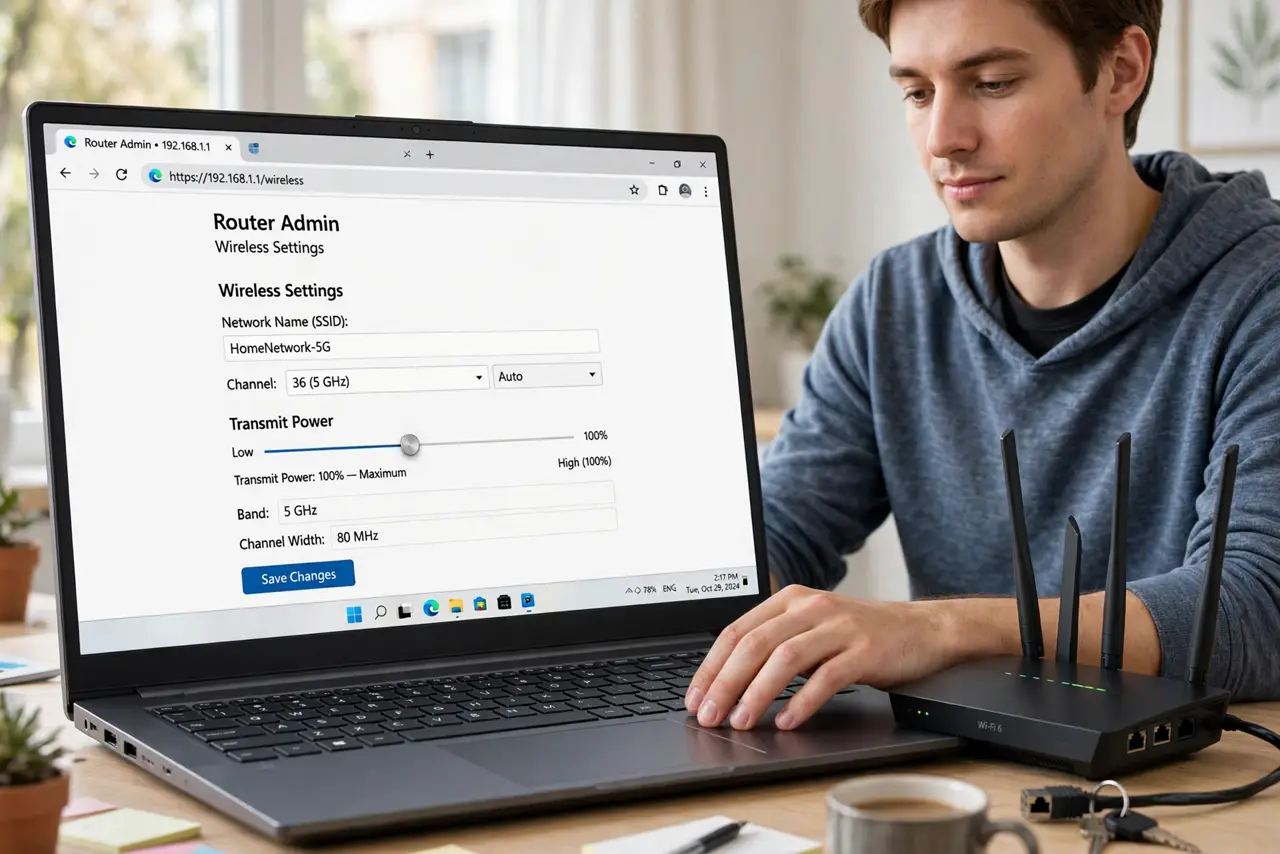
Quick fix: in your router's admin page, set transmit power to High only if you need range; Medium suits most homes. Lower power reduces interference with neighbors. Higher is not always better — it can drown out your own devices' replies. Test each setting briefly.
Follow these steps
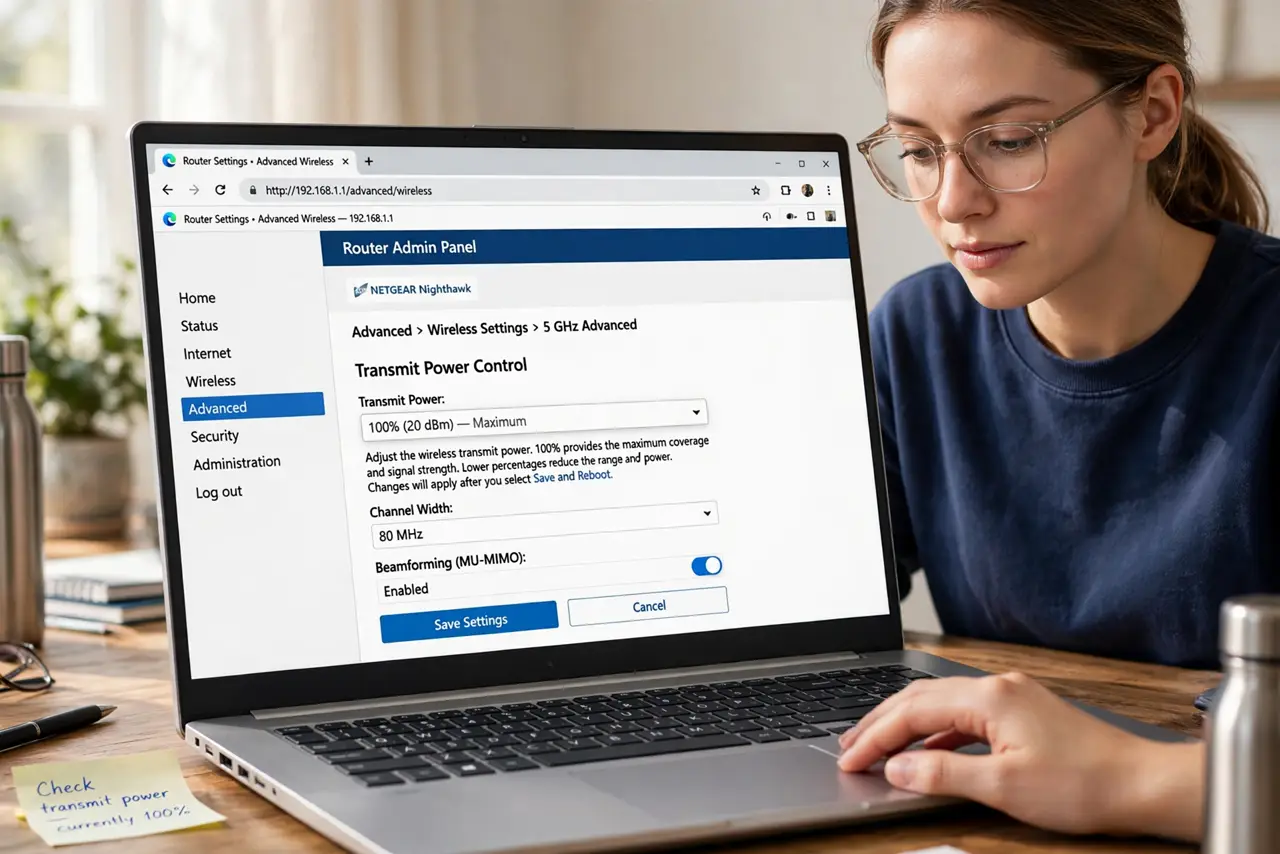
- Find the transmit power control. Look under advanced wireless settings for ‘transmit power’, ‘TX power’, or a High/Medium/Low selector. Some routers show percentages.
- Start at Medium or 75%. For most homes, medium power covers the house without shouting into the neighbors' walls. It is the best default.
- Raise to High only for range problems. If a far room gets no signal at all, try High. More power helps the router reach; it does not help your phone shout back.
- Lower it in dense apartments. In a building with 30 networks, Low or Medium reduces the mutual interference war. Your devices are close anyway.
- Remember Wi-Fi is two-way. Your phone's tiny radio must reply to the router. A router at max power with a phone at normal power is a one-sided conversation — the classic cause of ‘full bars, no internet’.
- Combine with [[channel hygiene|wifi-channel-overlap-neighbors]]. Power and channel selection work together: a quiet channel at medium power beats a loud router on a crowded channel.
What NOT to do
- Do not max transmit power ‘just in case’. It increases interference for everyone, including you.
- Do not expect higher power to fix dead zones alone. A dead zone needs better placement or a second access point, not more shouting.
- Do not lower power to hide your network. Determined snoopers still see it; proper encryption is the real protection.
- Do not change power and placement simultaneously. Move the router or change the power — not both — so you know what worked.
Frequently asked questions
Does higher transmit power use more electricity?
Slightly, but negligibly for a home bill. The real cost is interference, not power consumption.
Why do I have full bars but no internet?
Often the phone hears the loud router fine but its quiet replies never arrive — the asymmetric-power trap this setting controls.
Is maximum transmit power legal everywhere?
Regulations cap it, and routers sold in your region already respect the cap. The High/Medium/Low control works within legal limits.