Tri-Band Routers? Basics
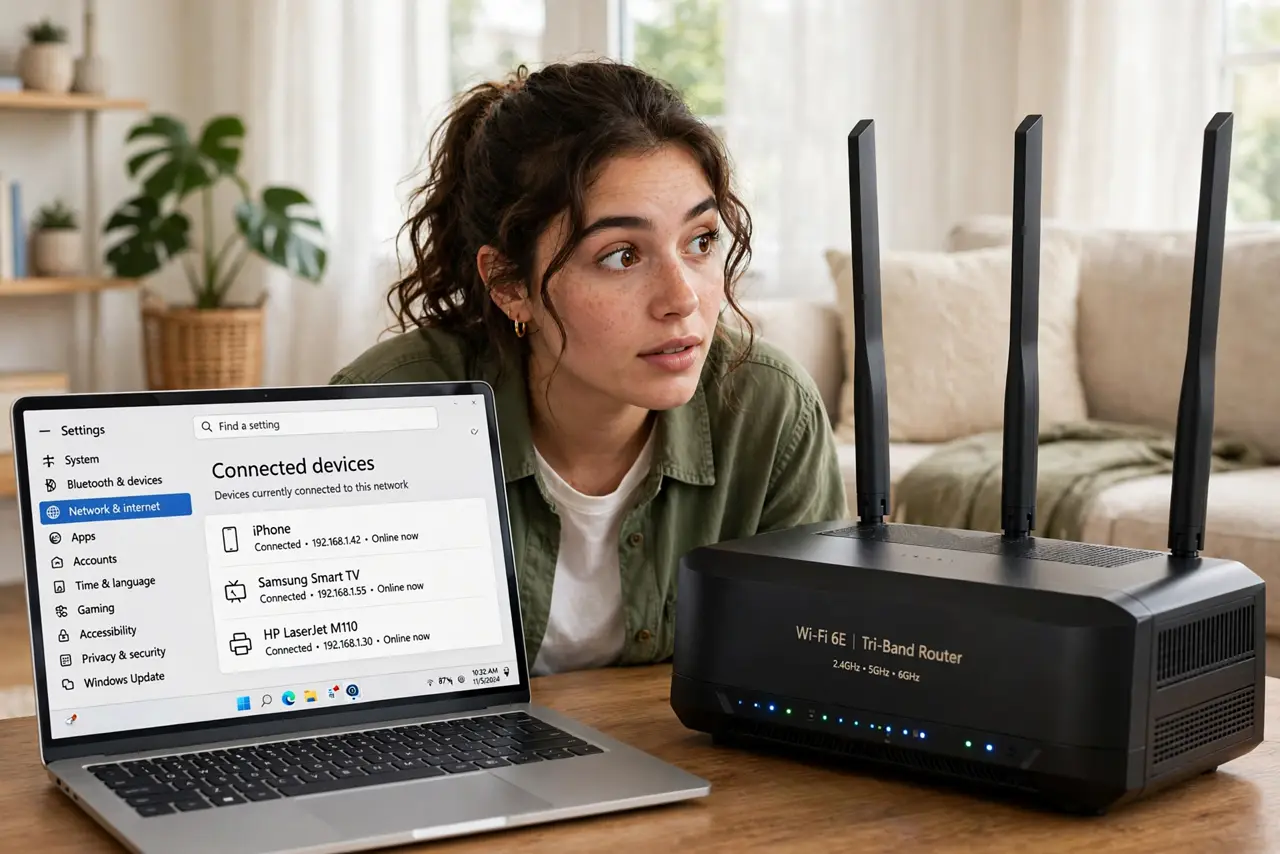
Router boxes boast 'tri-band' like it's obviously better than dual-band — but what does the third band actually do, and is it worth the premium? Tri-band adds a second 5 GHz band (or a 6 GHz band on Wi-Fi 6E/7 models), giving the router more lanes for your devices. Whether you need those lanes depends on how crowded your network is.
TL;DR / Quick Fix
Quick fix: tri-band routers add an extra 5 GHz (or 6 GHz) band — more lanes for many devices, less congestion. Worth it in busy households with 20+ devices; overkill for a couple of people browsing. Don't upgrade from working dual-band for the third band — upgrade when devices crowd.
Follow these steps
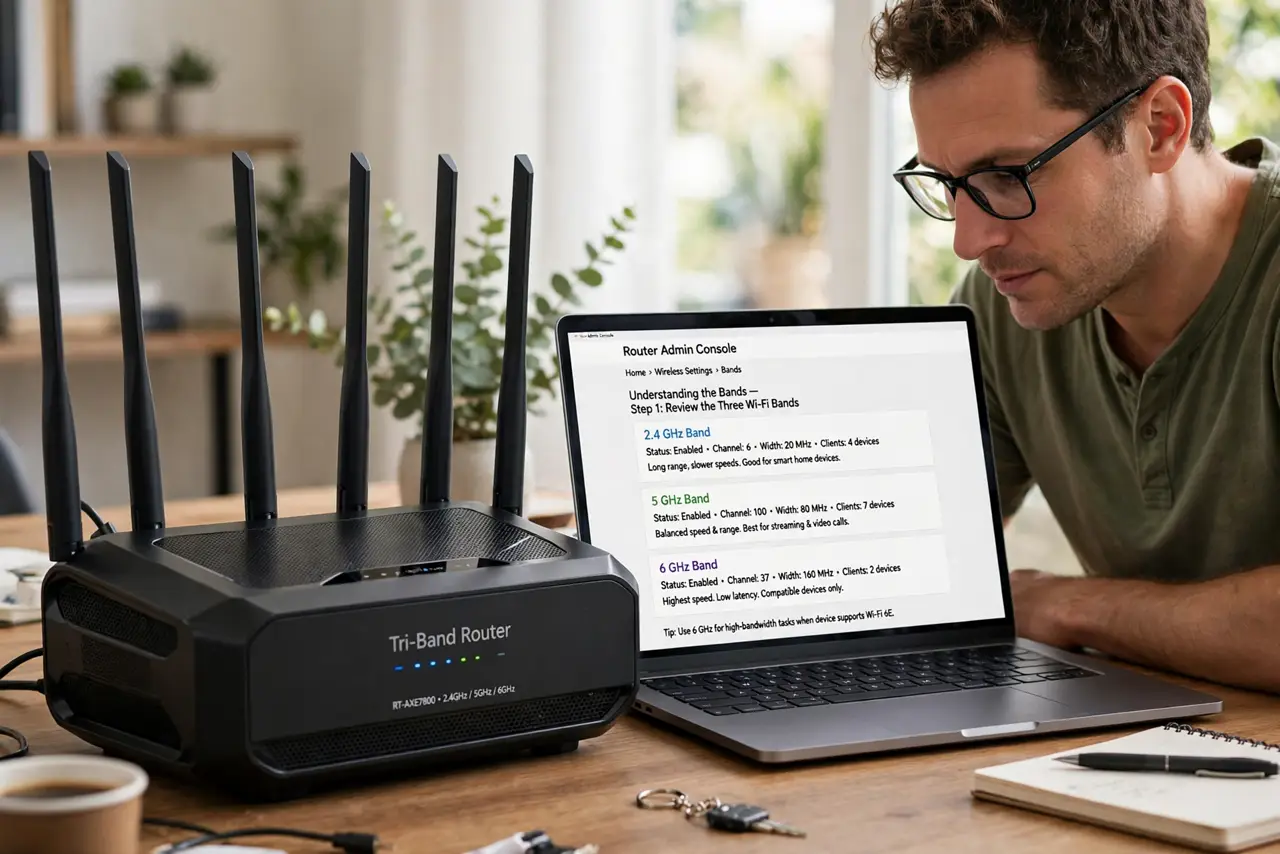
- Understand the bands. Dual-band: one 2.4 GHz plus one 5 GHz. Tri-band: one 2.4 GHz plus two 5 GHz (or one 5 plus one 6 GHz). The extra band is a second fast lane — more room, not more speed per device.
- Know who benefits. Busy households — dozens of devices, multiple streams, gamers, smart home gear — feel the difference as less congestion. Two people with phones and a laptop won't notice tri-band at all.
- Learn the backhaul trick. On tri-band mesh systems, the router can dedicate one 5 GHz band to node-to-node chatter, leaving the other fully for your devices. That's tri-band's killer feature — see mesh backhaul for why that matters.
- Check your devices' bands. Most phones and laptops use one band at a time — they don't combine bands for double speed. Tri-band helps by spreading devices across lanes, not by supercharging any single device.
- Don't expect more range. A third band doesn't reach farther — range is physics, not band count. For dead zones, you need better placement or mesh, not more bands.
- Buy for device count, not speed. Shop tri-band when your device count grows (smart home expansion, family growth), not when chasing a bigger speed number. Congestion relief is the real product.
What NOT to do
- Do not buy tri-band for two people. The extra lane sits empty in small households — it's congestion insurance you don't need yet.
- Do not expect double speed. Tri-band doesn't make any single device faster — it keeps many devices from slowing each other down.
- Do not confuse tri-band with Wi-Fi 7. They're independent: you can have dual-band Wi-Fi 7 or tri-band Wi-Fi 6. Check both specs separately.
- Do not pay the premium on a tight budget. A good dual-band router beats a cheap tri-band one — implementation quality matters more than band count.
Frequently asked questions
Is tri-band worth it for gaming?
Mildly — less congestion means steadier latency when the house is busy. But a wired Ethernet connection beats any band configuration for gaming.
Do my devices need to support tri-band?
No — devices just see more network lanes to use. But only newer devices use the 6 GHz band; older ones stick to 2.4 and 5 GHz regardless.
Tri-band vs mesh — which first?
Different problems: mesh fixes coverage, tri-band fixes congestion. Dead zones need mesh; a crowded-but-covered home benefits from tri-band.