Can a VPN Beat Throttling?
You've heard a VPN can defeat ISP throttling — hide your traffic and the ISP can't slow what it can't see. Sometimes that's exactly right; sometimes it's wishful thinking. Whether a VPN helps depends entirely on what kind of slowdown you're actually fighting.
TL;DR / Quick Fix
Quick fix: sometimes — a VPN hides your traffic type, so ISP throttling aimed at video can't spot it and speeds recover. But a VPN can't fix a congested line or a slow plan, and may add slight overhead. Test with and without to see which case you're in.
Follow these steps
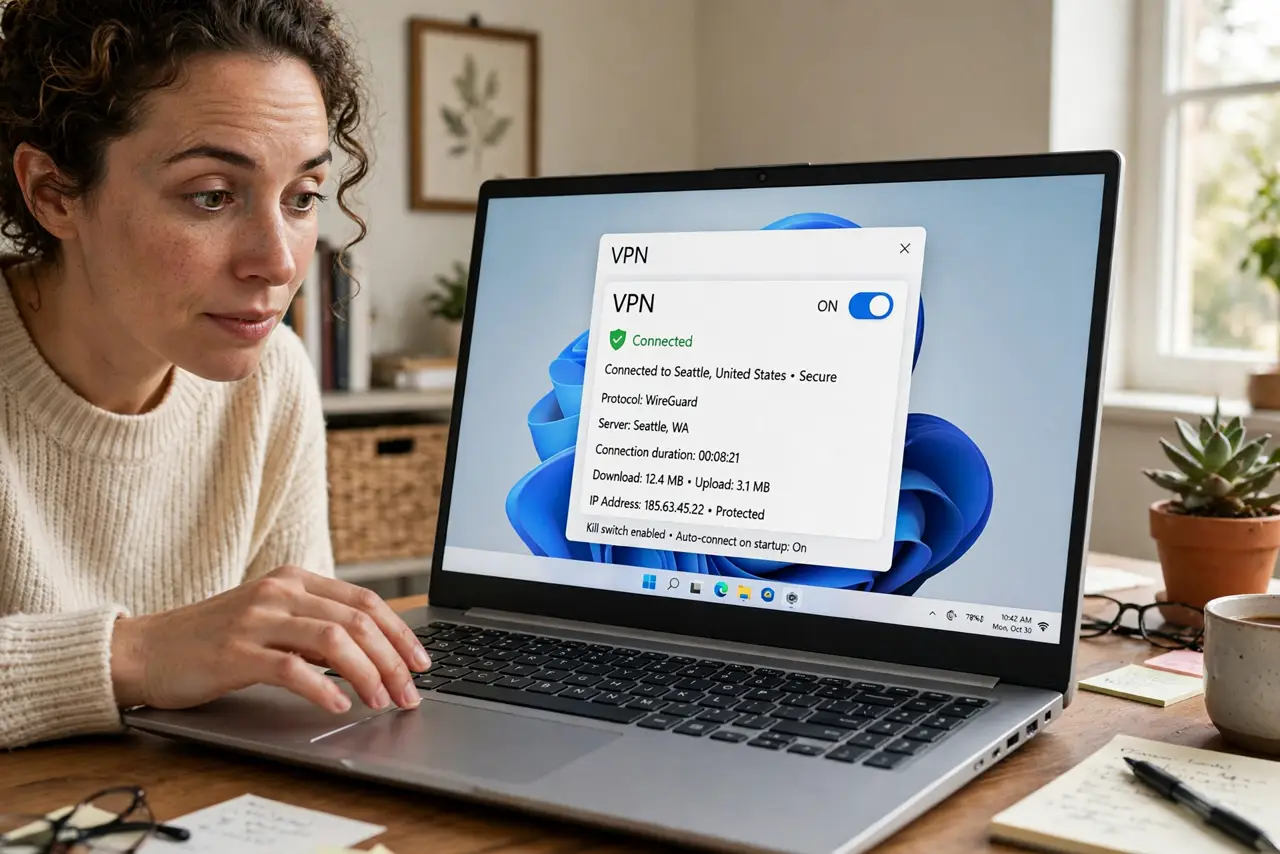
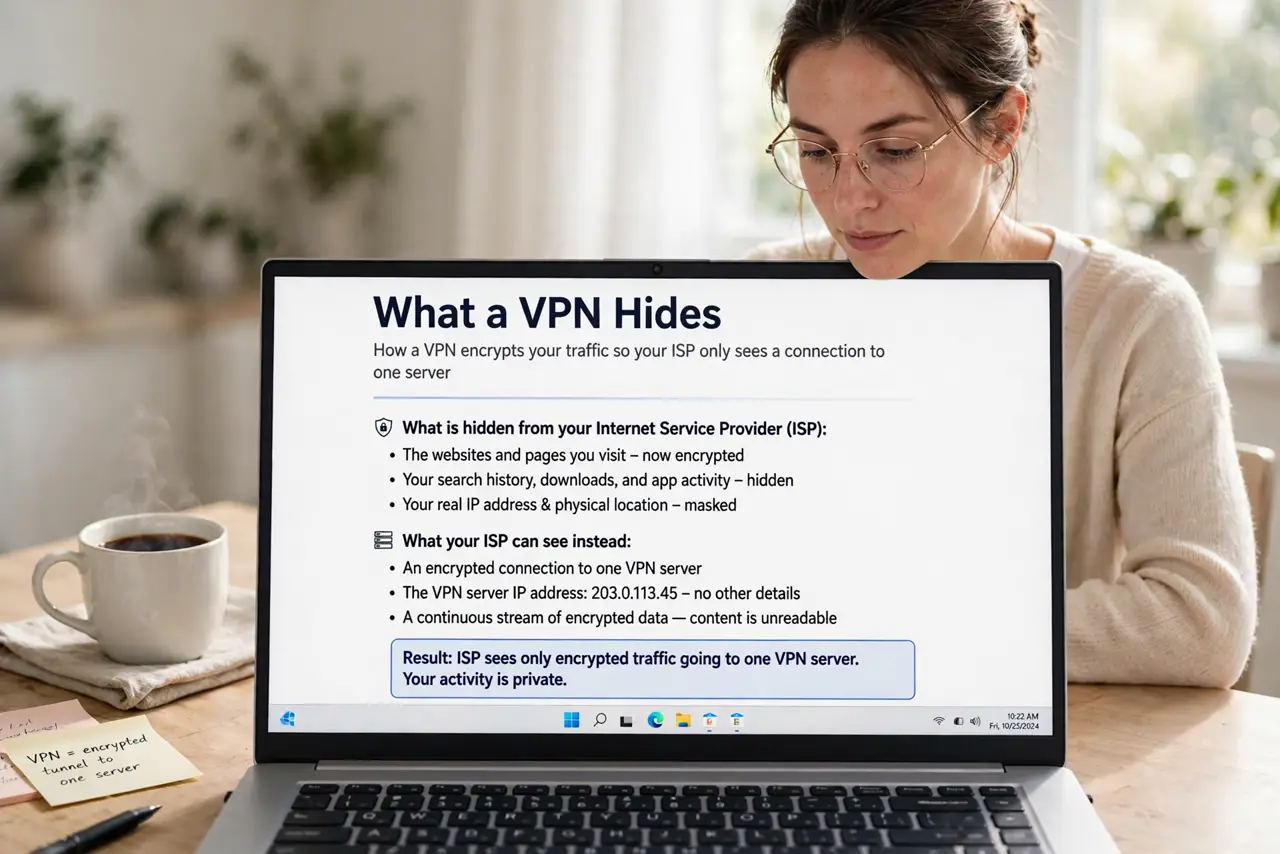
- Understand what a VPN hides. A VPN encrypts your traffic so the ISP sees only a stream of data to one server — not whether it's video, gaming, or browsing. Throttling that targets specific traffic types goes blind.
- Know when it helps. If your ISP slows video specifically but speed tests look fine, a VPN often restores full video speed — the classic win. This is the scenario the throttling tests VPN comparison is designed to reveal.
- Know when it can't help. A congested neighborhood node, an underperforming line, or a plan that's simply slow — a VPN fixes none of these. Encrypted traffic through a clogged pipe is still clogged; the VPN may even add slight overhead.
- Test properly: with and without. Stream the problematic service for ten minutes with the VPN off, note the quality; then ten minutes on. Same time of day, same server region — change one variable at a time.
- Pick a nearby VPN server. Distance adds latency. For the throttling test, use the closest server your VPN offers — you want to measure the ISP's behavior, not the VPN's geography.
- Weigh the trade-offs honestly. VPNs cost money, can slightly reduce peak speed, and some services block them. Use one because the test proved it helps your specific problem — and know the free VPN risks before grabbing a free one.
What NOT to do
- Do not assume a VPN is a speed upgrade. At best it restores what throttling took; it never makes the underlying line faster than the plan.
- Do not use a shady free VPN for this test. Free VPNs can throttle you themselves, log everything, or inject ads — corrupting the very test you're running.
- Do not leave the VPN on forever unthinkingly. If the test shows no benefit, you're paying overhead for nothing — use it where it proved useful.
- Do not expect it to fix Wi-Fi problems. A VPN operates above the local network — if the lag is between your laptop and router, the VPN never sees it.
Frequently asked questions
Why does video improve on a VPN but the speed test doesn't change?
Because the ISP was shaping video traffic specifically, not your overall connection. The speed test was never throttled, so the VPN changes nothing for it — video was the target all along.
Can my ISP tell I'm using a VPN and throttle that too?
They can see VPN-shaped traffic and some do deprioritize it — but most don't. If VPN speeds are worse than direct, try a different protocol or server.
Is using a VPN to avoid throttling allowed?
Using a VPN is legal in most places and a legitimate privacy tool. It doesn't violate anything to encrypt your own traffic — check local law if you're unsure.