Wi-Fi Works in One Room Only? Fix It
Wi-Fi is strong beside the router but dies in one room, and devices there keep dropping or crawling. The signal is usually blocked by walls, distance, or interference, not by a broken internet connection.
TL;DR / Quick Fix
Quick fix: stand beside the router and test the connection, then test again in the weak room. If it works near the router, move the router to a central, open spot, and switch the device to the longer-range band. Test once more after a restart.
Follow these steps
- Test beside the router first. Stand next to the router and load a web page. If it works there but not in the weak room, the internet itself is fine and the room is a signal problem.
- Move the router to a central, open spot. Put the router out in the open, away from walls, metal, and the floor, and closer to the middle of the home. A router hidden in a corner cannot reach the far rooms well.
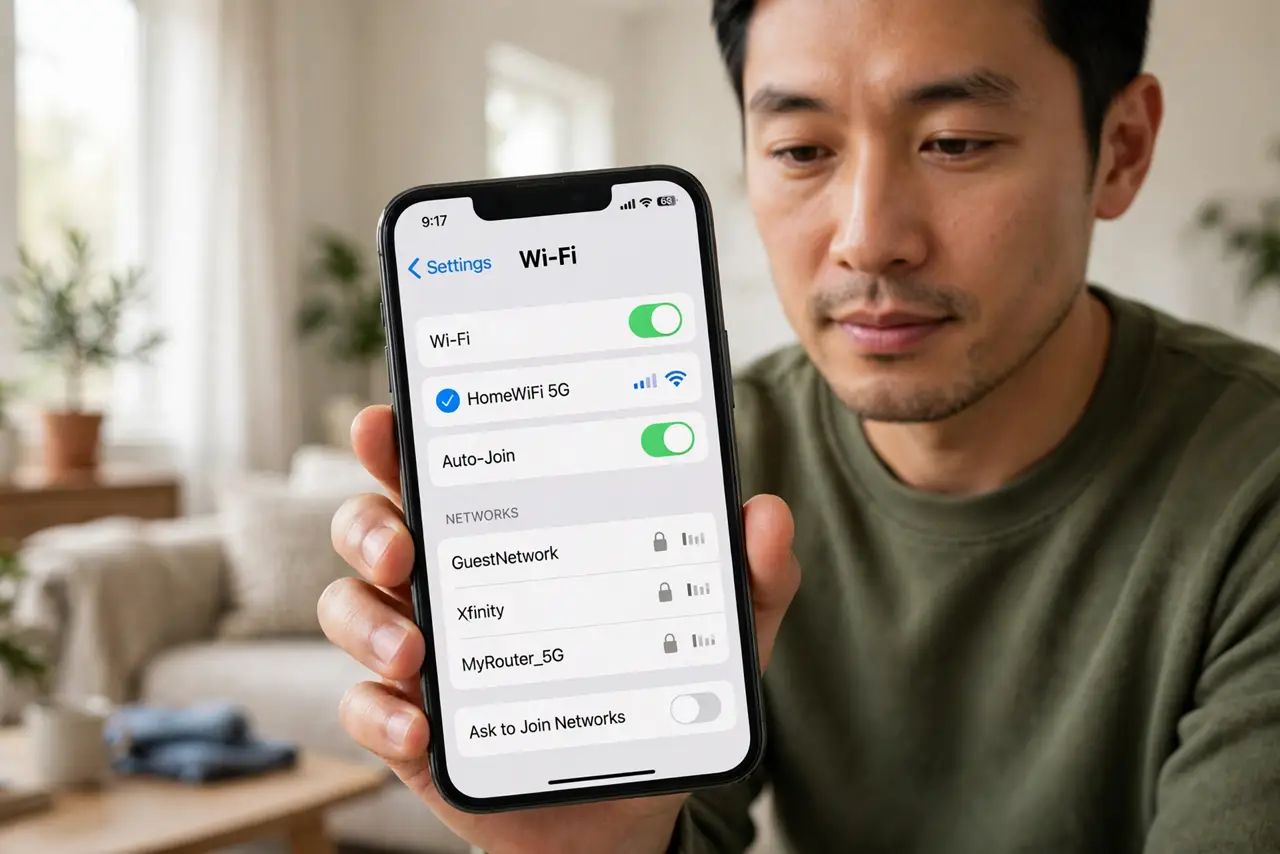
- Switch the device to the longer-range band. If your network offers two bands, try the 2.4 GHz band in the weak room, since it travels farther through walls than 5 GHz. Use 5 GHz near the router for speed.
- Remove what blocks the signal. Thick walls, metal shelves, fish tanks, and large appliances all weaken Wi-Fi. Moving the router or the device a short distance around such obstacles often helps a lot.
- Restart the router once. Unplug the router, wait thirty seconds, and plug it back in, then test the weak room again. A restart clears a stuck wireless state that looks like a dead zone.
- Add an extender or mesh node only if needed. If no placement fixes the room, add an extender or mesh node halfway between the router and the room. Place it where it still gets a good signal itself, not inside the dead zone.

What NOT to do
- Do not hide the router inside a cabinet or behind the TV. Enclosed routers overheat and their signal stays trapped with them.
- Do not buy a stronger router before testing placement. Moving the router costs nothing and often fixes a one-room problem completely.
- Do not put an extender inside the dead zone. An extender needs a good signal to extend, so it belongs halfway to the room, not inside it.
- Do not blame the internet plan for a one-room problem. If Wi-Fi works beside the router, the plan is delivering, and the signal is the issue.
Frequently asked questions
Why does Wi-Fi work in one room but not another?
Walls, distance, and interference weaken the signal as it travels. The farther room simply receives less of it.
Is 2.4 GHz or 5 GHz better for a far room?
2.4 GHz travels farther through walls, so it usually wins in a far room, even though 5 GHz is faster nearby.
Where should an extender go?
Halfway between the router and the weak room, where it still gets a strong signal itself.