Aero Shake? Basics
Aero Shake is the old Windows party trick that refuses to die — grab a window's title bar, shake it, and every other window minimizes. Shake again to bring them back. It is either delightful or infuriating depending on whether you trigger it by accident. Here is how to use it, tame it, or turn it off.
TL;DR / Quick Fix
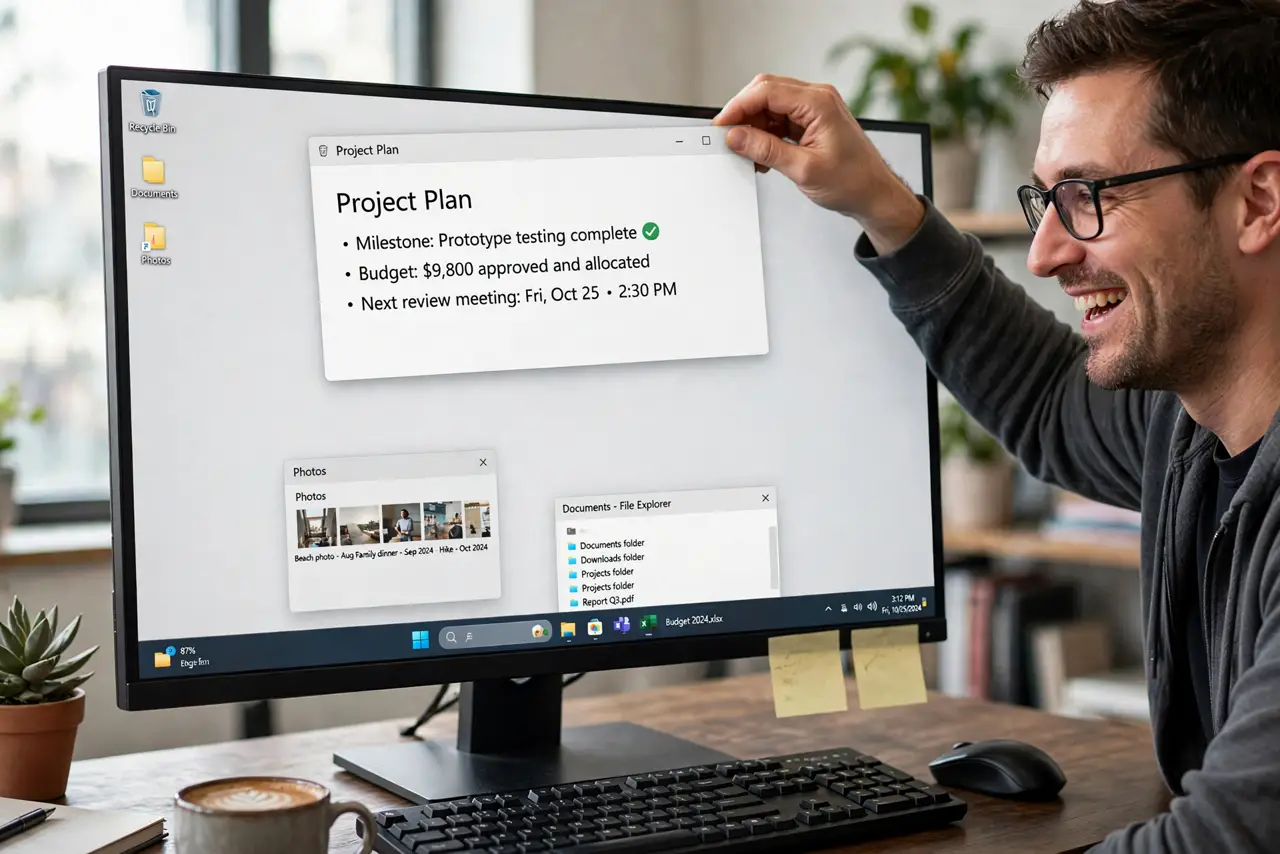
Quick fix: grab any window's title bar and shake it side to side — all other windows minimize; shake again to restore them. It is great for focusing on one window fast. If you trigger it accidentally, disable it in Settings > System > Multitasking under Snap windows options.
Follow these steps
- Try the shake. Click and hold a window's title bar, then shake the mouse left-right quickly. Background windows minimize instantly — shake again and they return. It works on Windows 10 and 11.
- Use it for instant focus. Buried in windows? One shake clears the decks to the window you are holding. It is the fastest 'leave me alone' gesture Windows has.
- Stop accidental triggers. Fast mouse movements near title bars can fire it unintentionally. If it keeps happening, the feature is fighting your workflow — turn it off rather than adapting to it.
- Disable it in Settings. Settings > System > Multitasking > toggle off 'Title bar window shake'. One switch, no registry needed — the accidents stop immediately.
- Pair it with Snap. Shake clears the field; Snap Layouts arrange what remains. Together they are a complete window-tidying toolkit — shake first, snap second.
- Know it is not a bug. First-timers often think windows vanishing is a glitch — it is a feature from Windows 7 still shipping today. Now you know, and you can wield it deliberately.
What NOT to do
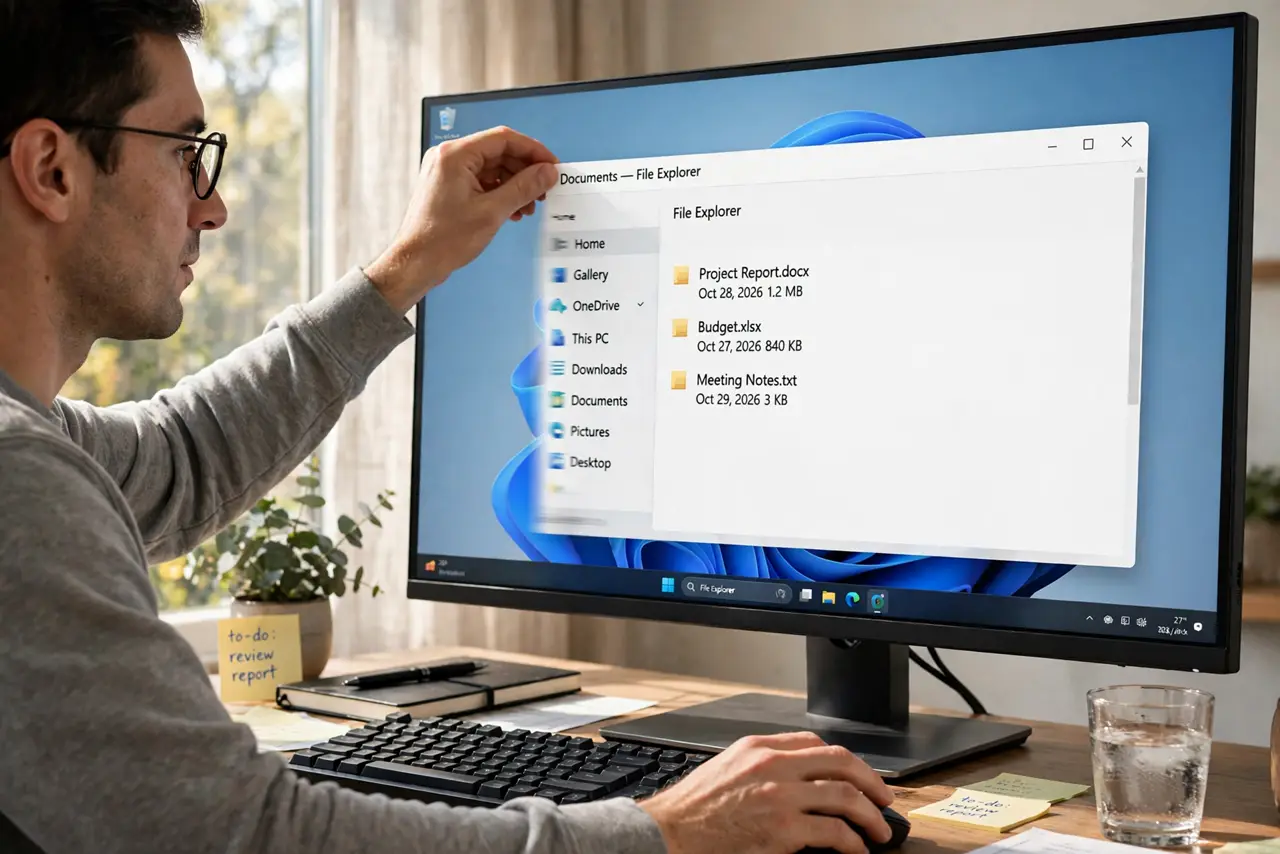
- Do not shake wildly during drags. Vigorous title-bar movement is exactly the trigger — move deliberately if it misfires.
- Do not dig in the registry to disable it. The Settings toggle exists — registry edits for this are obsolete risk.
- Do not expect it on every window. Full-screen apps and some dialogs ignore the shake — it is a desktop-window gesture.
- Do not forget the restore shake. Minimized windows are not gone — shake again before panicking.
Frequently asked questions
Why do my windows keep minimizing by themselves?
You are triggering Aero Shake with quick title-bar movements — disable it in Settings > System > Multitasking if it annoys you.
Does Aero Shake work on Windows 11?
Yes — it shipped in Windows 7 and still works in 11, toggleable under Multitasking settings.
Is there a keyboard shortcut for the same thing?
Win+Home minimizes all but the active window — the keyboard twin of the shake gesture.