Alt+Tab Shows Edge Tabs Too? Fix It
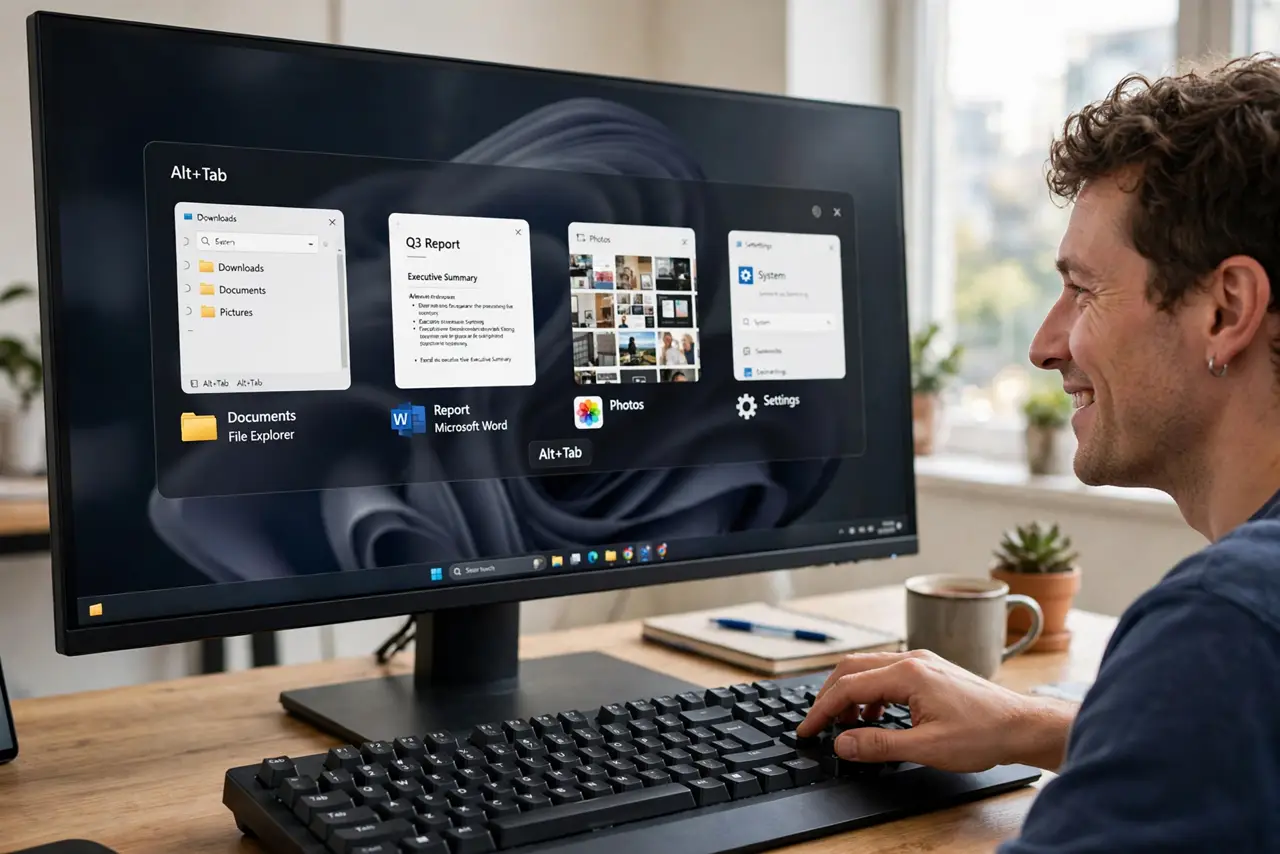
You press Alt+Tab to jump between programs and drown in twenty browser tabs instead. Windows started folding Edge tabs into Alt+Tab, which sounds helpful until your tab hoard turns the switcher into a second browser. The fix is one dropdown — and it also cleans up the too many windows view.
TL;DR / Quick Fix
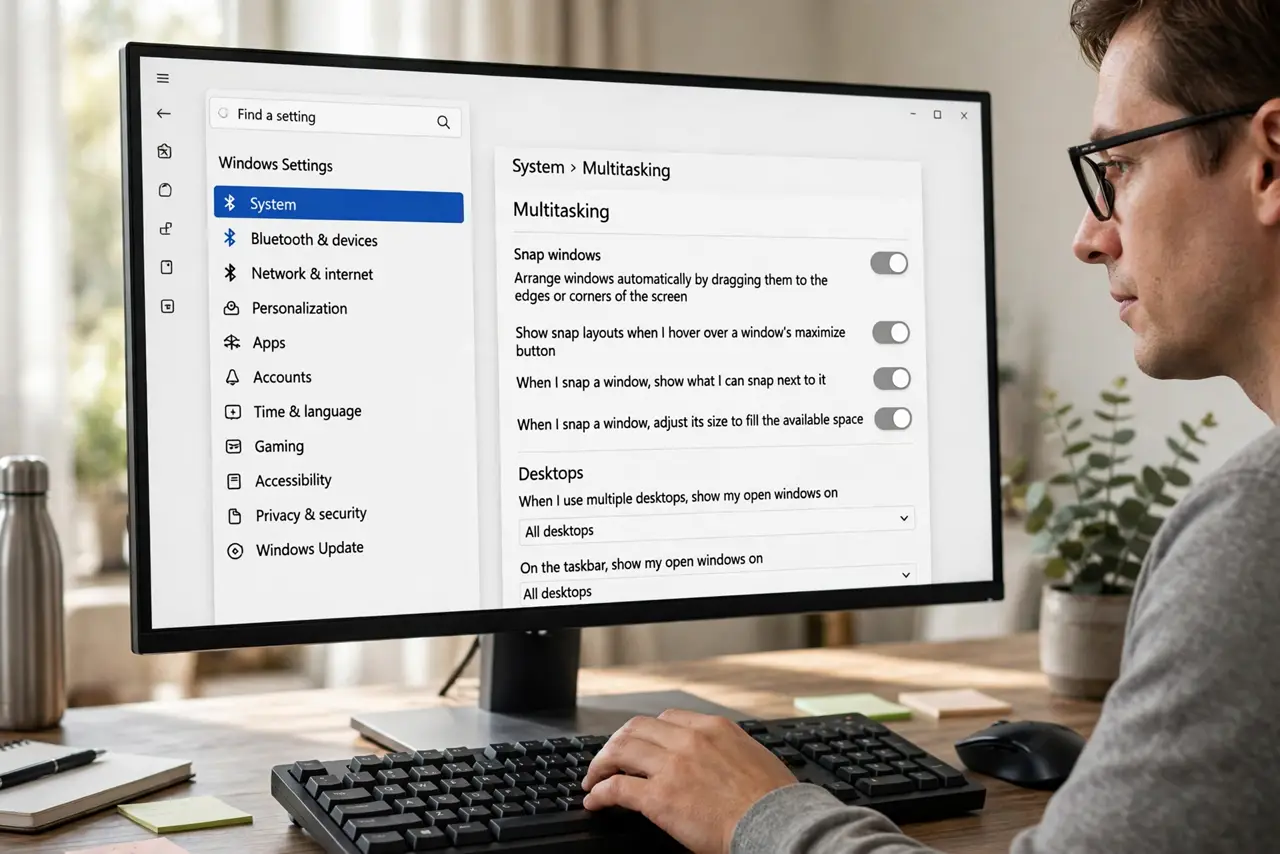
Quick fix: open Settings > System > Multitasking and set 'Show tabs from apps when snapping or pressing Alt+Tab' to 'Don't show tabs'. Alt+Tab then lists windows only, like before. The Edge tabs are still open in Edge — nothing closes. This setting also affects the taskbar thumbnail strip.
Follow these steps
- Open the Multitasking settings. Press Win + I, go to System, then Multitasking. This page controls snapping, Alt+Tab, and virtual desktops.
- Change the tabs dropdown. Find 'Show tabs from apps when snapping or pressing Alt+Tab' and set it to 'Don't show tabs'. The change is instant — no restart needed.
- Test with Alt+Tab right away. Hold Alt and tap Tab. You should now see one entry per window, with Edge appearing exactly once no matter how many tabs it holds.
- Check the taskbar thumbnails too. Hovering the Edge icon now shows window thumbnails only, not a strip of every tab — the same setting controls both.
- Leave Edge's own settings alone. There is no separate Edge switch for this anymore; the Windows setting is the single source of truth.
- Re-check after feature updates. Major Windows updates sometimes reset Multitasking preferences. One glance at this dropdown after an update keeps it quiet.
What NOT to do
- Do not uninstall Edge to fix this. The tabs-in-Alt+Tab behavior is a Windows setting, and removing Edge changes nothing about it.
- Do not close all your tabs in frustration. The tabs were never the problem — the switcher display was.
- Do not confuse this with browser history. Alt+Tab never showed history; it was showing live open tabs, which this setting hides.
- Do not edit the registry for a dropdown that exists in Settings. The GUI option is the safe, supported path.
Frequently asked questions
Why did Microsoft add Edge tabs to Alt+Tab?
To make switching to a specific tab faster without opening the browser first. Useful for five tabs; chaos for fifty — hence the off switch.
Does turning this off close my Edge tabs?
No. Every tab stays open in Edge exactly as before. Only the Alt+Tab display changes.
Can I show tabs from some apps but not Edge?
No — the setting is all-or-nothing for apps that support it. In practice, Edge is the only app that uses it heavily.