ARM or x64 Windows?
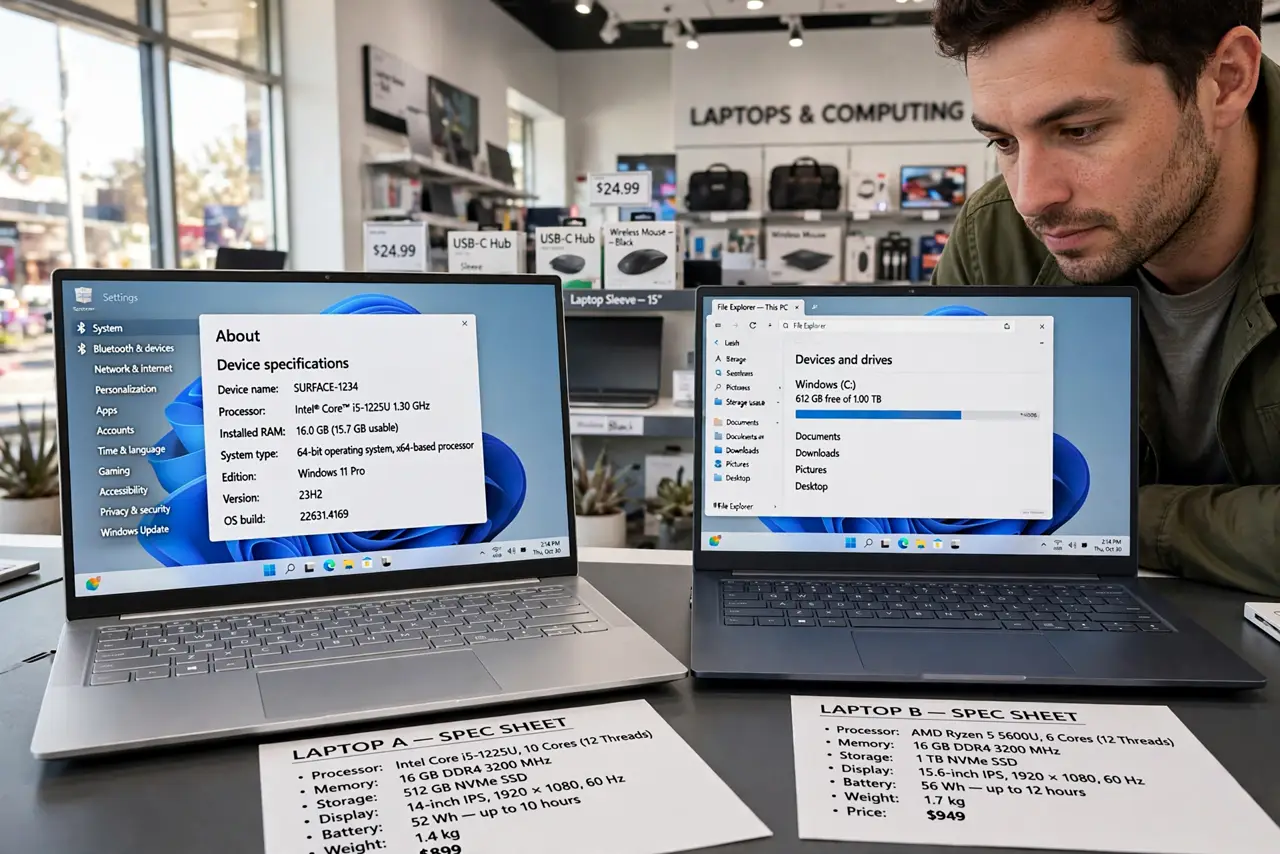
You are laptop shopping, one model brags about a Snapdragon chip and 20-hour battery, and another runs the familiar Intel or AMD silicon. This is the ARM vs x64 split, and it is the most consequential laptop choice most buyers do not know they are making. One side gives you battery life; the other gives you universal software compatibility. Here is how to pick without regrets. The Prism guide explains how ARM runs old apps.
TL;DR / Quick Fix
Quick fix: choose x64 Windows if you run older or niche software — everything just works. Choose ARM (Snapdragon) if you want long battery life and your apps are modern or web-based. Most everyday apps now run natively on ARM, but check your must-have programs first.
Follow these steps
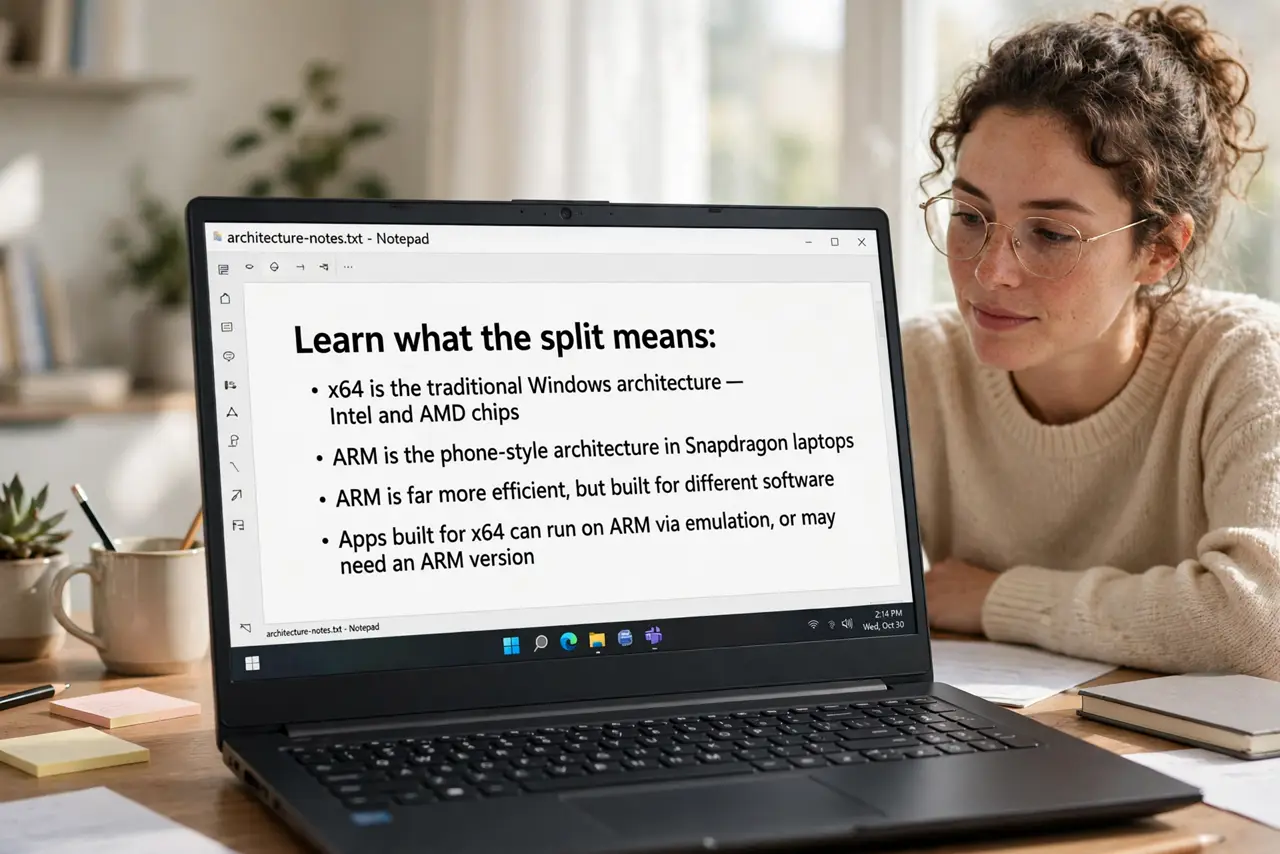
- Learn what the split means. x64 is the traditional Windows architecture — Intel and AMD chips. ARM is the phone-style architecture in Snapdragon laptops: far more efficient, but built for different software.
- List your must-have programs. Browsers, Office, Zoom, Spotify, and most big apps run natively on ARM now. Niche professional tools, old games, and specialty drivers are where x64 still wins.
- Weigh battery life honestly. ARM laptops routinely deliver 15 to 20 hours of real use — often double a comparable x64 machine. If you live away from outlets, this is the killer feature.
- Understand emulation. ARM Windows runs x64 apps through a translator called Prism. Most apps work transparently; a few run slightly slower, and very old software can refuse.
- Check peripherals and drivers. Printers, scanners, and specialty hardware need ARM-compatible drivers. If your workflow depends on odd hardware, verify driver support before switching.
- Decide by your software, not the hype. Modern web-centric user who values battery: ARM. Gamer, engineer, or niche-software user: x64. The apps decide, not the spec sheet.
What NOT to do
- Do not buy ARM for heavy PC gaming. Game compatibility and performance still favor x64 strongly.
- Do not assume every old program works. Check your two or three critical apps specifically, not 'apps in general.'
- Do not pick on battery claims alone. Great battery with incompatible software is a very expensive paperweight.
- Do not forget about VPN and security tools. Corporate software is often the last to get ARM versions.
Frequently asked questions
Can ARM Windows run all my programs?
Most consumer apps, yes — natively or through Prism emulation. Specialized professional software and old games are the exceptions to verify.
Is ARM Windows the same Windows?
Yes — same interface, same settings, same Microsoft Store. The difference is under the hood, in which chip runs it.
Will x64 laptops disappear?
Not soon. x64 remains the compatibility king for gaming and professional work, and both architectures will coexist for years.