Limit Battery Charging
Your laptop lives on the charger — docked at the desk all day, 100% for months. That permanent full charge quietly cooks the battery: capacity fades, and a year later the laptop dies the moment you unplug. Many Windows laptops let you cap charging at 60 or 80% — the battery rests instead of roasting.
TL;DR / Quick Fix
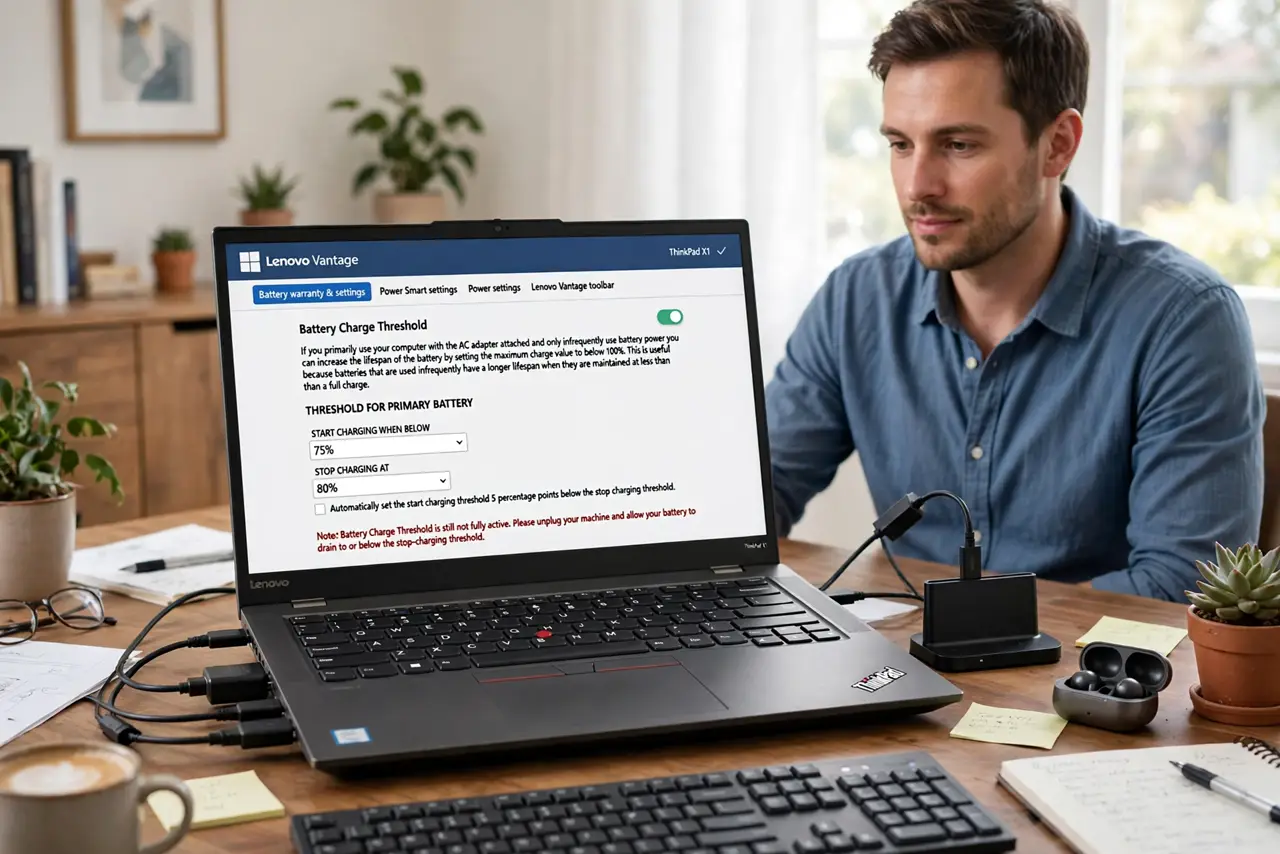
Quick fix: open your laptop makers companion app or BIOS and set the battery charge threshold to 80% (or 60% if rarely unplugged). The laptop stops there and runs on AC power. Flip it to 100% only before travel days. This one setting can double the batterys useful lifespan.
Follow these steps
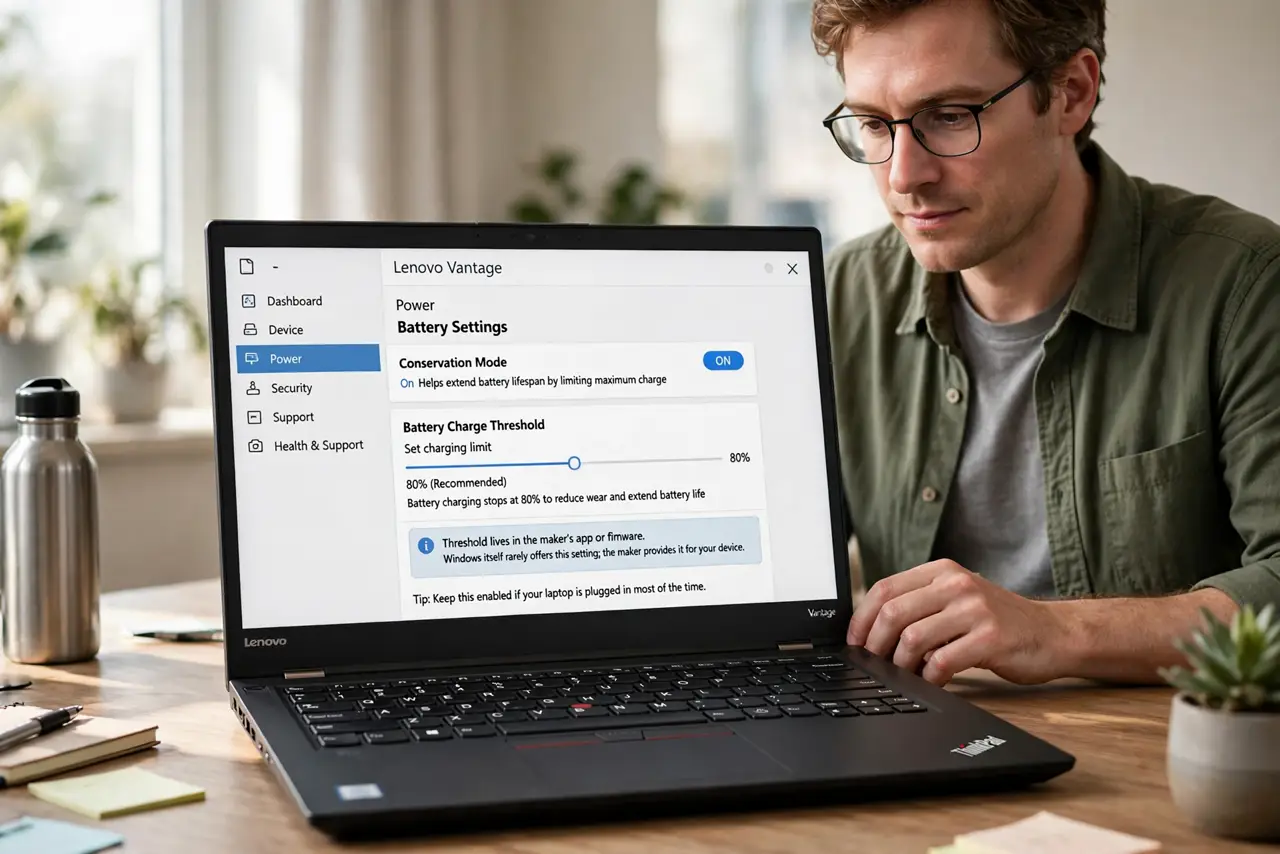
- Find your makers setting. Lenovo Vantage, Dell Power Manager, HP BIOS, MyASUS — the threshold lives in the makers app or firmware. Windows itself rarely offers it; the maker does.
- Set 80% for mixed use. Docked mostly, mobile sometimes — 80% is the sweet spot. The battery rests below the stress zone while keeping useful unplugged range.
- Set 60% for always-docked. Never unplug? Some makers offer a 60% storage mode. Lower is kinder for permanent-desk machines — see the stuck-at-60 explainer so the cap never confuses you.
- Confirm it holds. Charge and watch: the battery should stop at your threshold and the laptop runs on AC. If it blows past, the setting did not apply — retry after a restart.
- Override for travel. Long flight tomorrow? Flip to 100% the night before. The threshold is a default, not a lock — full charges on demand are the point of the override.
- Calibrate occasionally. Every few months, one full charge-discharge cycle keeps the gauge honest. The calibration guide covers the simple routine — gauges drift without it.
What NOT to do
- Do not leave a docked laptop at 100% for months. Permanent full charge is the fastest legal way to kill a battery.
- Do not set the threshold and never override. Travel days deserve 100% — the setting serves you, not vice versa.
- Do not panic at 60% on unplug day. You set the cap; flip it off, charge up, go — thirty seconds.
- Do not expect the setting in Windows itself. It is maker-specific — check the companion app or BIOS, not Windows Settings.
Frequently asked questions
Where is the battery threshold setting?
In your laptop makers app (Vantage, Power Manager, MyASUS) or the BIOS — not in Windows Settings.
Does limiting charge hurt performance?
No — the laptop runs at full speed on AC power regardless of the batterys charge level.
My laptop has no threshold option — now what?
Unplug periodically to cycle the battery, or check for a BIOS update adding the feature. Some budget models simply lack it.