BitLocker Asks for a Key After an Update
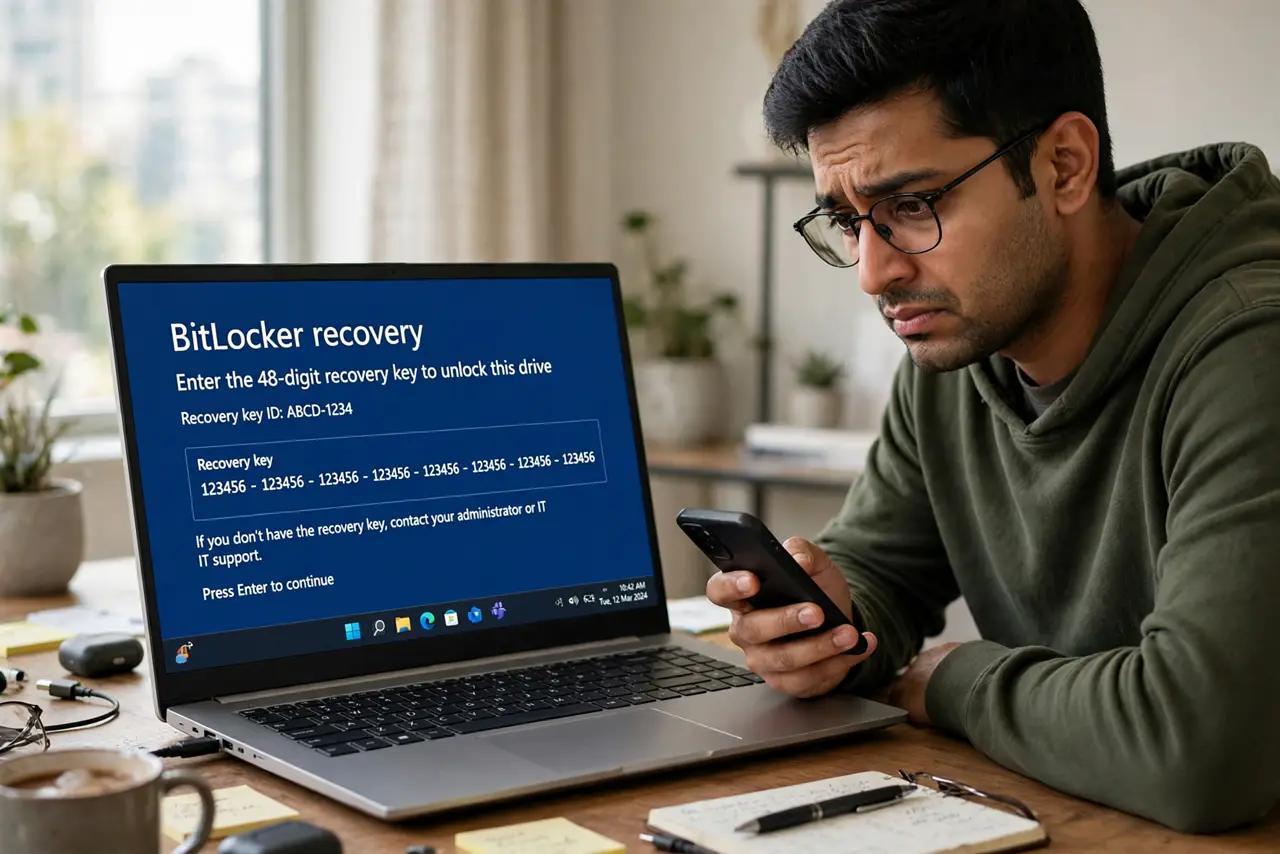
After a Windows update, the PC boots to a blue BitLocker recovery screen demanding a 48-digit key. The update changed something the TPM measured — usually Secure Boot or boot files — so BitLocker did its job and locked. Your files are safe; you need the recovery key, and the key on every boot guide covers the repeat-offender version.
TL;DR / Quick Fix
Quick fix: do not panic — the drive is locked, not damaged. Find your 48-digit recovery key in your Microsoft account, on the printout you saved, or on the USB stick. Type it in, let Windows boot, then save the key where your phone can reach it.
Follow these steps
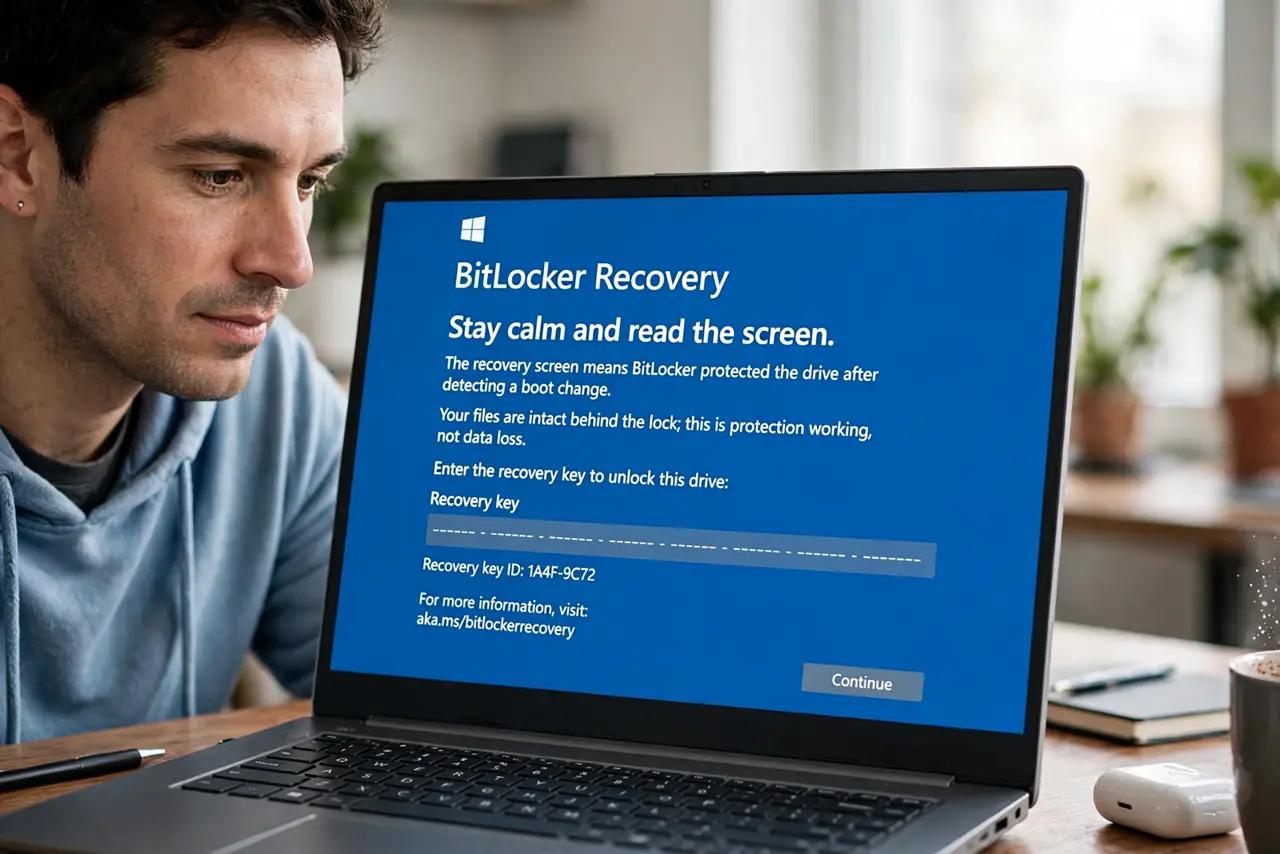
- Stay calm and read the screen. The recovery screen means BitLocker protected the drive after detecting a boot change. Your files are intact behind the lock; this is protection working, not data loss.
- Find your recovery key. Check your Microsoft account's devices page, the printout from when BitLocker was enabled, or the USB drive where you saved it. Most people find it in their Microsoft account.
- Type the key carefully. Enter all 48 digits exactly. The screen groups them in six-digit blocks to make transcription easier; take your time rather than rushing.
- Let Windows boot and check your files. After the key is accepted, Windows starts normally. Open a few files to confirm everything is exactly as you left it.
- Save the key where your phone can reach it. Store the key in your Microsoft account or a password manager you can open from your phone. A key you cannot reach during a recovery is barely better than no key.
- Check for the update that triggered it. Once booted, look at the update history. Knowing which update tripped the check helps you expect it if the same update hits another PC.
What NOT to do
- Do not try to get around the recovery screen. There is no legitimate shortcut; the key is the only way in, by design.
- Do not reinstall Windows to escape it. A reinstall would wipe the drive, while the key unlocks it with everything intact.
- Do not guess the key. Wrong entries just re-prompt you, and repeated guessing wastes the time better spent finding the real key.
- Do not turn BitLocker off in anger afterward. The feature did its job; the lesson is key storage, not abandoning encryption.
Frequently asked questions
Why did an update trigger BitLocker recovery?
Because the update changed boot files or firmware settings that the TPM measures. Any measured change looks like tampering until you confirm it with the key.
Are my files gone?
No. The drive is encrypted and locked, not erased. The recovery key decrypts it and everything is intact.
Where is my recovery key?
Usually in your Microsoft account under devices, on a printout, or on a USB stick — wherever it was saved when BitLocker was first turned on.