See Calculator History
Retyping a long calculation because you cleared the screen is a special kind of annoyance. Windows Calculator quietly keeps a history of everything you compute — and lets you click any past entry to reuse it. This guide finds the history panel and puts it to work.
TL;DR / Quick Fix
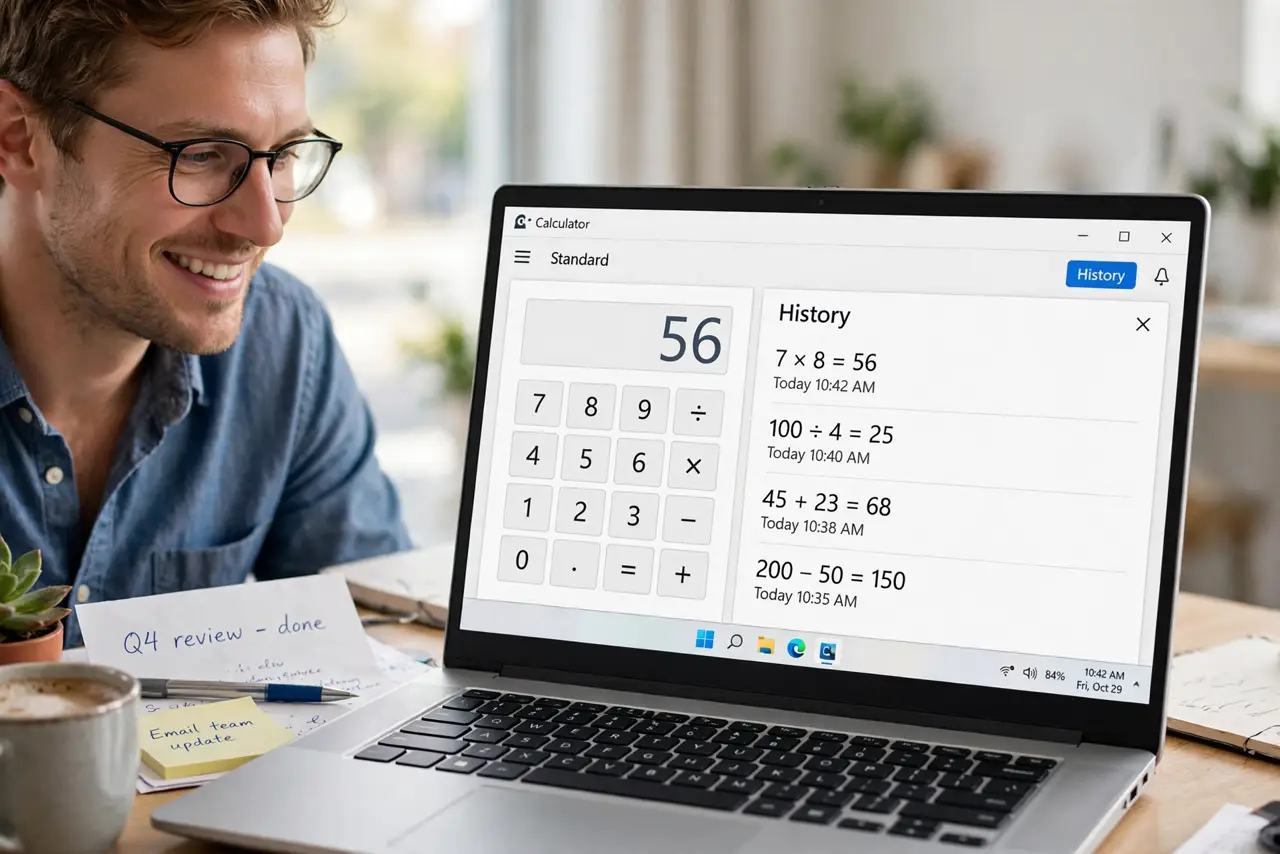
Quick fix: the Windows Calculator keeps a history — open Calculator, expand the history panel to see past calculations, and click any entry to reuse it. Pin frequent results so they survive clearing. Stop retyping long numbers and copy them straight from the history instead.
Follow these steps
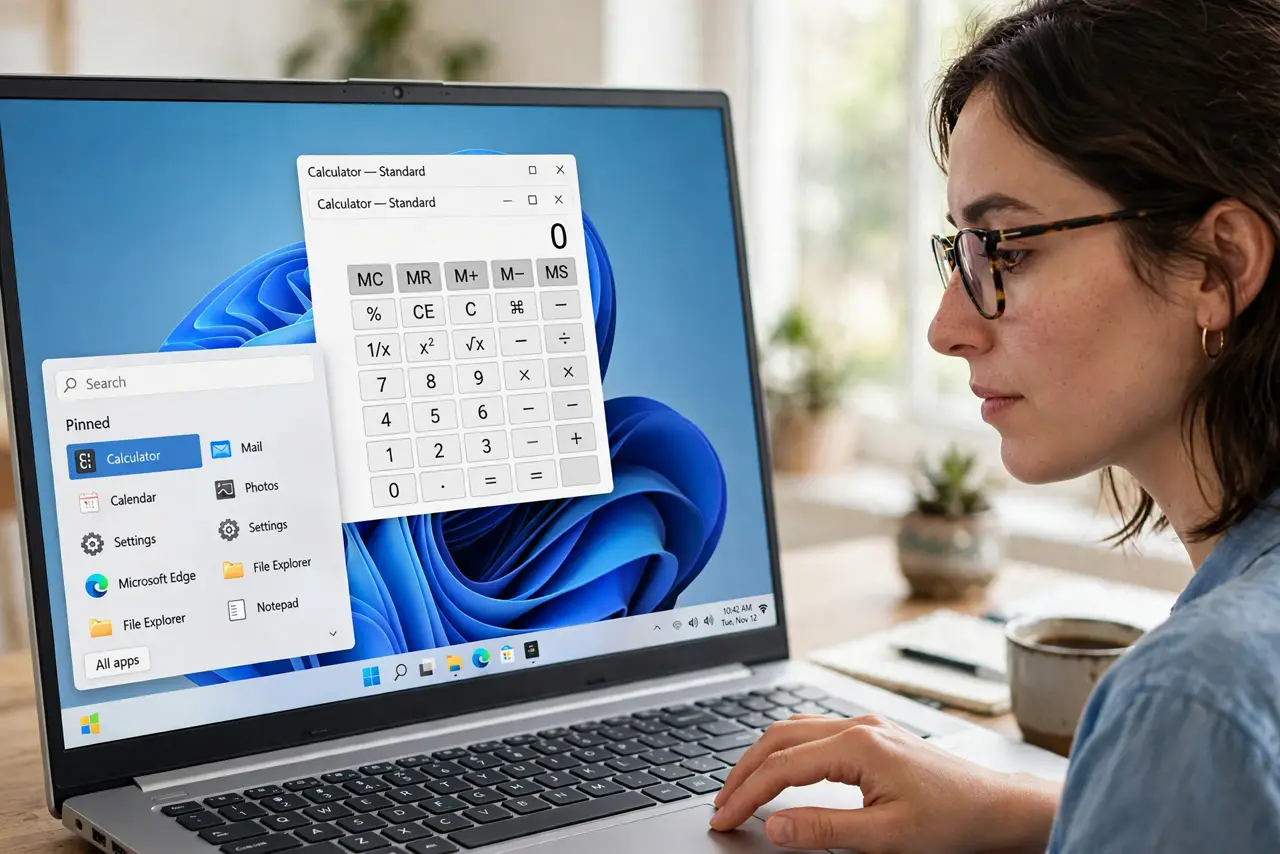
- Open Calculator. Search 'Calculator' in Start or press the calculator key if your keyboard has one. The history feature is in the standard Calculator app.
- Reveal the history panel. Click the history/clock icon to expand the panel showing past calculations. Every computation this session is listed, newest first.
- Click an entry to reuse it. Clicking a past result loads it back into the calculator for continued math. No retyping twelve-digit numbers from memory.
- Copy entries elsewhere. Right-click a history entry to copy it. Paste totals straight into spreadsheets, messages, or documents without transcription errors.
- Pin what you reuse often. Some versions let you keep key entries handy. For constants you use weekly, pin or note them — history is session-based, not forever.
- Clear history when sharing the screen. History can reveal what you calculated — salaries, prices, grades. Clear it before screen-sharing, and use the unit converter for quick conversions in the same app.
What NOT to do
- Do not trust history across restarts blindly. History is typically per-session — save important figures elsewhere if they matter tomorrow.
- Do not screen-share with history open. Past calculations are visible to everyone on the call.
- Do not use Calculator history as a ledger. It is a scratchpad — real records belong in a spreadsheet or notes app.
- Do not forget the panel exists. Most people retype for years before discovering the history button.
Frequently asked questions
Where is the history button?
The clock/history icon in the Calculator toolbar. If you do not see it, update Calculator from the Microsoft Store.
Can I delete a single history entry?
Usually you clear all history at once rather than single entries. Copy what you need first, then clear.
Does history sync between devices?
No — it is local to each PC and session. It is a convenience, not a cloud record.