Change Who's an Administrator
Someone needs to install software but Windows keeps asking for an administrator password, or an ex-roommate still has full control of the PC. Changing who holds administrator rights is a two-minute job — but demote the wrong account and nobody can manage the machine.
TL;DR / Quick Fix
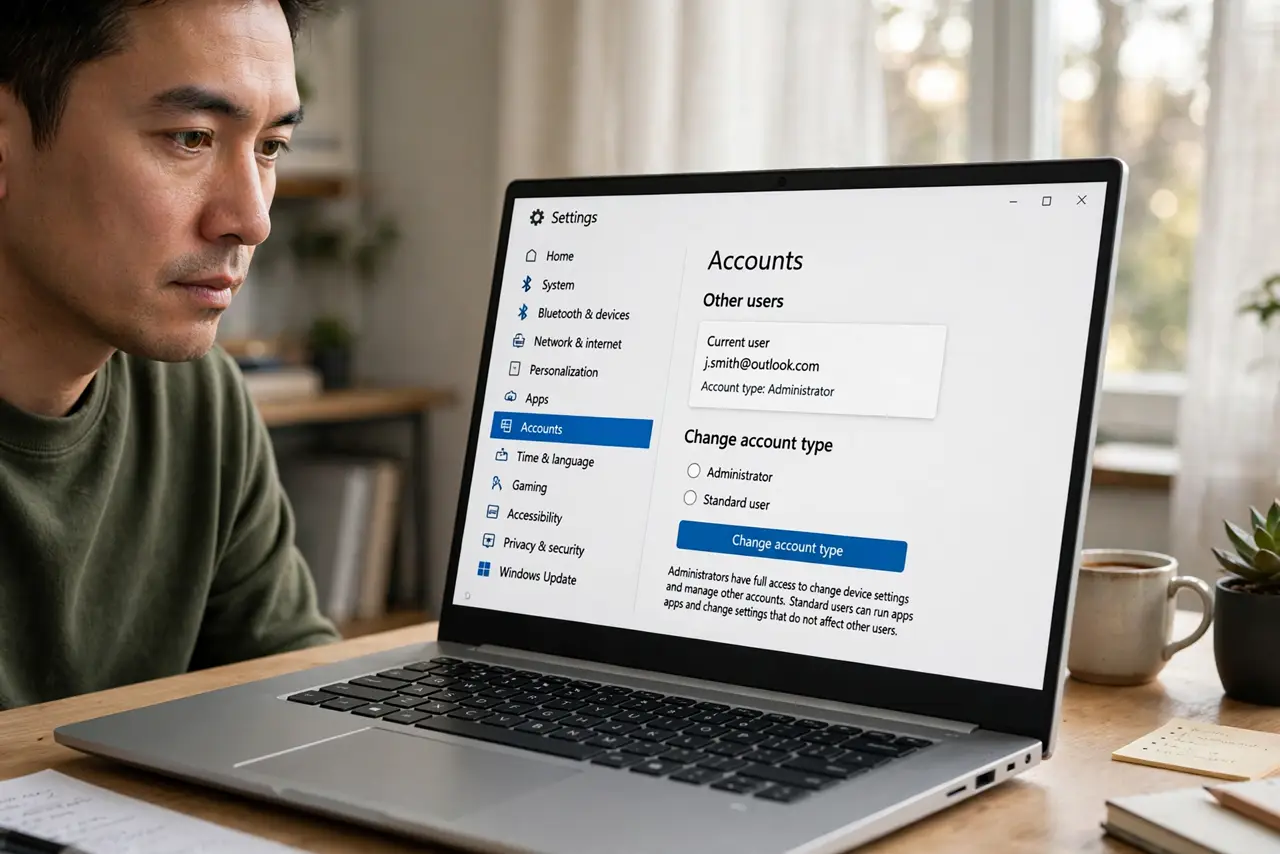
Quick fix: sign in as an administrator, open Settings, go to Accounts, then Other users, select the person, and change their account type to Administrator or Standard. Always keep at least one administrator, and demote accounts you no longer fully trust.
Follow these steps
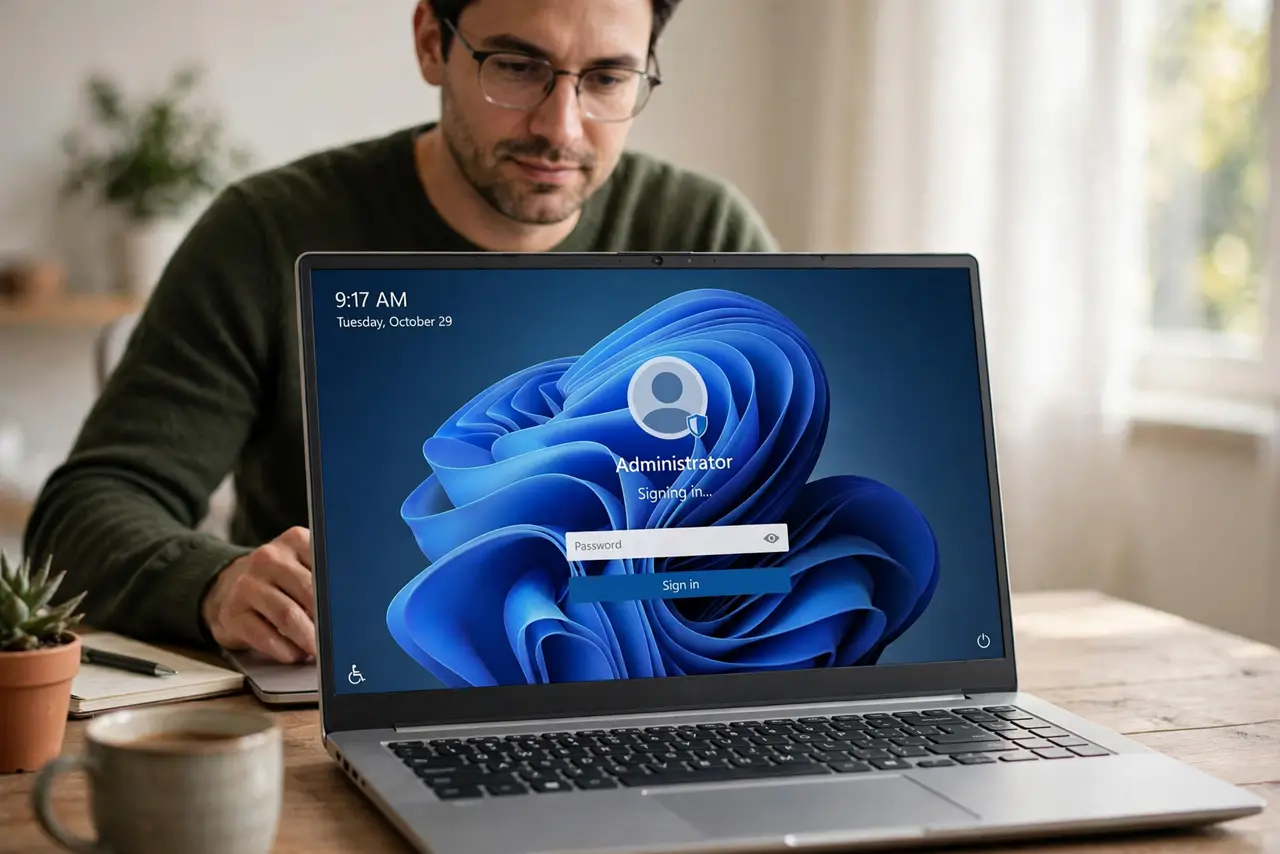
- Sign in as an existing administrator. Only admins can change account types. If no admin password is known, you're locked out of this change — that's by design.
- Open the account list. Settings > Accounts > Other users. Click the account you want to change.
- Change the account type. Click 'Change account type,' pick Administrator or Standard user from the dropdown, and confirm. The change is instant — no restart needed.
- Promote when someone needs to manage the PC. Installing software, changing system settings, and managing other users all need admin rights. Promote deliberately, not by default.
- Demote accounts you no longer trust. An ex-roommate or former employee with admin rights can undo anything you do. Demote first, remove the account second if they're leaving entirely.
- Keep exactly the admins you need. One trusted admin minimum, and ideally a second as a spare. If an app asks for admin every time, that's a separate annoyance with its own fix.
What NOT to do
- Do not demote the only administrator. Windows warns you for a reason — with zero admins, nobody can install, update, or manage anything.
- Do not hand out admin rights to dodge one prompt. Promoting a daily-use account weakens the whole PC's security posture.
- Do not change account types during someone else's active session. Have them sign out first to avoid profile weirdness.
- Do not confuse admin rights with the account name. Renaming an account changes nothing about its powers — see renaming separately.
Frequently asked questions
What's the difference between Administrator and Standard?
Admins can install software, change system settings, and manage users. Standard users can use apps and change their own settings but need an admin's password for system changes.
Can I make myself admin without the admin password?
No — and that's the point. If you could, so could malware. You'll need the existing admin's cooperation or a proper recovery process.
Should my everyday account be an administrator?
Security-wise, no: a standard account limits what malware can do. Practically, most home users run as admin for convenience — just keep a spare admin account in case.