Add a Child Account
Everyone shares one Windows login, so the kids see everything and your files are one click from deletion. A child account gives each kid their own space — their apps, their files, your rules — tied into Family Safety automatically. Ten minutes now prevents years of shared-account chaos.
TL;DR / Quick Fix
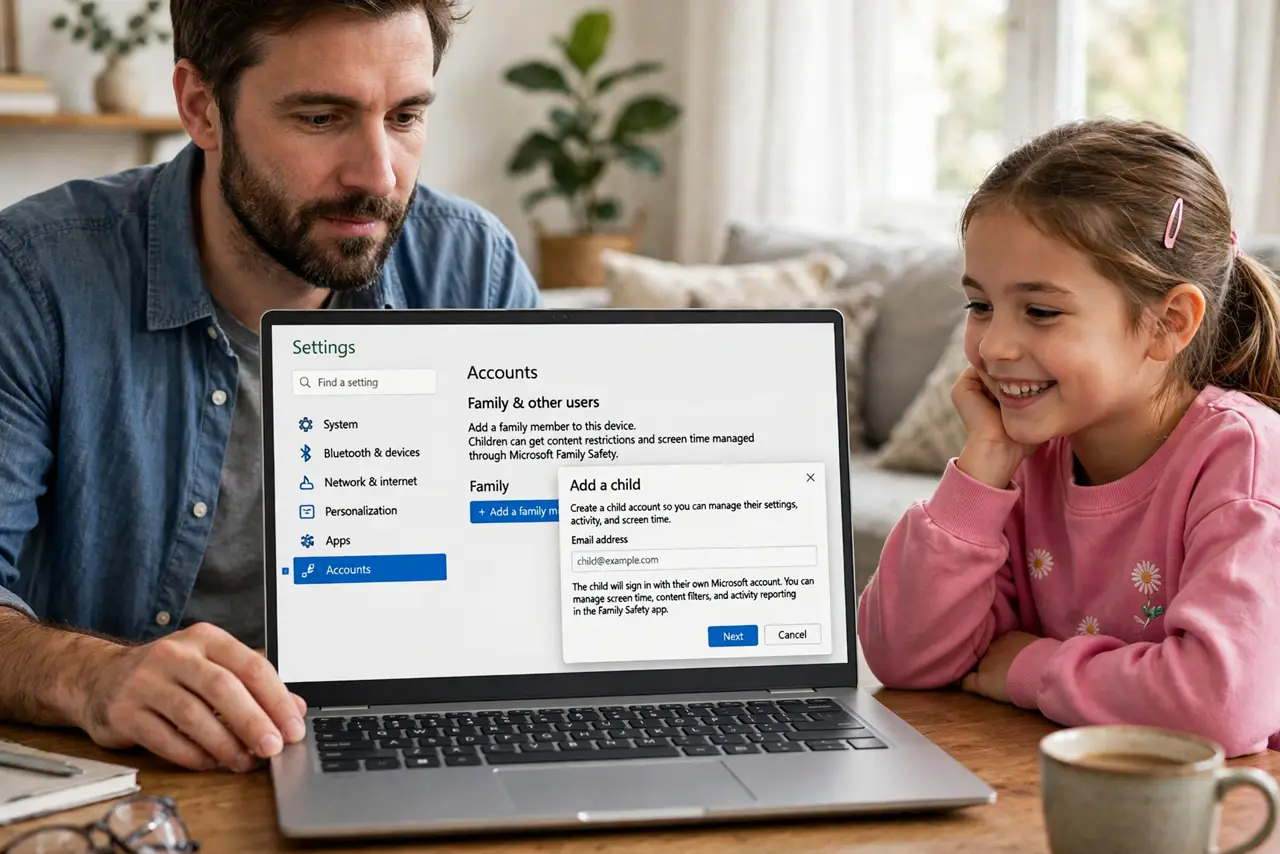
Quick fix: open Settings, Accounts, Family, and add your child's Microsoft account as a family member. Have them sign in on the PC to create their profile. Their account links to Family Safety automatically for limits and filters. Keep your own account password-protected so settings stay yours.
Follow these steps
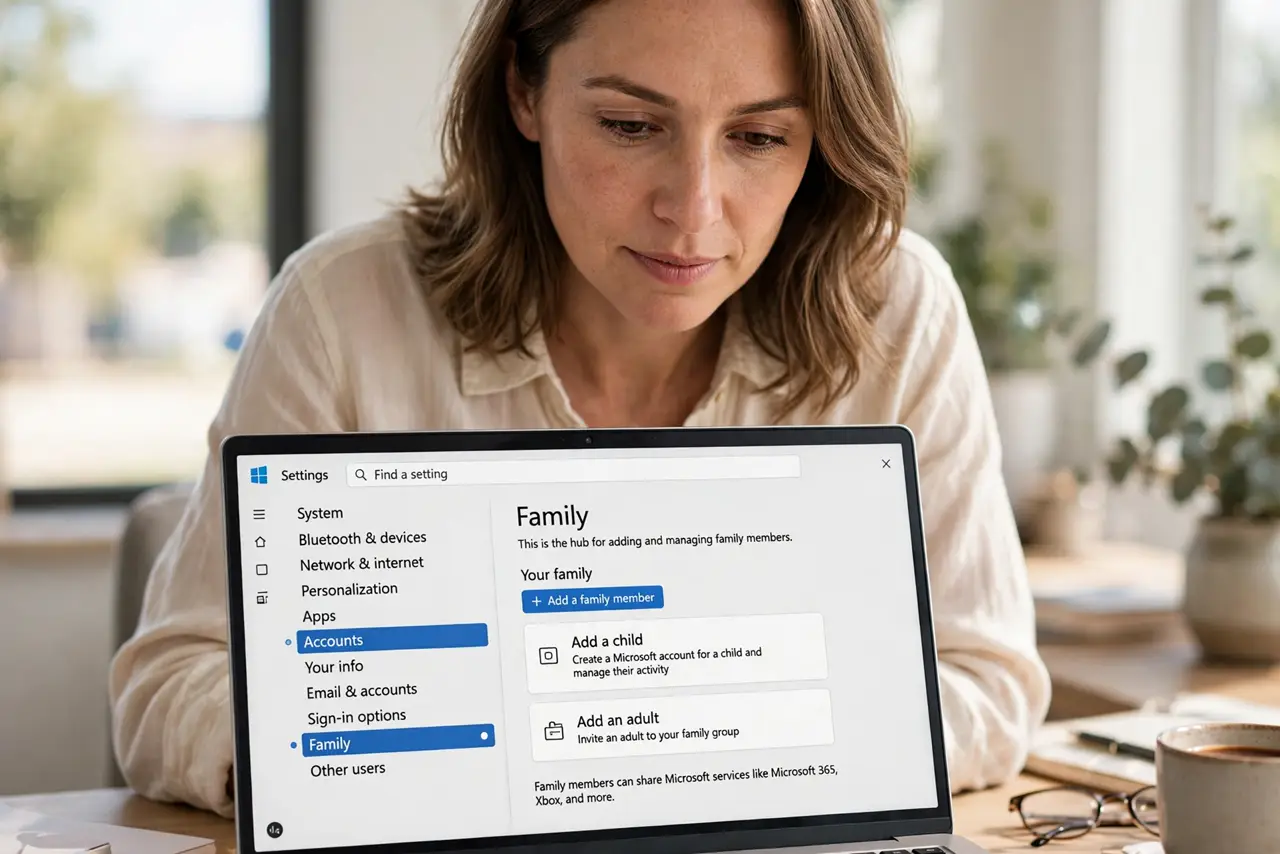
- Open Family settings. Go to Settings, Accounts, Family. This is the hub for adding and managing family members.
- Add the child. Click Add someone, enter the child's Microsoft account, and assign the Member role. No account yet? Create one during the flow.
- Have them sign in. The child signs into the PC with their account. Windows builds their profile — separate desktop, files, and apps.
- Verify Family Safety links. The child account joins your family group automatically. Confirm it appears in the Family Safety dashboard.
- Set screen time early. Configure limits during setup — the screen time guide details the options. Day-one rules feel normal; day-thirty rules feel punitive.
- Password-protect yours. Make sure the parent account has a strong password or Hello sign-in. Unprotected admin accounts make every child control optional.
What NOT to do
- Do not share your admin account with kids. One login for all means no limits, no filters, no accountability.
- Do not skip the Microsoft account. Local child accounts miss Family Safety integration — the account is the point.
- Do not set it up without the child present. Their buy-in matters; surprise restrictions breed resentment.
- Do not forget their old files. Move schoolwork from the shared account before they switch — or it strands.
Frequently asked questions
What age needs a child account?
Any minor using the PC regularly. Teens get looser limits; young kids get tighter ones — same mechanism.
Can a child have admin rights?
They should not. Member role plus your admin oversight is the safe structure.
What happens when they turn 18?
You can promote the account. The transition is graceful — no data loss, just lifted limits.