Edit Video in Clipchamp
Video editing feels like a pro-only skill with pro-only software — but Clipchamp comes with Windows and handles the basics beautifully: trimming clips, adding titles and music, exporting for sharing. Your first edited video can be done this afternoon. For still images first, see erase objects; for playback, meet the new Media Player.
TL;DR / Quick Fix
Quick fix: Clipchamp is Windows' built-in video editor — trim clips, add text and music, and export without installing anything. Start a project, drop clips on the timeline in order, and cut the boring parts first. Simple edits done well beat fancy effects done badly.
Follow these steps
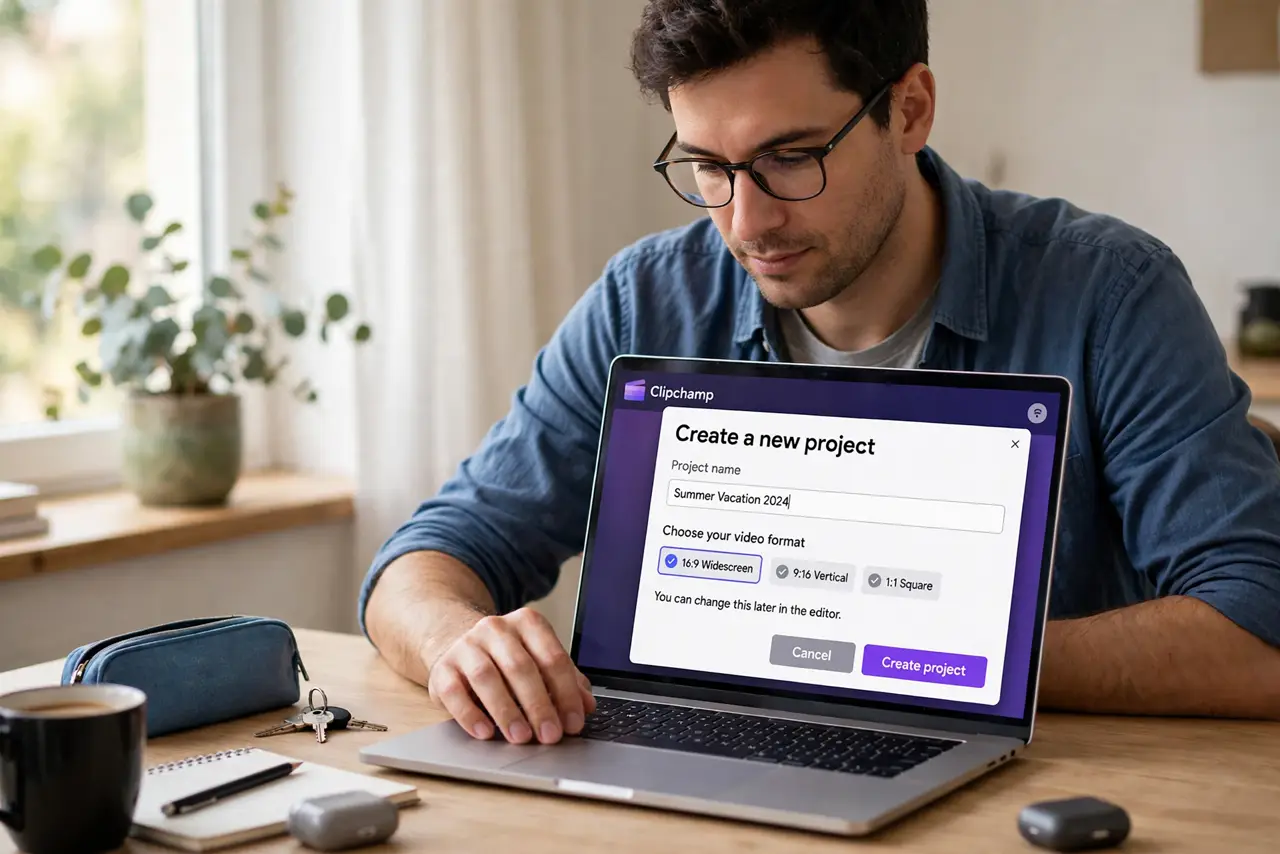
- Open Clipchamp and start a project. Launch Clipchamp from the Start menu and create a new video project. Name it something you will recognize later.
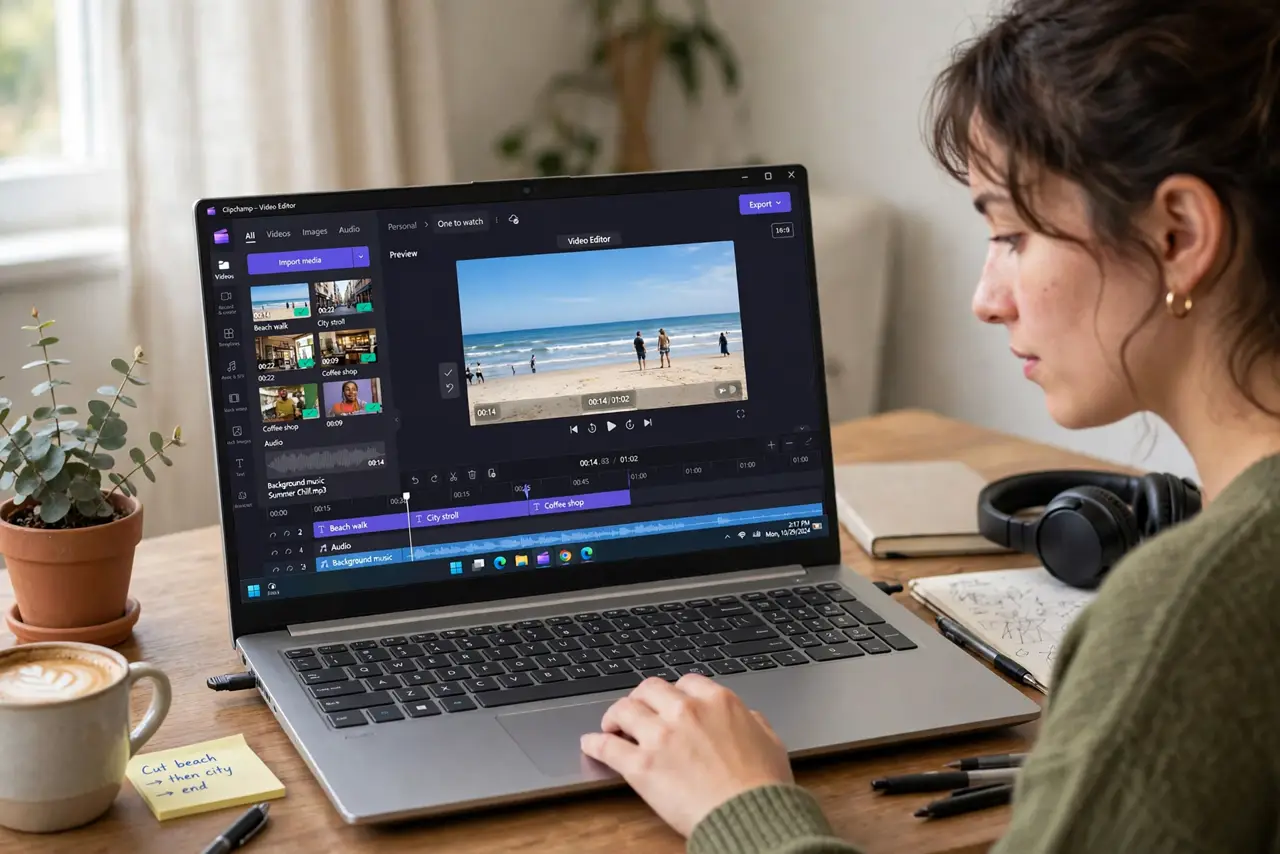
- Import your clips. Bring in your video files, photos, and any music. Everything lands in the media bin, ready to drag onto the timeline.
- Arrange clips on the timeline. Drag clips down in story order. The timeline is your movie laid flat — left to right, beginning to end.
- Trim the boring parts. Select a clip and drag its edges to cut dead air, or split clips to remove middle sections. Tight videos beat long ones every time.
- Add titles and music. Drop in a title card at the start, captions where needed, and background music at low volume. These three additions make any video feel finished.
- Export and share. Export at a sensible resolution for your audience — full HD for most sharing. Watch the export once before sending it anywhere.
What NOT to do
- Do not start with effects. Cuts, order, and pacing matter a hundred times more than transitions and filters.
- Do not use copyrighted music casually. Use the built-in stock audio or royalty-free tracks for anything you publish.
- Do not export at maximum everything. Huge files upload slowly and most viewers watch on phones — match quality to audience.
- Do not skip the watch-through. Every edit hides a mistake you will only catch by watching the finished video once.
Frequently asked questions
Is Clipchamp really free?
The core editor included with Windows covers the basics well. Check the app for any premium features you do not need.
What video formats can it handle?
Common formats like MP4 work smoothly. Obscure formats may need converting first.
Can I edit phone videos?
Yes — transfer them to the PC first, then import. Vertical phone video edits fine; just mind the aspect ratio.