Compressed Memory Explained
Task Manager shows a chunk of your RAM as 'Compressed' and it looks suspicious — is Windows squishing your memory because something is wrong? Actually it is a feature, not a warning: Windows compresses idle memory instead of writing it to disk, which is faster than using the pagefile. Here is what it means and when to care.
TL;DR / Quick Fix
Quick fix: compressed memory is Windows storing RAM contents squeezed smaller instead of paging them to disk — faster than using the pagefile and normal. A hundred megabytes compressed is healthy. Only worry if most of your RAM is compressed and the PC feels slow — add more RAM then.
Follow these steps
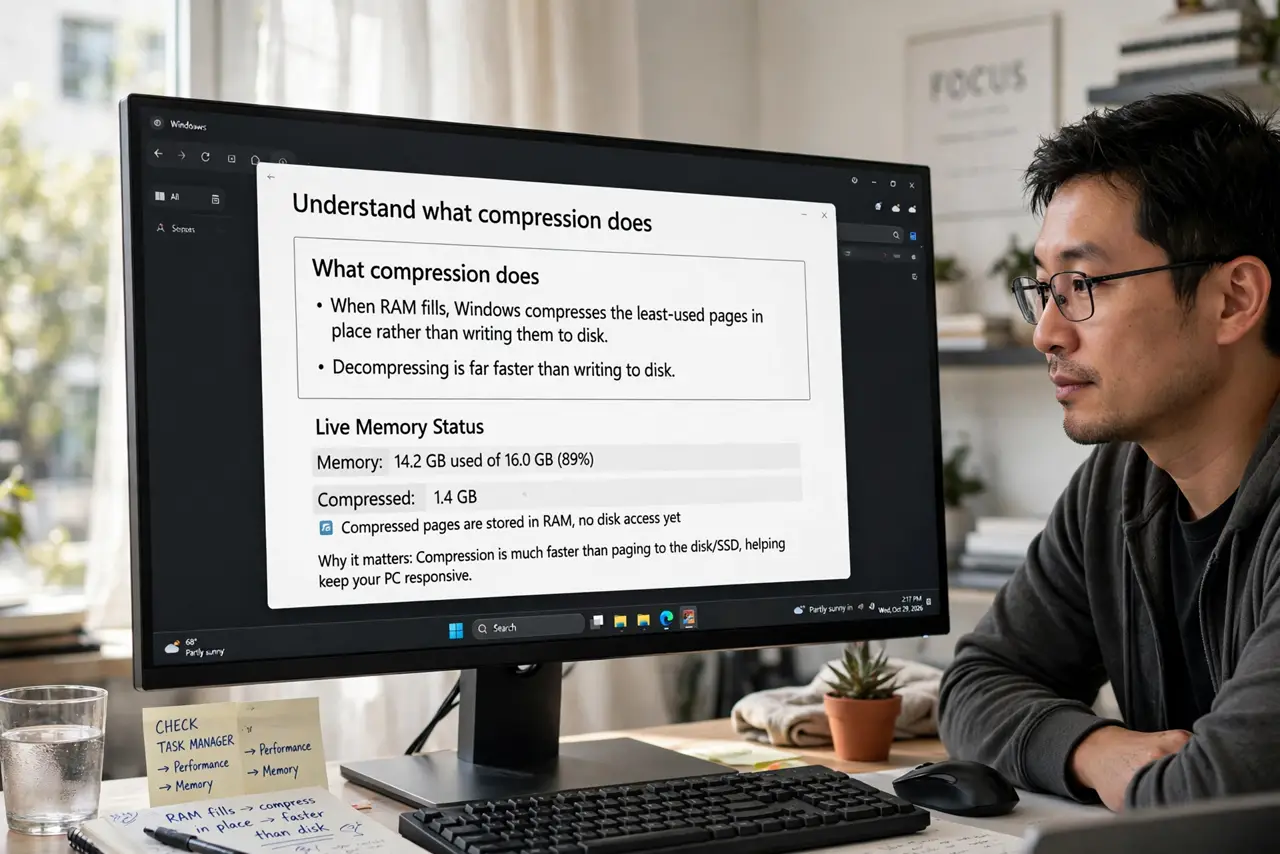
- Understand what compression does. When RAM fills, Windows compresses the least-used pages in place rather than writing them to disk. Decompressing is far faster than reading from storage — it is an optimization, not a distress signal.
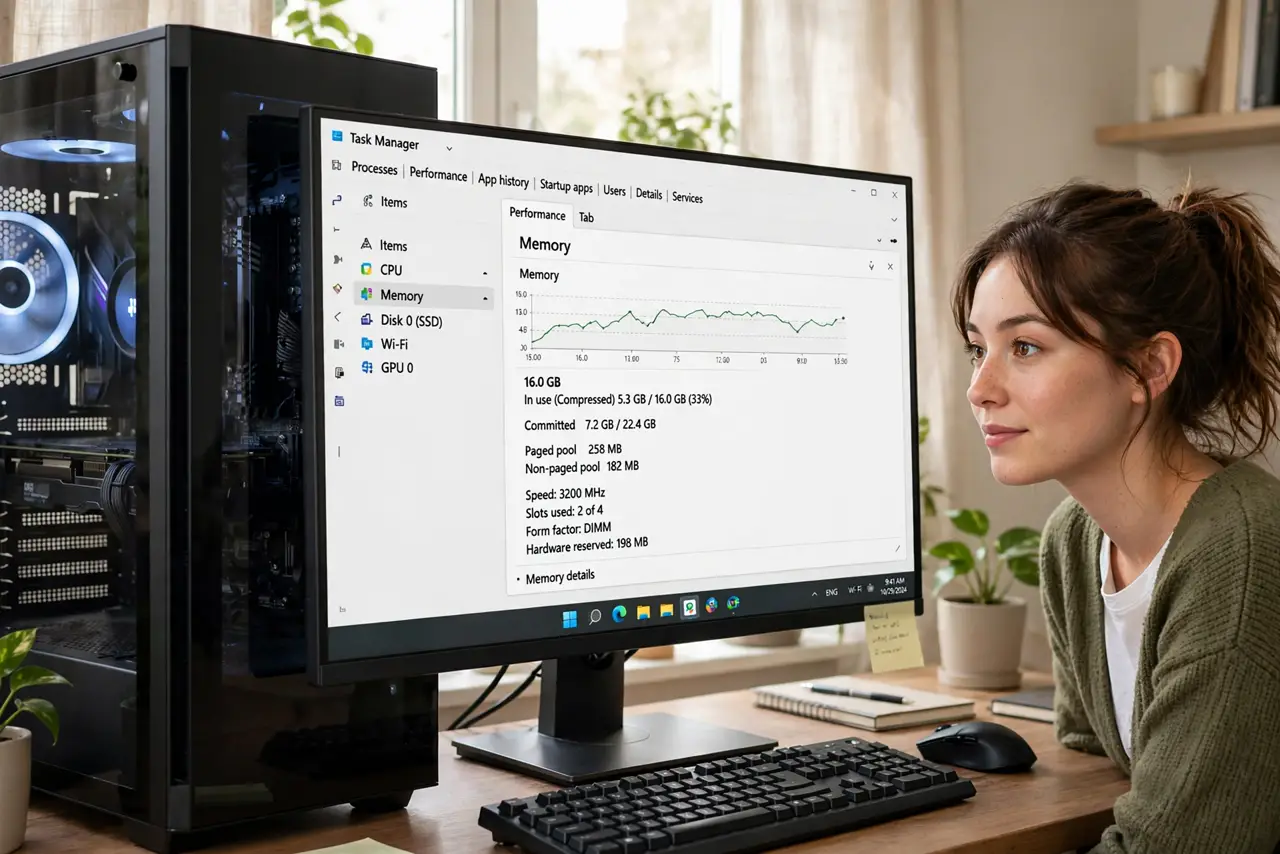
- Read the Task Manager numbers. On the Performance, Memory tab, 'In use (Compressed)' shows the total with the compressed portion in parentheses. A modest compressed figure alongside free memory is the healthy pattern.
- Know when it signals real pressure. If the compressed number is huge, free memory is near zero, and everything stutters, compression is working overtime because RAM is genuinely exhausted — the fix is more RAM, not a tweak.
- Do not disable it. Memory compression can be turned off with a command, but that just forces Windows back to slower disk paging. There is no performance win in disabling it — only losses.
- Check what is actually eating RAM. Sort Task Manager's Processes tab by memory. Browser tabs are the usual champions — the compressed figure is a symptom; the hungry app is the cause.
- Consider the pagefile relationship. Compression sits between RAM and disk: Windows compresses first, pages to the pagefile second. Heavy paging alongside heavy compression confirms you are RAM-starved.
What to avoid
- Do not run 'RAM cleaner' apps to fight it. They purge useful cached data and force recompression — pure placebo with a performance cost.
- Do not disable memory compression via commands. Forums suggest it; it only makes memory pressure worse by removing the fast path.
- Do not mistake it for a virus. Compressed memory is a documented Windows feature — malware does not announce itself in Task Manager's memory tab.
- Do not buy RAM based on one spike. Check sustained pressure over days of normal use before spending — a single heavy session is not a trend.
Frequently asked questions
Is compressed memory bad?
No — it is Windows being clever. It only becomes a concern as a symptom of too little RAM, never as a problem in itself.
Why is so much of my memory compressed?
Because something is using lots of RAM and Windows is coping well. Find the hungry app in Task Manager rather than fighting the compression.
Does compression slow my PC?
Slightly under pressure — decompressing costs CPU. But it is far faster than the disk paging it replaces, so it is a net win.