Lock from Anywhere
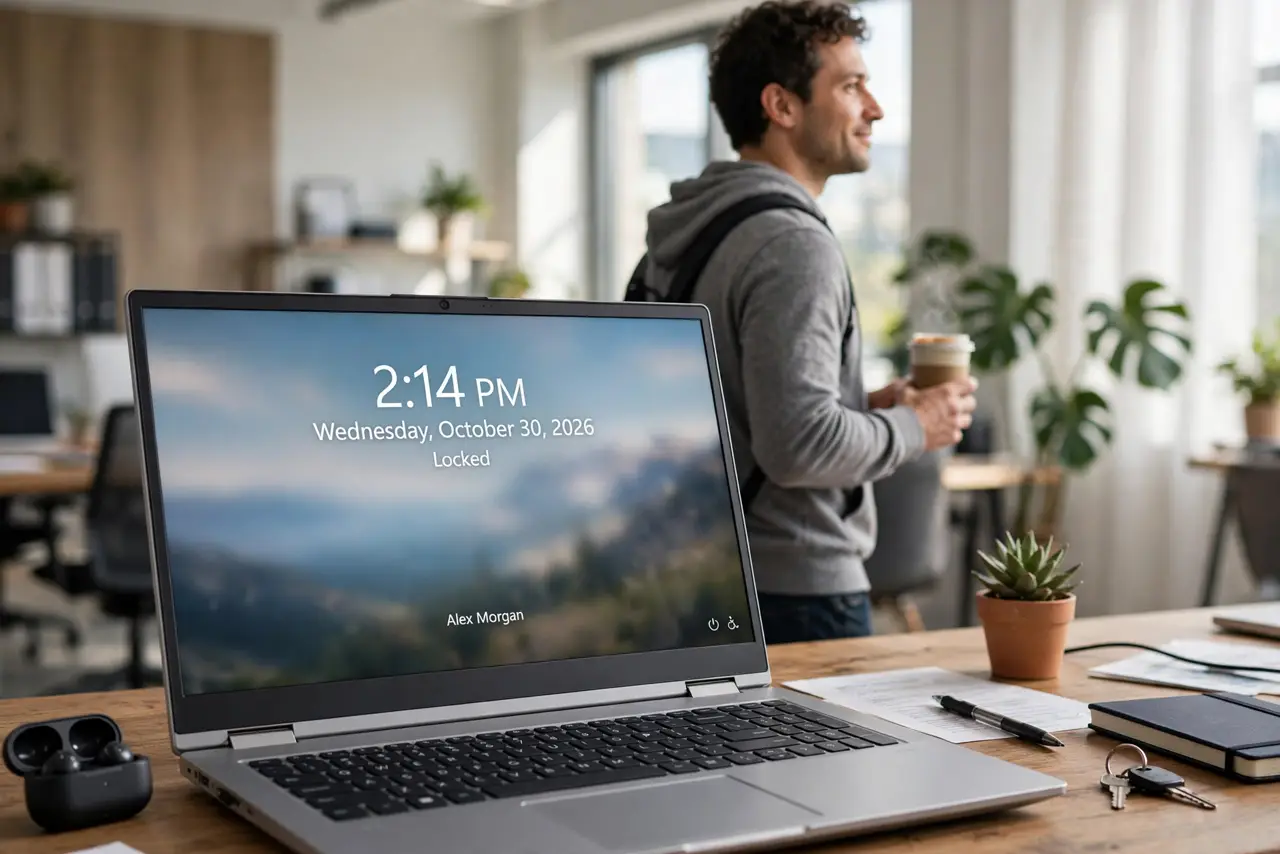
You walk away from your PC and forget Win+L — again. The screen sits open with your email, your files, your everything, for anyone passing by. Beyond the keyboard shortcut, Windows offers automatic locking, phone-based locking, and remote locking for the times you already left.
TL;DR / Quick Fix
Quick fix: press Win+L every time you stand up — it is instant and free. Set Dynamic Lock to auto-lock when your paired phone walks away. Use a short screen timeout so the PC locks itself within minutes. If you left it unlocked, lock it remotely through your Microsoft account.
Follow these steps
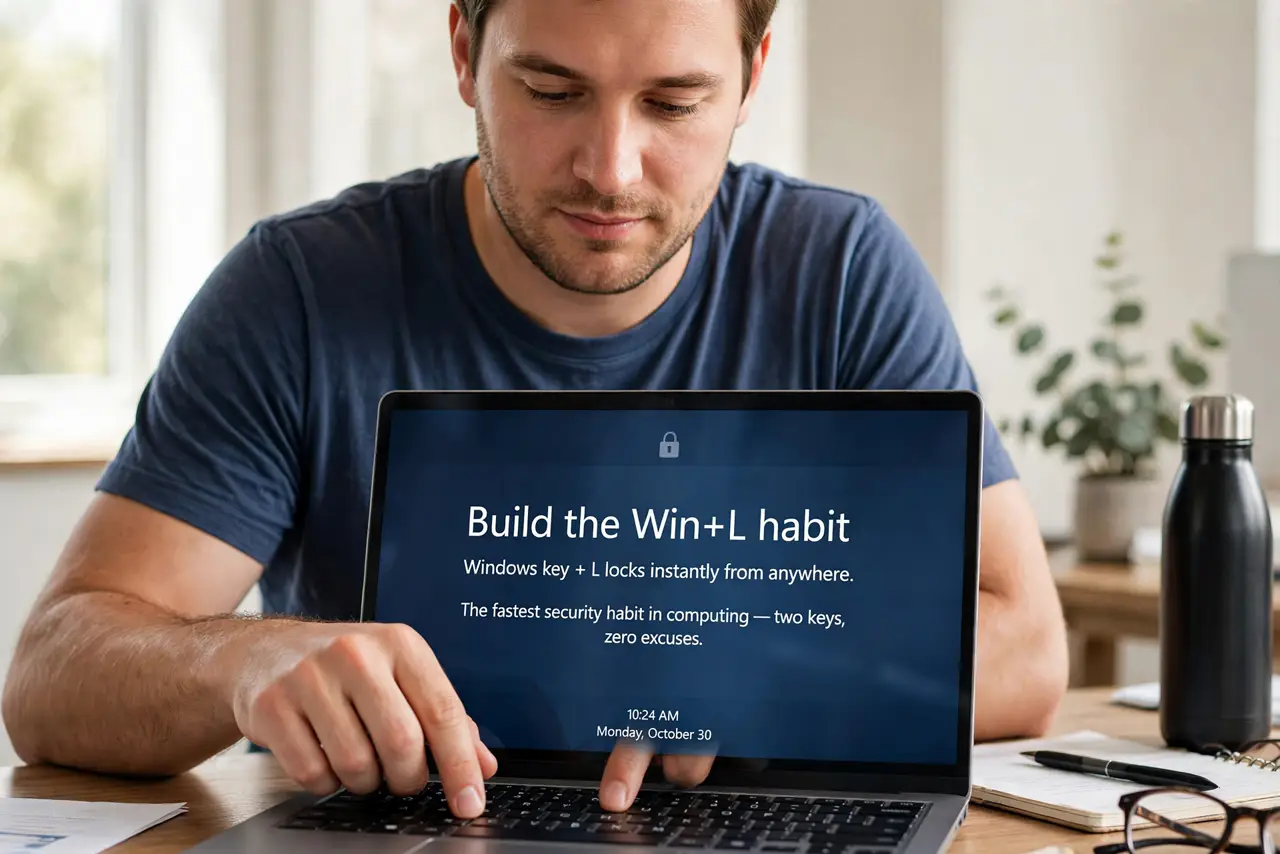
- Build the Win+L habit. Windows key plus L locks instantly from anywhere. It is the fastest security habit in computing — two keys, zero excuses.
- Set up Dynamic Lock. Pair your phone via Bluetooth, then enable Dynamic Lock in Settings, Accounts, Sign-in options. Walk away with your phone and the PC locks itself a minute later.
- Shorten the screen timeout. Set the screen to turn off and require sign-in after a few idle minutes. A timeout is the safety net under every forgotten Win+L.
- Require sign-in on wake. In Sign-in options, set Require sign-in to When PC wakes from sleep. Without this, sleep is just a screensaver.
- Lock remotely if you forgot. From another device, open your Microsoft account devices page and use Find My Device to lock the PC. It works even from your phone.
- Pair with good sign-in options. Fast unlock methods like PIN or fingerprint make locking painless — see the sign-in options guide. If unlocking is annoying, you will stop locking.
What NOT to do
- Do not rely on the screensaver alone. A screensaver without a password requirement is decoration, not security.
- Do not leave the PC unlocked in shared spaces. Offices, cafes, and classrooms are exactly where opportunists browse.
- Do not skip locking because you will be right back. Most snooping happens in the thirty seconds you were gone.
- Do not forget to lock before a screen share. Locking first guarantees no private window surprises the meeting.
Frequently asked questions
Does locking log me out?
No — everything stays open and running. Locking just requires your sign-in to see it again.
Will Dynamic Lock annoy me at my desk?
Only if your phone's Bluetooth drops while you sit there. Keep the phone charged and nearby and it stays quiet.
Can someone bypass the lock screen?
Not casually — but an unlocked PC needs no bypass at all. Locking beats every alternative.